When you’re stuck with an old Android phone or a budget smartphone that struggles to load apps, not all messaging platforms treat you the same. Some apps choke on slow processors, drain batteries in minutes, and lock you out if you can’t see tiny buttons or hear faint audio cues. Others? They work like they were built for exactly this kind of device. That’s where Telegram stands out - and why it’s not just another app, but a lifeline for millions using low-end hardware.
Why Rich Media Platforms Fail on Old Phones
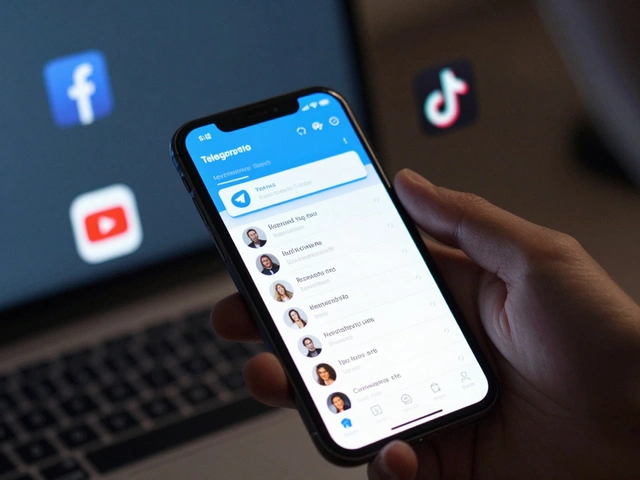
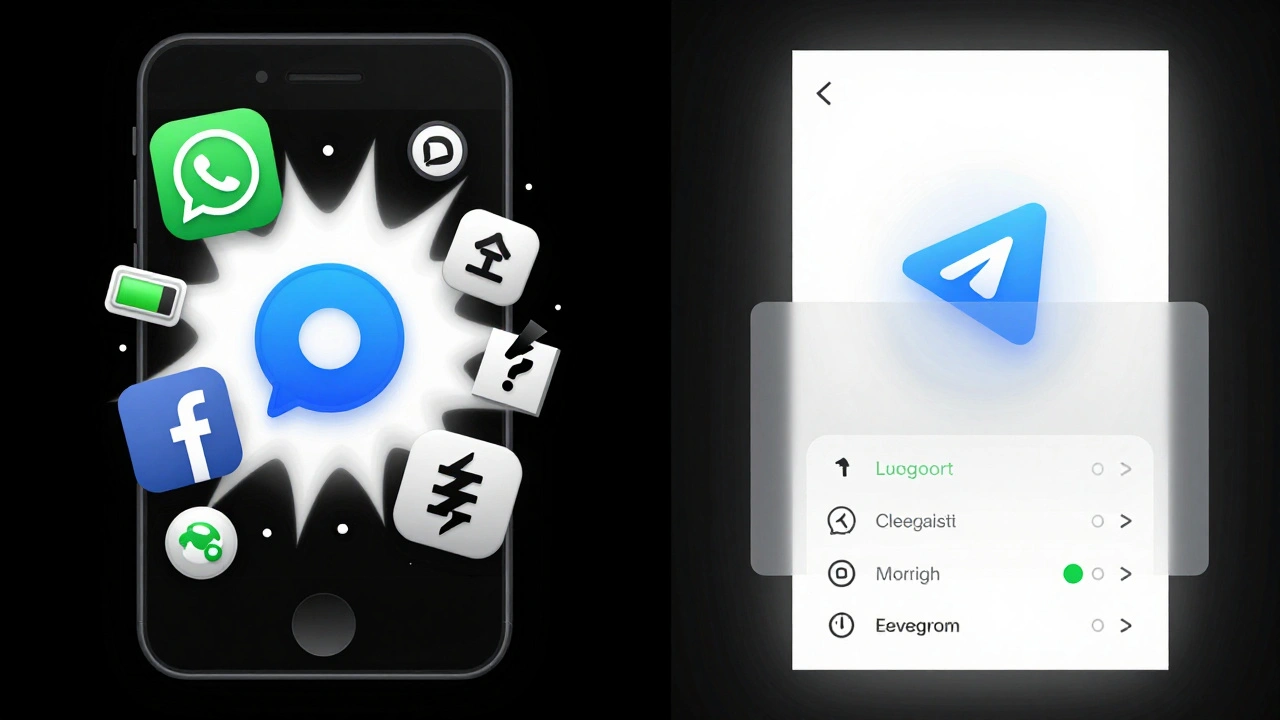
Think about WhatsApp, Instagram, or Facebook Messenger. They’re built for high-end devices. Every update adds more video stickers, live location tracking, auto-play videos, and high-res media previews. All of that sounds great - until your phone has 1GB of RAM and a MediaTek processor from 2018. Then, it becomes a slideshow of loading spinners and crashes.
These platforms assume you have fast internet, plenty of storage, and a screen that can handle bright colors and complex animations. But in places like rural India, parts of Southeast Asia, or even among low-income users in the U.S., many people rely on phones that cost under $100. These aren’t edge cases - they’re the majority in global messaging usage. And yet, most apps don’t optimize for them. They optimize for the latest iPhone or Samsung flagship.
Result? Users get frustrated. They uninstall. They switch. Or worse - they stop using messaging altogether.
How Telegram Was Built for Low-End Devices
Telegram doesn’t pretend every user has a 512GB phone with 12GB of RAM. It was designed from the start to run on devices with 512MB of RAM. The team tested the app on over 200 different Android models - from Samsung Galaxy S3 clones to budget brands like Infinix and Tecno. They didn’t just test speed. They tested how the app behaved when the battery was at 15%, when the internet dropped for 10 seconds, when the screen was cracked and hard to tap.
That’s why Telegram’s default settings are lean:
- Media auto-download is turned off by default - you choose what to load.
- Background updates are minimal - no constant syncing draining your battery.
- Push notifications are smart - they don’t wake the device unless you’re in a chat you care about.
- The app uses less than 100MB of storage even after months of use.
On iOS, there’s a power-saving mode that cuts background activity. Yes, it means you’ll see "Updating..." more often - but at least the app doesn’t freeze or crash. That’s a trade-off users on low-end devices gladly accept.
Accessibility That Actually Works
Accessibility isn’t just about big buttons or screen readers. It’s about whether someone with limited vision, motor control, or no vision at all can use the app independently. Telegram gets this.
Every image, voice note, and file has alt text. Group photos aren’t labeled "image" - they say "Group profile picture showing a diverse group of friends smiling together." That’s not an accident. That’s intentional design. Color contrast meets WCAG 2.1 AA standards - text is readable even in bright sunlight. Keyboard navigation works perfectly: Tab moves between elements, Enter activates buttons, arrow keys scroll through chats. No mouse needed.
Even the desktop version, which many screen readers struggle with, has been improved. But here’s the real story: the community stepped in because the official app wasn’t enough.
The Third-Party Heroes: Telelight and Accessible Telegram Desktop
While Telegram made progress, blind and low-vision users still hit walls - especially on desktop. That’s where Telelight and Accessible Telegram Desktop came in.
Telelight, built since 2018, isn’t just a theme. It’s a complete rewrite of Telegram’s interface for screen readers. You can:
- Swipe once to hear the full message - no need to tap each word.
- Long-press any message to hear mentions, links, hashtags, and buttons.
- Filter chats by type: Channels, Groups, Bots, Secret Chats - all with one button.
- Log in using a bot instead of a phone number - critical for users without mobile service.
- Get spoken updates on download progress, file sizes, and sent status.
Accessible Telegram Desktop fixes the biggest flaw: screen reader compatibility. It lets blind users log in with QR codes, navigate chats with arrow keys, and send voice notes without help. It’s not sponsored by Telegram. It’s not official. But it’s the reason thousands of visually impaired users can still communicate.
These projects prove something: accessibility isn’t a feature you add. It’s a mindset you build into the product from day one.
What Other Platforms Don’t Do
Compare this to WhatsApp. It has no alt text for images. No keyboard navigation. No way to adjust font size. No screen reader support on desktop. Even the app size is bloated - over 500MB on some devices.
Signal is leaner, but still lacks robust screen reader support. Facebook Messenger? It’s a visual nightmare on low-end devices - full of animations, auto-playing videos, and pop-ups that crash older phones.
Telegram doesn’t just work on low-end devices. It’s built for them. And its accessibility isn’t an afterthought - it’s baked into the code, tested on real hardware, and improved by real users.
Real Users, Real Stories
On AppleVis forums, users say they can’t change font size in Telegram - a valid complaint. But they also say: "At least I can use it. WhatsApp? I can’t even open it on my phone anymore."
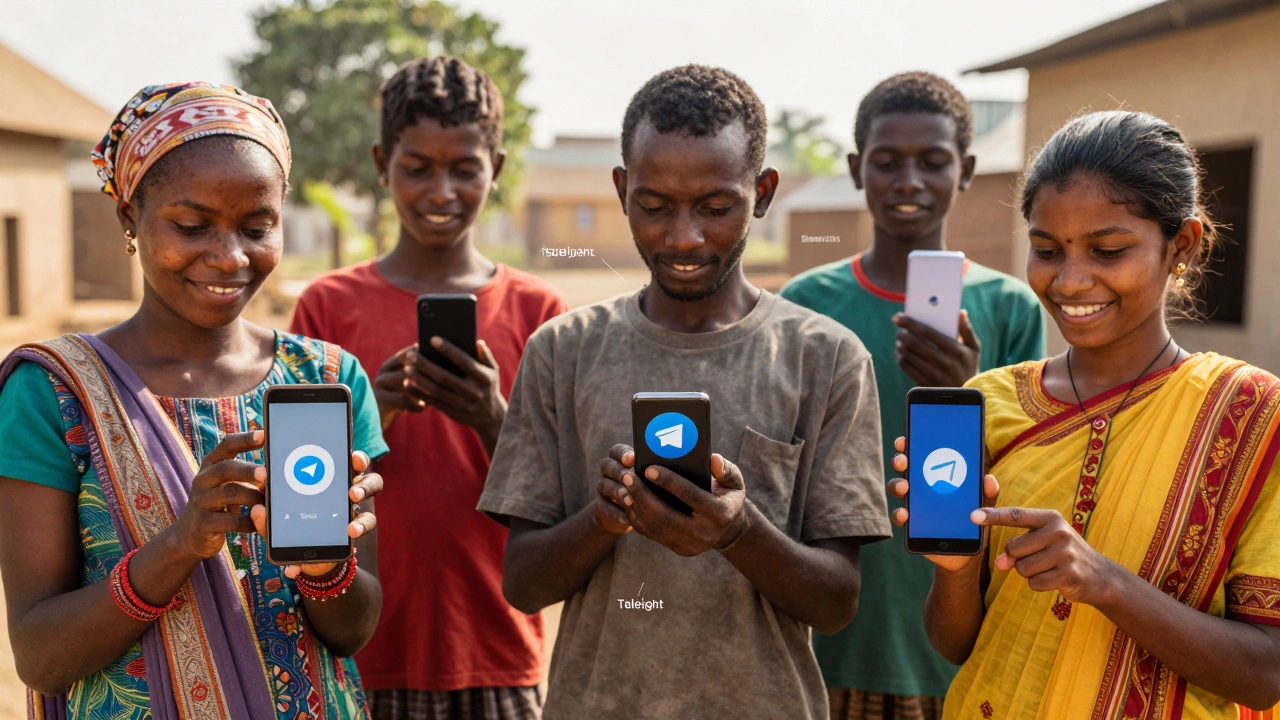
One user in Nigeria shared: "I use Telegram because it doesn’t kill my battery. My phone is 6 years old. I can still send voice notes, read messages, and join groups. I don’t have to upgrade. That’s freedom."
Another in rural Bangladesh said: "My daughter is blind. She uses Telelight to talk to her teachers. Without it, she’d be cut off from school."
These aren’t edge cases. They’re millions of people. And Telegram is one of the few platforms that still lets them participate.
What’s Missing?
Telegram isn’t perfect. Font size can’t be adjusted globally. Voice note transcription is still limited. Some third-party tools rely on reverse-engineering the app - which means they can break with updates.
But here’s the truth: no other major messaging app even tries. Telegram’s team publishes accessibility reports. They test on 200 devices. They listen to blind users and build tools with them. That’s not luck. That’s commitment.
The rich media platforms? They keep adding features - not for everyone, but for the few who can afford the latest hardware. Telegram? It keeps removing barriers - for everyone, even those left behind.
Final Thought: It’s Not About Tech - It’s About Inclusion
Technology shouldn’t be a luxury. Communication shouldn’t depend on how much money you have. If your phone is slow, your internet is patchy, or your vision is fading - you still deserve to talk, share, and connect.
Telegram doesn’t just work on low-end devices. It was made for them. And in a world where apps get bigger, heavier, and more exclusive - that’s not just smart design. It’s a quiet revolution.