When Seconds Count: The Reality of Crisis Management on Telegram
You are scrolling through your Telegram is a cloud-based instant messaging service that prioritizes speed and security dashboard. Suddenly, a local power grid fails. Or a major protest erupts downtown. Your subscribers-thousands of them-are refreshing their feeds, waiting for the truth. In this moment, you are not just an admin; you are a primary source of information. If you hesitate, rumors fill the void. If you post incorrectly, panic spreads.
Crisis communication on platforms like Telegram is different from traditional media. There is no editorial board to call at 3 AM. There is no press release cycle. You have one screen, one finger, and a direct line to your community’s anxiety. This guide breaks down exactly how to handle these high-pressure moments without losing credibility or control.
The Pre-Crisis Foundation: Setting Up Your Safety Net
Most admins fail during a crisis because they prepared nothing before it happened. You cannot build trust when people are scared; you can only spend the trust you built when things were calm. Start by defining your roles clearly.
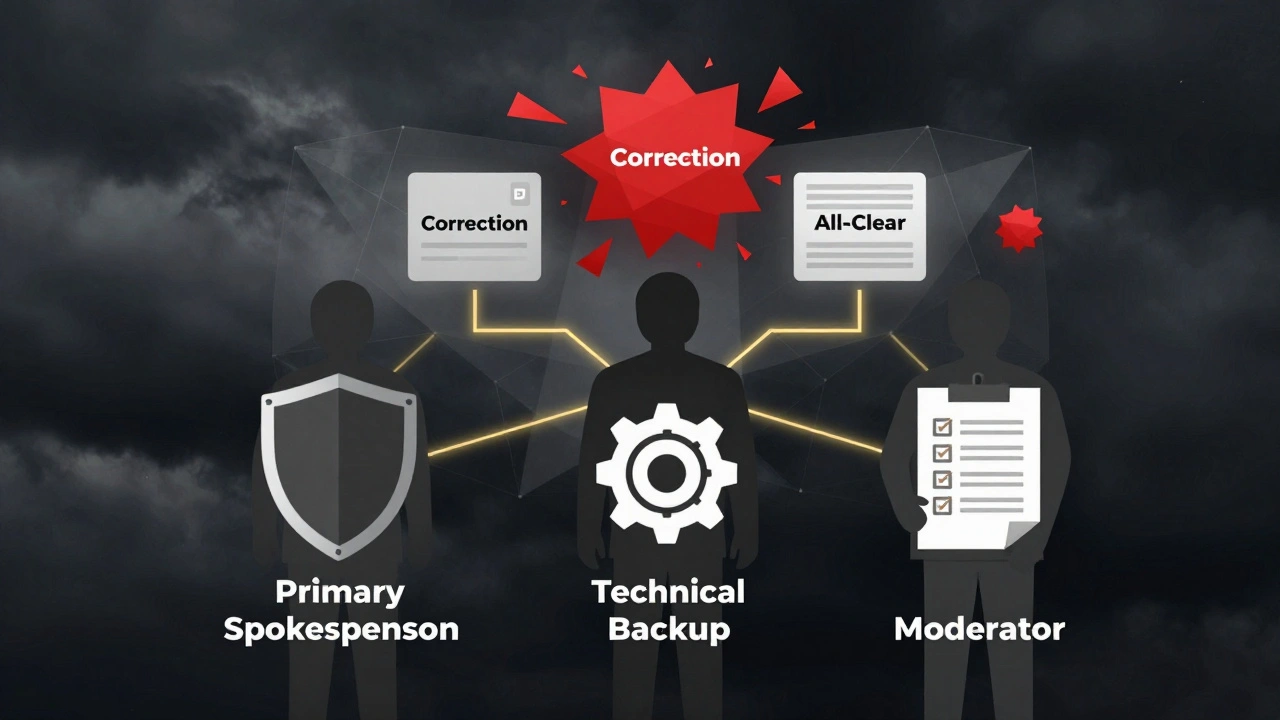
In any serious news channel, you need more than one person with admin rights. Create a hierarchy. Designate one Primary Spokesperson who has the final say on what gets posted. Then, assign two or three Backup Moderators. These backups should know how to use the Telegram Bot API is a set of tools that allows developers to create bots for automated tasks to schedule updates if the main admin is unreachable. Without this redundancy, your channel goes silent, and silence breeds speculation.
Next, prepare your templates. During a crisis, your brain fog will be thick. Do not try to write clever headlines. Have pre-written structures ready in a secure document. For example:
- Alert Template: "BREAKING: [Event] occurring in [Location]. Status: [Unknown/Confirmed]. Next update at [Time]."
- Correction Template: "CORRECTION: Our previous post stated [False Info]. The correct information is [True Info]. We apologize for the confusion."
- All-Clear Template: "UPDATE: The situation regarding [Event] has stabilized. Normal operations resume. Thank you for staying safe."
Having these templates removes the emotional weight from decision-making. You are not deciding whether to speak; you are deciding which template fits the facts.
The First Hour: Speed vs. Accuracy
The biggest mistake new admins make is posting too fast without verifying. In a world where misinformation travels faster than truth, your reputation depends on accuracy, not speed. However, staying silent for hours is equally dangerous. Here is the balanced approach.
When a crisis hits, your first message should acknowledge the event, not explain it. Say: "We are aware of the incident in [Area]. We are gathering verified details. Stand by." This tells your audience you are watching, but you are not guessing. It buys you time.
Use the Telegram Channel Mode is a broadcast-only feature where only admins can post messages strictly. Turn off comments or link to a separate discussion group if you must. In a crisis, the comment section becomes a war zone of unverified claims and fear-mongering. Keep the main channel clean and authoritative. If you allow replies, pin a message reminding users to share only confirmed sources.
Avoid using emojis or casual language. Even a simple "😬" can change the tone of a serious report. Stick to neutral, factual language. Use bullet points for readability. People scanning their phones in stress cannot parse long paragraphs.
Moderation and Controlling the Narrative
As the crisis unfolds, your job shifts from broadcasting to moderating. You will see screenshots of your posts being twisted elsewhere. You will see fake accounts trying to impersonate you. You need a protocol for this.
First, monitor your mentions. Use Telegram’s search function to track keywords related to the crisis. If you see false information spreading under your name, address it immediately. Do not argue with trolls. Instead, post a clear correction with evidence. Screenshots of official statements or links to primary sources work best.
If your channel is flooded with spam or hate speech, activate your moderation team. Block repeat offenders quickly. If the volume becomes unmanageable, temporarily disable comments entirely. It is better to have a quiet channel than a chaotic one. Remember, your goal is to inform, not to debate.
Also, be wary of "doxxing" threats. During political or social crises, admins often face personal attacks. Ensure your own privacy settings are locked down. Use a separate phone number for your admin account if possible. Never reveal your location or identity in private chats.
Technical Failures and Platform Risks
Telegram is reliable, but it is not infallible. Servers can crash. Internet connections can drop. In some regions, governments may block access to Telegram during unrest. You must have a backup plan.
Diversify your channels. Do not rely solely on Telegram. Maintain a presence on Twitter (X) is a microblogging platform used for real-time news and public conversation, Signal is an encrypted messaging app focused on privacy and security, or even SMS alerts. Cross-post your critical updates. If Telegram goes dark, your audience needs another place to find you.
Consider using offline-capable tools if infrastructure failure is likely. Apps like Bridgefy is a mesh networking app that allows communication without internet access can help coordinate on the ground, though they are not suitable for mass broadcasting. For your news channel, ensure you have a way to upload content even with slow speeds. Compress images. Use text-heavy posts. Avoid video streams that require high bandwidth.
Be aware of legal risks. In some jurisdictions, publishing certain types of crisis information can lead to liability. Know the laws in your region. When in doubt, stick to reporting facts from official sources rather than offering commentary.
Post-Crisis: Closing the Loop
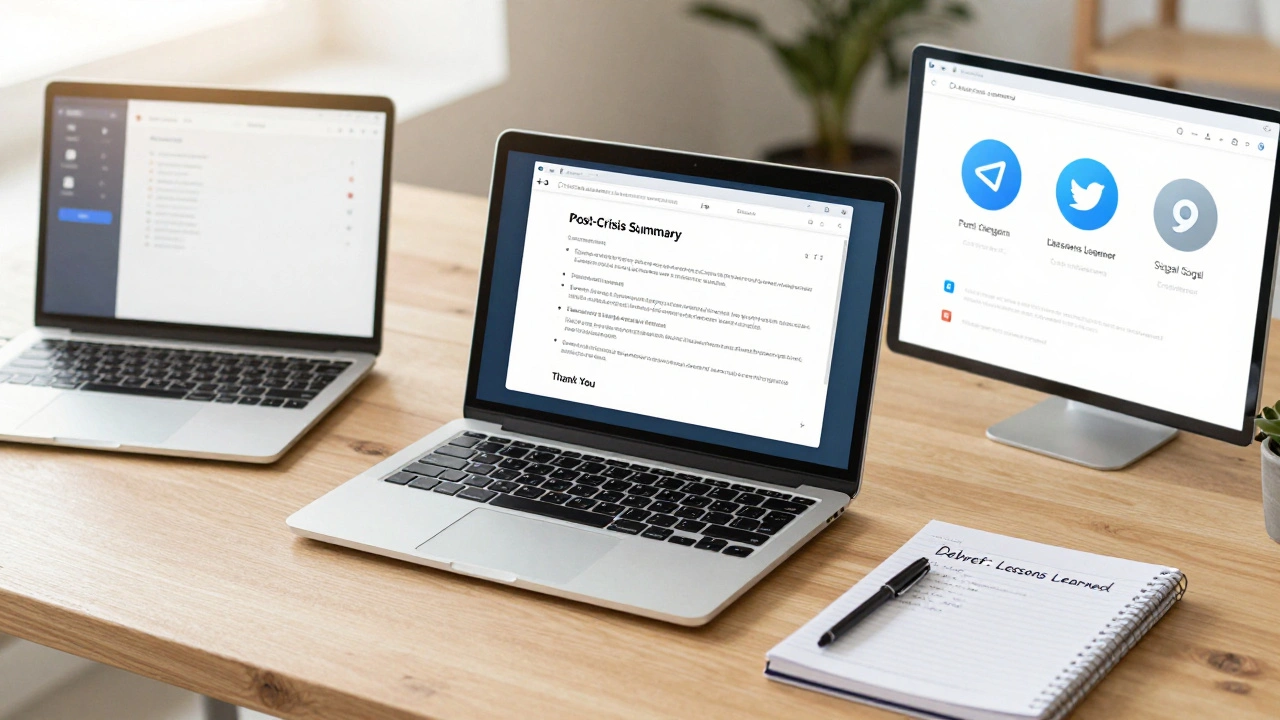
When the immediate danger passes, do not just stop posting. Your audience is still anxious. They need closure. Post a final summary of what happened, what was learned, and where to go for further help. This is called "closing the loop."
Thank your community for their patience. Acknowledge any mistakes you made in your reporting. Transparency builds long-term trust. If you posted incorrect information earlier, admit it openly. People forgive errors; they do not forgive cover-ups.
Finally, conduct a debrief with your team. What worked? What failed? Did your templates hold up? Were there delays in verification? Document these lessons. Update your protocols. The next crisis will come, and you want to be better prepared than you were today.
| Platform | Best For | Risks/Limitations | Admin Control |
|---|---|---|---|
| Telegram | Broadcasting large updates, file sharing | Potential government blocking, server outages | High (Channel mode) |
| Twitter (X) | Real-time short updates, reaching journalists | Character limits, algorithmic visibility issues | Medium (Public replies) |
| Signal | Secure coordination among staff | Small group size limits, less public reach | High (End-to-end encryption) |
| SMS Alerts | Reaching users without internet/data | Cost per message, character limits | Low (No moderation) |
Building Trust Through Consistency
Crisis communication is not a one-time event. It is part of your daily brand. If you only appear during emergencies, people will view you as sensationalist. Build your audience by providing value every day. Share accurate local news, community events, and helpful resources. When a crisis hits, your audience will turn to you because they already trust your voice.
Remember, you are not just transmitting data. You are managing human emotion. Be calm, be clear, and be kind. Your words can reduce panic or amplify it. Choose wisely.
How many admins should I have for a Telegram news channel?
You should have at least three admins: one primary spokesperson, one backup moderator, and one technical support person. This ensures continuity if one person is unavailable during a crisis.
Should I enable comments on my Telegram channel during a crisis?
It is generally recommended to disable comments or link to a separate discussion group. Comments can become chaotic and spread misinformation quickly. Keeping the main channel clean maintains authority.
What should I do if I post incorrect information?
Correct it immediately. Delete the wrong post if possible, or edit it. Then, post a clear correction stating what was wrong and what is right. Apologize briefly and move on. Do not hide the mistake.
Is Telegram safe for crisis communication?
Telegram is generally safe, but it can be blocked in some regions during unrest. Always have a backup platform like Twitter or Signal. Also, be mindful of privacy settings to protect yourself from harassment.
How often should I update during a crisis?
Update as soon as you have new verified information. If there are no updates, post a status check saying "No new information yet, next update at [Time]." This prevents your audience from thinking you have abandoned them.