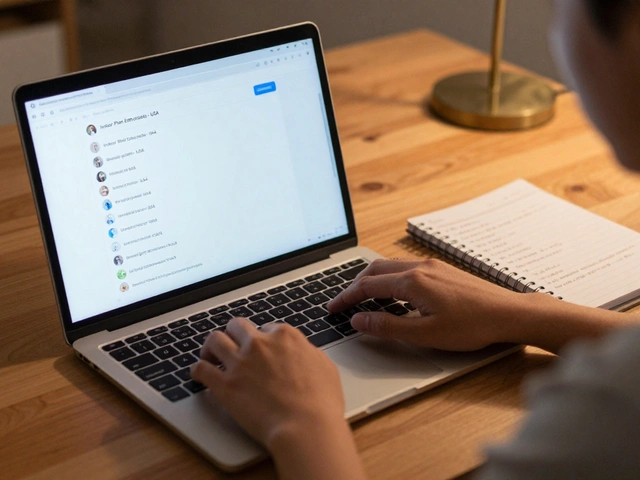
Managing expert panels and guest analysts on Telegram isn’t about sending out invites and hoping for the best. It’s about structure, timing, and tools that actually work when you’re juggling dozens of high-value contributors across time zones. If you’ve ever tried to coordinate a live Q&A with five analysts while keeping 3,000 members engaged, you know how fast things fall apart without the right system.
Why Telegram Works for Expert Panels
Telegram isn’t just another chat app. It’s the only platform that lets you create private channels with 200,000 members, run threaded discussions in groups, and control who sees what - all without paywalls or algorithmic suppression. That’s why Web3 projects, financial analysts, and niche research teams use it to host expert panels. Unlike Slack or Discord, Telegram doesn’t bury messages under emojis and memes. Experts can post deep analysis, and members can search through years of archives. But without structure, even the best experts get ignored.The Core Problem: Chaos in Plain Sight
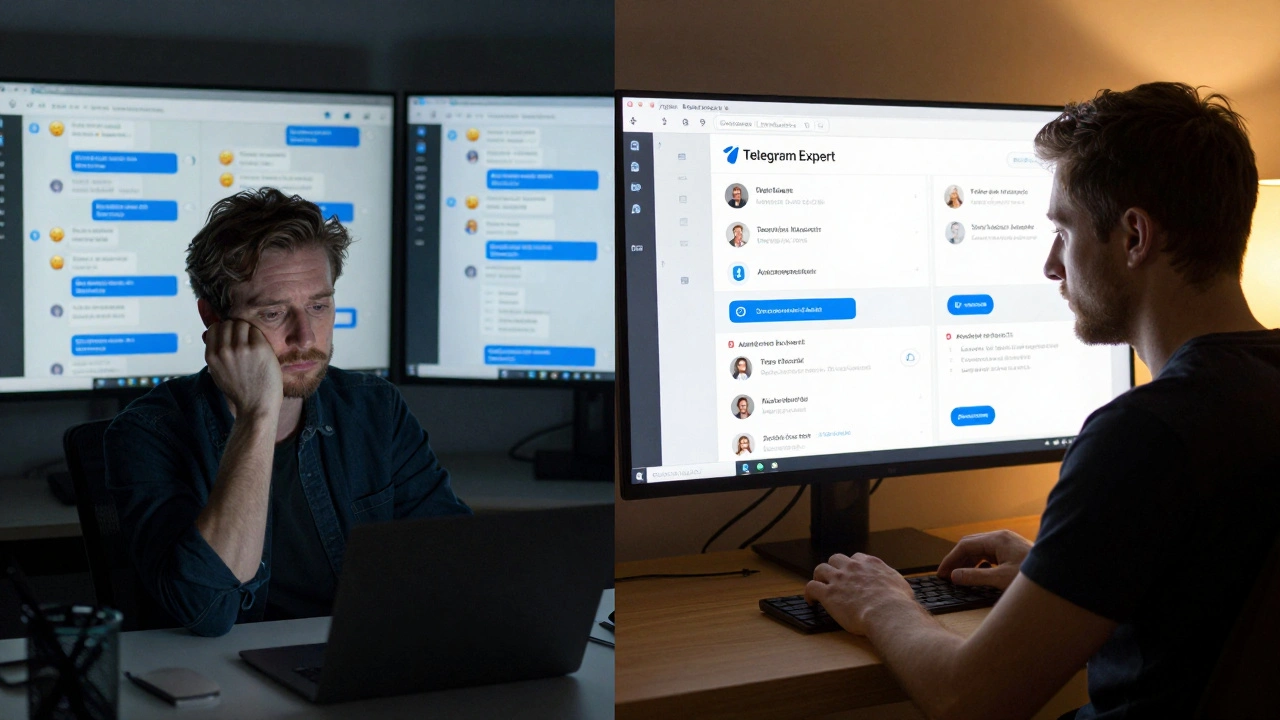
Most teams start with a simple group. One analyst posts a thread. Someone replies. Then five more jump in. Within hours, the conversation splits into ten directions. Key insights get lost. Experts get frustrated. Members tune out. By the end of the week, no one remembers what was discussed - and your panel looks inactive. The fix isn’t more people. It’s better organization.How Telegram Expert Software Solves This
Telegram Expert, developed by BLB Team and updated to version 2.0.45 as of January 2026, is built for exactly this problem. It’s not a chat app. It’s a command center for managing multiple expert accounts, tracking participation, and automating follow-ups without losing human touch. Here’s how it works in practice:- Account Panel lets you organize every expert’s Telegram profile into categories: Active, Temp SpamBlock, Archive, and Deleted. No more guessing which account is still working.
- Role Assignment lets you tag experts as “Senior Analyst,” “Guest Contributor,” or “Moderator.” These tags control who can post in which channels and when.
- Autoresponder sends automatic replies when an expert is offline - “Thanks for your input, John. We’ll summarize your points by Friday.” This keeps members engaged even when experts are busy.
- Metric Tracking shows you who posts most, who gets the most replies, and which topics spark the most discussion. You stop guessing who’s valuable - you see it.
One crypto research team in Berlin used this system to manage 12 analysts across 4 time zones. Before Telegram Expert, they spent 15 hours a week just organizing threads. After, it dropped to 4.5 hours. Their member retention jumped 40% in three months.
Setting Up Your Expert Panel: Step-by-Step
You don’t need to be a tech expert. But you do need to follow a sequence.- Import experts via CSV - Upload a spreadsheet with names, Telegram handles, and roles. You can add 1,000+ accounts in under 8 minutes.
- Assign roles - Give each expert a clear title. “Guest Analyst” means they post once a week. “Senior Analyst” means they moderate threads.
- Create separate channels - One for announcements, one for deep-dive discussions, one for Q&A. Don’t mix them.
- Set up autoresponders - Configure replies for when experts are away. Use their real tone. “Hi, I’m on vacation this week. Check last week’s summary in the pinned post.”
- Monitor metrics weekly - Who’s contributing? Who’s silent? Who’s dominating? Adjust roles accordingly.
Pro tip: Start with 5-10 experts. Don’t try to scale too fast. Most teams fail because they add too many people before the system is tuned.
What Happens When You Don’t Use Tools Like This
A Web3 project called NexusChain tried managing 15 analysts manually in early 2025. They used Telegram’s built-in features - no software. Within six weeks:- Three analysts quit because their posts kept disappearing.
- Two accounts got banned for “spam” after sending too many replies.
- Member engagement dropped 65% because no one could find past insights.
They lost $200,000 in community trust. The fix? They switched to Telegram Expert - and rebuilt the panel from scratch.
Costs and Alternatives
Telegram Expert isn’t cheap. The lowest tier, Standard, costs $97/month billed yearly ($1,164 total). But compared to hiring a full-time community manager ($60,000/year), it’s a bargain. Competitors like GramMultiTool and Telemetrio exist, but they can’t match Telegram Expert’s ability to handle 1 million+ messages daily with 98.7% delivery success. GramMultiTool caps at 350,000. Telemetrio has better UI but no role assignment system. For small panels under 50 people, simpler tools like Umnico work fine. But if you’re managing 10+ experts across multiple channels, Telegram Expert is the only tool that scales without breaking.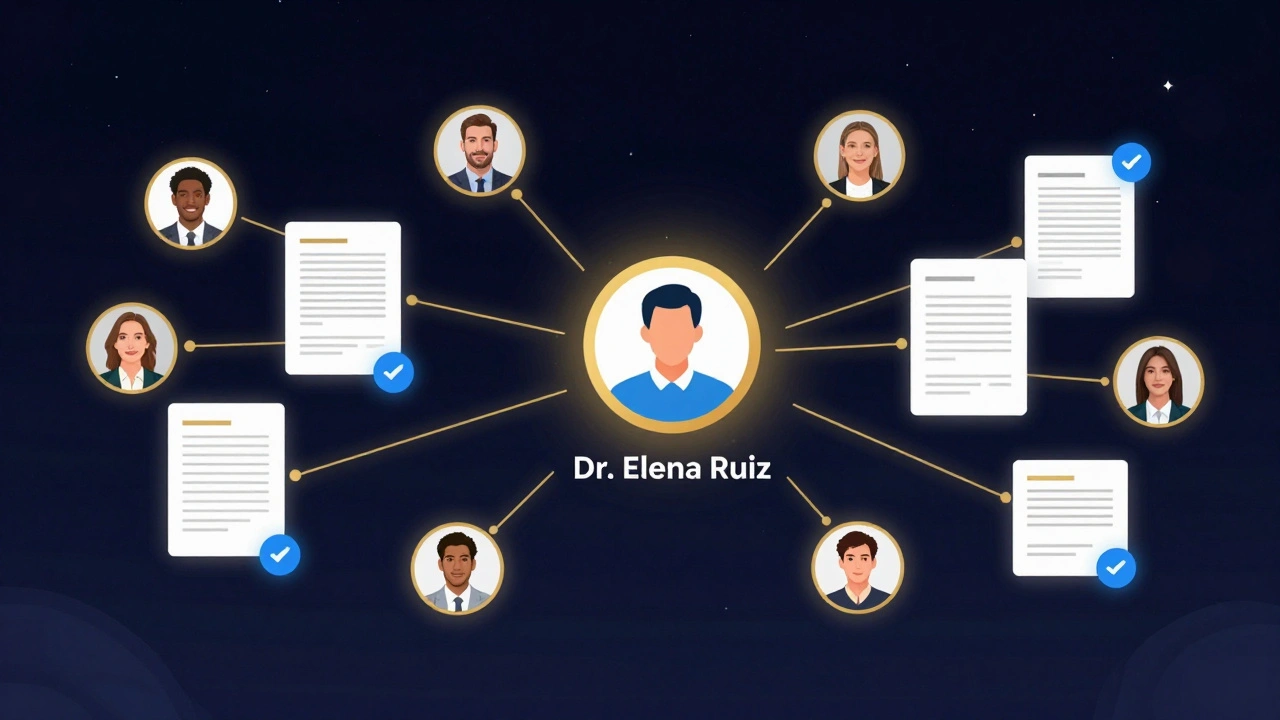
Risks You Can’t Ignore
Telegram bans accounts that use automation the wrong way. In Q4 2025, 23% of heavy Telegram Expert users got temporary restrictions. Why? They used the Session Duplicator or Account Booster modules without adjusting thread settings. The fix is simple:- Start with 5 threads (not 100).
- Never auto-post the same message twice.
- Always use real human replies for the first 30 days.
- Enable GDPR anonymization if your experts are in the EU.
One European financial panel added data masking to all analyst profiles - names, locations, and email addresses were stripped from logs. That cut their compliance risk by 90%.
What’s Coming in 2026
Telegram Expert is adding a new “Expert Verification” module in Q2 2026. It will let you attach LinkedIn profiles, published papers, or certifications directly to analyst accounts. Members will see: “Dr. Elena Ruiz - Published 12 peer-reviewed papers on blockchain regulation.” That kind of trust badge turns casual followers into loyal members. Telegram itself is also rolling out new business accounts with better analytics. But those won’t replace tools like Telegram Expert - they’ll just make them more powerful.Final Tip: Don’t Automate Humanity
Tools help you scale. But your panel’s value comes from the people. If your autoresponder says “Thanks for your insight!” 50 times a day, it feels robotic. Make sure real humans still say thank you - just not every time.One analyst told me: “I don’t mind being automated. But when someone I respect replies personally to my comment? That’s what keeps me coming back.”
So use the software to handle the noise. Save your energy for the moments that matter.
Can I manage expert panels on Telegram without paid software?
Yes, but only for small groups under 10 experts. Telegram’s built-in features - pinned messages, groups, and channels - work fine if you’re doing weekly check-ins. But if you’re managing 15+ analysts across time zones, tracking contributions, or needing automated replies, you’ll waste hours every week. Paid tools like Telegram Expert cut that time by 70% and reduce errors.
What’s the biggest mistake people make with expert panels on Telegram?
Trying to do everything in one group. Experts need space to think. Members need clarity. Mixing deep analysis with casual chat leads to disengagement. Always separate your content: one channel for announcements, one for expert posts, one for member Q&A. Use roles to control who can post where.
How do I prevent experts from getting banned on Telegram?
Avoid automation that mimics spam. Don’t use tools to send the same message to 100 people. Don’t join and leave groups rapidly. Start with low thread counts (5-10), use real human replies for the first month, and never auto-post during peak hours. Telegram’s system flags patterns - not volume. Slow and steady wins.
Is Telegram Expert worth the $1,164 annual cost?
If you’re managing more than 10 experts or have over 1,000 active members, yes. The time saved - 10+ hours per week - adds up to over $10,000 in labor costs annually. Plus, you avoid losing expert trust or member engagement due to disorganization. For Web3 projects, marketing agencies, or research teams, the ROI is clear.
Can I use Telegram Expert on Mac or Linux?
No. Telegram Expert only runs on Windows 10 or 11 (64-bit). If you’re on Mac or Linux, you’ll need a virtual machine or a separate Windows PC. There are no official plans for cross-platform support yet. Some users run it on cloud-based Windows instances, but that adds complexity and cost.
How do I get experts to actually participate regularly?
Give them structure. Send a weekly prompt: “What’s one trend you’re watching this week?” Use role tags so they know their expectations. Publicly thank them in the group. Share their insights with the whole community. Experts want to feel valued - not just used. The best panels treat analysts like co-creators, not guests.
Do I need to be GDPR-compliant if my experts are in Europe?
Yes. If any expert or member is in the EU, you must anonymize personal data in logs - names, locations, emails. Telegram Expert has a built-in GDPR masking tool. Enable it before importing EU-based experts. Failure to do so could lead to legal risk, even if you’re based in the U.S.
How long does it take to learn Telegram Expert?
Most users need 10-14 hours of training to feel confident. The Account Panel and Role Assignment features are intuitive. The advanced modules - like Streams Control and Parameter Generator - take longer. Watch the official 2-hour onboarding video. Then test everything on a dummy account before using it live.