Journalists and newsroom managers operate in a high-stakes environment where a single leaked source or compromised account can derail an investigation. When your team relies on Telegram as a cloud-based instant messaging platform widely used by news organizations for its large group capacities and file-sharing capabilities, the default settings are rarely enough. While Telegram offers powerful features for collaboration, it does not provide end-to-end encryption (E2EE) by default for standard chats. This architectural difference means that sensitive conversations stored on Telegram’s servers could theoretically be accessed by the company or compelled by authorities, unlike platforms like Signal which enforce E2EE universally.
For news teams handling whistleblower communications, investigative data, or internal editorial strategy, configuring specific security settings is not optional-it is operational necessity. You need to know exactly how to lock down accounts, manage device access, and mitigate risks associated with media auto-downloads. Here is how to harden your Telegram infrastructure for professional use in 2026.
Enforcing Two-Step Verification as a Baseline
The first line of defense for any channel administrator or reporter is Two-Step Verification (also known as 2FA). Standard SMS codes sent to your phone number are vulnerable to SIM-swapping attacks, a common tactic used by bad actors targeting high-profile journalists. By enabling Two-Step Verification, you add a password layer that exists only on your device and Telegram’s servers, independent of your phone carrier.
To set this up, navigate to Settings > Privacy and Security > Two-Step Verification. Create a strong, unique password. Do not reuse passwords from other services. Crucially, you must add a recovery email address. If you lose your password and do not have access to the recovery email, your account-and all its data-will be permanently locked after seven days. For news teams, consider using a dedicated, secure email alias managed by your organization’s IT department rather than a personal Gmail account.
Securing Device Access with Passcodes
Even if your account is secure, physical access to an unlocked phone is a major vulnerability. Reporters often work in public spaces or share devices in newsrooms. Passcode Lock is a feature that requires a PIN or biometric scan to open the Telegram application itself.
Go to Settings > Privacy and Security > Passcode & Face ID. Set a numeric passcode of at least six digits or an alphanumeric code of 12-15 characters. While Face ID or fingerprint sensors are convenient, they are less secure against coercion or forensic extraction. A complex alphanumeric passcode provides stronger protection. Be aware of a critical limitation: if you forget this passcode, you cannot recover it. You will be forced to log out or reinstall the app, which deletes all local chat history, including any Secret Chats (device-specific encrypted conversations). For news teams, this means you must store the passcode in a secure password manager, not on a sticky note.
Managing Active Sessions and Devices
One of the most overlooked security settings is managing active sessions. Telegram allows multiple simultaneous logins across different devices. An attacker who gains temporary access to your account can keep a session alive indefinitely.
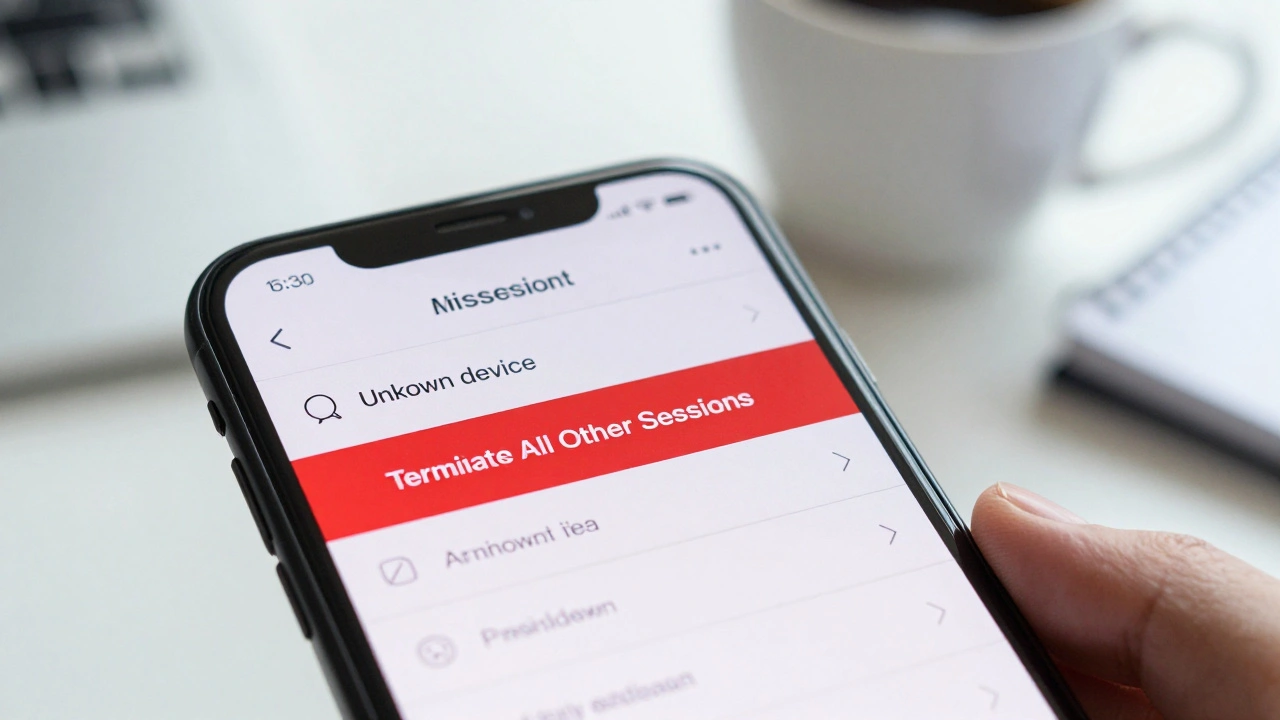
Regularly audit your devices by going to Settings > Privacy and Security > Active Sessions. Review the list carefully. Look for unfamiliar locations, operating systems, or device models. If you see a session you do not recognize, tap Terminate All Other Sessions. For news teams, establish a protocol where editors review their active sessions weekly. If a journalist leaves the organization, ensure their account is terminated immediately to prevent unauthorized access to historical chats or channels.

Configuring Privacy Controls for Contacts and Calls
Default privacy settings often expose too much information. To minimize your digital footprint:
- Phone Number Visibility: Set to Nobody under Privacy and Security > Phone Number. This prevents strangers from seeing your number even if they save it.
- Last Seen & Online: Set to Nobody or My Contacts. Hiding your online status makes it harder for adversaries to track when you are actively communicating.
- Call Privacy: Restrict who can call you via Telegram to My Contacts only. Unsolicited calls can be a vector for social engineering.
- Sync Contacts: Disable Sync Contacts under Data Settings. This prevents Telegram from uploading your entire contact list to its servers, protecting the privacy of your sources and colleagues.
Mitigating Media Auto-Download Risks
In 2024, the EvilVideo vulnerability demonstrated how malicious code could be embedded in video files and executed automatically upon download. Although patched, the risk remains relevant for future exploits. Auto-downloading media consumes bandwidth and storage, but more importantly, it exposes your device to potential threats before you even view the content.
Disable auto-download for private chats, groups, and channels separately. Go to Settings > Data and Storage > Auto-Download Media. Turn off automatic downloads for photos, videos, and files. This ensures that media is only downloaded when you explicitly tap to view it, giving you time to verify the sender and the context. For news teams receiving large datasets or raw footage, manual downloads allow for better control over where files are stored and whether they should be scanned by antivirus software before opening.
Using Secret Chats for Sensitive Communications
When communicating with whistleblowers or sharing highly sensitive documents, standard Telegram chats are insufficient because they are stored on Telegram’s servers. Use Secret Chats instead. These are end-to-end encrypted, meaning only the sender and recipient devices hold the decryption keys. They are also device-bound; if you switch phones, the Secret Chat disappears.
To start a Secret Chat, open a conversation, tap the contact’s name, select More, and choose Start Secret Chat. Enable self-destruct timers by tapping the clock icon. Set a reasonable timer (e.g., 1 hour or 1 day) so that messages delete themselves after being read. Note that Secret Chats do not support forwarding, replying, or copying text, which adds friction but enhances security. For news teams, reserve Secret Chats exclusively for initial source contact or transmitting credentials. Once trust is established, move to a more practical workflow, but always assume standard chats are not fully private.
Channel Administration Best Practices
If you manage a news channel, your administrative privileges are a target. Scammers often infiltrate large groups to spread malware or disinformation. To protect your channel:
- Restrict Admin Rights: Only grant full admin rights to trusted senior staff. Use limited permissions for moderators, such as the ability to delete messages but not add new admins.
- Enable Anti-Spam Filters: Telegram has built-in spam filters, but you can enhance them by requiring users to answer questions before joining (if using bots) or manually approving new members in smaller groups.
- Audit Admin Logs: Regularly check who has added or removed admins. Any unexpected changes should trigger an immediate security review.
| Feature | Standard Cloud Chat | Secret Chat |
|---|---|---|
| Encryption Type | Server-client (not E2EE) | End-to-End Encrypted (E2EE) |
| Device Sync | Yes (multi-device) | No (single device only) |
| Self-Destruct Timer | Optional (for media/text) | Mandatory option available |
| Forwarding Allowed | Yes | No |
| Best Use Case | Internal team coordination, non-sensitive updates | Whistleblower contact, credential sharing |
Operational Security Beyond Settings
Technical settings are only part of the puzzle. Human behavior is the weakest link. Train your news team to:
- Verify Identities: Never send sensitive information based on a message alone. Verify the sender through a secondary channel, such as a video call or a pre-agreed code word.
- Avoid Clicking Links: Phishing links disguised as news articles or document shares are common. Hover over links to inspect the URL before clicking.
- Report Suspicious Activity: Immediately report impersonators or suspicious messages to Telegram. Use the Report function within the chat interface.
Remember, while Telegram is rarely compliant with government inquiries regarding private chats, it is not immune to legal pressure. In hostile jurisdictions, assume that metadata (who you talk to and when) may be accessible. For maximum security, consider complementing Telegram with Signal for the most sensitive communications, as Signal’s architecture provides stronger cryptographic guarantees by default.
Is Telegram safe for whistleblowers?
Telegram is not inherently safe for whistleblowers unless you use Secret Chats with self-destruct timers. Standard chats are not end-to-end encrypted and are stored on Telegram's servers, making them potentially accessible to the company or authorities. For high-risk situations, Signal is generally recommended due to its default end-to-end encryption.
What happens if I forget my Telegram passcode?
If you forget your passcode, you cannot recover it. You must log out or reinstall the app, which will delete all local chat history, including Secret Chats. Your cloud chats will remain accessible upon re-login, but any device-specific encrypted data will be lost forever.
How do I disable auto-download for media in Telegram?
Go to Settings > Data and Storage > Auto-Download Media. From there, you can toggle off automatic downloads for Private Chats, Groups, and Channels separately. This prevents media from downloading until you manually tap to view it, reducing security risks and data usage.
Can Telegram read my messages?
Telegram can read messages in standard cloud chats because they are not end-to-end encrypted. However, messages in Secret Chats are end-to-end encrypted, meaning only the sender and recipient devices can decrypt them. Telegram staff cannot access Secret Chat content.
Should I sync my contacts with Telegram?
For news teams and journalists, it is best practice to disable contact syncing. Go to Settings > Privacy and Security > Data Settings > Sync Contacts and turn it off. This prevents Telegram from storing your contact list on its servers, protecting the privacy of your sources and colleagues.
Latest Posts