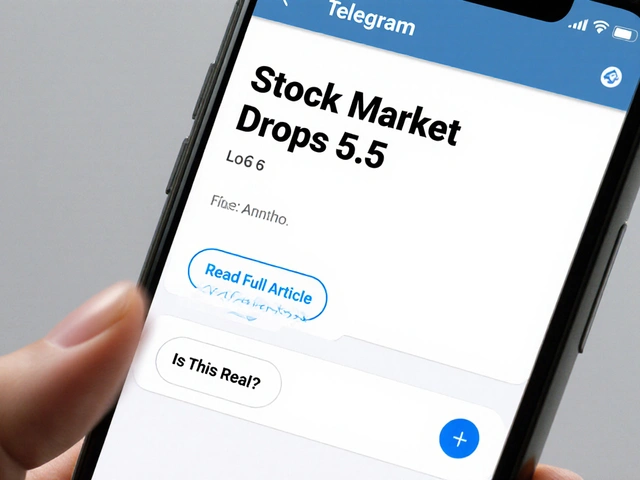
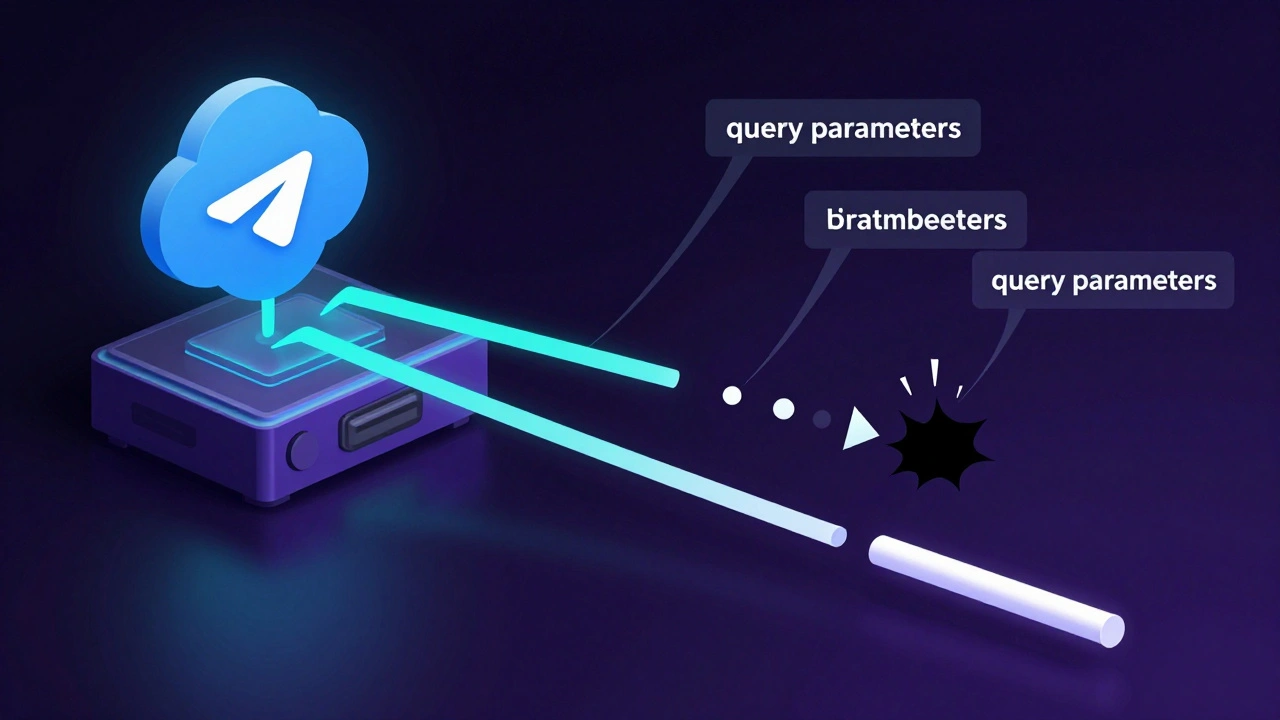
You paste a referral link into your Telegram channel. You hit send. A beautiful preview card pops up with your headline and image. But when someone clicks it, the attribution fails. Why? Because Telegram Web Previews are a feature that generates rich snippets for links shared in chats, but currently strips query parameters during server-side processing. This isn't a bug you can easily patch; it’s a structural limitation of how Telegram handles URL data.
In May 2026, marketers are still trying to squeeze every last percentage point out of their click-through rates (CTR). Telegram is a goldmine for engagement, but if your referral tracking breaks because of a missing `?ref=` tag, that gold turns to lead. Let’s look at why this happens and what you can actually do about it without losing your mind.
The Preview Paradox: Visibility vs. Attribution
First, let’s clear up a common confusion. There are two types of previews in Telegram. The first is the message preview in notifications. You enable this in Settings > Notifications. It lets users see a snippet of the text before they even open the app. The second is the link preview. When you drop a URL in a chat, Telegram fetches the Open Graph tags and builds a card.
For organic reach, message previews are great. They reduce friction. Users see "New guide on SEO" in their notification bar and tap it. That increases the likelihood of them seeing the link inside. But here is the trap: increasing visibility does not equal accurate attribution. If the link inside that message has its tracking parameters stripped by the time it renders as a preview card, you have zero idea who clicked it.
This creates a disconnect. You might see high engagement metrics on your Telegram dashboard, but your affiliate network or CRM shows nothing. The user clicked, but the system didn’t record the source. This is the core problem with using native Telegram previews for referral campaigns.
The Technical Culprit: Server-Side Stripping
Why does this happen? It’s not random. According to GitHub issue #28376 filed against the Telegram Desktop repository, Telegram’s server-side preview generation actively strips query parameters from URLs. When you send `https://example.com/?ref=123`, the server might generate a preview card that displays `https://example.com/` or, worse, injects its own internal tracking ID like `?ref=10860`.
This behavior is consistent across platforms. Whether you are using Telegram Web, Android, or iOS, the preview generation happens on Telegram’s servers. They sanitize the URL to prevent certain types of tracking abuse or privacy leaks, but in doing so, they break third-party referral logic. As of mid-2026, this issue remains unresolved in the official codebase. It is treated as expected behavior by the platform, which means you cannot wait for a software update to fix your marketing funnel.
If you rely on UTM parameters (`utm_source`, `utm_campaign`) for Google Analytics, these will also vanish from the preview display. While some analytics tools can reconstruct sessions based on referrer headers, many referral systems require the parameter to be present in the final URL string to award commissions or credits. If the string is gone, the credit is gone.
Workaround 1: Custom Bot Workflows
So, how do you track clicks if the native preview breaks the link? You bypass the native preview entirely. The most robust solution is to use a Telegram Bot integrated with custom automation workflows that handle link delivery and click tracking independently of Telegram's native preview engine.
Consider the workflow used by N8N integrations. Instead of posting a raw link in a public channel, users interact with a bot. The bot sends a message containing a link. Crucially, the bot can log every single interaction. Here is how it works:
- User sends a command or keyword to the bot.
- Bot responds with a personalized link containing intact query parameters.
- The system logs the user’s ID and timestamp.
- If the user doesn’t click within 24 hours, the bot sends a reminder.
This method doesn’t rely on Telegram’s preview card at all. The link is delivered as plain text or via a button widget that preserves the full URL string. You lose the visual appeal of the rich media card, but you gain 100% accuracy in attribution. For high-value referrals, this trade-off is worth it.
Workaround 2: Smart URL Shorteners
If you need the visual impact of a preview card, you can try to trick the parser. Use a dedicated URL shortening service that supports deep linking and parameter preservation. Services like Bitly or custom redirect services hosted on your own domain can help.
Here is the strategy:
- Create a short URL that redirects to your full referral link.
- Ensure the shortener’s landing page serves correct Open Graph tags.
- Test whether Telegram strips the parameters from the *short* URL.
In many cases, Telegram treats short URLs differently than long, complex strings. If the short URL itself contains no query parameters (e.g., `https://short.link/abc`), Telegram won’t strip anything because there is nothing to strip. The redirection happens after the click, on your server, where you can append the original referral ID. This keeps the preview clean and the tracking intact.
Workaround 3: Non-URL Referral Methods
Sometimes the best way to beat the system is to stop playing its game. If URL parameters are unreliable, stop using them for the primary referral mechanism. Switch to promo codes or coupon codes.
Share a code like `TELEGRAM2026` in your message. Include a plain-text link to your site without any tracking parameters. Instruct users to enter the code at checkout. This method is immune to URL stripping. It also encourages users to read the message content, which can increase brand recall. While it adds a step for the user, it ensures you know exactly which channel drove the conversion.
| Method | Attribution Accuracy | User Friction | Visual Appeal |
|---|---|---|---|
| Native Link Preview | Low (Parameters Stripped) | Low | High |
| Custom Bot Workflow | High | Medium | Low |
| Short URL Redirect | Medium-High | Low | High |
| Promo Codes | High | High | Low |
Advertising vs. Organic Sharing
If organic sharing is too risky for your attribution model, consider paid options. Telegram offers advertising solutions through platforms like PropellerAds, especially for projects built on The Open Network (TON). These ads often allow for more controlled tracking environments. You can set up pixel-based tracking that doesn’t rely on URL parameters in the same way.
However, keep in mind that ad spend changes the ROI calculation. Your referral CTR might improve because the audience is hyper-targeted, but the cost per acquisition will rise. Use this only when the lifetime value of the referred customer justifies the expense.
Testing Your Setup
Before you launch a campaign, you must test. Do not assume your setup works. Send a test link with a unique parameter to a private group. Check the preview card. Does it show the parameter? Click it. Does the destination page receive the parameter?
If the answer is no, switch to one of the workarounds above. Don’t waste budget on broken tracking. The gap between "clicks" and "conversions" is where money disappears. By understanding the technical limitations of Telegram Web Previews, you can close that gap.
Does Telegram strip UTM parameters from links?
Yes. Telegram’s server-side preview generation typically removes query parameters, including UTM tags, from the displayed URL in the preview card. This can break tracking unless you use workarounds like shorteners or bots.
Can I disable link previews in Telegram?
Yes. You can disable link previews globally in Privacy and Security settings. However, this affects all links you send and may reduce engagement since plain URLs are less visually appealing than rich cards.
How do I track clicks if Telegram strips parameters?
Use a custom Telegram bot to deliver links, employ a URL shortener that handles redirection after the click, or switch to non-URL referral methods like promo codes.
Is the parameter stripping issue fixed in 2026?
As of May 2026, the issue remains unresolved in the main Telegram repositories. It is considered expected behavior by the platform, so marketers must adapt their strategies rather than waiting for a fix.
Do message previews in notifications affect link tracking?
Message previews in notifications show text snippets but do not alter the underlying link structure. However, if the link inside the message was already processed by Telegram’s preview generator, the parameters may still be stripped.
Latest Posts