Running a content operation on Telegram often feels like flying blind. You post a long-read piece or a quick update, and while you can see the view count, you aren't always sure why one post exploded while another flopped. For editors, a simple view count isn't enough. You need to know if your audience is actually sticking around, which formats are winning, and how you stack up against the competition. Building a Telegram analytics dashboard is about turning raw data into an editorial roadmap.
Whether you are managing a niche news outlet or a massive community hub, the goal is the same: stop guessing and start deciding. You don't necessarily need to write code from scratch to build this. A modern dashboard is often a hybrid of native tools, third-party aggregators, and custom spreadsheets. The key is knowing which metric actually matters for your specific editorial goals.
The Foundation: Using Native Telegram Analytics
Before you spend a dime on third-party software, start with what's already there. Telegram is a cloud-based instant messaging service that provides built-in analytics for channel and supergroup administrators. If your channel has over 1,000 subscribers, you have access to a surprisingly robust native dashboard.
To find these, just tap your channel name and head to the "Statistics" section. This is where you get your baseline data: total views, subscriber growth rates, and reach. For an editor, the most valuable part of the native tool is the post-level analysis. By clicking an individual post, you can see exactly how many people saw it and how the reach grew over time. This helps you identify the "shelf life" of your content-does it peak in an hour, or does it keep gathering views for three days?
Expanding Your View with Third-Party Tools
Native tools are great for your own data, but they won't tell you what your competitors are doing. To get a full picture, you need to integrate external data sources. This is where you move from simple tracking to actual market intelligence.
For those focused on competitive benchmarking, TGStat is a powerhouse. It tracks over 14,000 channels, meaning you can see the growth and citation index of other editors in your niche without needing admin access. If you're wondering why a rival channel is growing faster, TGStat lets you analyze their visibility rate based on text length and content type. You might find that 500-word posts perform 30% better than 1,000-word ones in your specific vertical.
If your priority is refining the actual content-the hooks, the images, the timing- Popsters is the better choice. It allows you to evaluate content formats across different periods. For example, you can compare how your "Weekly Wrap-up" posts perform in July versus December to spot seasonal engagement trends.
| Tool | Best For | Key Attribute | Access Required |
|---|---|---|---|
| Native Telegram | Internal Growth | Real-time reach | Admin Access |
| TGStat | Market Benchmarking | Citation Index | Public/None |
| Popsters | Content Optimization | Format Analysis | Public/None |
| LiveDune | Team Collaboration | AI Insights | API/Bot Access |
| Brand24 | Sentiment Tracking | Emotion Analysis | Public Mention |
Structuring the Editor's Dashboard
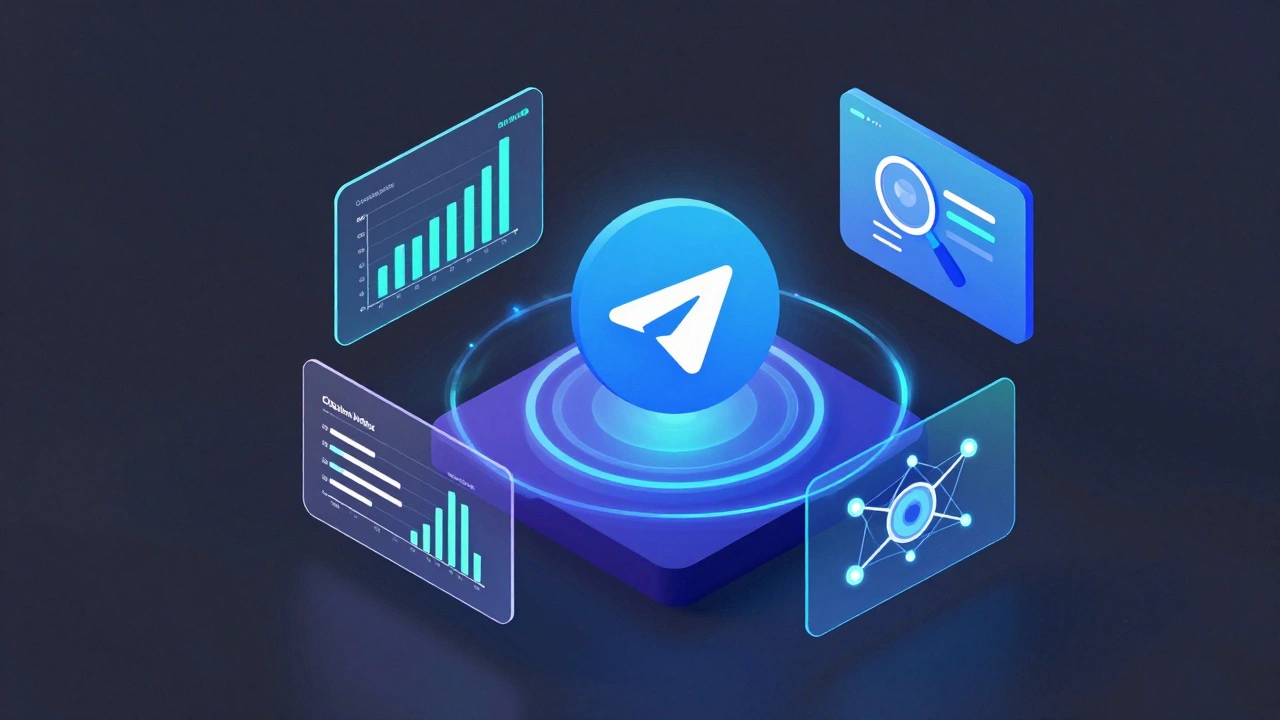
A dashboard is only useful if it answers specific questions. Instead of a wall of numbers, organize your view into three distinct "jobs":
- The Health Check: Focus on subscriber growth and churn. Is the channel growing organically, or are you losing people as fast as you gain them? Watch the "Growth Rate" and "New Followers" metrics here.
- The Quality Control: This is about engagement. Look at the ratio of views to subscribers. If you have 10,000 subscribers but only 1,000 views per post, your content isn't hitting the mark. Use tools like LiveDune to monitor active user patterns and identify when your audience is most responsive.
- The Strategy Lab: Use this area to experiment. Track the performance of a new format-say, moving from long articles to short-form video snippets. Compare the visibility rate (VR) of these new formats against your old ones.
For those who want a truly custom experience without a monthly subscription, the TG Stats Dashboard Bot is a clever workaround. It exports your data directly into Google Sheets. This allows you to build your own formulas, create custom charts, and keep a historical record that doesn't disappear when a platform changes its UI.
Analyzing Audience Sentiment and Behavior
Numbers tell you what happened, but sentiment tells you why. If a post gets high views but the comments are overwhelmingly negative, the "success" is an illusion. This is where sentiment analysis becomes critical for an editor.
Brand24 allows you to monitor mentions of your channel across the wider Telegram ecosystem. By using emotion analysis charts and keyword clouds, you can see if your editorial tone is resonating or if it's rubbing people the wrong way. For instance, if your "Opinion" pieces are triggering a surge in negative sentiment, it might be time to adjust your messaging or double down on the controversy, depending on your brand goals.
If you're managing a community-heavy channel or a supergroup, look into Combot. While other tools focus on the "broadcast," Combot focuses on the "conversation." It tracks who your most active members are and how many messages are being sent per hour. This helps editors understand the "social' pulse of their community, ensuring that the content doesn't just talk at people, but starts a dialogue with them.

Common Pitfalls to Avoid
It's easy to get distracted by "vanity metrics." A high subscriber count looks great on a media kit, but it doesn't pay the bills or build a loyal audience. Many editors fall into the trap of chasing views by using clickbait, only to find their actual engagement rate plummeting.
Another mistake is over-reliance on a single tool. No single platform does everything perfectly. Native analytics are great for speed; TGStat is great for the market; Brand24 is great for the vibe. The most successful editorial teams use a "stack" of tools. They might use native stats for daily checks, a Google Sheet for monthly reporting, and a tool like Popsters for quarterly content audits.
Finally, avoid ignoring the "quiet" data. Pay attention to the posts that didn't work. Analyzing a failure is often more valuable than celebrating a viral hit because it tells you exactly where the boundary of your audience's interest lies.
Do I need to be a developer to build a Telegram dashboard?
Not at all. While "building" sounds technical, for most editors it means selecting the right tools and organizing the data. You can create a powerful dashboard by combining Telegram's native statistics with third-party tools like TGStat or LiveDune, or by using a bot to export data into Google Sheets for custom visualization.
When is the best time to post based on analytics?
There is no universal "best time," as it depends entirely on your audience's timezone and habits. Use tools like Combot or LiveDune to analyze your specific activity peaks. Look for the hours where the number of active users and message lengths are highest, then schedule your most important editorial pieces just before those peaks hit.
Can I track competitors if I'm not an admin of their channel?
Yes. Tools like TGStat and Popsters are designed specifically for this. They track public channels, allowing you to see their subscriber growth, most successful posts, and overall engagement rates without needing any special permissions from the other channel's owner.
What is a 'Citation Index' and why should editors care?
The Citation Index measures how often other channels link to or mention your content. For an editor, this is a key metric of authority. High views mean people are reading, but a high citation index means other creators trust your content enough to share it, which is the primary driver of organic, long-term growth on Telegram.
How often should I review my analytics dashboard?
Use a tiered approach. Check native stats daily to catch immediate trends. Review your detailed engagement and competitor benchmarks weekly to adjust your content calendar. Perform a deep-dive audit monthly to evaluate your overall editorial strategy and pivot if certain formats are no longer working.
Next Steps for Your Editorial Team
If you're just starting, don't overcomplicate it. Start by spending a week in your native Telegram statistics. Note which three posts had the highest reach and which three had the lowest. Once you see a pattern, pick one third-party tool-like TGStat for market research or Popsters for format testing-to fill the gap in your knowledge.
For teams with multiple editors, set up a shared environment. Whether it's a shared LiveDune account or a collaborative Google Sheet, having a single source of truth prevents different team members from making conflicting decisions based on different data points. Turn your data into a shared language that the whole team speaks.