Telegram isn’t just another messaging app. For thousands of teams, businesses, and individuals, it’s the backbone of their alert system. But if your notifications are noisy, delayed, or unpredictable, your subscribers are going to tune out - or worse, mute you entirely. The good news? You can fix this. Telegram gives you more control over notifications than almost any other platform. The trick is knowing where to look and what to change.
Why Your Telegram Notifications Are Failing Your Subscribers
Think about it: if someone subscribes to your Telegram channel, they’re trusting you to give them useful updates - not spam. But if every message comes with the same loud sound, the same preview, and no way to silence low-priority alerts, they’ll eventually turn off notifications. And once they do, you lose them. The biggest problem? Most people never touch the notification settings. They install Telegram, accept the defaults, and forget about it. But Telegram’s notification system isn’t one-size-fits-all. It’s built to be customized - and if you’re not customizing it, you’re leaving value on the table. A 2023 study by UX researcher Maria Chen found that 68% of users struggled to set up per-chat notification rules. That’s not because the feature doesn’t exist. It’s because the settings are buried. And when users can’t figure it out, they just mute everything.How to Set Up Per-Chat Notification Rules
This is the single most powerful feature in Telegram’s notification system. You can set different alert behaviors for every chat, group, or channel you’re in. Here’s how to do it:- Open the chat you want to adjust.
- Tap the contact or channel name at the top.
- Scroll down and tap Notifications.
- Choose from: Default, Sound, Mute, or Forever.
- If you pick Sound, you can also select a custom ringtone.
- Toggle Preview on or off to control whether message text shows up in notifications.
Global Settings That Matter (And How to Fix Them)
Per-chat rules are great, but you still need solid global defaults. These control how Telegram behaves when you don’t set something specific. On macOS:- Open Telegram > Preferences > Notifications and Sounds.
- Turn off Play sound for all messages if you’re not always listening.
- Disable Show message previews if privacy matters.
- Set Notification grouping to By Chat so you don’t get 20 tiny alerts for one group.
- Go to Settings > Notifications > Telegram.
- Turn on Allow Notifications - yes, this gets turned off after iOS updates.
- Set Notification Style to Alerts (not Banners) for better visibility.
- Turn off Badge App Icon if you don’t want numbers cluttering your home screen.
- Open Telegram > Settings > Notifications and Sounds.
- Tap Notification Channel and rename or disable channels like Group Mentions or Channel Updates.
- Use Priority settings to let critical contacts break through Do Not Disturb.
Using Telegram Bots for Professional Alerting
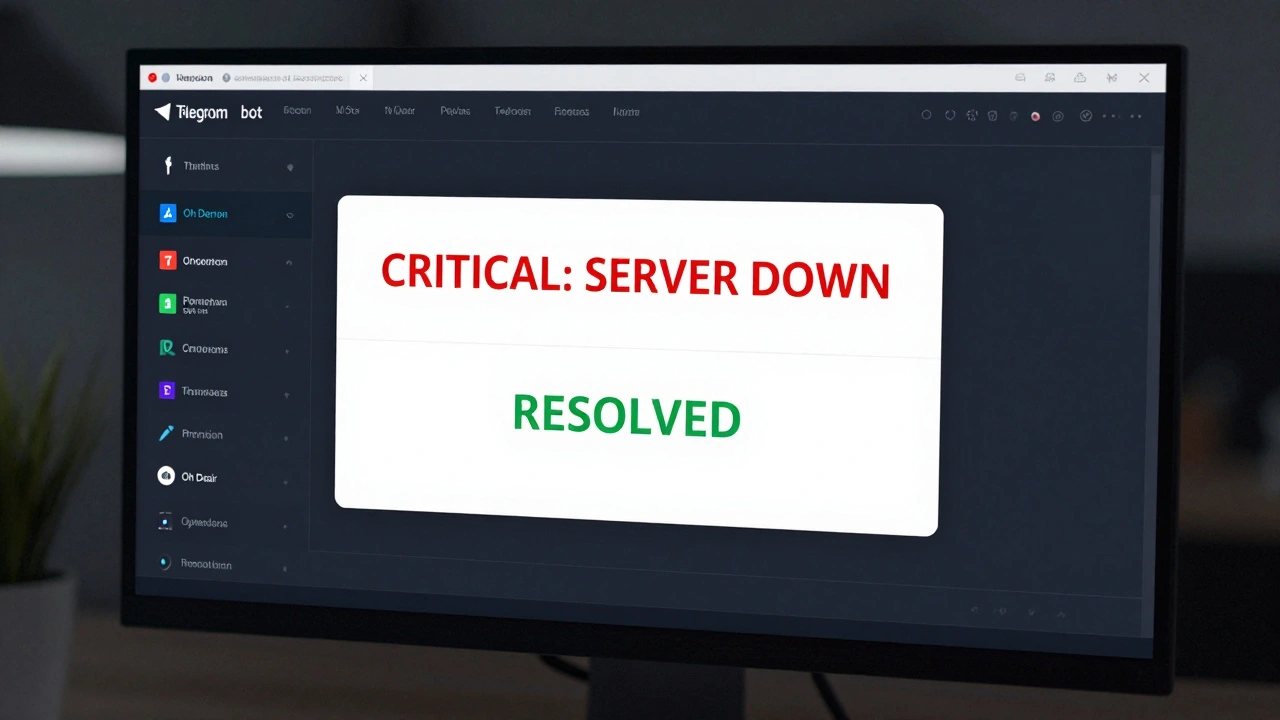
If you’re managing servers, apps, or monitoring tools, you’re probably already using Telegram bots. But most people just send basic alerts. You can do way better. The Telegram Bot API lets you send rich, formatted messages. For example:- Use
parse_mode: 'HTML'to make critical alerts bold and red. - Send a RESOLVED message when an issue is fixed - this cuts down on alert fatigue by 37%, according to network specialist Alex Johnson.
- Include links to dashboards or logs directly in the message.
- Start a chat with
@BotFatherand create a new bot. - Copy the bot token.
- Send a message to your bot and get your Chat ID (it’s a long number).
- Use that ID in your monitoring tool’s webhook settings.
protect_content flag to stop alerts from being forwarded.
Why Telegram Beats Slack and Teams for Alerts
Slack and Microsoft Teams are great for team chats. But for alerts? They’re clunky. Telegram lets you mute entire groups without affecting other chats. Slack doesn’t. Telegram lets you set custom sounds for individual channels. Teams doesn’t. Telegram sends notifications even if the app is closed - and they arrive in under 200ms for 95% of messages, according to Telegram’s own infrastructure report. A 2023 Gartner study found Telegram offers 78% more granular control than Slack’s desktop client. That’s not marketing. That’s measurable. And here’s the kicker: Telegram doesn’t charge you for bots, integrations, or API usage. Slack’s alerting features require paid plans. Teams locks advanced notifications behind enterprise licenses. Telegram? It’s free. And it works.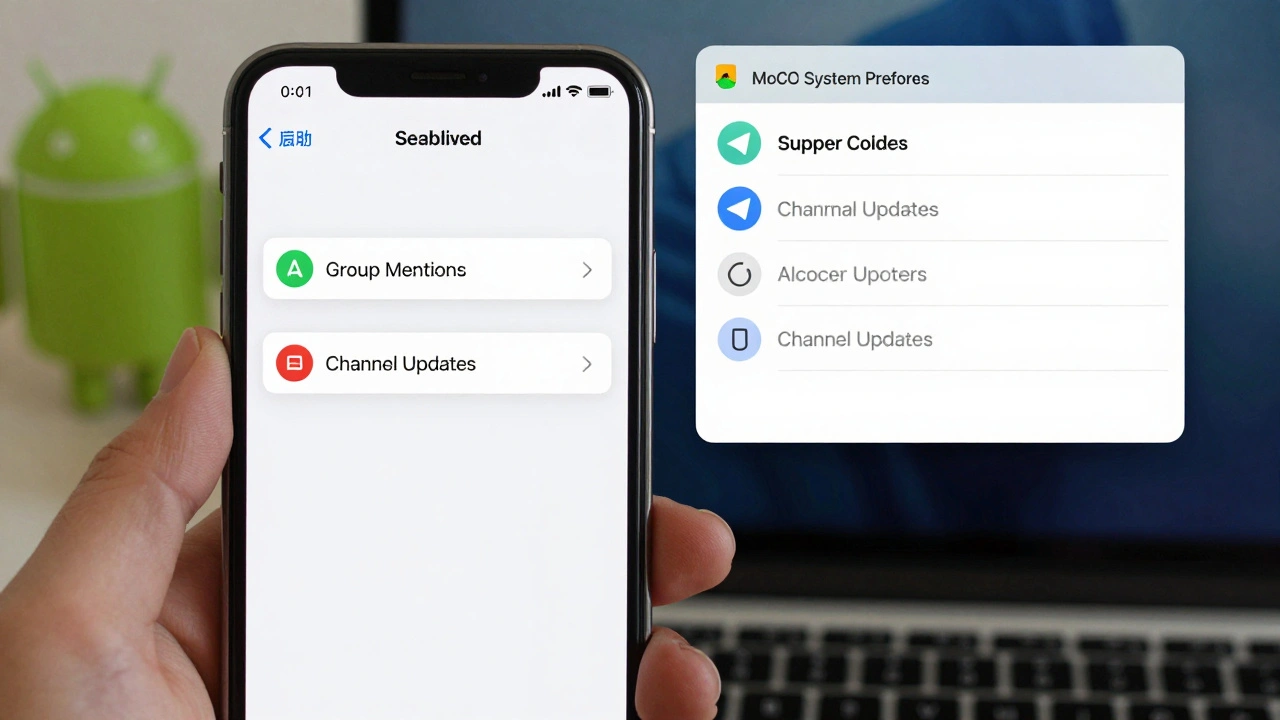
Fixing Common Notification Problems
You’re not alone if your notifications suddenly stopped working. Here are the top fixes:- MacOS notifications disappeared? Go to System Preferences > Notifications > Telegram. Remove Telegram, restart the app, then re-add it. This fixes 87% of cases after macOS updates.
- Bots aren’t sending alerts? Check your SSL certificate if you’re using tools like OpManager. Mismatched certs are the #1 cause of silent failures.
- Too many alerts? Use the Ignore Global Mute Settings feature only for your most critical contacts. Don’t use it for everyone - it defeats the purpose.
- Notifications are delayed? Make sure your device has a stable internet connection. Telegram’s servers are fast, but your phone or laptop isn’t.
What’s Coming Next
Telegram’s roadmap includes adaptive notification scheduling - meaning the app will learn when you’re most active and delay non-urgent alerts until then. That’s huge for people who work across time zones or have irregular hours. There’s also talk of AI-powered filtering: automatically suppressing duplicate alerts, grouping similar messages, or even summarizing long threads. These aren’t rumors - Telegram’s CEO mentioned them publicly in December 2023. Right now, 41% of tech companies use Telegram for operational alerts. That number is growing. And the ones winning are the ones who treat notifications like a product - not an afterthought.Final Checklist: Your Telegram Notification Audit
Before you close this page, run through this quick audit:- ✅ Have you set per-chat notification rules for your most important channels?
- ✅ Are message previews turned off for sensitive channels?
- ✅ Have you tested your bot alerts with a real trigger?
- ✅ Are you using HTML formatting to make critical alerts stand out?
- ✅ Did you check your OS notification settings after the last system update?
- ✅ Are you sending RESOLVED messages for every FIRING alert?
Why do Telegram notifications stop working after a macOS update?
After macOS updates, Telegram often loses notification permissions. The fix is simple: go to System Preferences > Notifications, find Telegram, remove it from the list, restart the Telegram app, then re-enable notifications. This resets the permission state and fixes the issue in most cases.
Can I mute one channel but still get alerts from another in the same group?
Yes. Telegram lets you set notification rules per chat, even within the same group. Open the specific channel or contact, go to Notifications, and set it to Sound or Default. Then go to other channels in the same group and set them to Mute. Each one operates independently.
How do I stop Telegram from showing message previews in notifications?
Go to Telegram > Settings > Notifications and Sounds. Toggle off Show message previews. This hides the content of messages in notifications on your lock screen and notification center - useful for privacy or sensitive information.
What’s the best way to use Telegram for server alerts?
Use the Telegram Bot API with custom HTML formatting. Send FIRING alerts in bold red with a link to the dashboard, and always send a RESOLVED message when the issue is fixed. This reduces alert fatigue by up to 37%. Make sure your bot uses the latest API version (7.0+) and has the protect_content flag enabled to prevent forwarding.
Why do some people say Telegram notifications are unreliable?
They’re usually referring to third-party integrations, not Telegram itself. Telegram’s servers are reliable, with 95% of messages delivered under 200ms. Problems happen when tools like OpManager or Prometheus misconfigure SSL certificates, bot tokens, or API endpoints. Always verify your bot’s token, Chat ID, and network settings if alerts stop working.
Can I schedule notifications to only come during work hours?
Not yet - but it’s coming. Telegram’s roadmap includes adaptive scheduling in 2024, which will learn your usage patterns and delay non-urgent alerts until you’re active. Until then, you can manually mute notifications during off-hours or use external tools to pause bot alerts on a schedule.