Telegram isn’t just for chatting. Millions of people use it every day to get news - not from apps or websites, but through bots that send updates straight to their chats. And the best part? You control it all with simple commands like subscribe, unsubscribe, and topics. No clutter. No ads. Just the news you care about.
How Telegram News Bots Work
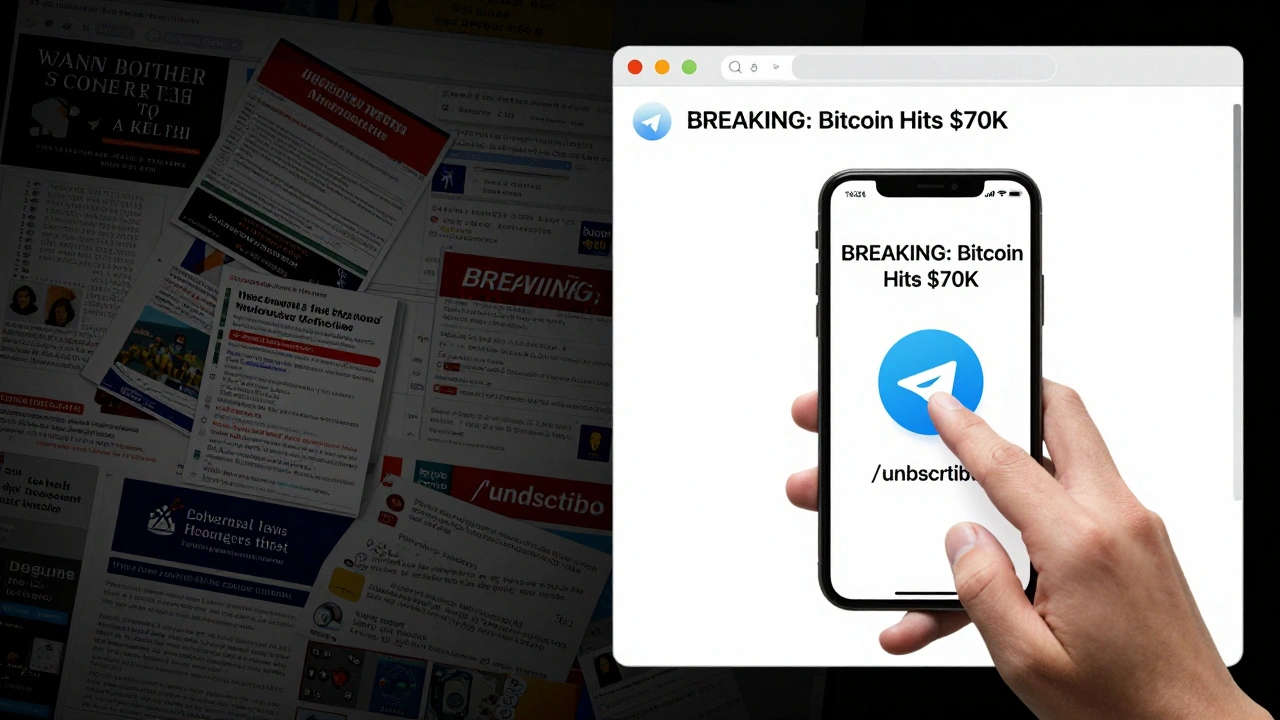
Telegram news bots are automated programs that deliver updates based on what you ask for. They don’t randomly spam you. You choose what you want, when you want it. You type /subscribe politics and suddenly, every major political update shows up in your chat. Type /unsubscribe politics and it stops. That’s it.
These bots run on simple command systems. Each command starts with a forward slash - like /start, /help, or /topics. The bot listens for these, then reacts. Behind the scenes, it tracks who’s subscribed to what, stores preferences, and sends updates in real time. You don’t need to open an app. You don’t need to refresh a page. The news comes to you.
Some bots even let you pick multiple topics. /subscribe tech and /subscribe sports? Done. You’ll get both. No overlap. No confusion.
The Three Core Commands: Subscribe, Unsubscribe, Topics
Every serious news bot on Telegram follows the same basic pattern. Three commands do 90% of the work:
- /subscribe [topic] - Tells the bot you want updates on a specific subject.
- /unsubscribe [topic] - Tells the bot to stop sending updates on that subject.
- /topics - Shows you all the topics you can subscribe to, and which ones you’re already signed up for.
These aren’t fancy. They’re simple. And that’s why they work.
For example, if you type /subscribe crypto, the bot adds you to the crypto subscriber list. The next time a major Bitcoin update drops, you’ll get it. If you change your mind later, just type /unsubscribe crypto. The bot removes you instantly. No confirmation. No login. No account needed.
And /topics? That’s your menu. Type it and you’ll see a list like:
- politics
- tech
- finance
- sports
- climate
- health
Next to each, it might say subscribed or not subscribed. You don’t need to guess. You see exactly where you stand.
Why This Beats Email and Apps
Think about how you get news elsewhere. Email newsletters? You get 20 a day. Some are useful. Most are junk. You delete half, ignore the rest.
News apps? You open them. You scroll. You tap. You wait. And you still miss things.
Telegram bots? You get one message. Right in your chat. No inbox. No app. No notifications you can’t turn off. If you’re not interested, you never subscribed. If you are, you get it instantly.
And here’s the kicker: you can do this on any device. Your phone. Your tablet. Your laptop. Even if you’re offline, the messages wait. When you come back online, they’re there. No syncing. No logging in. Just your chat, your rules.
How Bots Handle Multiple Topics
People don’t just care about one thing. You might want tech news, but also local weather, and a few stocks. A good news bot handles this without breaking a sweat.
Each topic is its own list. When you subscribe to tech, you’re added to the tech list. When you subscribe to sports, you’re added to the sports list. The bot doesn’t merge them. It doesn’t confuse them. It sends separate updates, tagged by topic.
Some bots even let you filter by urgency. Type /subscribe tech:high and you only get breaking news - no daily summaries. Type /subscribe tech:low and you get a nightly digest. It’s all up to you.
And if you’re subscribed to five topics? The bot sends you five separate updates - not one giant wall of text. You can scan it in seconds. You can reply with /unsubscribe tech and instantly stop just that one.

What Happens When You Unsubscribe
Unsubscribing isn’t just hiding a notification. It’s deleting your data - cleanly.
When you type /unsubscribe finance, the bot removes your ID from the finance subscriber list. That’s it. No backup. No archive. No “we’ll keep you just in case.”
This matters because Telegram bots aren’t like Facebook or Google. They don’t track you. They don’t sell your data. They don’t need your email. They don’t ask for your name. You’re just a number in a list. And when you leave, you’re gone.
Some bots even confirm it: “You’ve been unsubscribed from finance.” Simple. Clear. No fine print.
Creating Your Own News Bot
Want to build your own? You don’t need to be a programmer. But you do need to understand how commands work.
First, use @BotFather - Telegram’s official bot setup tool. Type /newbot, follow the steps, and get your API token. Then, use a framework like python-telegram-bot or Telegram Bot SDK for PHP to code your commands.
Here’s the basic structure:
- Define
/subscribe- reads the topic after the command, checks if it’s valid, adds user ID to that topic’s list. - Define
/unsubscribe- removes user ID from the topic’s list. - Define
/topics- pulls your user’s subscriptions and lists all available topics.
You can even add aliases. Make /s work like /subscribe. Make /u work like /unsubscribe. Shortcuts make it faster. Users love that.
And don’t forget: use @BotFather to set your command list. That’s how users see your commands when they type / in chat. If you don’t register them, they won’t know what to type.
Common Mistakes to Avoid
Most new news bots fail because they overcomplicate things.
Mistake 1: Making users register an account. Don’t. Telegram already knows who you are. Use your chat ID. That’s enough.
Mistake 2: Sending too many updates. If you send three news items a day, people unsubscribe. One per day? Maybe. One per topic per day? Better. Less is more.
Mistake 3: Not letting users preview topics. If someone doesn’t know what /subscribe crypto means, they won’t use it. Show examples. Show sample messages.
Mistake 4: Forgetting the /topics command. If users can’t see what’s available, they’ll quit. Make it easy to explore.
Real Examples of Successful News Bots
There are hundreds of news bots on Telegram. A few stand out:
- @BBCNewsBot - Sends breaking headlines with links. Only 1-2 per day. Subscribers love it.
- @CryptoDaily - Lets you pick coins. Subscribe to Bitcoin, Ethereum, or Solana. Get updates only on those.
- @LocalNewsUS - Lets you pick your state. Subscribe to
californiaortexas. Gets local updates, not national noise.
Each one uses the same three commands. No login. No app. No clutter. Just clean, simple, reliable updates.
What’s Next? Automation and AI
The next step? Smart filtering.
Imagine a bot that learns what you care about. If you always read about electric cars but ignore battery news, it starts sending you only the car stories. No need to unsubscribe. It just gets smarter.
Some bots already do this. They track how often you click links, how long you read, whether you reply. They use that to adjust what you see. It’s not surveillance. It’s personalization - without asking for your name or email.
And with AI, bots can now summarize long articles into one paragraph. Or translate headlines into your language. Or even answer questions like, “What happened in the stock market today?”
But the core stays the same: /subscribe, /unsubscribe, /topics. The tools get smarter. The commands stay simple.
Can I use Telegram news bots without a phone number?
No. Telegram requires a phone number to create an account. But once you have one, you don’t need to share it with the bot. The bot only sees your chat ID - not your number, name, or profile. Your privacy stays intact.
Are Telegram news bots free to use?
Yes. All official news bots on Telegram are free. They don’t charge for subscriptions, updates, or topics. Some bots may offer premium features - like ad-free versions or deeper analysis - but the core commands like /subscribe and /unsubscribe are always free.
Can I subscribe to the same topic on multiple bots?
Yes. You can subscribe to "tech" on Bot A and "tech" on Bot B. Each bot operates independently. Bot A won’t know about Bot B. This lets you compare sources - one bot for quick headlines, another for deep analysis.
What if I type /subscribe wrong?
If you type /subscribe gaming but the bot doesn’t have a "gaming" topic, it will reply: "Topic not found. Use /topics to see available options." It won’t break. It won’t crash. It just tells you what’s available.
Can I unsubscribe from all topics at once?
Some bots offer a /unsubscribe_all command. If yours doesn’t, type /topics to see your subscriptions, then unsubscribe one by one. It takes less than 30 seconds.
Final Thought: Simplicity Wins
Telegram news bots don’t need AI. They don’t need fancy interfaces. They don’t need ads. They just need three commands: subscribe, unsubscribe, topics.
That’s why they work. That’s why people use them. That’s why they’re growing faster than email newsletters or news apps.
If you’re looking for clean, reliable news - skip the apps. Try a Telegram bot. Type /topics. Pick what matters. And let the rest fade away.
Latest Posts