When you send out a newsletter, you expect people to read it. But what if half your audience gets the same message hours later on Telegram? Or worse-what if they get it twice? That’s not just confusing. It’s damaging your credibility. Aligning your Telegram posts with your newsletter send times isn’t about fancy tools. It’s about control, clarity, and respect for your audience’s time.
Why This Matters More Than You Think
Telegram isn’t just another social channel. It’s a direct line to your subscribers. No algorithms. No feed dilution. People who join your Telegram channel want updates-fast, clean, and reliable. But if your newsletter goes out at 8 a.m. EST and your Telegram bot posts the same thing at 10:30 a.m., you’re not syncing channels. You’re creating noise.Here’s the real problem: people who subscribe to both will notice. They’ll start ignoring both. Or worse-they’ll unsubscribe from one. A 2025 survey of 1,200 active newsletter and Telegram users found that 68% stopped following one channel because content appeared out of sync. That’s not a small number. That’s a leak in your audience retention.
And it’s not just about timing. It’s about perception. If your brand sends the same update on two platforms but they don’t match, people assume you’re sloppy. Or worse-unreliable.
How Your Content Gets from Newsletter to Telegram
You probably don’t manually copy-paste each newsletter into Telegram. You use automation. And that’s where things go wrong.There are three main ways people connect their newsletters to Telegram:
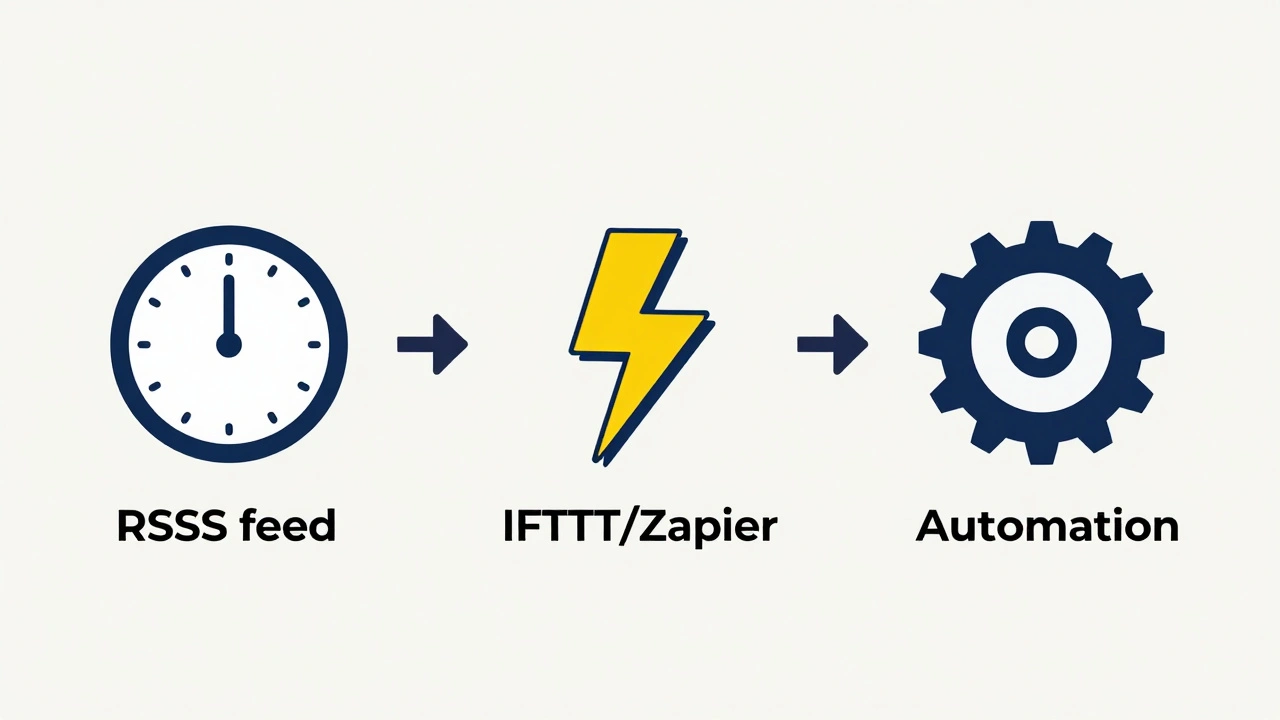
- RSS feed conversion - Tools like RSS.app turn your email newsletter into an RSS feed. Then a Telegram bot checks that feed every 15 to 60 minutes and posts new items. This is common. It’s also the biggest source of delay.
- IFTTT or Zapier triggers - These tools watch for new emails and send them to Telegram immediately. No delay. But they can flood channels if you send multiple emails a day.
- Platform-specific plugins - WordPress plugins like Noptin can push updates directly to Telegram when a new post is published. Timing depends on how your site handles publishing workflows.
Each method has trade-offs. RSS feed automation is easy but slow. IFTTT is fast but risky. Plugins are precise but limited to one platform.
The Delay Problem: Why Your Telegram Posts Are Late
Let’s say your newsletter goes out at 8 a.m. sharp. Your RSS feed updates right after. But your Telegram bot only checks the feed every 30 minutes. That means your post could show up at 8:30 a.m., 9:00 a.m., or even 9:30 a.m. depending on when the bot polls.That’s not a glitch. That’s how most automation tools work. RSS.app, for example, doesn’t guarantee instant updates. It batches changes and polls feeds on a schedule. Telegram bots don’t receive push notifications from RSS feeds-they have to ask for them.
So if timing matters, don’t rely on RSS feed automation alone. If you need real-time sync, use a webhook-based system. But most users don’t have access to those. So what’s the fix?
Solution: Schedule Telegram Posts to Match, Not Follow
Here’s the counterintuitive trick: Don’t let Telegram follow your newsletter. Let it match it.Instead of automating Telegram to post as soon as your newsletter sends, set your Telegram bot to post at the exact same time-on purpose.
For example:
- Your newsletter goes out at 8 a.m. EST every Tuesday.
- You configure your automation tool (Zapier, Make, or n8n) to wait until 8 a.m. EST before posting to Telegram.
- You disable automatic RSS posting.
- You manually trigger the Telegram post-or use a scheduled automation that fires at the same time.
This isn’t harder. It’s smarter. You’re not trying to chase a delay. You’re controlling the timing from the start.
Most automation platforms let you add delays. In Zapier, you can use a “Delay” step. In Make, you can use a “Wait” action. You set it to wait 0 minutes-so it fires exactly when your newsletter sends. You need to trigger both actions from the same event: the newsletter send.
If you’re using RSS.app, you can’t control polling. So skip it. Use a direct trigger instead. Connect your email service (Mailchimp, ConvertKit, Beehiiv) directly to Telegram using a webhook or automation tool that fires on send.
Batching Is Better Than Bursting
Even if you nail the timing, sending one post per newsletter might be too much.Telegram users don’t mind frequent updates-but they hate being overwhelmed. BrandGhost’s 2025 study found that channels posting more than 3 times a day saw a 42% drop in engagement within 30 days. People mute. Or leave.
So here’s a better approach:
- Send your newsletter at 8 a.m. on Tuesdays.
- Wait until 8 a.m. on Thursdays.
- Post a digest to Telegram: "Here’s what you missed: [Link 1], [Link 2], [Link 3]."
This gives people one clear, valuable update instead of five scattered ones. It also gives you time to add context: "This one got the most replies-here’s why." That human touch makes all the difference.
Studies show that digest posts on Telegram have 3x higher click-through rates than individual post bursts. People like curation. They don’t like noise.
Test Before You Automate
Don’t flip the switch and hope for the best. Test.Send a test newsletter. Watch your Telegram channel. Did it post? Did it post at the right time? Did the link work? Did the formatting look right?
Set up a test channel. Use a dummy email address. Trigger the automation. Check the latency. Adjust the delay. Repeat until it’s perfect.
Also, set up error alerts. If the Telegram post fails, you should get a notification-not your subscribers.
Human Touch Still Matters
Automation handles the mechanics. But you handle the message.Even if your timing is perfect, if every Telegram post looks like a robot wrote it, people tune out. Add a line like:
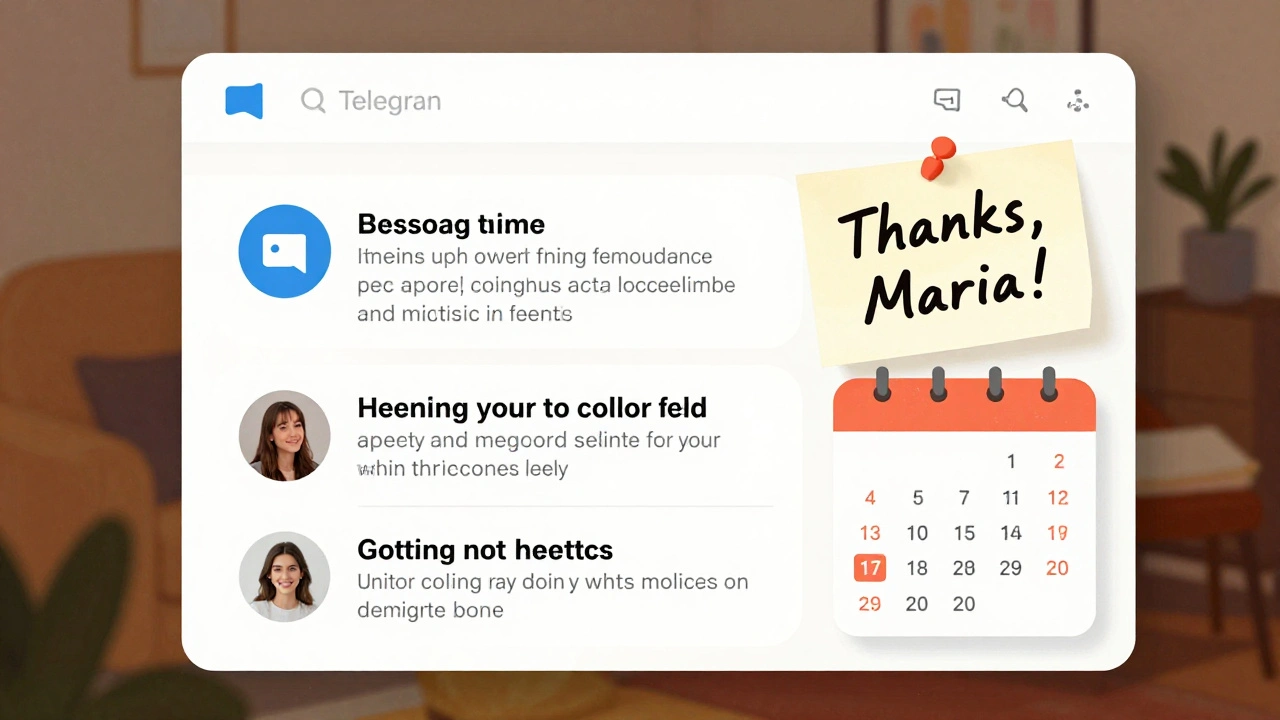
"This week’s top pick came from a reader who sent us this-thanks, Maria."
Or:
"We tried this ourselves. Here’s what happened."
These small touches turn a scheduled post into a conversation. And conversations keep people coming back.
What Not to Do
- Don’t use RSS feed automation if timing matters. The delay is unpredictable.
- Don’t post the same content to both channels at the same time without variation. People notice duplicates.
- Don’t assume everyone gets your newsletter at the same time. Time zones matter. If you’re in New York and your audience is in Berlin, 8 a.m. EST is 2 p.m. in Berlin. Use a tool that adjusts for time zones.
- Don’t ignore analytics. Track opens on your newsletter. Track clicks on Telegram. If one is high and the other is low, something’s off.
Final Rule: Sync the Message, Not Just the Timing
The goal isn’t to make Telegram and your newsletter identical. The goal is to make them feel like two parts of the same experience.Use your newsletter for depth: long reads, data, links, full stories.
Use Telegram for energy: quick takeaways, voice notes, polls, reactions.
When you align them-not just in time, but in purpose-you create a rhythm your audience learns to trust. And that’s worth more than perfect sync.
Can I use RSS.app to sync my newsletter with Telegram without delays?
No. RSS.app polls feeds every 15 to 60 minutes, so there’s always a delay. If you need real-time sync, use a direct automation tool like Zapier or Make that triggers from your email service’s send event-not from an RSS feed.
Should I post to Telegram at the same time as my newsletter, or wait?
Wait. But not too long. If you’re sending a weekly newsletter, post to Telegram 24 hours later as a digest. If you send daily, post at the same time-but limit it to one post per day with multiple links. This keeps your audience engaged without overwhelming them.
What’s the best automation tool for syncing Telegram and newsletters?
For most users, Make (formerly Integromat) or Zapier work best. They let you set exact send times, handle time zones, and add delays. IFTTT is too basic. RSS.app is too slow. If you use WordPress, Noptin is a solid choice for direct integration.
Do I need to change my newsletter format to work with Telegram?
Not your format-but your strategy. Keep your newsletter detailed. Use Telegram for summaries, voice notes, and quick questions. Don’t copy-paste. Curate. This makes both channels stronger.
How do I handle time zones when syncing?
Use automation tools that support time zone settings. In Make or Zapier, you can set the trigger time based on the recipient’s time zone. If you can’t, pick one time (like 8 a.m. EST) and note it in your newsletter: "Sent at 8 a.m. Eastern Time. Adjust for your zone."