Setting up a Telegram channel for investigative journalism isn’t just about posting updates. It’s about building a trusted pipeline of facts, evidence, and sources in a world where truth is increasingly buried under noise. Unlike Twitter or Facebook, Telegram doesn’t push content based on engagement. It doesn’t hide posts behind algorithms. If you post something, your audience sees it-when they choose to. That’s why more investigative teams are turning to Telegram, not as a side tool, but as their main publishing platform.
Why Telegram for Investigative Journalism?
Telegram channels work like a one-way broadcast: you post, your subscribers read. No comments, no likes, no viral tricks. That’s actually a strength for journalism. When you’re breaking a story about corruption, environmental crimes, or human rights abuses, you don’t want your message drowned out by trolls or bots. You want it delivered cleanly, reliably, and securely.
Telegram also lets you archive entire channels in HTML format using the desktop app. That’s huge. If you’re documenting a pattern of disinformation, or tracking leaked documents over months, you can download every post, image, and video-including metadata like timestamps and file origins. This isn’t just convenient. It’s legal evidence. Courts and newsrooms are starting to treat Telegram archives as credible documentation.
And unlike other platforms, Telegram doesn’t require personal data to sign up. You can create a channel with a burner phone number, use a VPN, and never link it to your real identity. That’s critical when reporting on powerful actors who monitor journalists.
Step-by-Step: Setting Up Your Channel
Here’s how to build a channel from scratch-no fluff, just the essentials.
- Get a dedicated phone number. Use a VoIP number (like Google Voice or a local SIM) or a burner. Never use your personal number. Telegram links your account to your phone, and if your number is traced, so is your channel.
- Download Telegram Desktop. You’ll need this for archiving, managing media, and using advanced tools. Mobile apps don’t let you download full channel histories. Go to telegram.org and install it.
- Create the channel. Open the app, tap the menu (three lines), then "New Channel." Choose "Public Channel" if you want people to find you through search. Choose "Private" if you’re still testing or want to invite only trusted sources.
- Name and description matter. Don’t use vague names like "News Updates." Use something specific: "Exposed: Mining Corruption in Appalachia" or "The Pipeline Files: Oil Industry Whistleblowers." Your description should say exactly what you report on and how often. Example: "Weekly deep dives into environmental violations in the Southeast. Sources verified. No speculation."
- Set up a profile photo. Use a logo, not a selfie. A clean, professional icon builds credibility. Avoid emojis or cartoon images.
Content Strategy: What to Post
Don’t just dump documents. Structure your content so it’s useful, not overwhelming.
- Post type 1: The Document. PDFs, spreadsheets, emails. Always include a short caption: "This 2023 internal memo from XYZ Corp shows they knew about the leak since January. Source: leaked by employee."
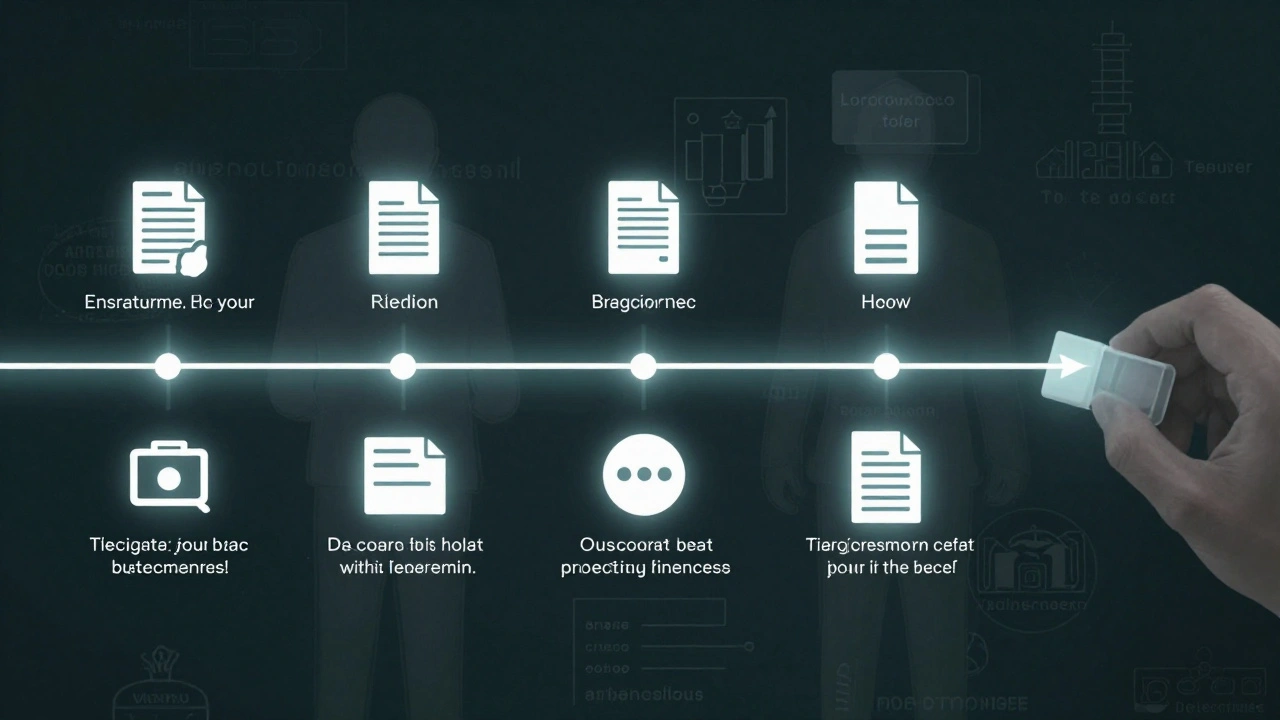
- Post type 2: The Timeline. Use a numbered list: "March 12: Meeting held. April 3: Permit approved. May 1: Cleanup began. June 15: Public denial issued." Visualize the pattern.
- Post type 3: The Source Quote. If someone sends you a tip, paraphrase it clearly. Don’t repost screenshots of private chats. Always anonymize names, locations, and phone numbers.
- Post type 4: The Call to Action. Sometimes, you need help. "We need someone who worked at this facility between 2020-2022. Contact us securely." Use encrypted messaging tools like Signal for replies.
Avoid opinion. Avoid speculation. Stick to facts you can prove. If you’re unsure, say so: "We are verifying this claim. Updates will follow."

Security: Don’t Get Caught
Telegram isn’t end-to-end encrypted by default. Only one-on-one "Secret Chats" are. Your channel posts? Anyone with the link can see them. That includes governments, corporations, and hackers.
Here’s how to protect yourself:
- Use a VPN. Always. NordVPN, ProtonVPN, or Mullvad. Connect before opening Telegram.
- Never post from public Wi-Fi. Coffee shops, airports, libraries-avoid them.
- Disable cloud backups. Go to Settings > Chat Settings > Auto-Save to Cloud. Turn it off. You don’t want your archives stored on someone else’s server.
- Use a separate device. If possible, use an old phone or laptop just for this channel. Wipe it after each major story.
- Don’t tag people. Even if someone shares a post publicly, you don’t know if they’re aware their identity is exposed. Always blur faces, redact names, and remove location tags from images.
Grow Your Audience
You can’t force people to follow you. But you can make it easy for them to find you.
- Search engines index Telegram. Use Google to find your channel: type
site:t.me/ yourchannelname. If it shows up, you’re indexed. - Link to it in your other work. If you write for a news site, mention your channel in your byline: "Follow our full investigation at t.me/yourchannel."
- Use Facebook groups. Many journalism communities share Telegram links. Join groups like "Investigative Journalists Network" or "Data Reporting Collective" and share your channel when relevant.
- Collaborate. If another journalist has a channel on a related topic, ask to cross-post. Two channels sharing one story reach twice the audience.
Don’t buy followers. Don’t run ads. Your credibility is your only currency.
Track Your Impact
You need to know if anyone’s reading. Telegram doesn’t give you stats-but third-party tools do.
Use TGStat (tgstat.com) or Telemetr (telemetr.io). These tools show:
- How many views each post gets
- When your audience is most active
- How fast your subscriber count grows
- Which posts get shared the most
One team tracking coal pollution in Pennsylvania noticed a spike in views after posting a map of illegal dump sites. Two days later, a local newspaper ran a story based on their data. That’s impact.
What to Avoid
These mistakes kill credibility fast:
- Posting unverified leaks. If you don’t know how a file was obtained, say so. "We received this document anonymously. We are verifying its authenticity."
- Using the same channel for multiple topics. One channel for environmental reports. Another for political corruption. Mixing them confuses your audience.
- Replying to comments. If you enable comments (via linked group), moderate them. Delete spam. Block bots. Don’t engage with trolls.
- Ignoring metadata. A photo from a protest? Check its EXIF data. Was it taken in 2022? Or recycled from 2018? Tools like InVID or FotoForensics help.
Next Steps
Start small. Launch your channel. Post once a week. Track what works. Build trust slowly. The most successful journalism channels didn’t go viral overnight. They became essential because they were consistent, accurate, and safe.
Learn from Jane Lytvynenko’s training at GIJN. Watch her "Telegram 101" webinar. Join the Knight Center’s course on digital investigative techniques. You’re not alone. Thousands of reporters are doing this right now.
Your channel isn’t just a feed. It’s a public record. Make it count.
Can I use my personal phone number to create a Telegram channel for journalism?
No. Always use a separate, burner number-preferably a VoIP number or prepaid SIM. Your personal number links directly to your identity, which can put you at risk if you’re reporting on powerful entities. Telegram ties your account to your phone, and that connection can be traced.
Are Telegram channels end-to-end encrypted?
No, not by default. Only "Secret Chats" between two individuals are encrypted. Channel posts, group messages, and even private messages sent to your channel are stored on Telegram’s servers and can be accessed by third parties. Always use a VPN and avoid posting sensitive info unless you’re certain it’s safe.
How do I archive my Telegram channel for evidence?
Use the Telegram Desktop app. Go to your channel, click the three dots in the top-right, then select "Export Chat History." Choose HTML format. This downloads every message, image, video, and timestamp. You can save it as a standalone folder. This is accepted as documentary evidence in some legal and journalistic contexts.
Should I make my channel public or private?
Start private if you’re testing content or working with sources. Switch to public once you have a clear focus and steady output. Public channels can be found via Google search (using site:t.me/*) and are easier to share. But public also means anyone can see your posts-including hostile actors. Weigh your risks.
Can I monetize a journalism Telegram channel?
Technically yes-Telegram allows paid subscriptions and donations. But for investigative journalism, monetization can compromise trust. Most successful channels rely on grants, nonprofit funding, or reader donations via secure platforms like Patreon or Substack. Avoid ads or sponsored content. Your credibility is your only asset.
How do I know if someone is copying my channel’s content?
Use TGStat or Telemetr to monitor posting times across channels. If multiple channels post the same document at the exact same time, it’s likely coordinated disinformation or a bot network. Track which channels share your content and reach out to legitimate outlets to amplify your work.
What tools help analyze Telegram channels?
TGStat, Telemetr, and Telepathy are the most trusted. They show subscriber growth, post reach, and activity patterns. For deeper analysis, use the Telegram Desktop app to export channel history and run keyword searches. Some journalists use Python scripts to analyze exported data for trends.
Telegram is more than a messaging app. For investigative journalists, it’s a secure, archive-ready platform for publishing truth without filters. The tools exist. The audience is waiting. All you need is the courage to start.
Latest Posts