Telegram isn’t just another messaging app. For news channels, it’s a direct pipeline to an audience that actually reads, shares, and stays engaged. Unlike platforms that bury content in algorithms, Telegram puts control in your hands - and invite links and QR codes are your most powerful tools to grow that audience organically.
Here’s the truth: you can post breaking news every hour, but if no one finds your channel, it’s invisible. The solution isn’t ads or paid promotions. It’s simple, human, and built into Telegram itself: let your current members bring in the next ones. That’s where invite links and QR codes come in - not as gimmicks, but as essential distribution channels.
Why Invite Links Work Better Than You Think
Every Telegram channel gets a unique invite link. It looks like this: https://t.me/yourchannelname. It’s not just a URL. It’s a direct invitation. When someone clicks it, they’re taken straight to your channel with a single tap. No login. No sign-up. No confusion.
News channels that grow fastest use this link everywhere:
- In email newsletters - "Subscribe to our real-time updates here: [link]"
- In website footers - a small button that says "Get Breaking News on Telegram"
- In comments on YouTube videos or Reddit threads - "We post verified updates here: [link]"
- In WhatsApp status updates - "Live news feed: [link]"
But here’s the trick most miss: customize your link. Instead of a random string like t.me/abc123xyz, pick a clear name like t.me/technewsdaily. It’s easier to remember, looks professional, and tells people exactly what they’re joining. You can change it once in your channel settings - so make it count.
QR Codes: The Silent Growth Engine
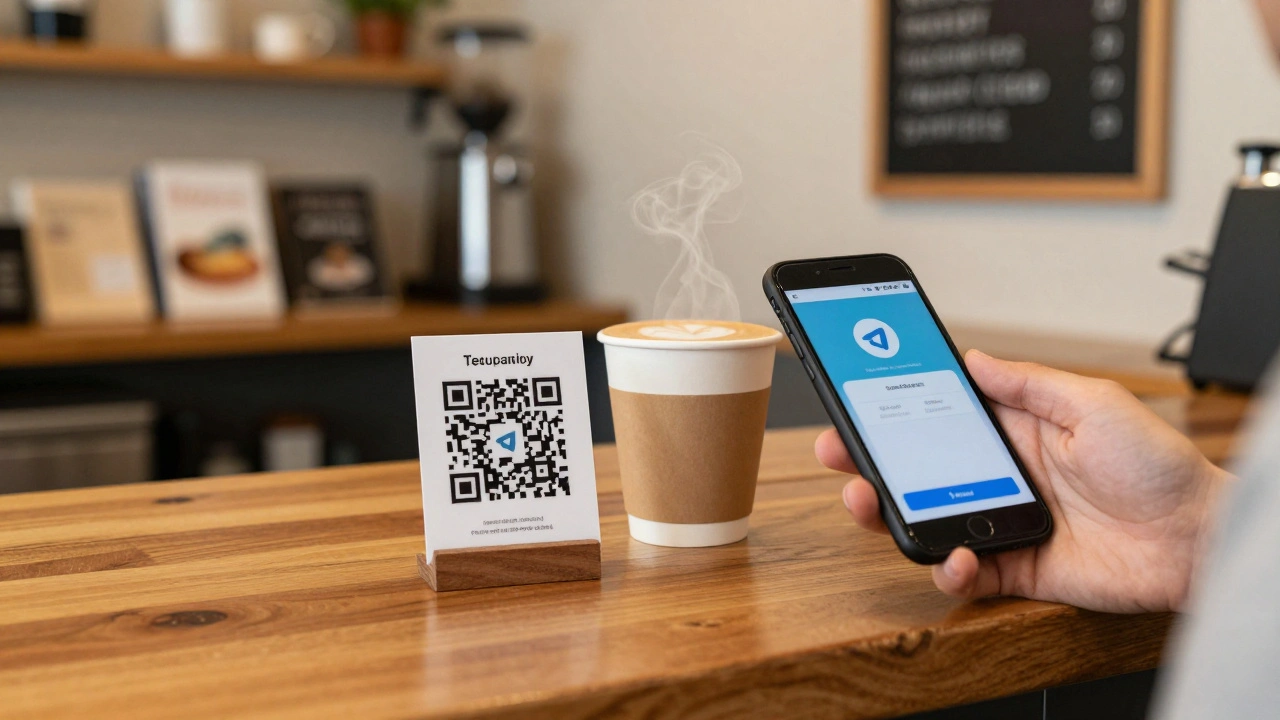
QR codes are underrated. People scan them without thinking - on posters, receipts, business cards, even coffee cups. For news channels, they’re perfect for real-world visibility.
Generate a QR code for your Telegram channel using any free tool (like QRCode Monkey or Telegram’s own built-in option). Then put it where your audience already is:
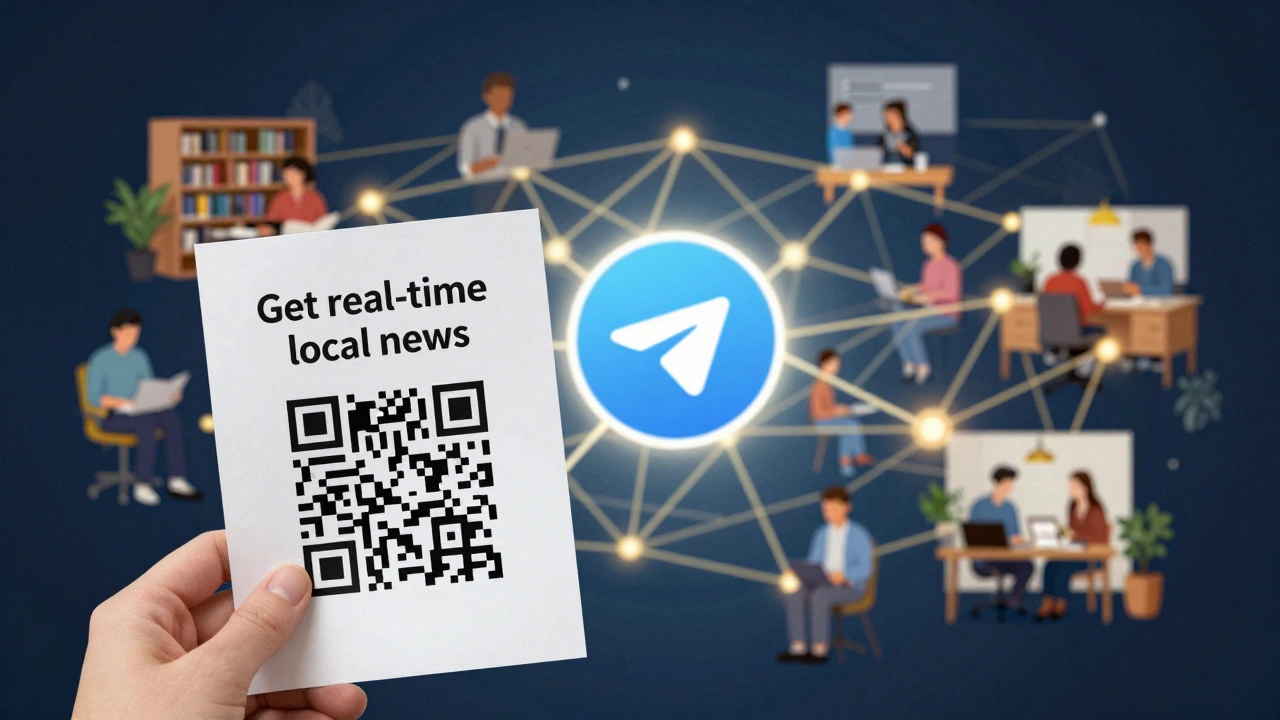
- On printed flyers at local events, libraries, or co-working spaces
- In printed newsletters or community bulletins
- On your office door or reception desk
- As a sticker on laptops or notebooks - people will scan it
Here’s what works: a simple QR code with a short label underneath: "Get real-time local news". No clutter. No logo. Just the code and one clear line of text. When someone scans it, they land on your channel instantly. No friction. No barriers.
One news channel in Asheville saw a 37% spike in new members over 6 weeks just by placing QR codes in 12 local cafes and bookstores. No ads. No budget. Just visibility where people are already looking.
Make Sharing Worth It
Invite links and QR codes don’t grow channels on their own. They need a reason to be shared. People won’t forward your link unless they believe it’s valuable - to them and to their friends.
Here’s how top news channels turn passive members into active promoters:
- Pin a message: "Share this channel with someone who needs real-time updates. Get early access to our weekly analysis if you bring 3 new members."
- Offer exclusive content: "Members who invite others get our daily briefings 2 hours before public release."
- Run a weekly "Tip of the Week" - a short, shareable insight that people want to forward.
One political news channel in the U.S. Midwest started offering a 5-minute audio summary every Friday - only for members who invited someone new. Within two months, their growth rate tripled. Why? Because the incentive wasn’t cash. It was access.
Position Your Channel Right
Invite links won’t work if people don’t know what they’re joining. A vague channel name like "News Updates" gets ignored. A specific one like "Texas Weather Alerts: Real-Time Storm Updates" gets clicked.
Optimize your channel like this:
- Title: Be precise. Include location, topic, and value. "Tech News for Investors" beats "Tech News".
- Description: Answer: What do I get? How often? Why trust this? Example: "Daily briefings on U.S. stock market moves. Verified sources. No ads. Updated every weekday at 7 AM EST."
- Keywords: Use Telegram’s search. Type your niche into the app. What terms do people use? Use those in your description.
Telegram’s search algorithm ranks channels by relevance, not size. If you’re the only channel in your niche - say, "Florida Hurricane Recovery Updates" - you’ll show up first. That’s free, targeted traffic.
Use Cross-Promotion Smartly
Don’t just grow alone. Partner with other channels that serve a similar audience - but aren’t direct competitors.
Find channels with 500-5,000 members in your niche. Send a polite message: "We both cover [topic]. Want to swap one post a week? I’ll mention your channel in mine, and you’ll do the same. No pay. Just value."
One local news channel in North Carolina teamed up with a small business newsletter. They cross-promoted for two months. Result? 1,200 new members - 80% of whom stayed active after 30 days. Why? Because the audiences overlapped perfectly.
Consistency Beats Virality
Invite links attract people. But they stay because you show up - regularly.
News channels that grow slowly but steadily post at the same time every day. Monday to Friday at 8 AM. Saturday at 10 AM. Sunday at 5 PM. No surprises. No gaps.
Use Telegram’s built-in scheduling tool. Draft your posts ahead of time. Schedule them. Even if you’re on vacation, your channel keeps running.
And don’t just post text. Add polls: "Did this report change your view? Yes / No / Not sure." Add quizzes: "Which of these three events happened first?" These increase time spent per member by over 40%, according to Telegram’s own internal metrics.
Don’t Forget: Quality Over Quantity
Telegram doesn’t care how many members you have. It cares how many read, forward, and trust you.
One member who shares your link with five friends is worth 100 passive subscribers. So focus on depth, not just numbers.
Verify your sources. Cite them. Admit when you don’t know something. Be human. People follow channels that feel real - not robotic.
What Not to Do
- Don’t spam groups. Posting your invite link in every random group will get you banned.
- Don’t buy followers. They won’t engage. They’ll hurt your reach.
- Don’t change your link often. It breaks all the places you’ve shared it.
- Don’t ignore analytics. Telegram shows you who joined via which link. Check it weekly.
Next Steps: Start Today
Here’s your 5-minute action plan:
- Go to your channel > Settings > Invite Links > Create a new link with a clear name.
- Use a free tool to generate a QR code for that link.
- Put the link in your email signature, website, and one social bio.
- Print 20 QR codes. Place them in 5 local spots: library, coffee shop, community board, etc.
- Write one pinned message: "Share this channel with someone who needs trustworthy news. Get our exclusive daily summary if you bring 3 new members."
You don’t need a big team. You don’t need a budget. You just need to make it easy for the right people to find you - and give them a reason to share.
Can I track how many people join through my invite link?
Yes. Go to your channel’s Settings > Invite Links. Telegram shows you how many new members each link brought in. You can create multiple links - like one for your website, one for your newsletter - and compare which source works best.
Do QR codes expire?
No. As long as your channel exists and the invite link stays the same, the QR code will always work. You don’t need to regenerate it unless you change your channel’s username.
Can I use the same invite link for multiple channels?
No. Each Telegram channel has its own unique invite link. You can’t link one invite code to two channels. But you can create separate links for different audiences - like "Tech News" vs. "Local Weather" - and track them individually.
Are Telegram QR codes different from other apps?
Yes. Telegram QR codes are designed to open the app directly to your channel. Other apps like WhatsApp or WeChat use QR codes to add contacts. Telegram’s is built for discovery - scanning it takes you straight to your content, no extra steps.
What if someone scans my QR code but doesn’t join?
That’s normal. Not every scan turns into a join. But if you’re placing QR codes where your audience is - like local spots or event handouts - you’ll see steady growth. The key is consistency: put them in 10 places, not just one.