Most people think of Telegram bots as tools for sending reminders, weather updates, or memes. But there’s a hidden power in Telegram’s inline query bots-one that’s quietly changing how news archives are accessed and shared. If you’ve ever typed @newsbot climate change 2023 into any Telegram chat and seen a clean list of archived articles pop up, you’ve seen this in action. It’s not magic. It’s smart bot design.
How Inline Query Bots Actually Work
Telegram’s inline query system lets users search bots from any chat, even if the bot isn’t in that group or conversation. You don’t need to message the bot directly. Just type @botname your search term in the input field, and the bot responds with results you can send with one tap.
This isn’t just a shortcut. It’s a full API-driven workflow. When you type a query, Telegram sends three things to the bot:
- The exact text you typed (up to 512 characters)
- Your user ID (so the bot can personalize results if needed)
- An offset parameter (used for pagination-critical for large archives)
The bot then processes this, pulls matching content from its database, and returns a list of InlineQueryResult objects. These can be text snippets, article previews, images, or even links to full stories. Telegram caches these results for 5 minutes by default. But for news archives, that’s a problem.
Why Caching Breaks News Archives
Most bot tutorials tell you to leave caching on. It saves server load. But if you’re serving news, yesterday’s headline is today’s misinformation.
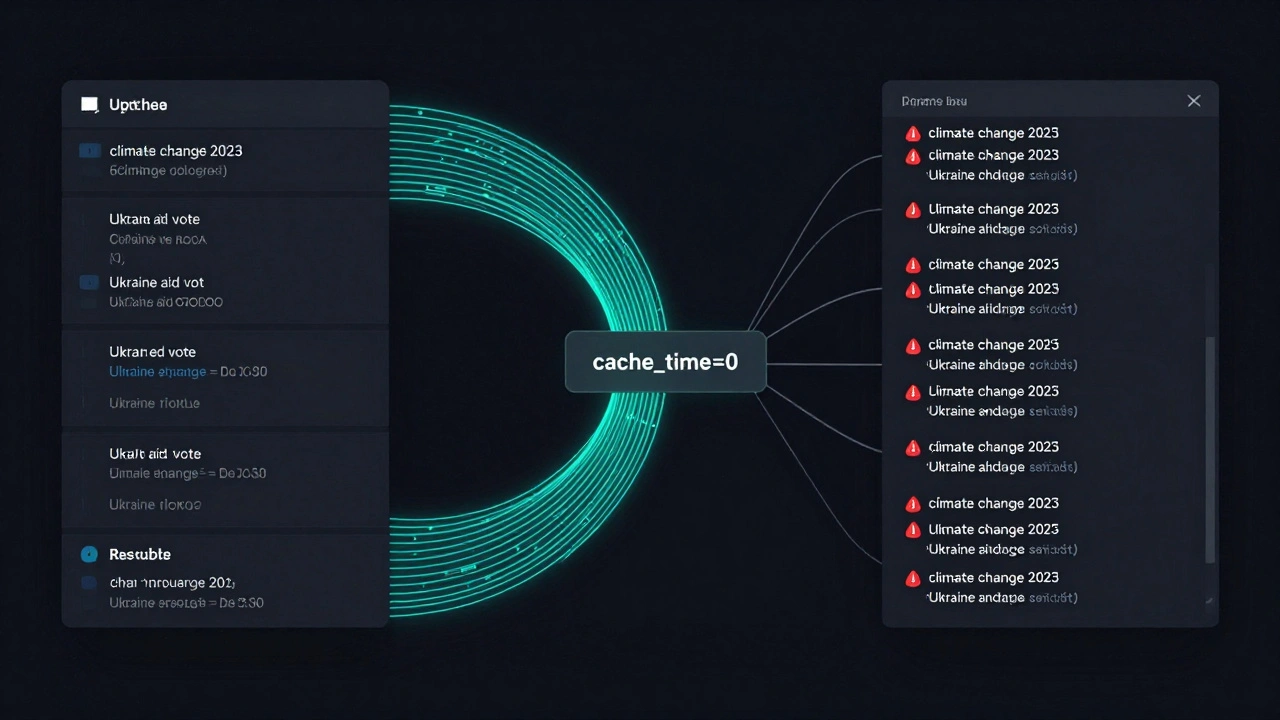
Take a bot that pulls archived articles from a journalism database. If it caches results for 300 seconds, someone searching for “Ukraine aid vote” on March 15 might get results from March 14-even if new articles were published 10 minutes ago. That’s not just outdated. It’s misleading.
The fix? Set cache_time = 0. Now, every time someone types a query, the bot hits the database fresh. No cached copies. No stale headlines. It costs more in server requests, but for news, accuracy beats efficiency every time.
Real-World Setup: How a News Archive Bot Is Built
Let’s say you’re building a bot for a regional news outlet with 12 years of archived articles. Here’s how it works in practice:
- The bot connects to a PostgreSQL database storing articles with metadata: title, date, section, keywords, and a snippet.
- When a user types
@archivebot climate summit, the bot parses the query, removes common stop words, and runs a full-text search. - It returns up to 10 results as text cards with headlines, dates, and a 120-character preview.
- Each result includes a deep link:
https://archive.example.com/article/12345that opens the full story in a browser. - The offset parameter lets users scroll through 50, 100, or 500+ results without reloading the entire archive.
One newsroom in Serbia built this using Python-telegram-bot and now handles 8,000+ monthly inline queries. Their users report finding old reports 73% faster than using their website’s search. Why? Because the bot understands natural language. You don’t need to know exact dates or article titles. Just type what you remember.
What You Can Surface (And What You Can’t)
Inline bots can return:
- Text summaries with formatted links
- Images with captions (e.g., old front pages)
- Geolocation results (for event-based archives)
- PDF or document previews (via Telegram’s file handling)
But they can’t:
- Send full PDFs or large files directly (Telegram limits file size)
- Display dynamic content like live charts or real-time data (without constant polling)
- Require authentication (no login prompts in inline mode)
That’s why smart archive bots use previews. They give enough context to decide if the article is worth opening. No one wants to click 10 links just to find one useful piece.
Why This Beats Website Search
Most news sites have clunky search. Filters, typos, slow loading. Telegram bots don’t care about your spelling. They use fuzzy matching. Typo “climte” instead of “climate”? The bot still finds it.
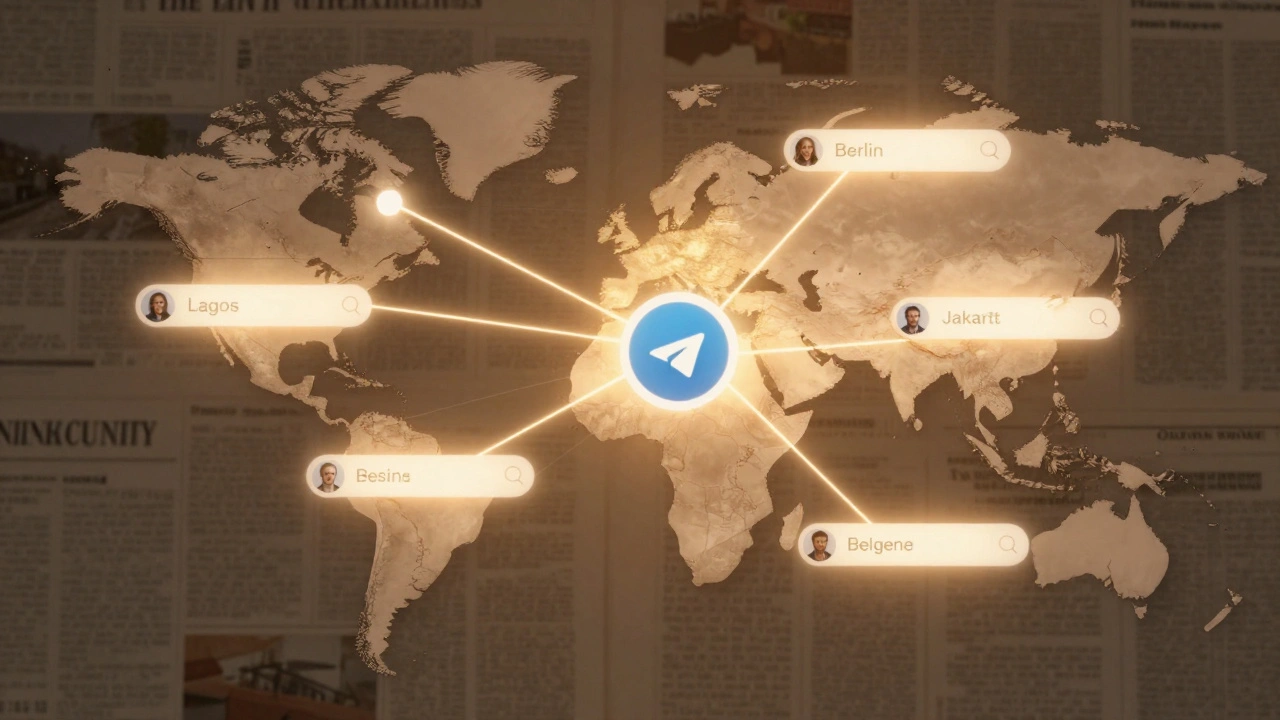
And here’s the kicker: the archive lives in every chat. A journalist in Berlin can search for an old interview and send the result to a source in Jakarta. No login. No email. No waiting for a link. Just type, select, send.
This turns passive archives into active tools. It’s not about storage. It’s about accessibility.
Who’s Already Doing This
You won’t find headlines about this. No press releases. But dig into Telegram’s public bot directory, and you’ll find niche bots run by journalists, librarians, and researchers.
One bot, @archive_ria, pulls from a Russian state media archive. Another, @dailynotes_bot, serves a community of journalists archiving local protest footage. They don’t have budgets. They use free hosting, SQLite, and simple Python scripts. Their users? 200-500 daily active searchers. That’s not viral. But it’s vital.
These bots survive because they solve one real problem: finding what’s been buried.
How to Start Your Own
You don’t need a team. Here’s the bare minimum:
- Create a bot via
@BotFatheron Telegram. - Set up a simple database (SQLite works for under 10,000 articles).
- Write a script that:
- Accepts inline queries
- Searches your archive by keyword
- Returns up to 10 results with titles and links
- Sets
cache_time=0 - Deploy it on a free tier (Render, Railway, or even a Raspberry Pi).
- Share the bot handle with your network.
Test it by typing @yourbotname your keyword in any chat. If results show up in under 2 seconds, you’re done.
The Bigger Picture
Telegram isn’t just a messaging app. It’s becoming a distributed search engine for niche knowledge. News archives aren’t just stored-they’re shared, remixed, and rediscovered through simple bots.
When a student in Lagos finds a 2018 article on energy policy by typing @archivebot nigeria power, they’re not just reading history. They’re connecting dots across time and geography.
That’s the real value. Not automation. Access.