When a video surfaces on Telegram claiming to show a protest, conflict, or breaking event, how do you know it’s real? Fake footage spreads faster than truth, especially when it’s emotionally charged. In 2026, with misinformation campaigns growing more sophisticated, simply trusting a video because it looks grainy or dramatic isn’t enough. You need a method. You need tools. And you need to understand what OSINT can-and can’t-do for you.
Start with the source: Is this even from Telegram?
Not every video labeled as "Telegram footage" actually came from Telegram. Some are downloaded from YouTube, TikTok, or even state-run news sites and then re-uploaded to obscure Telegram channels to give them false credibility. The first step is verifying the origin. Look at the channel itself. Is it public? Does it have a history? Check the posting pattern. Real sources usually post consistently. Fake ones often flood the channel with content in a single day, then go silent for weeks. Use Telegram-scraper is a Python-based tool built on the Telethon library that pulls messages and media from public channels. It exports data in structured formats, letting you see when the video was first posted, who uploaded it, and if it’s been shared elsewhere. If the video appeared on a channel with 12 posts in the last year and suddenly drops a 5-minute clip with no context, that’s a red flag.Break the video into frames
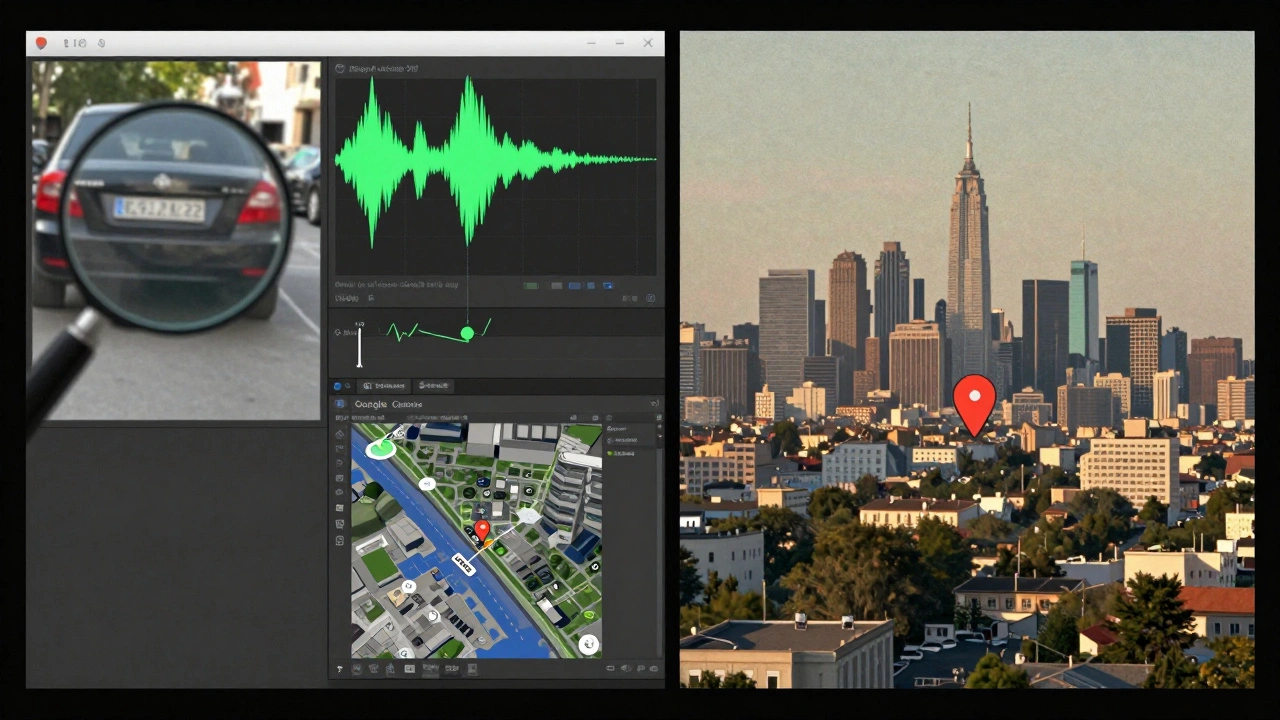
Videos aren’t just moving images-they’re hundreds of still frames stitched together. Each frame holds clues. Use a tool like FFmpeg is a free, open-source tool that extracts individual frames from video files. Don’t just pick one frame-grab 5 to 10, spaced evenly across the video. Why? Because motion blur, compression artifacts, or camera shake can hide details in a moving clip. A still frame reveals what the eye misses. Look for:- License plates, street signs, building names
- Logo on a shirt, a billboard, a store window
- Unique architecture-a curved roof, a broken lamppost, a specific type of power line
- Text on screens, paper, or digital displays
Reverse image search everything
Once you’ve extracted frames, run each one through reverse image search. Use Google Images and Tineye together. Google finds recent matches. Tineye digs into older archives. If the same image shows up on a 2022 Ukrainian news site labeled as "Kyiv bombing," but your video claims it’s from a 2026 protest in Sudan, you’ve found recycled content. Don’t stop there. Use Yandex Images-it’s especially strong for finding matches in Russian, Arabic, and Eastern European sources. Many disinformation campaigns reuse footage from past conflicts, especially in regions with limited media coverage. Yandex often uncovers these links when Google doesn’t.Check the metadata-inside and out
Videos carry hidden data. That data can tell you the exact phone model used, the time it was recorded, and sometimes even the GPS coordinates. But here’s the catch: Telegram strips most metadata when videos are uploaded. So if you see a video with full GPS data, that’s suspicious. It likely came from outside Telegram. Use ExifTool to analyze the original file before it was uploaded. If the video was downloaded from Telegram, you’ll need to get the original source. That’s hard. But if you have a copy from the uploader’s device (say, a whistleblower sent you the raw file), ExifTool will show:- Device model: iPhone 14 Pro, Samsung S23, DJI drone
- Creation date and time (UTC)
- GPS latitude/longitude (if enabled)
- Software used to edit the video
Listen to the background
Most people focus on what’s visible. But sound is often more revealing. Use Audacity (free audio editor) to isolate background noise. Listen for:- Specific bird calls or insects (they vary by region)
- Traffic patterns-certain cities have distinct horn patterns or bus sounds
- Language accents or dialects in crowd chatter
- Reverberation-echoes in tunnels, open fields, or concrete buildings
Geolocate using visible landmarks
If you spot a building, a sign, or a unique intersection, use Google Earth and Yandex Maps to match it. Zoom in. Rotate the view. Use Street View if available. Look for shadows-how long are they? That tells you the sun’s angle, which tells you the time of day and season. Tools like Geogramint help find nearby Telegram users and map their activity. If the video claims to be from a protest in downtown Kharkiv, but the uploader’s public Telegram profile shows them consistently posting from Kyiv, that’s a conflict. You don’t need to know their real identity-just their digital footprint.Check for watermarks and edits
Original footage often has subtle digital watermarks: a logo in the corner, a color grading pattern, or a specific noise texture from a camera sensor. Edited clips may have inconsistent lighting, mismatched shadows, or unnatural edges around people or objects. Use Forensically (a free online tool) to analyze compression levels, noise patterns, and lighting inconsistencies. If one part of the video has higher compression than another, it was likely stitched together from two clips. If the shadows on a person’s face don’t match the light source in the background, it’s fake.Correlate with user identity
If you can identify the Telegram user who posted the video, cross-reference them. Use tools like Maigret and Boto Detective to search for their username, phone number, or email across platforms. If their username appears on a known extremist forum, a Russian disinformation site, or a fake news channel, that context matters. Don’t assume they’re the creator. They might be a repost. But if their entire online history is built around sharing unverified war footage, their credibility drops.
What OSINT can’t do
OSINT tools are powerful, but they’re not magic. If a user disables their "Last Seen" status, you can’t track their activity. If the video was uploaded from a private channel, you can’t access it unless you’re a member. If the footage was recorded on a device with location services off, GPS data won’t exist. And here’s the hardest truth: even if all the evidence points to authenticity, it doesn’t mean the story is true. The footage might be real-but the context could be wrong. A video of a bombed building might be from 2023, not 2026. A crowd might be reacting to a fireworks show, not an explosion. OSINT tells you what’s in the video. It doesn’t tell you why it was shared.The checklist: Your 5-step verification routine
Here’s what to do every time you see Telegram footage:- Check the channel-public? active? consistent?
- Extract 5+ frames and run them through Google Images and Yandex.
- Run metadata through ExifTool-if you have the original file.
- Listen to background audio-use Audacity to isolate it.
- Geolocate using Google Earth and Yandex Maps-match landmarks, shadows, and signs.
Final warning: Ethics matter
These tools can uncover truth. But they can also be used to harass, doxx, or invade privacy. Never use them to target individuals without clear public interest. Never share private Telegram data. Never assume a user’s identity just because you found their username. OSINT isn’t about power. It’s about responsibility.Can I validate Telegram footage without downloading the video?
No, not reliably. Most metadata and visual clues are lost when videos are streamed directly. You need to download the file to analyze its frame-by-frame content, audio, and embedded data. Use Telegram-scraper or a similar tool to save the original video before analysis.
Are free OSINT tools as effective as paid ones?
Yes-for basic verification. Tools like ExifTool, FFmpeg, Google Images, and Audacity are free and powerful enough to catch most fake videos. Paid tools like Bellingcat’s Telepathy or Telemetr.io offer automation and bulk analysis, but they’re not necessary for individual investigators. Start with free tools. Upgrade only if you’re doing daily investigations.
What if the video has no visible landmarks?
Focus on audio, metadata, and context. Listen for regional sounds-birds, traffic, language. Check the device model in the metadata. Look at the uploader’s history: do they post from the same region often? Even without landmarks, inconsistencies in lighting, compression, or audio timing can reveal a mismatch.
Can I use OCR to read text in the video?
Yes. Use free tools like NAPS2 or IMAGE TO TEXT CONVERTER - OCR ONLINE to extract text from video frames. Look for street names, store logos, date stamps, or signs. If the text reads "2023" but the video claims to be from 2026, it’s recycled. OCR works best on clear, static text-avoid blurry or moving signs.
How do I know if a Telegram channel is legitimate?
Check its activity over time. Legitimate channels have steady posting, consistent formatting, and often link to other verified sources. Fake channels post only during crises, use sensational titles, and have few followers but high engagement (often from bot accounts). Use TelegramDB Search Bot to see if the channel appears in official directories or has been flagged by OSINT communities.