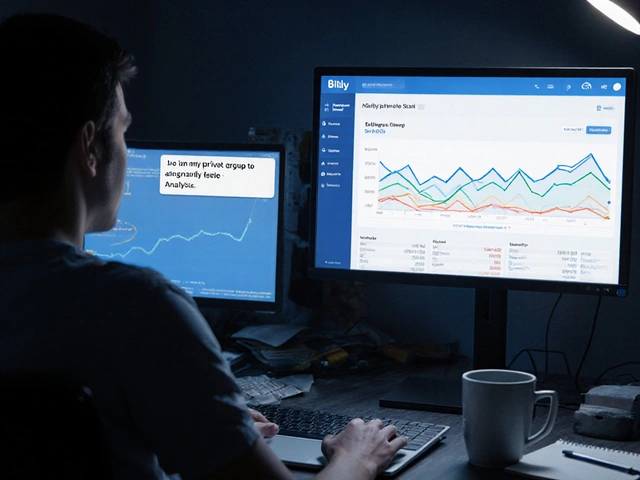
In the chaos of a breaking news event, a single manipulated image can trigger a wave of misinformation. For journalists and news aggregators on Telegram, the speed of delivery often clashes with the need for accuracy. The solution isn't just faster human checking, but a structured AI image verification pipeline that can scrub, analyze, and validate visual data in seconds. By combining automation tools with vision-capable AI, you can turn a Telegram bot into a sophisticated verification hub that separates fact from deepfake before the 'send' button is ever pressed.
The Core Architecture of a Verification Workflow
To build a reliable system, you need an orchestrator that connects your communication channel to your analysis tools. n8n is a powerful workflow automation tool that allows you to connect various APIs and AI models through a visual interface. It acts as the central brain, managing the flow of data from the moment a user sends a photo to the moment a verification report is posted.
A typical high-speed workflow follows this path: a Telegram trigger detects an incoming image or link, n8n scrapes the metadata or downloads the file, an AI model analyzes the visual content, and the result is formatted into a human-readable summary. This removes the manual effort of jumping between browser tabs and verification tools while the clock is ticking on a story.
Setting Up the Telegram Entry Point
Every professional verification workflow starts with
BotFather, which is
the official Telegram bot creation service used to generate API tokens for custom bots. You don't need to be a coder to set this up; you simply search for BotFather on Telegram, use the /newbot command, and follow the prompts to get your API key.
Once you have the token, you plug it into n8n's Telegram node. This connection allows your bot to listen for specific events, such as a user uploading a photo of a disaster zone or sharing a link to a suspicious news article. To keep the bot efficient, you can configure it to only trigger the full AI pipeline when specific keywords are used or when an image is detected, preventing the system from wasting API credits on casual chat.
Processing and Hosting Images for AI Analysis
AI models can't always "see" a file sitting on a private Telegram server; they usually need a public URL to analyze the image. This is where Cloudinary comes in. It is a cloud-based image management service that converts uploaded files into optimized, public URLs. When a user sends a photo to the bot, n8n sends that file to Cloudinary, which returns a permanent link that the AI can actually access.
For those handling direct links to articles, the workflow uses a scraping node to extract Open Graph metadata (like og:image). This allows the system to analyze the lead image of a news story without the user even having to download and re-upload the photo. By structuring this data into JSON, the workflow ensures that the AI knows exactly which image corresponds to which headline.
| Tool | Primary Role | Key Attribute | Best Use Case |
|---|---|---|---|
| Cloudinary | Image Hosting | Instant URL Generation | Processing direct Telegram uploads |
| n8n Scraper | Data Extraction | Open Graph Parsing | Analyzing images from news URLs |
| Telegram API | Delivery | Multiple Resolution Options | Initial content ingestion |
AI Analysis: Using VLMs for Truth Detection
The real magic happens with Vision-Language Models (VLMs), which are AI models capable of understanding and describing visual information in natural language. A standard setup uses GPT-4o Mini for its balance of speed and reasoning. Since AI agents often struggle to "see" raw pixels, the workflow uses a dedicated ChatGPT node to generate a highly detailed textual description of the image first.
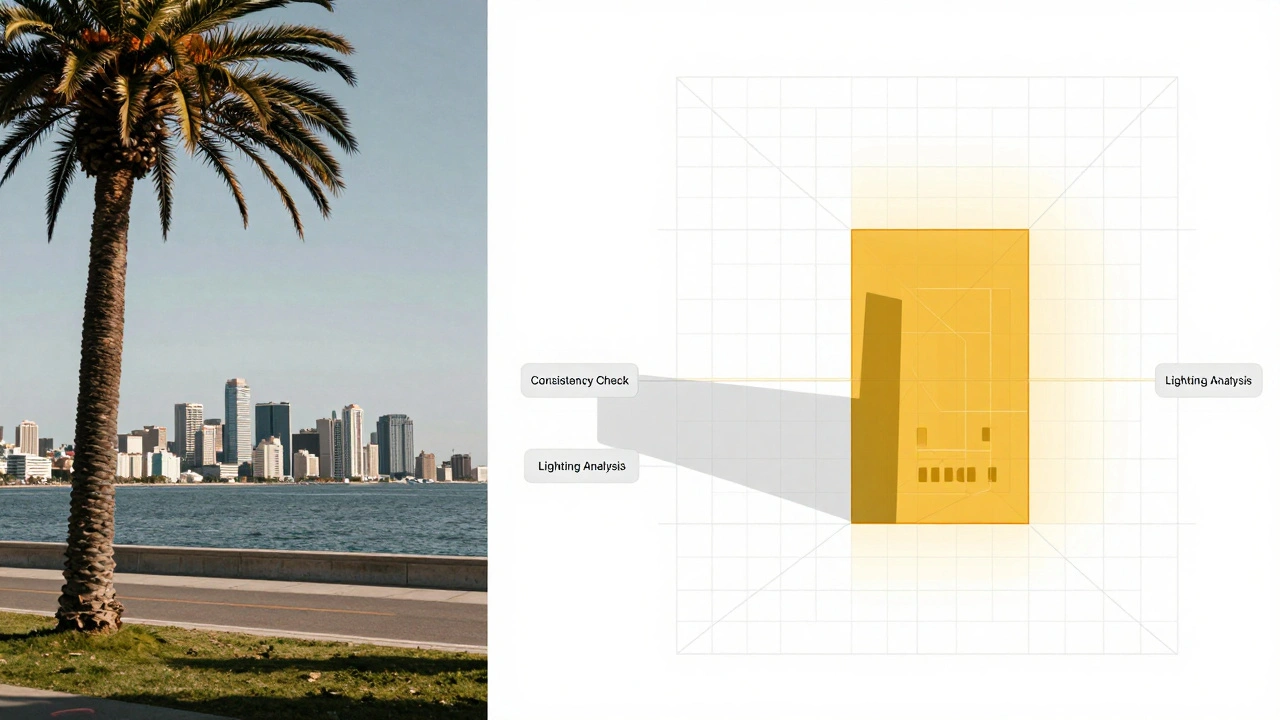
For more advanced visual forensics, some workflows integrate Google Veo 3.1 via KIE.ai. This allows for deeper analysis of image consistency and transformation. The AI doesn't just say "this is a city"; it analyzes the lighting, the shadows, and the architectural markers to see if they match the claimed location of the breaking news. If the AI detects a mismatch-for example, a palm tree in a city where it's currently snowing-it flags the image as "High Risk" in the final report.

Closing the Loop: Reporting and Semantic Search
The end goal isn't just a "True" or "False" label. A professional workflow delivers a structured report back to the Telegram user. This includes a concise summary of the image's contents, the source URL, and a confidence score. For organizations managing a high volume of news, these summaries are stored in a Vector Database, which is a specialized database that stores data as mathematical vectors to enable semantic search based on meaning rather than keywords.
This means a journalist can ask the bot, "Have we seen any other images of fires in downtown Tokyo today?" and the bot will find relevant verified images even if the word "fire" wasn't in the original caption. This creates a living archive of verified breaking news, preventing the team from verifying the same viral image five different times.
Common Pitfalls in AI Verification
One major mistake is relying on a single AI model for a final verdict. AI can hallucinate or misinterpret a blurry photo. The best workflows use a "consensus" model: one VLM describes the image, another analyzes it for anomalies, and a third (like Perplexity) cross-references the description with real-time web data to see if the event is being reported by credible agencies.
Another issue is the "black box" problem. If a bot simply says "Fake," the user has no way to verify why. Your workflow should always return the AI's reasoning. Instead of "Fake," the bot should say, "The shadows in this image are inconsistent with the sun's position in the claimed location (Athens, Greece) at 2 PM." This provides the human journalist with the evidence they need to make the final call.
Can this workflow detect deepfakes?
While no AI is 100% perfect, VLMs like GPT-4o and Google Veo 3.1 can identify common AI artifacts, such as warped textures or illogical anatomy. However, the workflow is most effective when it combines visual analysis with metadata scrubbing and cross-referencing via tools like Perplexity to see if the image appears elsewhere online.
Is n8n the only option for this automation?
No, you could use Zapier or Make.com, but n8n is preferred for news workflows because it offers more flexibility with complex logic, better handling of binary files (images), and can be self-hosted for better privacy and lower costs when processing thousands of images.
How much does a setup like this cost?
Costs vary based on volume. Cloudinary has a generous free tier. n8n is free if self-hosted. The primary cost is the API tokens for OpenAI (GPT-4o Mini) and other VLMs, which are generally very cheap per image-often fractions of a cent per analysis.
Do I need to know how to code to build this?
You don't need to be a professional developer, but you should be comfortable with "low-code' concepts. Setting up the BotFather token and connecting nodes in n8n is mostly drag-and-drop, though you might need to occasionally use a small snippet of JavaScript to clean up the scraped text.
What happens if the image is sent as a file instead of a photo?
Telegram distinguishes between 'photos' (compressed) and 'documents' (uncompressed). Your n8n workflow should have two separate paths: one for the photo array and one for the document file ID. Both should eventually lead to the Cloudinary upload node to ensure the AI gets a usable URL.
Latest Posts