Telegram isn’t just a messaging app-it’s become a go-to platform for news outlets, bloggers, and small media teams to push updates directly to subscribers. But manually designing visuals for every post? That’s a time sink. If you’re sending out multiple news updates a day, you don’t want to open Canva or Photoshop every single time. The good news? You can automate the whole visual process-from layout to image generation-without writing a single line of code.
Why Visual Templates Matter on Telegram
Telegram messages with images get 3-5 times more engagement than plain text. That’s not a guess-it’s based on data from media channels with 10K+ subscribers. A clean, consistent visual template builds trust. Readers start recognizing your style: the font, the color palette, the logo placement. When every post looks like it came from the same team, people remember you.But here’s the catch: you can’t just slap a random image on every post. Telegram’s message preview shows only the first 100-150 pixels of an image. If your headline is cut off or your logo is in the wrong corner, you lose impact. That’s why templates need to be designed with Telegram’s display limits in mind.
What You Can Automate (And What You Can’t)
Automating visual templates doesn’t mean making AI design your whole look. It means automating the repetitive parts:
- Image sizing: Automatically resize graphics to 1280x720px (Telegram’s recommended preview size)
- Text overlay: Insert headlines and subheadings from your article into a fixed layout
- Branding: Auto-add your logo, channel name, and color bars
- Image sourcing: Pull a featured image from the article or generate one using AI
What you still need to do manually? Choosing the right tone. AI can’t decide if a breaking political story should feel urgent (red tones, bold font) or if a tech review should feel calm (blue tones, minimalist). That’s where human input stays critical.
Tools That Actually Work in 2026
You don’t need to build this from scratch. Two platforms dominate this space: n8n and Make.com.
n8n is the favorite among tech-savvy teams. It’s open-source, flexible, and lets you connect RSS feeds to AI summarizers and image generators. For example, one workflow pulls articles from Reuters, uses Google Gemini to generate a 40-word summary, then passes the headline and summary to an image template in Canva API. The final image is sent directly to your Telegram channel. The best part? You can add a human approval step. The draft image gets sent to a private chat first. A team member taps “approve” or “edit,” then it goes live.
Make.com is simpler. If you’ve used Zapier before, this feels familiar. You pick a template like “Send Telegram message for new RSS article,” connect your feed, and choose a pre-built visual layout. Make.com integrates with Perplexity AI to rewrite headlines, then uses a built-in image generator to create a background with your brand colors. No coding. Just drag, drop, and publish.
Building Your Own Visual Template System
Here’s how to set up a working template in under an hour:
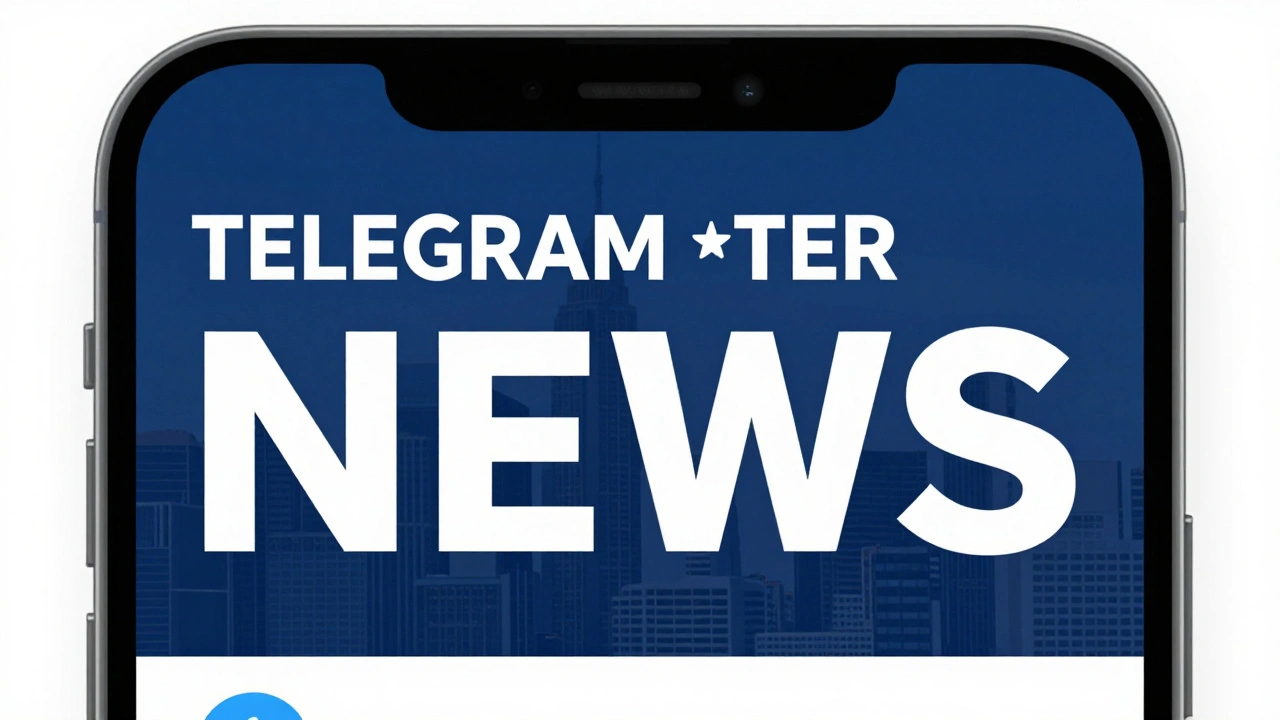
- Design the base layout in Canva or Figma. Use 1280x720px. Leave a 200px margin at the top for headlines and 100px at the bottom for your logo. Use a clean sans-serif font like Inter or Lato.
- Export as a template with editable text layers. Name them clearly: “Headline,” “Subhead,” “Logo.”
- Connect to an automation tool. In n8n, use the Canva API node. In Make.com, use the Canva or AI Image Generator module.
- Feed it data. Pull the article title and summary from your RSS feed using an RSS parser node.
- Generate and send. The system replaces the text layers, exports the image, and sends it via Telegram Bot API.
Pro tip: Always test with real devices. Send the generated image to your own phone. Does the headline fit? Is the logo too small? Fix it before you go live.
What to Avoid
Many teams try to automate everything and end up with bland, robotic posts. Here’s what to skip:
- Using stock images from free sites-they look generic and hurt brand trust
- Auto-generating images with no context-AI might pick a random photo of a person shaking hands for a climate story
- Ignoring accessibility-make sure text contrasts with background (use tools like WebAIM Contrast Checker)
- Not keeping a version history-if your template breaks, you need to roll back. Use GitHub or Google Drive versioning for your Canva templates
Real Example: How a Small News Site Does It
A local news site in Asheville sends out three updates daily. Before automation, their editor spent 90 minutes a day designing posts. Now? Here’s their flow:
- RSS feed from their WordPress site triggers the workflow
- Make.com pulls the headline and first paragraph
- AI picks a relevant image from their own photo library (not random stock)
- Template overlays the text on a dark blue background with white font
- Draft image goes to Slack for the editor to approve
- Approved? Sent to Telegram. Rejected? Edited and retried
Time saved per week? Over 6 hours. Engagement? Up 42%.
What’s Next? The Future of Visual Automation
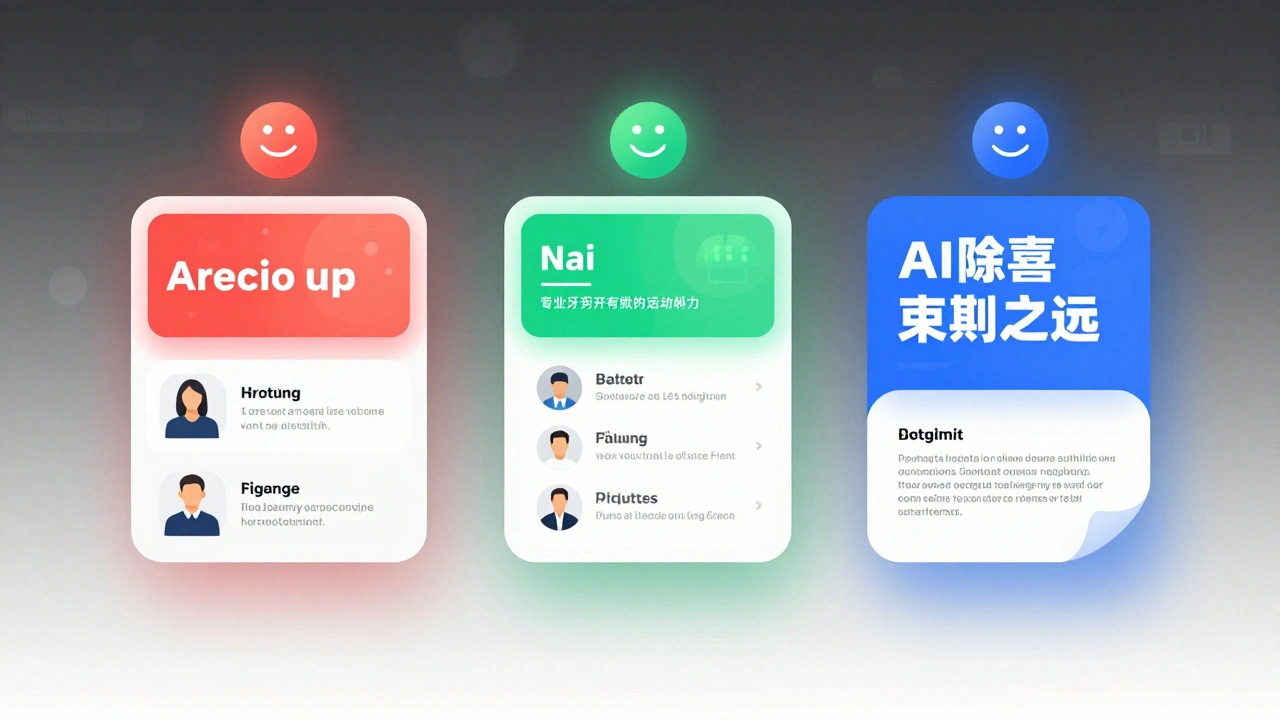
By 2026, the best systems don’t just auto-generate images-they adapt. Imagine a template that changes colors based on the story’s tone: red for emergencies, green for environmental wins, blue for tech. Some teams are already testing this with AI sentiment analysis.
Another trend? Dynamic templates. Instead of one fixed layout, the system picks from three based on article length. Short news? One image, bold headline. Long feature? Carousel of two images with pull quotes.
The goal isn’t to remove humans. It’s to remove busywork. Let AI handle the sizing, the fonts, the image cropping. Let you handle the tone, the truth, the trust.
Can I automate Telegram news posts without paying for tools?
Yes, but with limits. n8n is free to self-host and supports Telegram and RSS. You’ll need to create your own templates in Canva (free plan works) and use free AI APIs like Hugging Face for summarization. You won’t get advanced image generation or approval workflows, but basic text-to-image posting is doable for free.
Do I need to code to set this up?
No. Make.com and n8n use visual drag-and-drop editors. You connect apps, pick templates, and fill in fields. No Python, no JavaScript. If you can use Google Sheets, you can build this.
How often should I update my visual template?
Every 3-6 months. Test new fonts, colors, or layouts with a small group of subscribers. If engagement drops, revert. If it goes up, roll it out. Don’t change it every week-that confuses your audience. Consistency matters more than novelty.
Can I use AI to generate the images automatically?
Yes, but carefully. Tools like Google Gemini or Leonardo AI can generate images from text prompts like "A news background with a city skyline and bold headline text, dark blue and white." But always review the output. AI often misrepresents people, places, or context. Use it as a starting point, not a final product.
What’s the best image size for Telegram news posts?
1280x720 pixels. That’s the sweet spot. Telegram crops previews to 1280x720, so anything larger gets cut off. Smaller images look blurry. Stick to this size. Use 72 DPI. Save as JPG or PNG. Avoid GIFs-they don’t render well in previews.