Turning a chat group into a business starts the moment you stop manually adding people and start automating your access. Most creators hit a wall when their community grows; you can't spend ten hours a day checking PayPal receipts and manually inviting users to a private channel. That's where Telegram membership bots come in. These aren't just simple auto-responders; they act as digital bouncers that handle the entire lifecycle of a paid member, from the first payment to the moment a subscription expires and they need to be removed.
Quick Summary for Community Owners
- Automated Gatekeeping: Bots process payments and instantly grant or revoke access to groups and channels.
- Payment Flexibility: Options range from native Telegram Stars to global gateways like Stripe, PayPal, and various cryptocurrencies.
- Tiered Access: You can offer different levels of perks (e.g., Basic vs. Premium) managed by the bot.
- Lifecycle Management: Automated renewals and instant removals ensure you don't lose revenue to "ghost" members.
How Membership Bots Actually Work
At its core, a membership bot is a layer of software that sits between your payment provider and your Telegram community. When a user wants to join, they don't just click a link; they interact with the bot. Telegram Bots are automated programs that interact with the Telegram API to manage users and content. In a membership context, the bot creates a verification loop: it checks if a user has paid, verifies their unique Telegram ID, and then generates a one-time invite link or adds them directly to the group.
To make this work, the bot needs specific administrator rights. If you're setting one up, you must grant it the "Post messages" and "Invite users via link" permissions. Without these, the bot is essentially a spectator and cannot actually manage who gets in or who gets kicked out.
Choosing Your Payment Strategy
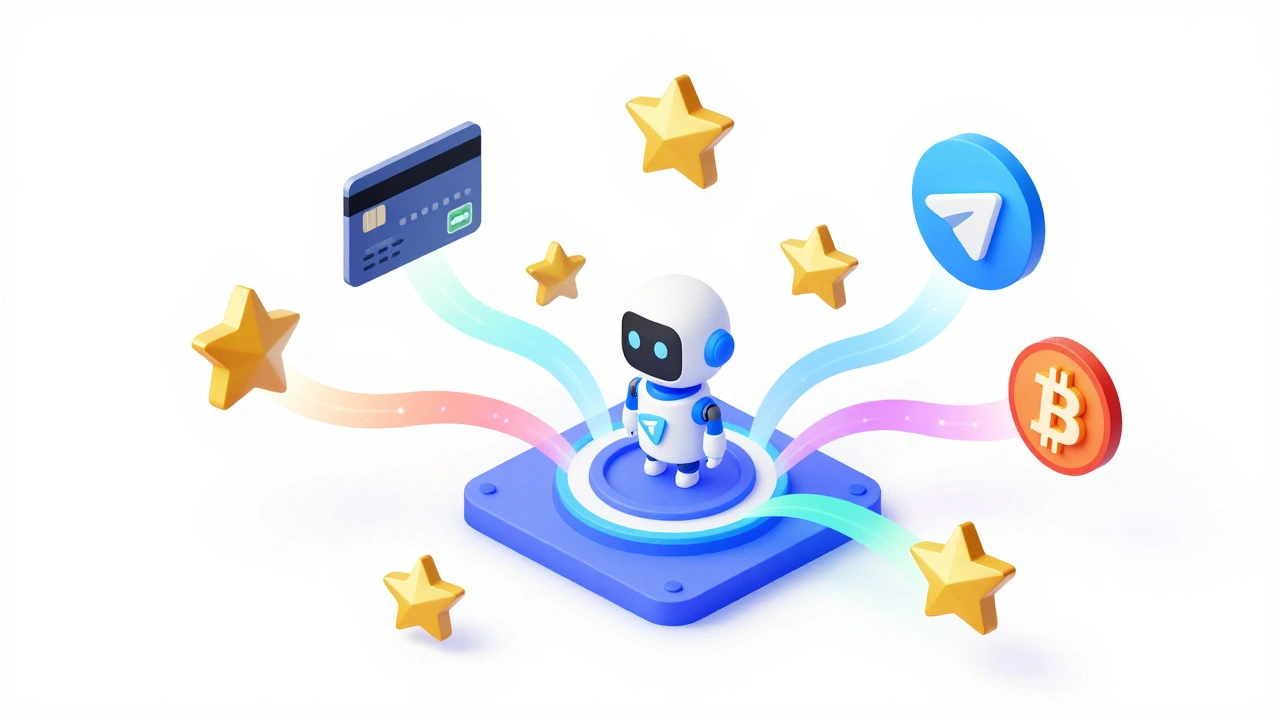
The way you collect money determines how your users experience the signup process. There are three main paths you can take depending on your technical comfort and target audience.
First, there is the native route using Telegram Stars, which is a digital currency used for purchasing digital goods and services within the Telegram ecosystem. This is the smoothest experience for the user because they never leave the app. However, it requires an approval process. You have to message @BotSupport with your bot's username and business details; usually, you'll get a thumbs-up within one to three days.
Second, you have global payment gateways. Tools like Stripe are the gold standard for credit card processing. When integrated, the bot sends the user to a secure checkout page and instantly triggers the "grant access" command once the payment is confirmed. This is ideal for professional B2B services or high-ticket memberships.
Finally, there's the crypto route. For communities centered around Web3 or privacy, integrating cryptocurrency payments allows for global access without the friction of traditional banking. Most professional bots use a verification token-a unique string of characters-to match a blockchain transaction to a specific Telegram user ID.
| Method | User Friction | Setup Effort | Best For |
|---|---|---|---|
| Telegram Stars | Very Low | Medium (Requires Approval) | Digital Goods & Casual Users |
| Stripe / PayPal | Low | Low (Plug-and-Play) | Professional Services / SaaS |
| Cryptocurrency | Medium | Medium | Web3 / Global Privacy Communities |
Managing Tiers and Member Perks
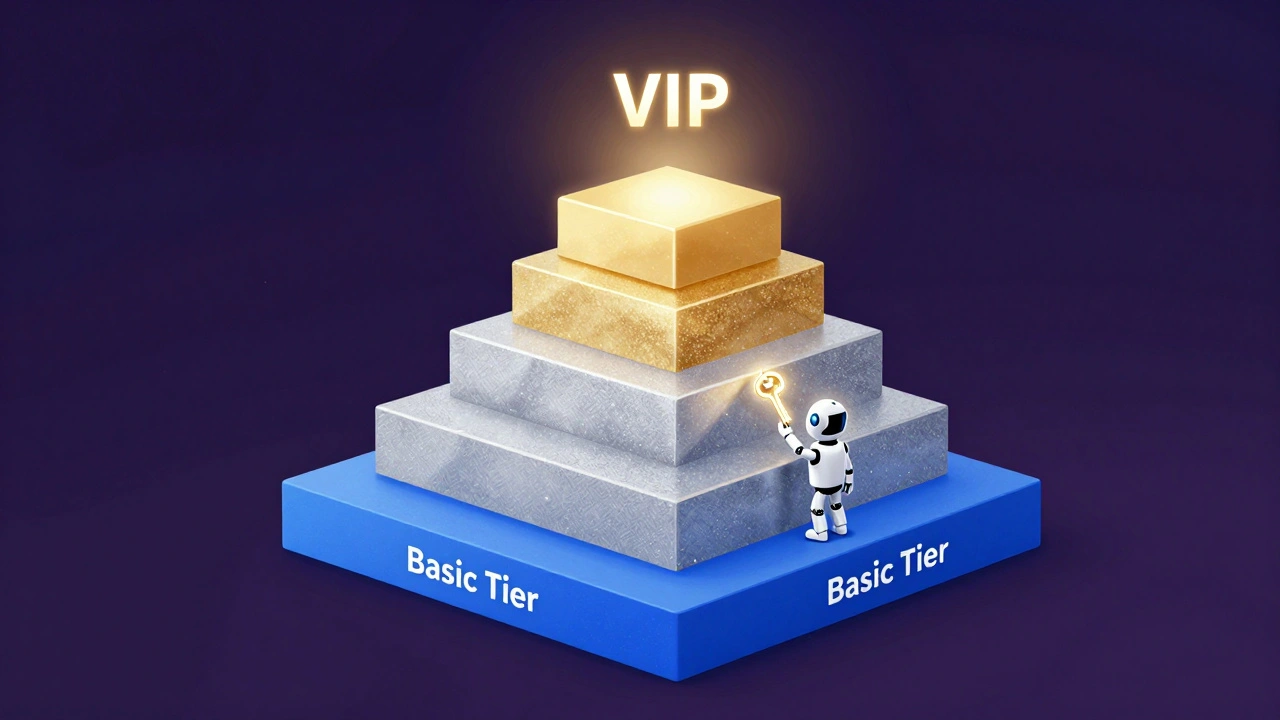
Not every member needs the same level of access. Smart community owners use "tiers" to maximize their revenue. For example, a "Basic" tier might grant access to a general chat, while a "VIP" tier unlocks a private signal channel and a direct line to the founder.
The bot handles this through handlers. A handler is essentially a logic gate that asks: "Does User X have the VIP attribute in the database?" If the answer is no, the bot can block a specific command or send a message explaining how to upgrade. This prevents "feature creep" where free users accidentally get premium perks.
Beyond just access, you can link your bot to a CRM (Customer Relationship Management) system. This allows you to track a member's total spend, location, and interaction history. If a user has been a member for a year, the bot can automatically trigger a loyalty reward, such as a discount on their next renewal or a special "Founding Member" badge in the group.
Ready-Made Solutions vs. Custom Builds
You don't need to be a coder to launch this. There are several ways to get a membership bot running based on your budget and needs.
No-Code Platforms: Services like Metricgram or Whop are designed specifically for this. You connect your Stripe account, define your prices, and the platform gives you a signup link. They handle the "autopilot" part-meaning if a credit card expires, the bot automatically removes the person from the group so you aren't giving away free access.
Integration Tools: If you already use a variety of web apps, Pabbly can act as the glue. It connects your Telegram bot to over 2,000 other apps, allowing you to trigger membership actions based on events happening in your other software.
Custom Development: For those with specific needs, building a bot using Python or TypeScript is the way to go. This allows for deeper customization, like integrating a custom loyalty point system where users earn points for chatting, which they can then trade for a month of free membership. This route requires a server to run "cron jobs"-scheduled tasks that periodically scan your member list to kick out anyone whose subscription has lapsed.
Avoiding Common Implementation Pitfalls
Most people fail at membership automation because they forget the "exit strategy." It's easy to let people in, but hard to get them out. If your bot only checks membership at the moment of entry, you'll end up with hundreds of expired members who still have access to your secrets.
To avoid this, implement periodic verification. Your bot should run a check every 24 hours against your payment database. If a user is no longer active, the bot should revoke their invite link or remove them from the group immediately. This creates a psychological incentive for users to keep their payment methods up to date.
Another mistake is neglecting the welcome experience. The moment a user pays, they should receive an instant, personalized welcome message from the bot. This message should include a "Getting Started" guide and links to the most important resources. If a user pays and then sits in a silent group for an hour, they are far more likely to request a refund.
Do I need to be a programmer to set up a membership bot?
No. While custom bots are written in languages like Python, platforms like Metricgram and Whop provide "no-code" interfaces. You simply connect your payment account and set your prices in a dashboard, and the platform handles the technical bot logic for you.
How long does it take to get approved for Telegram Stars?
Typically, it takes between 1 and 3 business days. You must message @BotSupport with your bot's username, a clear description of the service you are providing, and your business details to initiate the approval process.
Can a bot handle multiple subscription levels?
Yes. By using different "handlers" or user attributes, a bot can distinguish between tiers. For example, it can allow 'Silver' members into one group and 'Gold' members into both the Silver and Gold groups, while restricting specific commands to only the highest tier.
What happens if a user's payment fails?
A well-configured membership bot will automatically detect the payment failure via a webhook from the payment gateway. It will then notify the user via a Direct Message and, after a specified grace period, automatically revoke their access to the private channel or group.
Is it possible to use cryptocurrency for membership access?
Absolutely. Many membership bots integrate with crypto gateways. The bot generates a unique deposit address or verification token for the user. Once the blockchain confirms the transaction, the bot identifies the user ID associated with that token and grants access.
Next Steps for Your Community
If you're just starting, don't build a custom system from scratch. Start with a free trial of a platform like Metricgram to see how your audience responds to a paid model. Once you hit a few hundred members, you can decide if you need more advanced features like CRM integration or a custom-coded loyalty system.
If you already have a community, run a "grandfathered" period. Give your current loyal members a month of free access before turning on the bot's strict access control. This prevents a backlash and gives you time to test the bot's revocation logic on a small group of test users first.