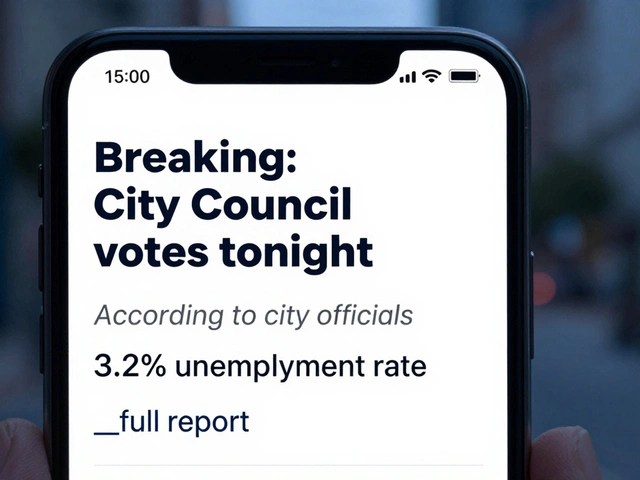
Imagine spending your entire morning scrolling through RSS feeds, summarizing articles, and manually posting to your channel, only to realize you made a typo in the first post of the day. It's a grind. On the flip side, letting an AI post directly to your audience without a second pair of eyes is a recipe for a PR disaster. The solution is a content approval pipeline-a system where AI does the heavy lifting of curation and drafting, but a human holds the final "Publish" button.
What is a Telegram Approval Pipeline?
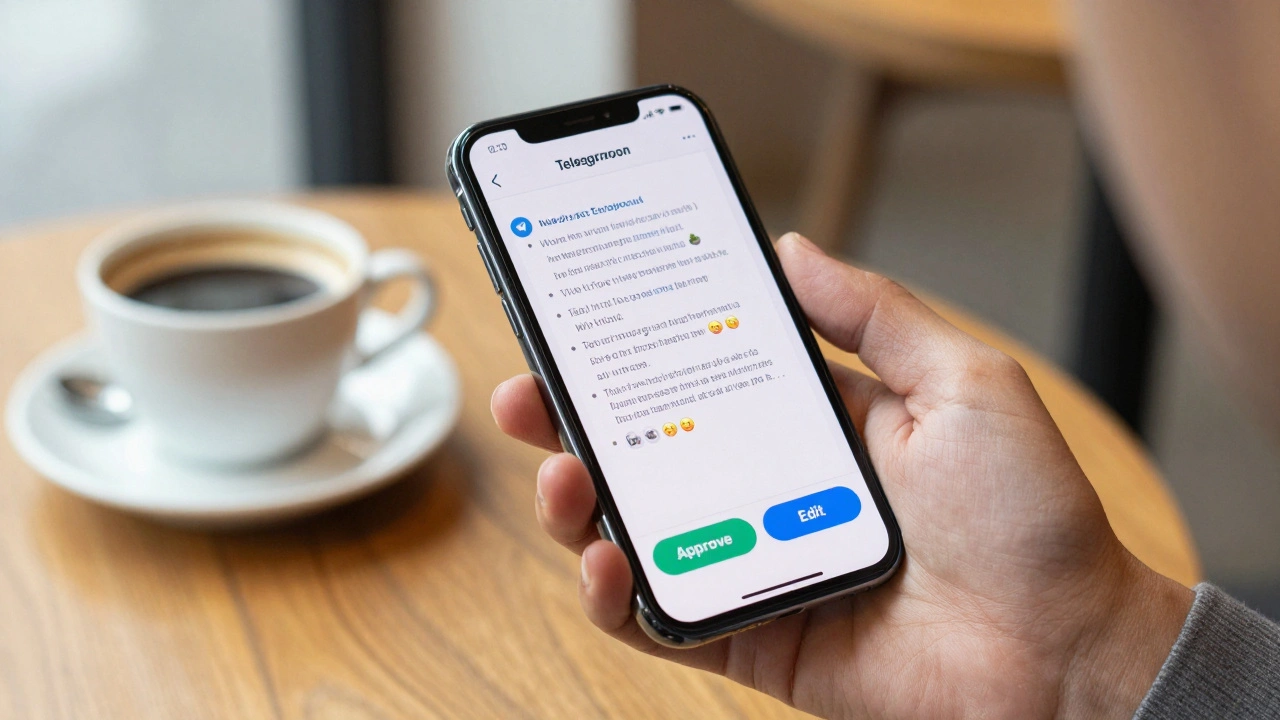
A content approval pipeline is a workflow that sits between your content source and your public audience. Instead of a direct line from AI artificial intelligence systems that generate or summarize text to your followers, the system routes everything through a private gateway. In this setup, Telegram Bot API the interface that allows developers to create bots that interact with Telegram users acts as the management dashboard. You get a notification in a private chat with a draft and two buttons: "Approve" or "Edit." Your public channel stays clean, and your sanity remains intact.
This "human-in-the-loop" approach solves the biggest fear of automation: the loss of quality control. You get the speed of a bot with the judgment of a human. Whether you're running a niche news outlet or a corporate update channel, this structure ensures that no hallucinated AI facts ever reach your subscribers.
The Blueprint for an AI-Powered News Workflow
Building this doesn't require a degree in computer science. Most modern setups rely on a workflow orchestrator like n8n a fair-code workflow automation tool that allows users to connect various apps via a visual interface or Node-RED a flow-based development tool for visual programming. These tools act as the "brain" that connects your sources to your bot.
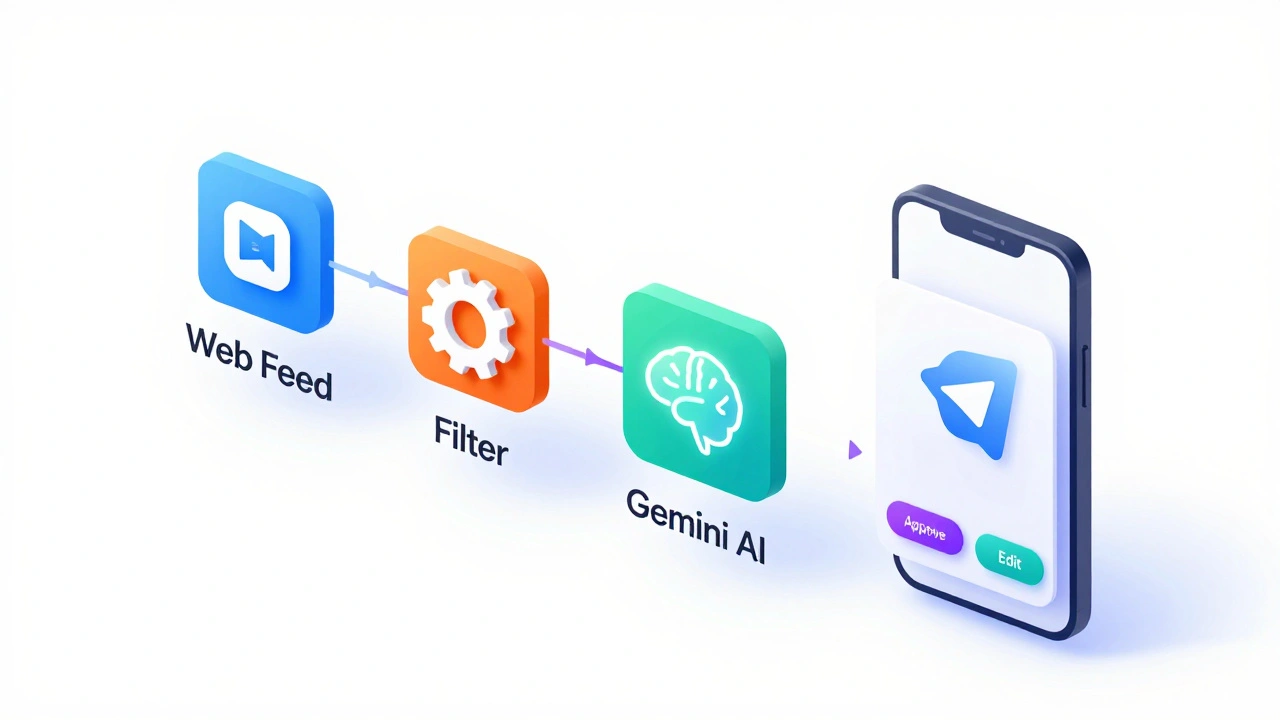
A standard high-performing pipeline usually follows these four stages:
- Aggregation: The system monitors specific sources. For example, it can track RSS feeds from sites like VentureBeat or The AI Blog. Instead of checking these manually, the bot pings them every few hours.
- Filtering: Not every article is worth posting. The pipeline uses basic logic-or a bit of code-to pick only the most recent or highest-quality piece of content to avoid spamming your audience.
- Summarization: This is where Google Gemini a multimodal large language model developed by Google comes in. The raw article is sent to the AI with a prompt to create a professional, punchy summary complete with relevant emojis for a social media vibe.
- Human Approval: The final draft is sent to a private Telegram group. The admin clicks "Approve," and only then does the bot push the message to the public channel.
| Tool | Best For | Complexity | Key Advantage |
|---|---|---|---|
| n8n | Advanced Workflows | Medium | Visual node-based logic and self-hosting options |
| Node-RED | IoT & Tech Heavy Users | High | Extreme flexibility with JavaScript functions |
| Zapier | Beginners | Low | Massive library of pre-built app integrations |
Step-by-Step Setup Guide
If you want to get this running in under 20 minutes, here is the practical path. You'll need a few API keys ready: one from your AI provider (like Gemini) and one from BotFather the official Telegram bot for creating and managing other Telegram bots.
- Create Your Bot: Message BotFather on Telegram to create your bot. Save the API token-this is your key to the kingdom.
- Set Up Your Channels: You need two separate spaces. One is your public news channel (where the audience is), and the other is a private "Approval Group" (where only you and your editors live).
- Configure Permissions: Add your bot as an administrator to both the private group and the public channel. Without admin rights, the bot can't post or read messages.
- Map the IDs: You'll need the Chat IDs for both the group and the channel. These are unique numbers that tell the automation tool exactly where to send the draft and where to publish the final version.
- Connect the AI: In your orchestration tool (like n8n), add the Google Gemini node. Give it a clear instruction: "Summarize this article for a Telegram audience. Use bullet points and 3 relevant emojis."
Expanding Beyond Text: Video and Multimedia
Text is great, but video stops the scroll. You can extend this pipeline to handle multimedia by integrating tools like Fal.ai an AI platform providing fast latent diffusion models for image and video generation. Instead of just summarizing a link, the system can take a blog post, generate a short professional video, and route that video to your Telegram approval chat.
The beauty of this is the mobile-first nature of Telegram. You can be at a coffee shop or in a meeting, see a video preview pop up in your private group, and hit "Approve" instantly. This eliminates the need for clunky content management systems (CMS) or logging into a desktop dashboard just to greenlight a post.
Common Pitfalls and How to Avoid Them
Automation is powerful, but it has a few quirks that can trip you up. The first is the 4,096-character limit on Telegram messages. If your AI generates a massive summary, the API will simply reject it. To fix this, implement "message chunking" in your workflow-essentially telling the bot to split the text into two smaller messages if it exceeds the limit.
Another issue is the "approval bottleneck." If you are the only person who can approve posts and you go offline for a weekend, your news channel goes silent. The fix is to create a small team of approvers in your private group. This ensures a steady flow of content regardless of your schedule.
Finally, keep your API tokens secure. Never hard-code your bot token directly into a public script. Use environment variables or the built-in credential managers provided by platforms like n8n to prevent unauthorized access to your channels.
Connecting the Dots: The Bigger Picture
Once you've mastered news posts, you can apply this same logic to other parts of your business. For instance, some teams use similar pipelines for infrastructure alerts. By integrating GitLab a web-based DevOps platform that provides a Git repository manager and CI/CD pipeline tools, you can route pipeline status changes to a Telegram channel. While this doesn't always require "approval" in the sense of editing a post, it uses the same principle of routing critical technical data into a messaging app where a human can react in real-time.
We are moving toward a world where AI doesn't replace the editor but empowers them. By automating the boring parts-scraping, filtering, and formatting-you free up your time to focus on the strategic part: deciding what actually matters to your audience.
Do I need to be a coder to set this up?
No, you don't need to be a professional programmer. Tools like n8n and Zapier use visual blocks to connect services. If you can drag a box and paste an API key, you can build a content pipeline. However, knowing a tiny bit of JavaScript helps if you want to do custom filtering of your news feeds.
How much does a basic setup cost?
It can be very cheap or even free. Telegram Bot API is free. n8n has a free self-hosted version. Many AI providers like Google Gemini offer a generous free tier for a limited number of requests per minute. Your main cost will be the hosting for your automation tool if you don't run it locally.
Can I send approved posts to other platforms besides Telegram?
Yes. Once the "Approve" button is clicked in Telegram, your workflow orchestrator can trigger multiple actions. You can set it to post to a Telegram channel, a Twitter (X) account, and a LinkedIn page simultaneously, all from one single click in your private chat.
What happens if the AI summarizes the article incorrectly?
That is exactly why the approval pipeline exists. Because the draft goes to a private group first, you can spot the error and either click "Edit" to fix the text manually or reject the post entirely so the AI can try again with a different prompt.
How do I find my Telegram Chat ID?
The easiest way is to use a bot like @userinfobot or @getmyid_bot. Once you start a chat with them, they will reply with your unique ID. For channels and groups, you can forward a message from that channel to an ID bot to retrieve the correct identifier.
Next Steps for Your Workflow
If you're just starting, don't try to build a multi-platform empire on day one. Start with one RSS feed, one AI summarizer, and one Telegram channel. Once that is stable, try adding a second source or a different AI model to see which one writes in your voice more naturally.
For those who have the basics down, look into "sentiment analysis." You can add a step to your pipeline that checks if a news story is too negative or controversial before it even reaches your approval chat. This adds another layer of safety to your brand, ensuring you only publish content that fits your channel's mood.