Imagine waking up every morning to a curated list of only the news that matters to you-no ads, no clickbait, no scrolling through ten sites just to find one relevant headline. That’s what a Telegram news alert bot can do. It’s not magic. It’s code. And you can build one in under three hours-even if you’ve never written a line of Python before.
Why Telegram? Why Now?
Telegram isn’t just another messaging app. It’s a platform built for bots. Unlike WhatsApp or Signal, Telegram gives developers full access to its API, lets bots post to channels, and supports rich formatting-bold, links, even buttons. Millions of users already use Telegram for news, weather, stock alerts, and sports scores. And they hate ads. A bot that delivers clean, topic-specific updates? That’s a game-changer.By 2026, Telegram bots handle over 15 billion messages daily. News bots are one of the fastest-growing categories. People don’t want to download five apps. They want one place-Telegram-that tells them what’s happening, on their terms.
Step 1: Get Your Bot Token from BotFather
You start here, no matter which path you take. Open Telegram. Search for@BotFather. Send the command /newbot. BotFather will ask for a name and username. Pick something clear: MyNewsBot or USFinanceAlerts. It’ll give you a token-something like 123456789:ABCdefGhIJKlmnoPqrStuVwxyZ. Copy it. Keep it secret. This is your bot’s password. Lose it, and someone else can control your bot.
Next, create a private channel or group where the bot will post. Go to Settings > Channels > Create Channel. Name it “Daily News Digest” or whatever fits. Then, go to Channel Info > Administrators > Add Administrator. Search for your bot by username and give it permission to “Send Messages.” Now, get the channel ID. Open the channel in your browser. The URL looks like this: https://t.me/c/4728726997/1. The number after /c/ is your ID. But wait-you need to add a minus sign in front: -4728726997. Save that. You’ll need it later.
Option A: No-Code Bot with n8n (Easiest for Beginners)
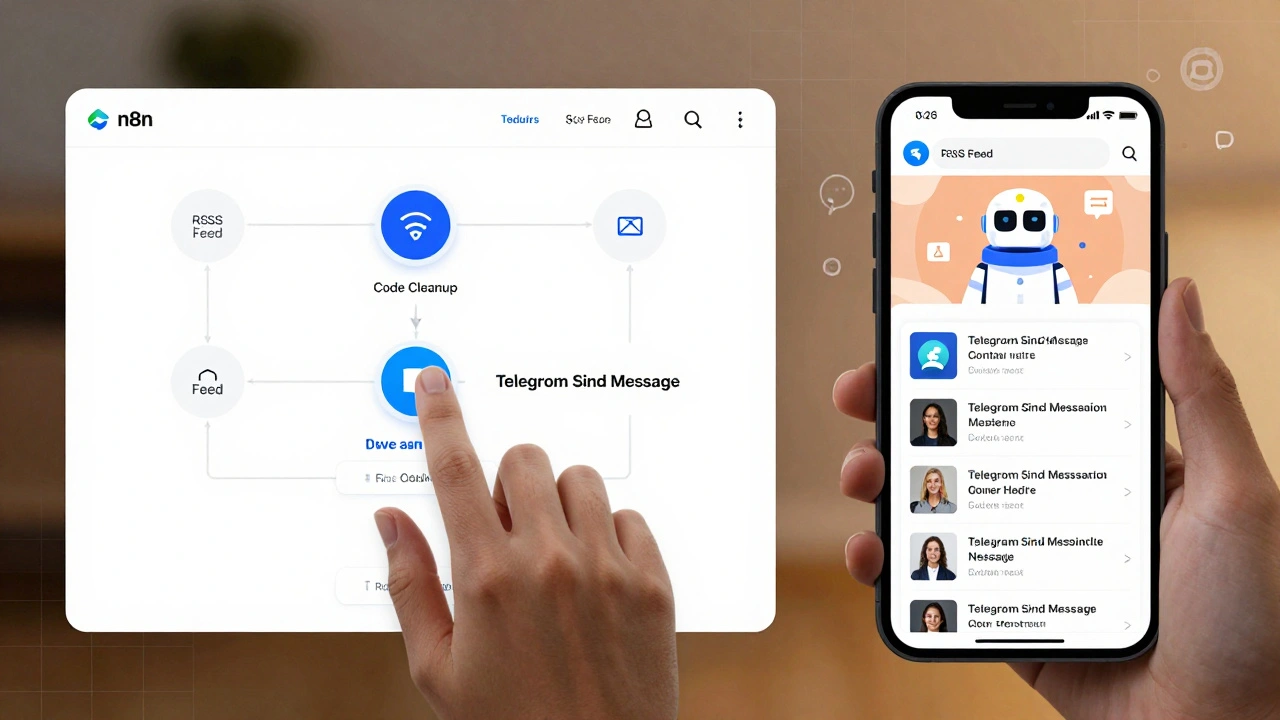
If you’re not a programmer, this is your best bet. Use n8n, a visual workflow tool. Install Docker on your computer (it’s free). Then install n8n inside Docker. Open n8n in your browser. You’ll see a blank canvas.Add these nodes in order:
- Schedule Trigger - Set it to run every 6 hours, or at 7 AM daily.
- RSS Feed - Point it to a news source:
https://feeds.bbci.co.uk/news/world/rss.xmlorhttps://feeds.reuters.com/reuters/worldNews. - Code Node - This cleans the data. Use JavaScript to pick only the top 5 articles. Remove HTML tags. Keep title, link, and source.
- Telegram Send Message - Paste your bot token and channel ID. Format the message like this:
📰 Today’s Top Headlines\n\n1. [Title]\n🔗 [Link]\n\n2. [Title]\n🔗 [Link]
Want AI summaries? Add an AI Agent node. Install Ollama (free). It runs locally. In the AI node, type: “Summarize this article in two sentences, keep it neutral.” Ollama will process it. No cloud costs. No API limits.
Hit “Deploy.” Your bot now auto-posts news every morning. No maintenance. No server. Just works.
Option B: Python Bot with News API (More Control)
If you know a little Python, this gives you more power. Install Python (if you don’t have it). Open terminal.Run:
pip install python-telegram-botpip install newsapi-python
Go to newsapi.org. Sign up. Get your free API key (500 requests/day). Keep it safe.
Create a file called newsbot.py. Paste this:
from telegram import Update
from telegram.ext import Application, CommandHandler, MessageHandler, filters
from newsapi import NewsApiClient

newsapi = NewsApiClient(api_key='YOUR_API_KEY_HERE')

async def start(update: Update, context):
    await update.message.reply_text("Send a country code like 'us', 'gb', 'in' to get headlines.")

async def get_news(update: Update, context):
    country = update.message.text.lower()
    articles = newsapi.get_top_headlines(country=country, page_size=5)
    if not articles['articles']:
        await update.message.reply_text("No news found for that country.")
        return
    message = "📰 Top Headlines from " + country.upper() + ":\n\n"
    for article in articles['articles'][:5]:
        message += f"• {article['title']}\n  🔗 {article['url']}\n\n"
    await update.message.reply_text(message, parse_mode='HTML')

app = Application.builder().token("YOUR_BOT_TOKEN").build()
app.add_handler(CommandHandler("start", start))
app.add_handler(MessageHandler(filters.TEXT & ~filters.COMMAND, get_news))
app.run_polling()
Replace the two API keys. Run it. Open Telegram. Message your bot: us. It replies with the top 5 U.S. headlines. Send gb. It gives you British news. Send de. German headlines. Done.
Want to add categories? Filter by keyword: newsapi.get_top_headlines(q='crypto', country='us'). Now users can type crypto and get only blockchain news.
Option C: Advanced Bot with FastAPI (For Scaling)
If you’re building this for 1,000+ users, skip the simple scripts. Use FastAPI. It’s modern, fast, and handles async requests well. You’ll need:- A database (SQLite or PostgreSQL) to store user preferences
- A scheduler (Celery or APScheduler) to fetch news every hour
- A Telegram webhook endpoint (not polling)
- An AI summarizer (like Hugging Face or Ollama)
This setup lets users say: “I only want tech news from Reuters and TechCrunch, send me at 8 AM.” The bot remembers. It filters. It summarizes. It sends. You can even add a web dashboard to manage preferences.
But for most people? Option A or B is enough. FastAPI is overkill unless you’re running this as a service.
Key Features You Can Add
- Personalized Topics - Let users pick: crypto, climate, AI, politics. Store choices in a simple text file or database.
- Multi-Source Aggregation - Pull from RSS + News API + Google News. Merge results. Remove duplicates.
- Scheduled Digests - Instead of 10 alerts, send one daily email-style summary at 7 AM.
- Conversational Search - Let users ask: “What happened in Ukraine today?” The bot replies with a summary.
- Ad-Free Delivery - No banners. No tracking. Just clean text. That’s why people love these bots.

Common Pitfalls and How to Avoid Them
- API Rate Limits - News API gives 500 requests/day. If you have 100 users checking twice a day, you’ll hit it. Solution: Cache results. Store last 10 headlines. Reuse them for 10 minutes.
- Broken Feeds - RSS links die. APIs change. Add error handling. If a feed fails, log it. Try a backup source.
- Formatting Mess - HTML tags, emojis, line breaks. Use the
parse_mode='HTML'flag in Telegram. Test on mobile. - Bot Goes Offline - If you run it on your laptop, and you close it? The bot dies. Use a cheap VPS ($3/month on Linode or DigitalOcean). Or use n8n’s cloud plan.
Real-World Use Cases
- A student in Nairobi gets daily updates on global tech funding.
- A small business owner in Ohio sees only local economic news.
- A retiree in Florida gets weather alerts and Medicare updates in one feed.
- A startup team uses a bot to monitor competitor mentions across 12 news sites.
You don’t need to be a tech giant to build something useful. This is automation at its best: simple, personal, and powerful.
What’s Next?
Once your bot works, share it. Put the link in your bio. Let friends subscribe. Ask for feedback. “Should I add sports?” “Can you send it at 6 PM?” Build based on real requests.Telegram bots are growing. The tools are free. The audience is waiting. You don’t need to be an expert. Just start. Send one message. See what happens.
Do I need to pay to build a Telegram news bot?
No. You can build a fully functional bot for free. Telegram’s Bot API is free. News API offers a free tier (500 requests/day). Tools like n8n and Ollama are open-source. You only pay if you want to host it on a cloud server ($3/month) or upgrade to a paid news API plan for more requests.
Can I use this bot for multiple topics like crypto and politics?
Yes. In the Python version, you can modify the code to accept keywords: get_top_headlines(q='crypto') or q='politics'. In n8n, use a Code Node to filter articles by keywords in the title or description. Users can then message your bot: "crypto" or "politics," and get only those updates.
How often should the bot check for new news?
For most users, checking every 4-6 hours is enough. News doesn’t change every 10 minutes. Setting it to run every hour uses up your API quota fast. A daily digest at 7 AM works better for casual users. For traders or journalists, 2-3 times a day (morning, lunch, evening) is ideal.
What if a news source stops working?
Always have a backup. Use at least two sources: one RSS feed and one API. In n8n, add a second RSS node and merge results. In Python, try fetching from News API first, and if it fails, fall back to an RSS feed. Log errors so you know when something breaks.
Can I make the bot private so only I can use it?
Yes. In your code, add a check: if the user’s Telegram ID isn’t in a list of approved IDs, ignore the message. You can find your ID by messaging @userinfobot on Telegram. Store approved IDs in a text file. Only those users can interact with the bot. Perfect for personal use.