Reading 5,000-word deep dives is great, but not when you have ten of them in your "read later" list and only fifteen minutes before a meeting. Information overload is real, and for many professionals, it's a weekly battle. Research shows that switching to instant summaries can save people 7 or more hours of reading time per week, and surprisingly, the automation tools used for this can actually lead to 34% better retention than slogged-through full texts. The solution isn't to stop reading, but to filter better.
Telegram Bot is a third-party application that interacts with the Telegram API to automate tasks, deliver messages, and provide services within the chat interface. By combining this with Natural Language Processing (NLP), you can create a tool that transforms a wall of text into five clear bullet points in seconds.
The Blueprint for Your Summarization Bot
Before you write a single line of code, you need to understand the "job" the bot is doing. Most users don't just want a shorter version of an article; they want to know if the article is worth their time. Your bot needs to handle three distinct phases: fetching the content, condensing the noise, and delivering the insight.
Depending on your technical comfort level, you can go the fully custom route using Python or a low-code approach using platforms like n8n. The custom route gives you total control over the logic, while the low-code route allows you to connect RSS feeds to AI models visually. Regardless of the path, the goal is the same: turning a URL into a digestible digest.
Technical Stack and Tool Selection
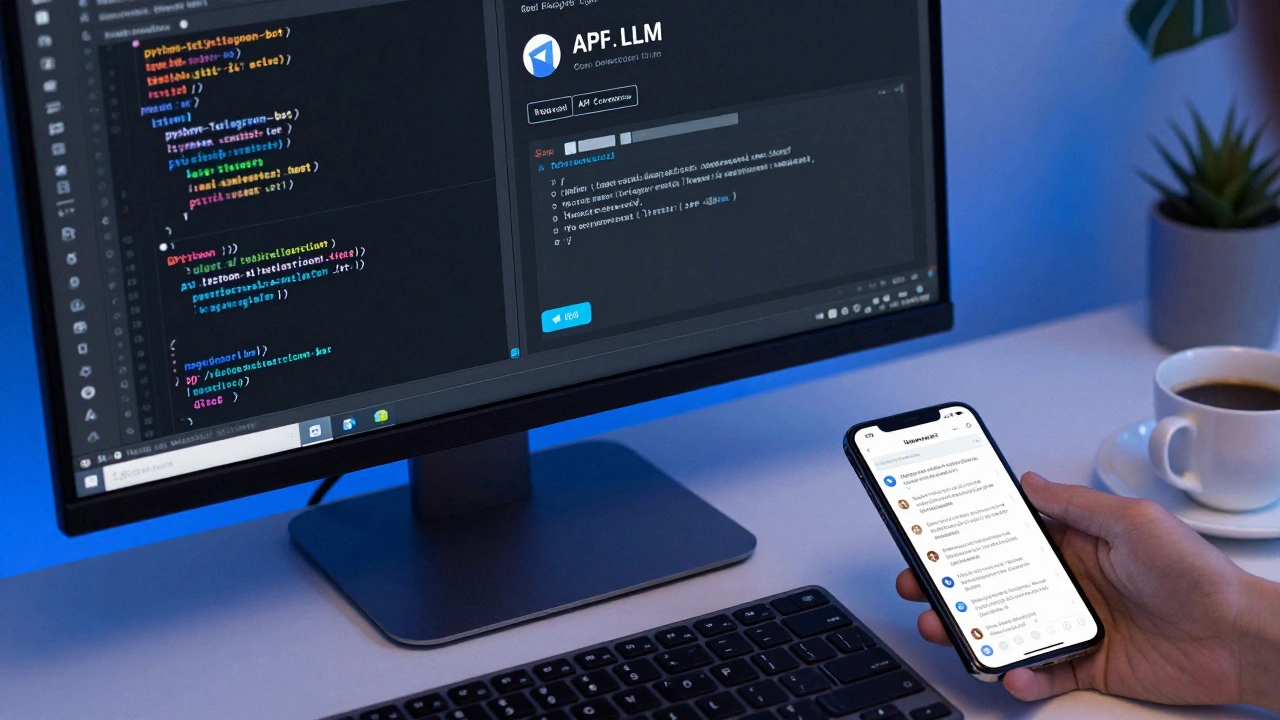
If you're building this from scratch, Python is the gold standard. You'll want the python-telegram-bot library to handle the communication between your code and the user. For the actual "reading" of the news, BeautifulSoup is the go-to for scraping the main text and stripping away the ads and navigation menus that usually confuse AI models.
The brain of the operation is the Large Language Model (LLM). You have a few choices here:
- OpenAI GPT Models: High quality and easy to set up via API, but costs can add up if you're processing hundreds of articles daily.
- Mixtral: A powerhouse for long-form content. It handles a context window of roughly 25,000 words, making it ideal for whitepapers or long-form investigative journalism.
- Hugging Face Transformers: Great if you want to host your own model locally to avoid API fees and keep data private.
| Model | Best For | Context Window | Complexity |
|---|---|---|---|
| GPT-4o | High Accuracy / Nuance | Medium-High | Low (API) |
| Mixtral | Very Long Articles | ~25,000 words | Medium |
| NLTK/Custom | Basic Keyword Extraction | Low | High (Manual) |
Solving the "Too Long" Problem: Chunking Strategies
Even the best AI models have a limit to how much they can "remember" at once. If you feed a 50-page report into a model with a small context window, it will simply forget the beginning by the time it reaches the end. This is where chunking comes in.
Instead of summarizing the whole thing in one go, break the text into pieces-say, 2,000 words each. Summarize each piece into a single paragraph. Once you have a collection of these "mini-summaries," feed those back into the AI for one final pass. This ensures the bot doesn't miss a crucial point hidden in the middle of the article. It's the difference between a summary that says "The company grew" and one that says "The company grew by 20% in Q2 but struggled in Q3 due to supply chain issues."
Step-by-Step Implementation Guide
Here is the practical path to getting your bot live. You don't need a PhD in computer science, just a bit of patience and an API key.
- Create the Bot Identity: Open Telegram and find BotFather. Use the
/newbotcommand to name your bot and get your unique API token. This token is the key that lets your code talk to Telegram. - Set Up the Fetcher: Create a function that takes a URL and extracts the body text. If you're using an RSS feed, you can automate this so the bot pushes summaries to a channel every morning at 8 AM.
- Craft the System Prompt: This is the most critical part. Don't just tell the AI to "summarize." Give it a persona. Tell it: "You are an expert news editor. Extract the top 5 key facts, maintain all specific statistics, and remove any fluff or marketing jargon. Output in a clean bulleted list."
- Format the Output: Telegram supports basic Markdown. Use bolding for key entities and bullet points for readability. A summary that's just one long paragraph is almost as bad as the original long article.
- Deploy and Test: Host your code on a VPS or a platform like Heroku. Start by testing it with a 6,000-word article to see if your chunking logic holds up.
Real-World Use Cases and Workflow Ideas
Once the basic bot is running, you can expand its utility. For instance, a research professional might use the bot to turn academic PDFs into executive briefs, drastically cutting down the time spent on initial literature reviews.
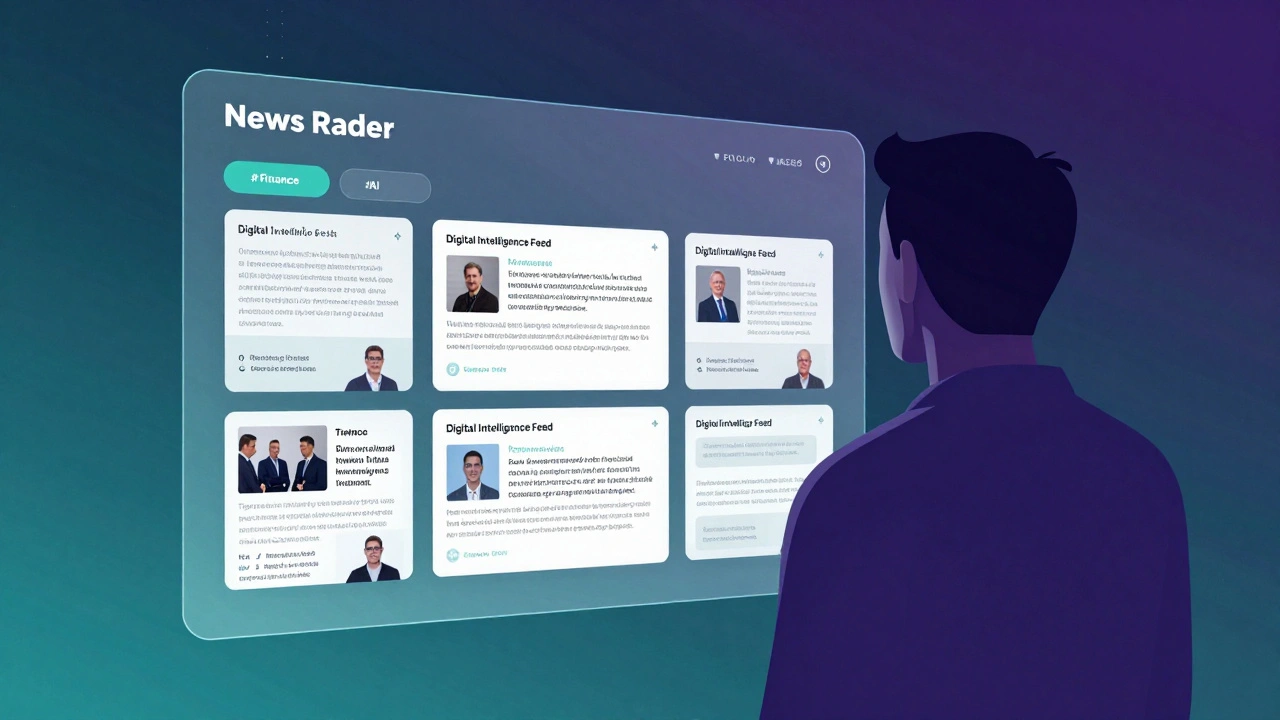
Another powerful setup is the "News Radar." Instead of sending links manually, use an automation tool to monitor 20 different RSS feeds. Filter for specific keywords-like #finance or #AI-and have the bot send you a daily 400-word digest of only the most relevant stories. This transforms your Telegram app from a distraction machine into a curated intelligence feed.
Some developers have even integrated sentiment analysis. This tells you not just what happened, but whether the general tone of the news is bullish or bearish, which is a game-changer for traders and market analysts.
Can the bot summarize YouTube videos too?
Yes. Since YouTube provides transcripts for most videos, you can use a library like youtube_dl to extract the text transcript and feed it into your summarization pipeline just like a news article.
How do I handle the cost of AI APIs?
To keep costs down, implement a cache. If two users ask for a summary of the same viral article, the bot should serve the saved summary from your database instead of calling the API again.
What is the best summary length for Telegram?
For mobile users, a "TL;DR" format works best: 3-5 bullet points for the main takeaways, followed by a one-sentence "Bottom Line" and the original link for further reading.
Is it legal to scrape news sites for a bot?
Generally, for personal use, it's fine. However, if you're building a commercial service, you should use official APIs (like the News API) and always provide a clear link back to the original source to respect copyright and drive traffic to the publisher.
Can I make the bot work in different languages?
Absolutely. By integrating a translation library or using a multilingual LLM, you can fetch a news article in Japanese and deliver the summary in English, or vice versa.
Troubleshooting and Next Steps
If your summaries feel "generic," the problem is usually the prompt. Try asking the AI to "highlight contradictions" or "identify the primary stakeholder" in the story. This forces the model to look for deeper meaning rather than just repeating the first paragraph.
If you're hitting "429 Too Many Requests" errors, you've likely hit your API rate limit. Implement a queue system (like Celery in Python) so that requests are processed one by one rather than all at once.
For those who want to move beyond basic summaries, the next logical step is adding a "Question and Answer" mode. Allow the user to ask the bot, "Why did the author think the merger would fail?" after the summary is delivered. This turns a passive reading experience into an active conversation with the content.