Have you ever hit send on a Telegram message, only to realize you missed a crucial detail or made a typo? In the world of instant messaging, mistakes happen. But for journalists, community managers, and public figures, how you fix those mistakes matters just as much as the original message. As of May 2026, Telegram is a cloud-based instant messaging platform that prioritizes privacy and security while enforcing strict transparency rules for edited content. The platform automatically tags every modified message with an "Edited" label. You cannot hide this fact.
This built-in feature forces creators to be honest about changes. However, relying solely on the automatic label isn't enough if you want to maintain high journalistic standards or build deep trust with your audience. You need to craft clear, visible editorial notes that explain why a change was made. This guide breaks down exactly how to use Telegram’s native tools, formatting options, and third-party bots to create transparent editorial workflows that keep your readers informed and your reputation intact.
Why Transparency Matters More Than Perfection
In 2026, audiences are skeptical. They know that information can be manipulated after it goes live. When you edit a post without context, people assume you are hiding something. By adding explicit editorial notes, you flip the script. You show accountability. This builds credibility over time.
Telegram’s design philosophy makes this easy by making it hard to cheat. According to recent tutorials from 2026, there is no official way to remove the "Edited" tag once a message is delivered. Some users try to delete the message entirely and resend it, but this disrupts conversation threads and confuses readers who saw the original version. Deleting for everyone erases history. Editing keeps the record alive. Your job is to make that record clear.
Using Native Formatting for Clear Disclosures
Since Telegram does not have a dedicated "Editorial Note" field like traditional news sites, you must use its text formatting capabilities to create visual distinction. Telegram supports eight distinct styles: bold, italic, monospace, strikethrough, underline, quote, spoiler, and inline links. Each serves a specific purpose in editorial transparency.
| Format | Syntax | Use Case |
|---|---|---|
| Bold | **text** | Highlighting the specific correction |
| Italic | *text* | Adding subtle commentary or context |
| ~~text~~ | Showing what was removed or corrected | |
| Underline | __text__ | Emphasizing key updates or deadlines |
| Quote | «text» or blockquote | Distinguishing added clarifications from original text |
| Spoiler | ||text|| | Hiding sensitive corrections until user reveals them |
For example, if you posted a wrong date, don’t just change the number. Use strikethrough to show the error and bold for the fix:
Event starts on ~~Monday, May 10th~~ Tuesday, May 11th. Apologies for the confusion.
This method leaves no doubt about what changed. It respects the reader’s intelligence. Avoid using the Spoiler format for major factual corrections. Readers should see errors immediately, not have to tap to reveal them. Save spoilers for minor stylistic tweaks or sensitive personal details.
Leveraging Telegraph for Long-Form Transparency
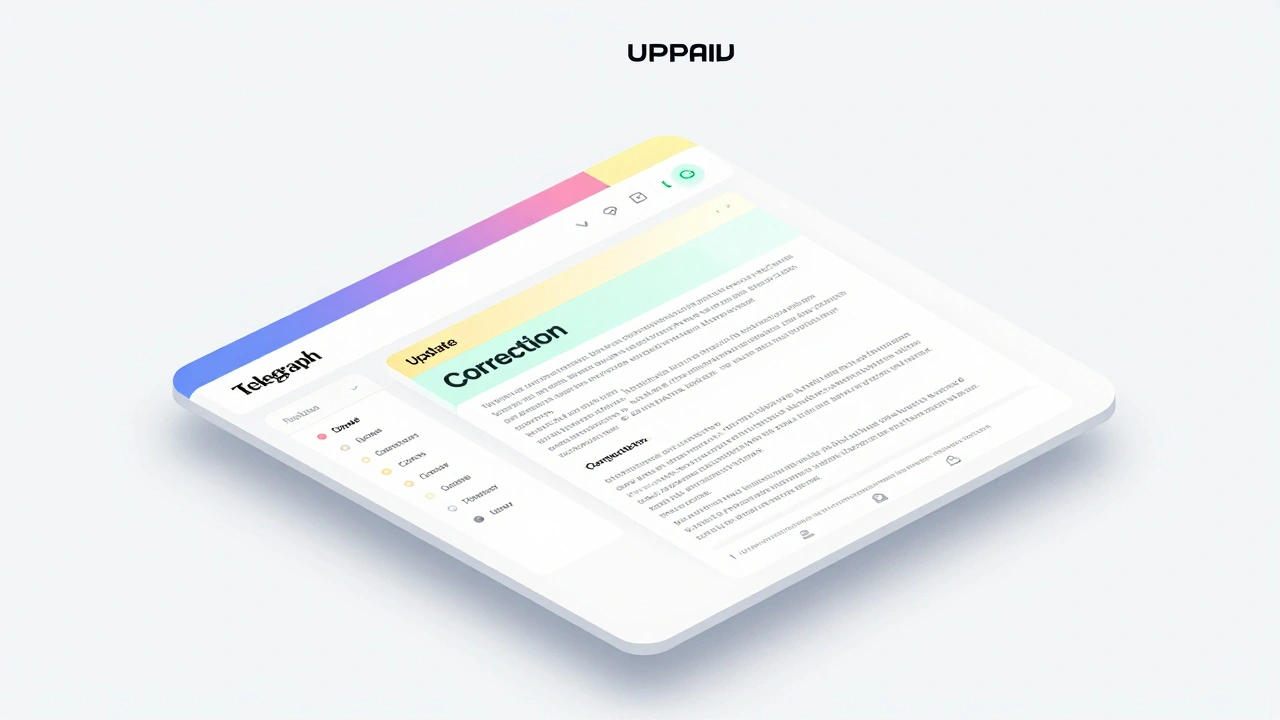
If you publish longer articles via Telegraph, Telegram's integrated article publishing platform, you have more flexibility. Telegraph allows you to structure content with headings, lists, and images. When editing a Telegraph post, the "Edited" label still appears at the top. However, you can embed editorial notes directly into the body of the article.
To start writing on Telegraph, open the @telegraph bot in Telegram. Attach your account, then draft your article. If you need to update a published piece, go back to the bot, select the existing post, and add a new section at the top labeled "Update:" or "Correction:". Use bold headers to make these sections stand out. This creates a clear audit trail within the article itself. Readers scrolling through will see the latest changes first, which aligns with standard journalism practices.
Managing Channel Posts with Bots
For channel administrators managing professional content, manual edits can become chaotic. This is where tools like Channel Post Manager Bot come in. This third-party tool helps you edit posts, update links, and manage media without losing the original post ID. While Telegram warns against using unauthorized apps that bypass safety features, legitimate management bots operate within API limits and do not hide the "Edited" status. Instead, they streamline the process of documenting changes.
When using such bots, always include a timestamp and reason for the edit in the post description or pinned comment. For instance, if you are updating a broken link, note: "Link updated on [Date] due to server migration." This level of detail transforms a simple edit into a transparent service improvement. Never use bots to silently alter past tense statements or historical records. That violates trust and risks account bans.

Avoiding Common Pitfalls
Some creators try to circumvent the "Edited" label by deleting messages and resending them. This is a bad idea. It breaks chat continuity and frustrates users who quoted the original message. Others attempt to use third-party clients that claim to hide edits. These clients often violate Telegram’s terms of service. In 2026, Telegram actively monitors for such behavior. Accounts caught using unofficial methods to suppress edit labels face suspension. Stick to the official app and approved bots.
Another mistake is over-editing. If you find yourself correcting the same post multiple times, consider whether the initial draft was too rushed. Take time to review before sending. Use drafts to refine your message. Once sent, treat edits as exceptions, not the norm. Frequent corrections signal poor quality control.
Building a Culture of Accountability
Transparency isn’t just about technical fixes. It’s about mindset. Create a style guide for your team or personal workflow. Define when an edit requires a public note versus a private correction. Generally, any factual error, misattributed quote, or significant omission deserves a public editorial note. Minor typos can be fixed quietly if they don’t change meaning. But when in doubt, err on the side of visibility.
As Telegram continues to evolve in 2026, adding features like AI summaries and Liquid Glass interfaces, the core principle remains: clarity wins. Users appreciate honesty. By crafting thoughtful editorial notes, you turn potential PR disasters into opportunities to demonstrate integrity. Your audience will notice. And they’ll stay.
Can I remove the "Edited" label on Telegram?
No. Telegram enforces the "Edited" label automatically for all modified messages. There is no official setting to disable it. Attempting to bypass this with third-party apps risks account suspension.
What is the best way to show a correction in a Telegram post?
Use strikethrough for the incorrect part and bold for the correct part. Add a brief explanation below the change. Example: ~~Wrong Info~~ Correct Info. Updated for accuracy.
Does deleting and resending a message avoid the edit label?
Yes, but it’s not recommended. Deleting removes the message for everyone, breaking conversation flow and confusing readers. Editing preserves context and maintains trust.
Can I use Telegraph for better editorial control?
Yes. Telegraph allows structured articles where you can insert update sections at the top. It’s ideal for long-form content needing detailed corrections or additions.
Are third-party bots safe for editing channel posts?
Only if they are reputable and comply with Telegram’s API guidelines. Tools like Channel Post Manager Bot help organize edits but do not hide the "Edited" status. Avoid unofficial clients promising silent edits.