If you are a journalist protecting a sensitive source, you cannot afford to guess how your messaging app works. Many people assume that because an app is "secure," every message they send is invisible to the company running the service. With Telegram, that is a dangerous assumption. By default, your conversations are stored in the cloud, meaning the company technically has the keys to the kingdom. To actually lock the door, you have to use Telegram Secret Chats is a specialized mode of communication that employs end-to-end encryption to ensure only the sender and recipient can read the messages.
Key Takeaways for Secure Reporting
- Default chats are not E2EE: Standard Telegram chats are cloud-based and potentially accessible to the company.
- Manual Activation: You must manually start a Secret Chat for every single source you wish to protect.
- Device Lock: Secret Chats only exist on the device where they were started; they won't sync to your laptop.
- No Group Privacy: E2EE is only available for 1-on-1 conversations, not for newsroom groups.
How End-to-End Encryption Actually Works in Telegram
When you start a Secret Chat, Telegram switches from its standard cloud storage to a system called MTProto 2.0, which is the proprietary encryption protocol used by Telegram to secure data transmission. In a normal chat, your messages are encrypted, but the decryption keys are stored on Telegram's servers. In a Secret Chat, those keys stay on your phone and your source's phone.
The technical magic happens through a 2048-bit Diffie-Hellman key exchange. Think of this as two people agreeing on a secret code without ever actually telling each other the code over the phone. Once this "handshake" is complete, the app generates a 256-bit AES encryption key. Because the keys never leave the devices, the company cannot hand over your chat logs to a government agency-even if they are served with a court order-because they simply don't have the keys to unlock the data.
Step-by-Step: Starting a Secret Chat
Since E2EE is not the default, you have to be intentional. If you just click a person's name and start typing, you are in a cloud chat. Here is how to do it correctly:
- Open the profile of the person you want to message.
- Tap the "More" or three-dot menu icon.
- Select "Start Secret Chat."
- Confirm the prompt to begin the encrypted session.
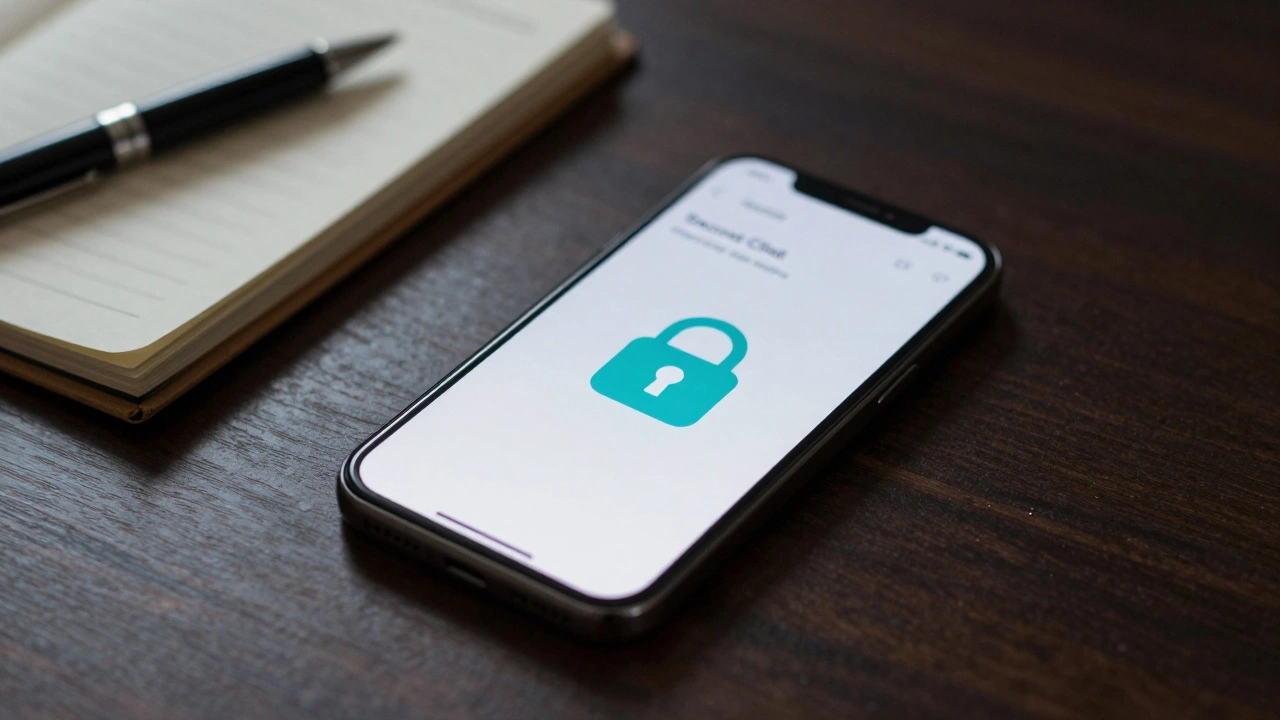
Once the chat is active, you'll notice a lock icon next to the person's name. This is your signal that the conversation is now protected by E2EE. If you don't see that lock, you are not protected.

The "Journalist's Trap": Limitations You Need to Know
While the encryption is strong, the usability is where things get tricky. For a reporter, these limitations can be a dealbreaker if you aren't prepared for them. First, there are no encrypted group chats. If you are coordinating a leak with a small team of three people, you cannot use a Secret Chat; you'll have to start three separate 1-on-1 chats, which is a logistical nightmare.
Second, Secret Chats are device-specific. If you start a conversation on your Android phone, you cannot open that same chat on your MacBook. If you lose your phone or wipe it, that history is gone forever. There is no "Restore from Backup" for Secret Chats because that would require the keys to be stored somewhere other than the device, which would break the entire security model.
Finally, the interactive nature of the Diffie-Hellman protocol means you cannot start a Secret Chat if the other person is offline. Both parties must be online to perform the initial key exchange. If your source is in a region with intermittent internet, this can lead to frustrating delays.
| Feature | Cloud Chat (Default) | Secret Chat (E2EE) |
|---|---|---|
| Encryption Type | Client-to-Server | End-to-End (E2EE) |
| Storage | Telegram Servers | User Devices Only |
| Multi-Device Sync | Yes | No |
| Group Support | Yes | No (1-on-1 only) |
| Self-Destruct Timer | Limited | Fully Supported |
Extra Layers of Protection for High-Risk Sources
Encryption protects the data in transit, but it doesn't protect the data from someone physically holding the phone. For journalists, the most valuable tool inside a Secret Chat is the self-destruct timer. You can set messages to disappear seconds after the recipient reads them. This prevents a "paper trail" if a source's phone is seized by authorities during a raid.
Telegram also tries to alert you if the other person takes a screenshot. While this isn't a foolproof security measure (someone can just take a photo of the screen with another camera), it provides a basic layer of awareness. However, remember that metadata-like your IP address-may still be kept by the company for up to a year. Encryption hides the content of your message, but it doesn't always hide the fact that you were talking to a specific person.
Is Telegram the Right Tool for Your Investigation?
Security experts often argue that Telegram's "opt-in" approach to E2EE is a design flaw. In apps like Signal, everything is encrypted by default. You don't have to remember to flip a switch; the security is just there. In Telegram, the fact that you have to manually start a Secret Chat creates a window for human error. If you forget to toggle the setting, your sensitive source is suddenly exposed to the cloud.
If you are doing low-stakes reporting, Telegram's versatility and massive user base make it a great bridge to get sources into a secure channel. But if you are handling documents that could put a life at risk, you might find the device limitations and lack of group E2EE too restrictive. The choice comes down to a trade-off: do you want the convenience of the cloud, or the absolute privacy of a device-locked vault?
Can I move a regular chat to a Secret Chat?
You cannot "convert" an existing cloud chat into a Secret Chat. You must start a brand new Secret Chat session with that person. The messages from your previous cloud chat will remain on the server and will not be moved into the encrypted vault.
What happens if I log out of Telegram?
Logging out of your account will typically wipe all Secret Chats from the device. Since the keys are stored locally and not in the cloud, once the session is terminated or the account is logged out, those messages are gone forever.
Are files and photos also encrypted in Secret Chats?
Yes, media files sent within a Secret Chat are encrypted with a separate key before they are uploaded. Telegram claims they only see random data, which is then purged from their system regularly.
Can I use Secret Chats on the desktop app?
No. Secret Chats are tied to the specific mobile device where they were initiated. You cannot start or view Secret Chats on the Telegram Desktop app or Telegram Web.
Do Secret Chats protect me from everything?
No. While the content is encrypted, E2EE does not protect you from a compromised device (spyware/keyloggers) or the leakage of metadata (who you talked to and when). It only ensures that the company and middle-men cannot read the text of your messages.
Next Steps for Your Security Workflow
If you've decided to use Secret Chats for a specific project, start by auditing your current conversations. If you see a chat without the lock icon, you're in the cloud. Reach out to your source and ask them to move to a Secret Chat immediately.
For those who find the 1-on-1 limitation too restrictive, consider using Telegram as a "discovery" tool to find sources, then migrate them to a fully E2EE platform like Signal for the actual exchange of sensitive data. Always remember: the most secure app in the world is useless if the person on the other end doesn't know how to use it correctly.