When a major crisis hits-like a war, a political collapse, or a natural disaster-news doesn’t arrive in one clean stream. It comes in fragments: eyewitness videos, official statements, rumors from local forums, expert analysis, and corrections that come hours later. On platforms like Twitter or Facebook, this mess gets buried under noise. But on Telegram, there’s a better way: threaded topics.
Telegram’s Topics feature isn’t just another chat tab. It’s a structural tool built for exactly this kind of chaos. For news teams and community moderators, it turns a noisy group into a living newsroom. Think of it like a newsroom with separate desks: one for breaking updates, one for fact-checks, one for interviews, and one for background context. Each thread stays focused. No one gets lost. No important detail drowns.
Why Telegram Topics Work Better Than Channels for Complex Stories
Most news organizations use Telegram channels to broadcast updates. That’s fine for one-way announcements: "Breaking: Earthquake in Caracas." But when a story evolves-when people start asking questions, sharing photos, correcting errors, debating sources-a channel can’t handle it. Replies get buried. No one can follow the conversation.
That’s where groups with Topics come in. Unlike channels, groups allow two-way interaction. And with Topics enabled, you can split that interaction into organized threads. A news outlet covering the Venezuela crisis in early 2026 didn’t just post updates. They created separate threads:
- Breaking: Latest Developments - Real-time updates from field reporters
- Fact Check - Verified info, debunked rumors, source verification
- Witness Accounts - Firsthand videos and messages from locals
- Analysis - Expert breakdowns from political scientists
- Official Statements - Press releases, government tweets, UN statements
This structure mirrors how professional newsrooms operate. CNN doesn’t have one reporter covering everything. They have a breaking news desk, a fact-check team, a regional correspondent network. Telegram Topics lets you build that inside a group.
How to Set Up Threaded Topics for News Coverage
You can’t use Topics on a channel. You need a group. Here’s how to turn a regular group into a news hub:
- Open the group settings on your Telegram app (mobile or desktop).
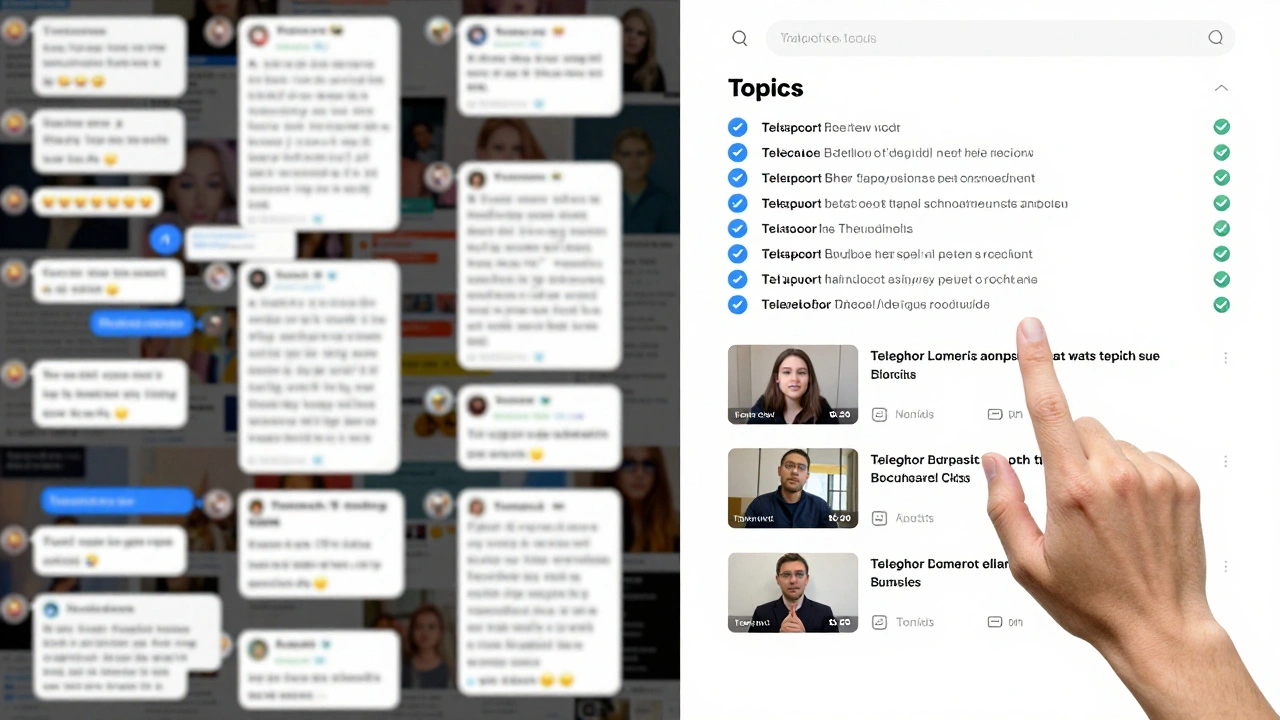
- Scroll down to "Topics" and toggle it on. You’ll see two layout options: Tabs or List. Tabs work better for fewer than 6 topics. List is better if you expect 10+.
- Tap "Create Topic" and name your first thread. Start with the most urgent angle: "Breaking: Current Situation".
- Repeat for each major category: Fact Check, Analysis, Witness, Official.
- Pin the most critical topics so they appear at the top.
- Assign moderators to each thread. One person should manage Fact Check. Another should monitor Witness Accounts.
Pro tip: Don’t create too many topics at once. Start with 4-5. You can always add more later. Too many threads overwhelm users and dilute attention.
What Makes a Good Topic Name?
Bad topic names: "News", "Updates", "Info". Too vague. People ignore them.
Good topic names: "Breaking: Caracas Protests", "Fact Check: Bombing Claims", "Witness: San Cristobal Evacuation". Specific. Actionable. Clear.
Use this formula: [Action] + [Location/Subject] + [Context]
- "Breaking: [Event]" - For real-time updates
- "Fact Check: [Claim]" - For debunking rumors
- "Analysis: [Trend]" - For deeper context
- "Witness: [Location]" - For raw footage
- "Official: [Source]" - For government or institutional statements
These names tell users exactly what to expect. No guessing. No scrolling.
Managing Content Across Threads
Here’s the hard part: keeping threads clean. If someone posts a video in the "Breaking" thread that belongs in "Witness," it gets lost. You need moderation rules.
Assign moderators to each thread. Give them clear roles:
- Breaking Thread Moderator: Posts verified updates every 15-30 minutes. Deletes duplicates. Flags unverified claims.
- Fact Check Moderator: Posts "Verified" or "False" labels with sources. Links to prior threads if the claim was addressed before.
- Witness Moderator: Curates videos and photos. Adds timestamps and locations. Removes blurry or unrelated content.
- Analysis Moderator: Summarizes trends. Links to academic reports or expert interviews.
Use Telegram’s built-in tools:
- Pin important messages in each thread.
- Use polls to crowdsource verification: "Is this video from Caracas? Yes/No"
- Set message delays for non-moderators to reduce spam.
One news team covering the 2026 Ukraine grain crisis used a simple rule: "No post without a timestamp and location." That cut misinformation by 70%.
Why This Beats Broadcast-Only Channels
Major outlets like BBC and Reuters use Telegram channels. They’re great for distribution. But they’re dead ends. No discussion. No feedback. No community.
Groups with Topics change that. They turn passive readers into active participants. When a user sees a rumor in "Breaking," they can go to "Fact Check" and see if it’s been verified. They can share their own footage in "Witness" and get feedback. They can ask questions in "Analysis" and get answers from experts.
This builds trust. People don’t just consume news. They help shape it. That’s community building.
Research from the Knight Center shows that audiences stay 3x longer in topic-based groups than in broadcast channels. Why? Because they feel heard. Because they can follow the story their way.

What Not to Do
Don’t merge threads. If "Breaking" and "Analysis" get mixed, the whole system collapses. Keep them separate.
Don’t ignore the "Official" thread. Government statements, even if misleading, need space. Otherwise, people will go elsewhere for them-and spread misinformation.
Don’t create a "General" thread. It becomes a dumping ground. Every topic should have a home.
Don’t assume everyone has the latest app. Some users are on older versions. Make sure your group works without Topics enabled. Use pinned messages as fallbacks.
Real-World Impact: What Happened in Venezuela
In January 2026, nine international news outlets covered Venezuela’s political unrest. Researchers analyzed over 2,000 posts. They found something surprising: no coordination. No copying. Each outlet framed the story differently.
Reuters focused on economic collapse. The Guardian highlighted human rights. Al Jazeera emphasized regional reactions.
But the most effective coverage came from a local Telegram group that used Topics. They had:
- A "Breaking" thread with live updates from 12 local reporters
- A "Fact Check" thread that corrected 47 false claims in 72 hours
- A "Witness" thread with 89 verified videos from 17 cities
- An "Analysis" thread with input from 3 university professors
That group grew from 2,000 to 47,000 members in 11 days. Not because they had the biggest brand. But because they made the story navigable.
Next Steps: Start Small, Scale Smart
You don’t need a newsroom to use this. A local community group covering a protest, a flood, or a school board vote can use the same system.
Start with:
- Create a Telegram group (not a channel).
- Enable Topics.
- Create 3 threads: "Updates," "Questions," "Evidence."
- Assign two moderators.
- Pin a welcome message explaining how to use the threads.
After a week, see what’s working. Add more threads if needed. Remove ones that go quiet.
It’s not about technology. It’s about structure. People don’t want more news. They want clarity.