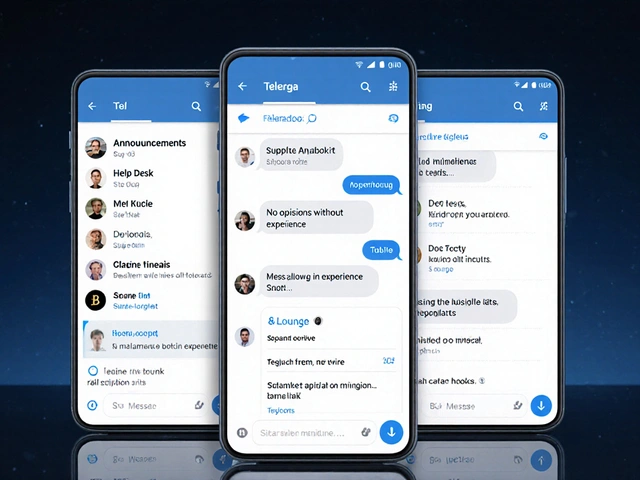
You’re subscribed to 15 Telegram channels-news outlets, industry updates, local alerts, and a few random meme groups. Every minute, your phone buzzes. You’ve turned off sound, then turned it back on. You’ve tried turning off notifications entirely, but then you miss the one update that matters. Sound familiar? The problem isn’t Telegram. It’s that muting doesn’t mean missing. You can silence the noise and still catch what’s critical.
What muting actually does (and doesn’t do)
Muting a Telegram channel doesn’t unsubscribe you. It doesn’t hide the channel. It doesn’t delete old posts. All it does is stop the notifications. You still see every message when you open the app. You can still scroll, search, and reply. The channel stays in your chat list. The only difference? No sound. No pop-up. No badge number flashing unless you look for it. This is key: muting is about control, not removal. You’re not cutting ties. You’re filtering noise. Think of it like turning down the volume on a TV you still want to watch-just not every time it turns on.How to mute a Telegram channel (Android & iOS)
The steps are almost identical on both phones, but the gestures differ slightly. On iPhone:- Open Telegram and go to your chat list.
- Swipe left on the channel you want to mute.
- Tap the bell icon with a slash that appears.
- Choose how long: 1 hour, 8 hours, 2 days, or Forever.
- Open Telegram and go to your chat list.
- Tap and hold the channel until it highlights.
- Tap the three vertical dots in the top-right corner.
- Select Mute.
- Pick your duration: 1 hour, 8 hours, 2 days, or Indefinitely.
Don’t just mute-mute smartly
The real trick isn’t just muting. It’s which channels you mute and how you set them up. Most people make this mistake: they mute everything. Then they forget to check. And when something urgent happens, they’re blind. Here’s what works better:- Mute meme channels, random updates, and low-value posts - forever. These are noise.
- Keep news sources unmuted - but only if they’re reliable. If a channel posts 10 times a day with fluff, mute it anyway.
- Use silent notifications for critical channels. Instead of turning off all alerts, just turn off the sound. You’ll still see the badge, the preview, and the message in your notification center. No buzz. No distraction. Still visible.
- Set temporary mutes for channels you only need during specific times. Example: Mute a weather alert channel for 8 hours during work, then unmute it at night. You’ll still get the update when you’re awake.

What to do if you still miss alerts
Sometimes, muting alone isn’t enough. You need layers. Use folders. Telegram lets you create custom chat folders. Make one called “Critical News.” Put only your top 3-5 trusted channels there. Keep the rest in “General.” Then, in your phone’s notification settings, allow alerts only from the “Critical News” folder. This way, even if you mute individual channels, the folder’s notifications still come through. Use @BotFather. Create a bot that forwards only high-priority messages. Example: “Only send me alerts with ‘BREAKING’ in the title.” You can set this up with simple keywords. It’s like a personal filter. Check once a day. Set a 5-minute daily habit: open Telegram right after breakfast or right before bed. Scroll through your muted channels. You’ll catch what matters without the constant ping.Why this works better than turning off notifications
Some people think: “Just turn off all Telegram notifications.” Big mistake. You’ll miss everything. Even the stuff you care about. Others think: “I’ll just delete the channels.” But then you lose access. What if you need to look up an old announcement? Or check a link? You’re locked out. Muting gives you the best of both: peace and access. You control the noise. You don’t lose the signal. Telegram’s system is built for this. It doesn’t force you into binary choices: on or off. It gives you shades of gray. Silent. Temporary. Indefinite. You choose.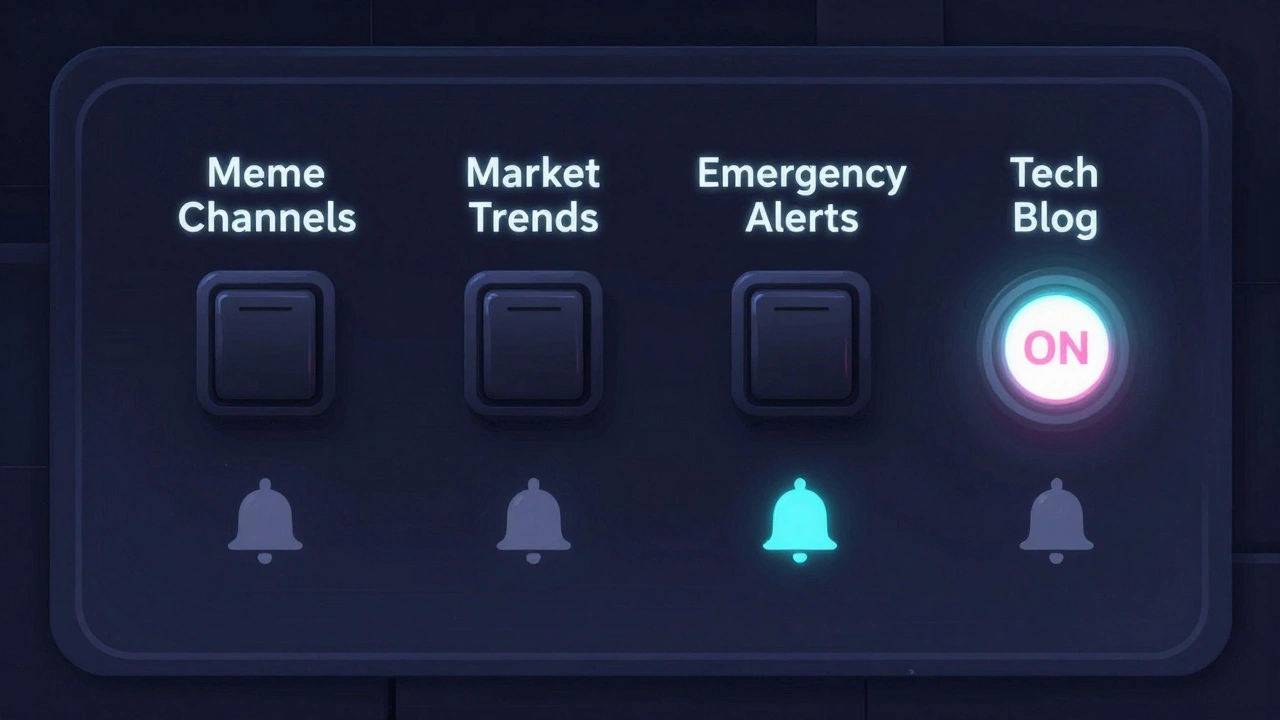
Real example: How I manage news on Telegram
I follow 7 news channels. Three are critical: local emergency alerts, national economic updates, and a trusted tech analyst. Those are unmuted. Sound on. Badge visible. Four others: market trends, crypto rumors, regional politics, and a general tech blog. I muted them for 8 hours during work. I check them once at lunch. If I see something urgent-like a policy change or a major outage-I unmute it right away. No panic. No missed info. I also use a folder called “News Only.” It only shows those 7 channels. Everything else is hidden. I open it once a day. That’s it.What not to do
- Don’t mute everything. You’ll forget what’s important.
- Don’t rely on one channel. If you only follow one news source and it goes silent, you’re blind.
- Don’t assume muting = deletion. You can always unmute. It’s reversible.
- Don’t ignore the bell icon. It’s your map. If you see a slashed bell, you know that channel is quiet.
Final tip: Revisit your mutes monthly
Your needs change. A channel you once found useful might be spamming now. A channel you muted because it was too noisy might now be your only source for real-time updates. Once a month, spend 5 minutes scrolling through your chat list. Look at the bell icons. Ask: “Do I still need this?” If yes, leave it. If no, unmute it for a day. If you still don’t care, delete it. You’re not just managing notifications. You’re managing your attention.Can I still see messages from a muted Telegram channel?
Yes. Muting only stops notifications. You can still open the channel anytime to read all messages, search past posts, and interact with content. Your membership stays active.
What’s the difference between muting and disabling sound?
Muting turns off all notifications-no sound, no badge, no pop-up. Disabling sound only removes the audio. You still get visual alerts: the badge, the message preview, and the notification in your phone’s notification center. Use this if you want to stay aware without being disturbed.
Can I mute a channel on one device but not another?
No. Telegram syncs your mute settings across all devices logged into the same account. If you mute a channel on your iPhone, it’s muted on your Android tablet too. There’s no way to have different settings per device.
Will I miss urgent alerts if I mute a news channel?
Only if you mute it indefinitely and never check. But if you use temporary mutes (like 8 hours or 2 days) or keep critical channels unmuted, you won’t miss anything. You can also check muted channels manually once a day to catch anything important.
How do I know which channels I’ve muted?
Look for the bell icon with a slash next to the channel name in your chat list. That’s the visual indicator for muted channels. You can also go into a channel’s profile page and check the notification toggle-it’ll be turned off.