Running a global news channel on Telegram often means fighting a battle with language barriers. If you want to reach a worldwide audience, posting everything in English isn't enough, but manually translating every post into five different languages is a recipe for burnout. The real secret to scaling is automation. Whether you are a journalist, a brand manager, or a hobbyist, the goal is to get a multi-language news feeds system that detects a user's preference and delivers the right content without you lifting a finger every time a story breaks.
| Method | Technical Effort | Customization | Best For |
|---|---|---|---|
| No-Code Tools (RSS.app) | Very Low | Basic | Quick deployment, social media feeds |
| Feed Managers (News Keeper) | Low | Moderate | Organizing multiple RSS sources |
| Low-Code (n8n + NocoDB) | Medium/High | Total | Custom logic, user-specific language prefs |
The Fast Track: Using No-Code Automation
If you don't want to touch a single line of code, your best bet is a dedicated bot service. Tools like RSS.app is a cloud-based tool that converts virtually any website or social media profile into an RSS feed and pushes it to Telegram. This is a lifesaver if your "news" actually comes from X (Twitter), Instagram, or TikTok, as those platforms don't provide native RSS feeds.
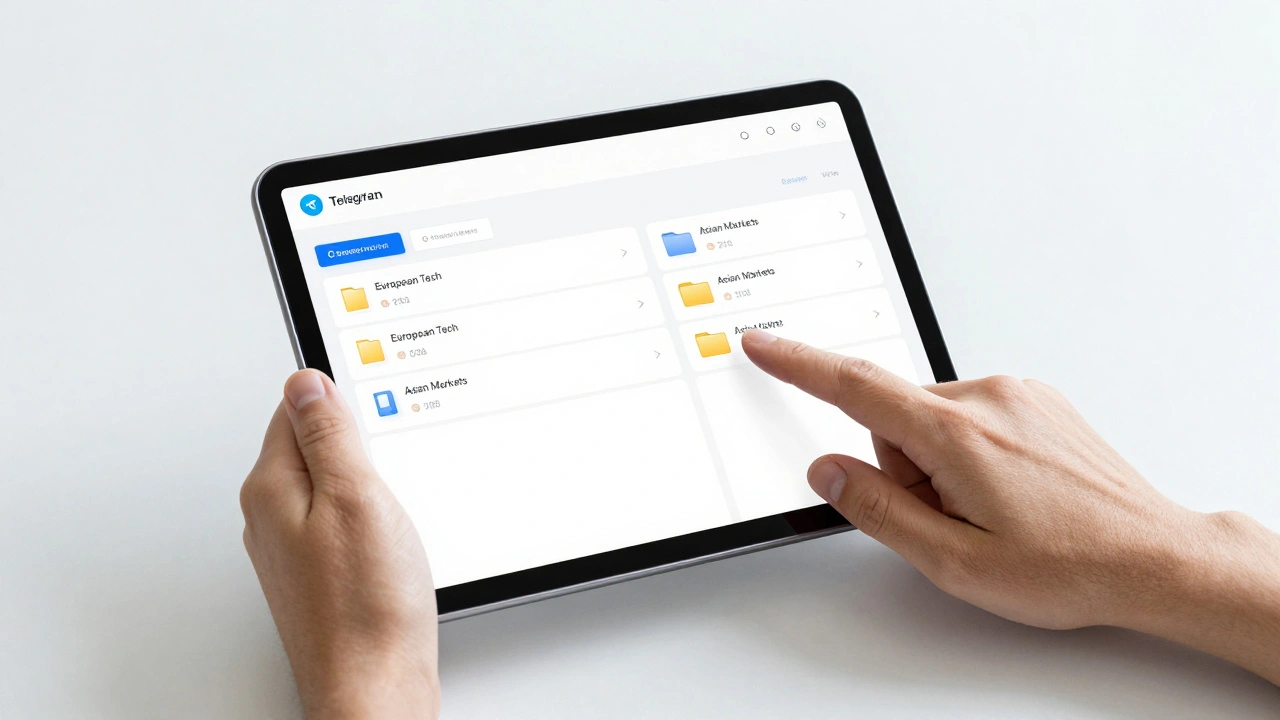
Setting this up usually takes under five minutes. You add the bot to your channel, pick your source-like a Google News search for "Quantum Computing" in Spanish-and set your filters. The bot handles the polling (checking for new content) and the posting. For those who need to manage a dozen different feeds across various languages, News Keeper is a Telegram-based RSS manager that allows users to organize feeds into categorized folders. You can create folders like "European Tech" or "Asian Markets," making it much easier to keep your multi-language streams from becoming a chaotic wall of text.
Building a Custom Brain with n8n and NocoDB
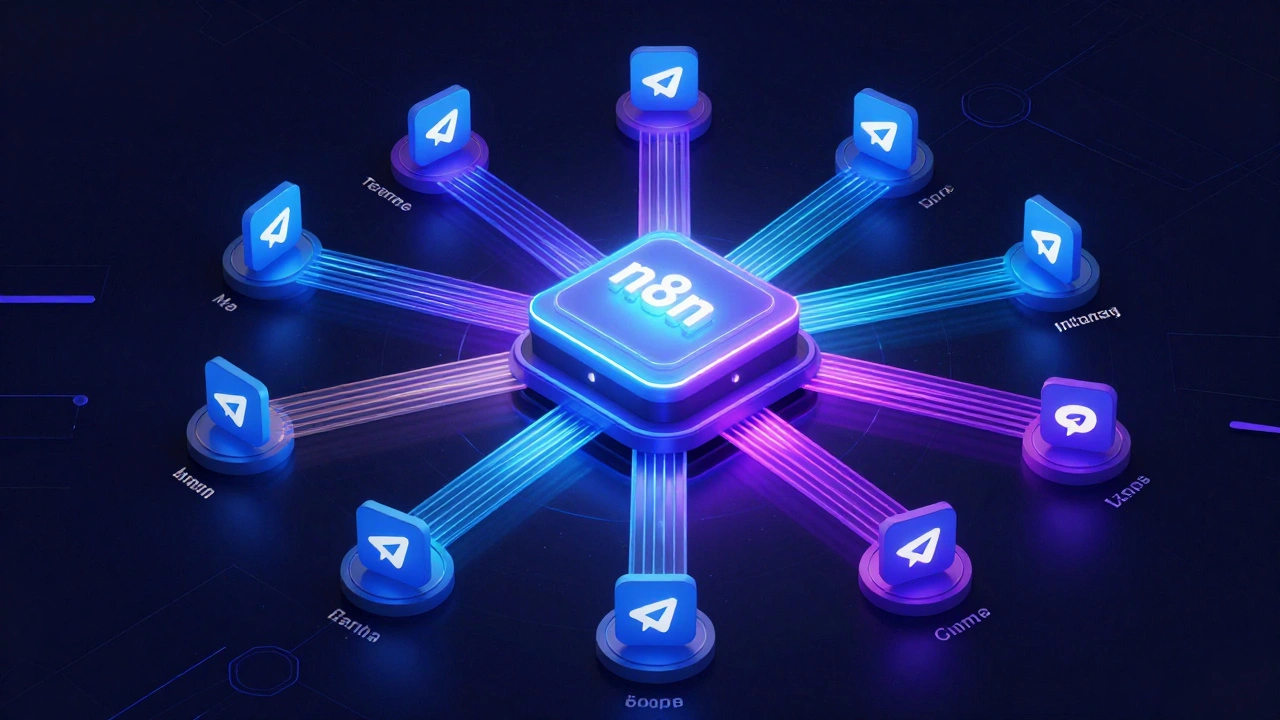
Sometimes, "good enough" isn't enough. Maybe you need the bot to greet users in their own language or keep a database of which user prefers which dialect. This is where n8n comes in. It is a powerful low-code workflow automation tool that lets you connect various APIs and databases via a visual interface.
To make a truly intelligent multi-language feed, you'll want to pair n8n with NocoDB, which is an open-source NoCode database that turns any data source into a smart spreadsheet. Here is how the logic works in a real-world scenario:
- Language Detection: When a user interacts with your bot, n8n captures the
language_codefrom the Telegram API (using IETF language tags). - Dictionary Lookup: The bot checks your NocoDB table. If the user's code is "fr", it pulls the French translation for the "Welcome" message. If the language isn't supported, it defaults to English.
- Content Routing: You can set up conditional branching. If the news item is tagged "Global," it goes to all language channels; if it's "Local-France," it only hits the French feed.
This setup requires a bit of JavaScript for the logic branching, but it means your channel feels like a premium, localized product rather than a robotic translation dump.
The Foundation: Creating Your Bot with BotFather
Regardless of whether you use a fancy automation platform or a simple RSS pusher, everything starts with BotFather. This is the official Telegram bot used to create, manage, and configure all other bots on the platform.
To get started, search for @BotFather in your Telegram app and send the /newbot command. You'll need to give your bot a name (e.g., "Global News Bot") and a username that ends in "bot". Once you finish, BotFather gives you an API token-a long string of numbers and letters. Keep this safe! This token is the key that allows n8n or RSS.app to post messages on your behalf. If someone else gets this token, they essentially own your bot.
Scaling Across Channels and Groups
A single channel is rarely enough for a professional news operation. You'll likely want a hub-and-spoke model: one master feed that distributes to several language-specific channels. To do this, you must add your bot as an Administrator in every target channel.
Crucially, make sure the bot has the "Manage Messages" permission. Without this, your bot might be able to join the group but won't be able to actually push the news. If you're using a service like News Alerts RSS, you can often select your target channels from a dropdown menu in their dashboard, making the deployment to five or ten different language groups a matter of a few clicks.
Pitfalls to Avoid When Automating News
Automation is great until it breaks or starts spamming. One common mistake is the "Translation Loop," where a bot picks up a translated version of a story and treats it as a brand new piece of news, posting the same story three times in three different languages to the same channel. Always use filters based on unique URLs or specific keywords to prevent this.
Another issue is formatting. A raw RSS feed often looks ugly in Telegram-lots of weird HTML tags or missing images. Use a tool that allows you to customize the "Card" view. Adding the author's name and a high-resolution image makes the news feel credible. A wall of plain text is the fastest way to get users to hit the "Mute" button.
Do I need to know how to code to set up a multi-language feed?
Not necessarily. If you use no-code tools like RSS.app or News Keeper, you can set up a feed in minutes using a visual interface. However, if you want a bot that remembers individual user language preferences and behaves differently based on the user, you'll need a low-code tool like n8n, which requires some basic understanding of logic and a tiny bit of JavaScript.
How does the bot know which language the user speaks?
Telegram provides an IETF language tag in the user's profile data. When a user first interacts with a bot, the API sends a language_code (like "en" for English or "es" for Spanish). Automation platforms like n8n can read this code and match it against a dictionary of translations stored in a database like NocoDB.
Can I turn a public Telegram channel into an RSS feed?
Yes, tools like Inoreader can convert public Telegram channels into RSS feeds. This allows you to aggregate news from other Telegram channels and then redistribute that content into your own multi-language network.
What permissions does the bot need in my channel?
The bot must be added as an Administrator. Specifically, it requires the "Manage Messages" permission to post and edit content. Without this administrative role, the bot cannot push automated updates to the channel.
How do I handle languages that aren't supported by my bot?
The best practice is to implement a "Fallback Language." In your automation logic, create a conditional rule: if the detected language code does not exist in your dictionary, the bot should automatically default to English (or your primary language) so the user still receives the information.
Next Steps for Your News Network
If you are just starting, start with the No-Code approach. Use RSS.app to get a few feeds running today. Once you see which languages are most popular with your audience, you can graduate to n8n and NocoDB to build a more sophisticated, user-aware system. For those managing high-volume feeds, focus on creating folder structures in News Keeper to keep your backend organized before the volume of sources becomes overwhelming.