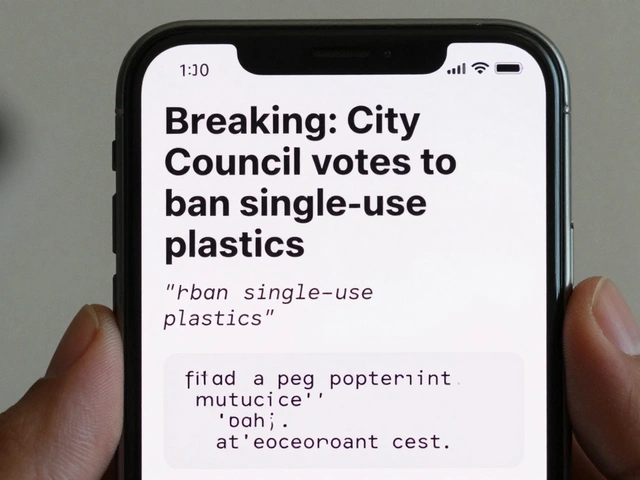
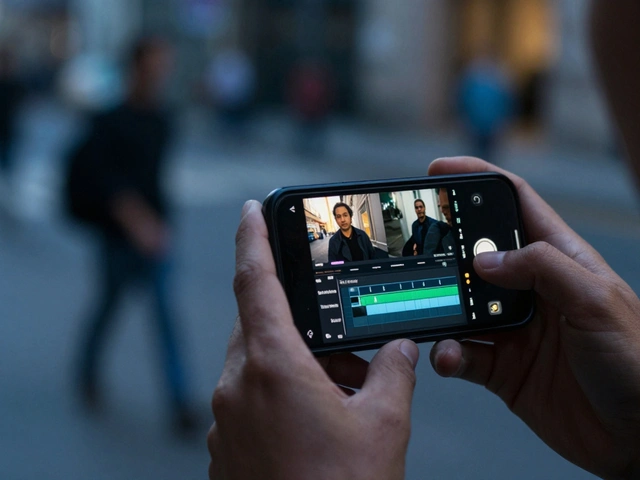
Imagine you're monitoring a breaking news event in a distant city. Suddenly, a Telegram channel blasts a video of a building collapsing. It looks real, the caption is urgent, and it's being forwarded thousands of times. Do you publish it? If you're practicing user-generated content (UGC) gathering, you know that the rush to be first is often where the biggest mistakes happen. Telegram is a goldmine for raw, unfiltered footage, but it's also a playground for sophisticated misinformation.
The challenge is that Telegram isn't like a traditional news agency. There are no editors at the gate. You're dealing with a mixture of brave witnesses, opportunistic clout-chasers, and state-sponsored bot nets. To get the truth, you need a system that separates genuine eyewitness accounts from carefully crafted fabrications.
The Trap of the Blue Checkmark
Before we get into the weeds of verifying a specific video, let's clear up a common misconception. Many people see a blue checkmark and assume the content is "true." That's not how it works. In the world of Telegram is a cloud-based instant messaging service that prioritizes privacy and large-scale broadcast channels, the verification badge is about identity, not accuracy.
Telegram's official verification, handled by @VerifyBot, simply proves that the person running the channel is who they say they are. It confirms they have a presence on other platforms like Instagram or X, or a Wikipedia page. A verified politician can still post a lie; a verified organization can still share a misleading clip. When sourcing UGC, the blue checkmark tells you the source is "official," but it doesn't tell you the content is "factual." You still have to verify the media itself.
Sourcing UGC Without Getting Burned
Finding content is the easy part; finding reliable content requires a strategy. Most journalists and researchers use a "hub and spoke" method. They identify a few core "hub" channels-trusted local admins or known activists-and then follow the "spokes" (the smaller, niche groups those hubs interact with).
When you find a piece of content you want to use, don't just save the file. Document the provenance. Where did it first appear? Was it uploaded to a public channel or forwarded from a private group? If a video appears simultaneously in ten different channels with the exact same caption, you're likely looking at a coordinated influence campaign, not a spontaneous citizen report. Genuine UGC usually has a "digital trail"-it starts in a small local chat and ripples outward.
The Technical Verification Toolkit
Once you have a file, you need to move from "trust" to "proof." Since Telegram strips some metadata when files are sent as "media," you should always ask the source to send the file as a "document." This preserves the original file properties.
Here is the workflow for verifying a piece of UGC:
- Reverse Image Search: Take a screenshot of a key frame from the video. Use tools like Google Lens or Yandex. If that "breaking news" video from 2026 actually appeared in a 2018 vlog from a different country, you've just caught a fake.
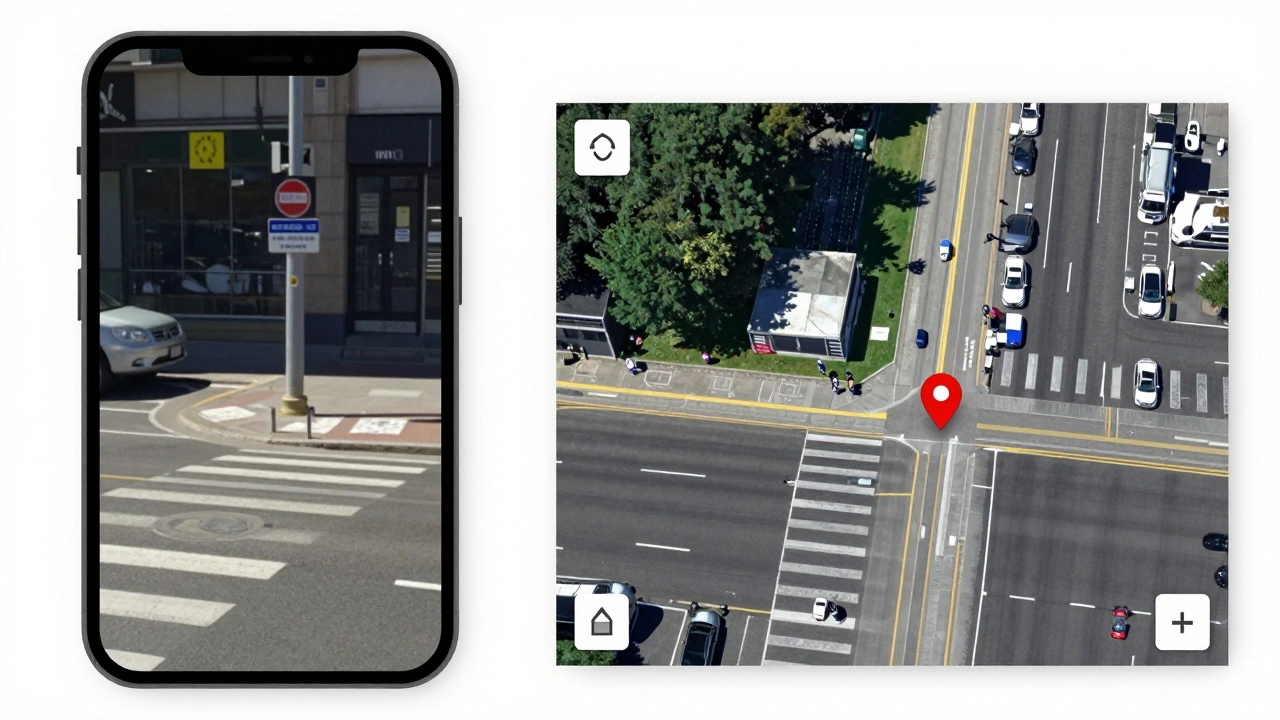
- Geolocation: Look for landmarks, street signs, or unique architecture. Compare these with Google Street View or satellite imagery. If the witness claims they are in Kyiv but the architecture is clearly from Belgrade, the content is compromised.
- Chronolocation: Check the shadows. Use the sun's position at the time the video was allegedly filmed to see if the shadows match the clock. If a video is timestamped at 10 AM but the shadows are long and slanted like it's 5 PM, something is wrong.
- Metadata Analysis: If you managed to get the file as a document, check the EXIF data. While easily forged by pros, most casual users leave a trail of device types and timestamps that can confirm the origin.
Dealing with the "Human Element"
Tools are great, but talking to the source is where the real verification happens. When you contact a Telegram user for a clip, don't just ask "Is this real?" They'll almost always say yes. Instead, ask specific, open-ended questions about the environment.
Ask them: "What was the weather like right before you started filming?" or "Which street were you standing on?" A real witness can describe the smell of smoke or the sound of a distant siren. A bot or a remote operator usually gives vague answers or ignores the question entirely. If they refuse to send a "proof of life" photo-like a picture of their hand holding a piece of paper with today's date-treat the content as suspicious.
| Indicator | Red Flag (High Risk) | Green Flag (Low Risk) |
|---|---|---|
| Captioning | Identical text across multiple channels | Natural, conversational, or unique language |
| File Format | Compressed video (sent as media) | Sent as a "File/Document" with metadata |
| Source History | Account created 2 days ago | Long history of local reporting/activity |
| Visuals | Perfectly framed, cinematic angles | Shaky cam, raw audio, obvious chaos |

Managing the Risk of Misinformation
Even with a strict process, some fakes will get through. The rise of AI-generated imagery means that "seeing is believing" is a dead concept. Now, we have to look for the "glitches." In AI-generated UGC, look for warping in the background, letters on signs that don't quite make sense, or people with an incorrect number of fingers.
Furthermore, be aware of "shallow fakes." These aren't AI-generated; they're just real videos taken out of context. A video of a protest from 2021 might be reposted today as if it's happening now. This is why the reverse search is your most powerful weapon. If the video exists anywhere else on the web from a previous date, it's a shallow fake.
Building a Verification Network
You can't do this alone. The best way to verify Telegram content is to build a network of trusted peers. This is often called "crowd-sourced verification." By sharing suspected clips with other journalists or local experts in a private group, you can quickly determine if a video is a known fake circulating in that specific region.
Establish a set of internal rules for your team. For example: "No content is published without at least two independent points of verification (e.g., geolocation + source confirmation)." This discipline prevents the "race to the bottom" where news outlets compete to be the first to post a lie.
Does a blue checkmark on a Telegram channel mean the videos they post are verified?
No. The blue checkmark only verifies the identity of the account owner (that they are a known public figure or organization). It does not act as a fact-check for the content they share. You must still verify every piece of user-generated content independently using geolocation and metadata analysis.
What is the best way to get the original file from a Telegram source?
Always ask the sender to send the media as a "File" or "Document" rather than as a "Video" or "Photo." When Telegram sends media as a standard message, it compresses the file and strips away important metadata. Sending it as a document preserves the original EXIF data and quality, which is crucial for forensic verification.
How can I tell if a video is an AI-generated fake?
Look for inconsistencies in the environment. Common AI tells include "melting" architecture, text on signs that looks like a foreign language but isn't, and unnatural movements in the background. Additionally, use reverse image search to see if the imagery has appeared in AI galleries or older news cycles.
Why is reverse image search important for Telegram UGC?
Many "breaking" videos on Telegram are actually old clips from other events or countries, repurposed to mislead people (shallow fakes). A reverse image search of a key frame can reveal the original source and date of the video, instantly proving if it is being used out of context.
What are "chronolocation" and "geolocation"?
Geolocation is the process of identifying the exact physical location of a video using landmarks and maps. Chronolocation is the process of determining the time of day a video was filmed by analyzing the angle and length of shadows in relation to the sun's position at that specific location and date.