You've spent weeks researching, writing, and producing a high-quality news series for your audience. But here is the cold truth: if your delivery looks like a wall of text or a random link, most of your subscribers will scroll right past it. In a world of infinite scrolling, the first three seconds determine whether your content is a hit or a ghost town. To stop the scroll, you need a strategy that treats your news updates like a cinematic event.
Quick Wins for Your Series Launch
- Use a "Hook" Clip: A 15-second high-energy trailer beats a long description every time.
- Optimize Link Previews: Ensure your OG tags are set so the image is crisp and the title is punchy.
- Create a Countdown: Use a sequence of teasers to build anticipation 48 hours before the drop.
- Interactive Polls: Ask your audience to guess the topic of the next episode to trigger engagement.
The Power of the Teaser in Telegram
When we talk about a Telegram news series is a structured sequence of informational content delivered via a Telegram channel, often utilizing a mix of video, audio, and text to report on specific niches, we aren't just talking about posting links. The goal is to create an appointment viewing experience. People don't just want news; they want the feeling of being the first to know something important.
A well-crafted trailer acts as a psychological trigger. By showing a glimpse of the most controversial or exciting part of your news segment, you create a "curiosity gap." This is the space between what the user knows and what they want to know. If you just post "Episode 4 is out now," there is no gap. If you post a 10-second clip of an expert saying, "This is the one mistake every investor is making," and then cut to black, you've created a need for the full content.
Mastering the Technical Side of Previews
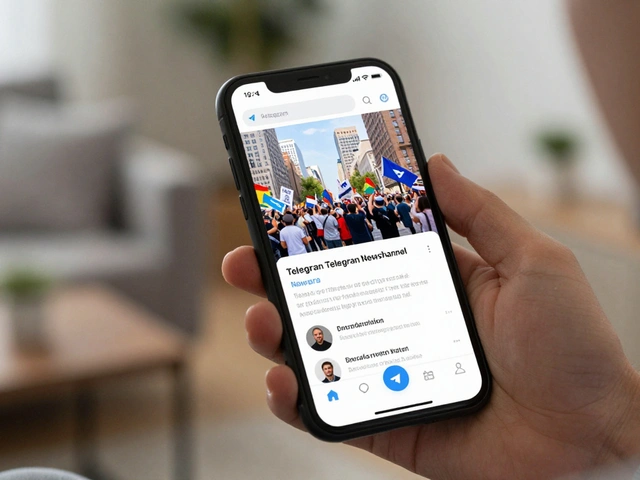
Telegram's architecture is built for speed, but that means your media needs to be optimized. If your preview takes five seconds to load, the user has already moved on. You should be focusing on Open Graph (OG) Tags, which are the snippets of code that tell Telegram exactly which image, title, and description to display when a link is pasted.
For a news series, your preview image shouldn't be a generic stock photo. It needs to be a high-contrast thumbnail with a bold headline. Think of it like a newspaper front page. If the thumbnail is blurry or the text is too small to read on a mobile screen, your click-through rate will plummet. Use a 1.91:1 aspect ratio to ensure the image doesn't get awkwardly cropped by the app's interface.
| Method | Engagement Level | Effort to Produce | Best Use Case |
|---|---|---|---|
| Plain Text Link | Low | Very Low | Quick updates/Breaking news |
| Custom Link Preview | Medium | Low | Regular news articles |
| Short Video Trailer | High | Medium | Weekly series/Special reports |
| Interactive Teaser | Very High | High | Major project launches |
Structuring Your Trailer for Maximum Retention
You don't need a Hollywood budget to make a trailer that works. In fact, overly polished videos can sometimes feel like ads, and Telegram users generally hate being sold to. They prefer authenticity. The most effective trailers for a news series follow a specific three-act structure: the Hook, the Value, and the Call to Action (CTA).
- The Hook (0-3 Seconds): Start with a surprising fact or a visually striking image. If your news series is about tech, show a device breaking or a shocking graph.
- The Value (3-12 Seconds): Quickly summarize what the viewer will learn. Use fast cuts and text overlays to highlight key points. "We uncover the truth about X," "Three reasons why Y is failing," etc.
- The CTA (12-15 Seconds): Tell them exactly what to do. "Watch the full series below" or "Join the discussion in the comments."
Pro tip: Use Captions. A huge percentage of people browse Telegram in public spaces with their sound off. If your trailer doesn't have burnt-in captions, you're losing half your potential audience before they even hear a word.

Strategic Scheduling for Channel Growth
Dropping your full news series without warning is a missed opportunity for channel growth. You want to build a wave of anticipation. Start with a "Coming Soon" graphic 72 hours out. Then, 24 hours before the launch, drop your 15-second trailer. This creates a pattern in your subscribers' minds: Trailer $\rightarrow$ Anticipation $\rightarrow$ Consumption.
Once the full series is live, don't just stop at the main post. Use the "teaser" method in reverse. Take a 30-second highlight from the full episode and post it as a "Did you miss this?" clip a few hours later. This catches the people who missed the initial notification and gives them a low-friction way to enter your content ecosystem.
Avoiding Common Preview Pitfalls
One of the biggest mistakes creators make is relying on Auto-generated Previews from third-party sites. If you're linking to a YouTube video or a blog post, Telegram will try to pull the metadata automatically. However, these are often poorly formatted for a chat interface. Always manually check your previews using a bot or by sending the link to a private "test" channel first.
Another trap is the "Over-Tease." If your trailer promises a world-changing revelation but the actual news series is just a slightly expanded version of the trailer, your audience will feel cheated. This erodes trust. Ensure the payoff in the full series is significantly more valuable than the teaser. The trailer is the appetizer; the series must be the full meal.
Connecting Your Series to the Wider Ecosystem
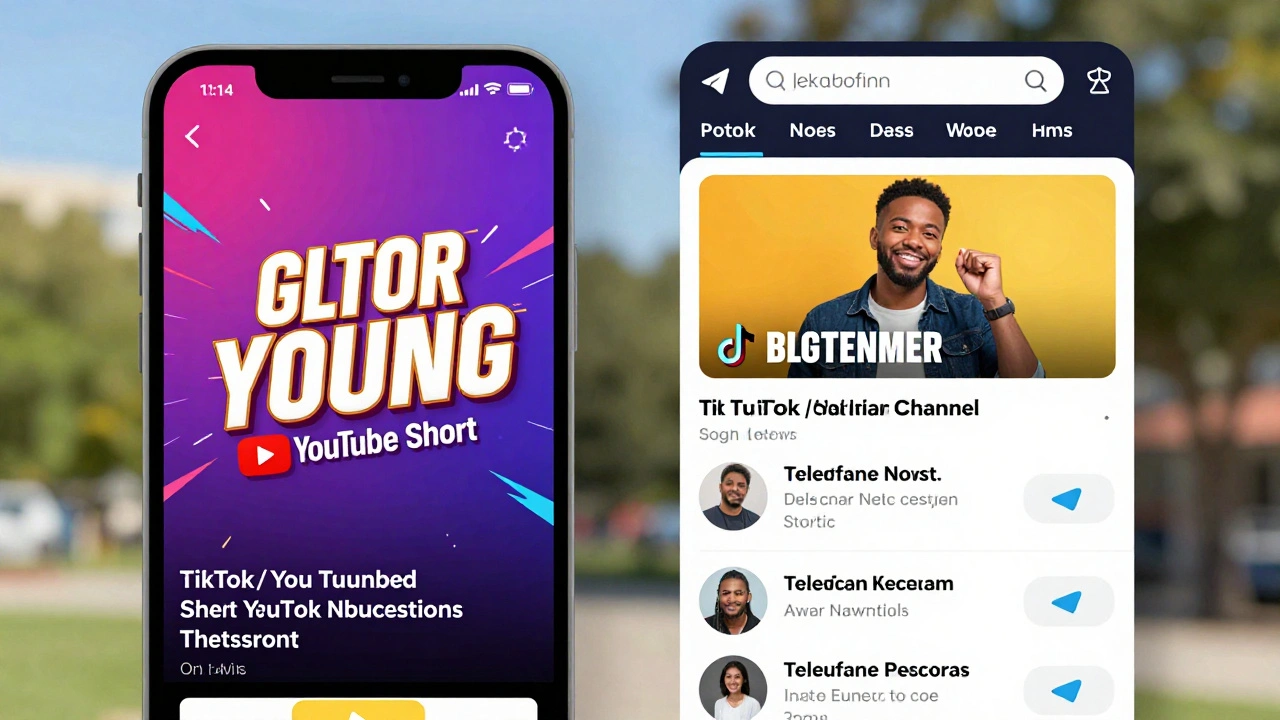
Your Telegram news series shouldn't exist in a vacuum. To truly grow, you need to leverage Cross-Platform Promotion. Take your Telegram trailers and post them as YouTube Shorts or TikToks. Because these platforms are designed for short-form discovery, they act as a funnel, driving new users toward your Telegram channel where the deep-dive content lives.
When you do this, the trailer serves a dual purpose: it's a teaser for your existing loyalists and a discovery tool for new users. Just make sure your link to the Telegram channel is easy to find in the bio or the first comment of the short-form video.
What is the ideal length for a Telegram news trailer?
The sweet spot is between 15 and 30 seconds. Anything longer starts to feel like the actual content and loses the "teaser" effect. The goal is to leave the viewer wanting more, not to give them the full story.
Should I use a video or a GIF for my previews?
Use GIFs for quick, looping visual cues that don't require sound. Use videos (MP4/MOV) for trailers where audio and pacing are critical. Videos are generally more engaging for news series because they allow for better storytelling and emotional impact.
How do I fix a link preview that isn't showing the right image?
This usually happens because the site's cache is outdated. You can use the Telegram Webpage Bot (@WebpageBot) to manually clear the cache for a specific URL, forcing Telegram to fetch the latest OG tags and images from your server.
Does using trailers actually increase my subscriber count?
Yes, because trailers are highly shareable. A user is much more likely to forward a 15-second exciting clip to a friend than a long-form article. This creates a viral loop where the trailer attracts the lead and the series converts them into a long-term subscriber.
Can I automate the delivery of these previews?
You can use scheduling tools or bots to set the exact time your trailers and series drop. However, avoid fully automating the creation of teasers. A human eye is needed to pick the most impactful 15 seconds of a news segment to ensure the hook actually works.
Next Steps for Creators
If you are just starting, don't overthink the production. Use a simple mobile editor to cut your first three trailers. Focus on the Hook and the CTA. Once you see which clips get the most forwards and views, you can invest in better graphics or a more complex editing style.
For those with established channels, try A/B testing your previews. Post one series with a standard link preview and another with a video trailer. Track the "Views to Clicks" ratio. You'll likely find that the visual effort pays off in a significant jump in audience retention and overall growth.
Latest Posts