Imagine a whistleblower sends you a folder of leaked government contracts. You’re in the field, your laptop is dead, but your phone has battery. You open Telegram, which is a cloud-based messaging app launched in 2013 known for large file transfers and public channels, download the files, and start reading. It feels seamless. But here’s the catch: unless you took specific steps before that message arrived, those documents are sitting on a server somewhere, accessible to the platform operator, and potentially vulnerable to legal orders or state-level surveillance. For news organizations, the line between convenience and compromise is razor-thin.
Telegram has become a default tool for millions of journalists, especially in conflict zones or countries with heavy internet censorship. Its ability to handle files up to 1.5 GB and sync them across devices is unmatched by many competitors. However, treating it as a secure vault for sensitive source materials without understanding its architecture is a dangerous mistake. This guide breaks down exactly how Telegram handles data, where the leaks happen, and how to build a workflow that keeps your sources safe while still using the platform’s speed.
The Two Faces of Telegram Encryption
To secure documents, you first need to understand that Telegram does not use one type of encryption. It uses two completely different systems, and knowing the difference is the single most important skill for any journalist using the app.
By default, every chat you have-whether it’s a direct message, a group with your editors, or a broadcast channel-uses what Telegram calls "Cloud Chats." These chats rely on the MTProto protocol, which is Telegram's proprietary encryption standard that encrypts data between client and server but allows the service provider access to the keys. In simple terms, your messages and files are encrypted while traveling from your phone to Telegram’s servers, and they stay encrypted while stored there. But Telegram holds the keys. If a court order arrives, or if their infrastructure is compromised, those documents can be accessed. Furthermore, because these chats are synced to the cloud, you can read them on your desktop, tablet, or phone. That convenience comes at the cost of absolute confidentiality.
The second system is "Secret Chats." This is the only mode in Telegram that offers end-to-end encryption (E2EE). In this model, the encryption keys exist only on the sender’s and receiver’s devices. Telegram’s servers cannot decrypt the content. However, Secret Chats come with severe limitations: they are device-specific (not synced to the cloud), available only on mobile apps (no desktop support), and strictly limited to one-on-one conversations. You cannot create a Secret Chat group. For a newsroom, this means you cannot securely share a leak with an editor and a lawyer simultaneously within Telegram itself.
Metadata: The Silent Leak
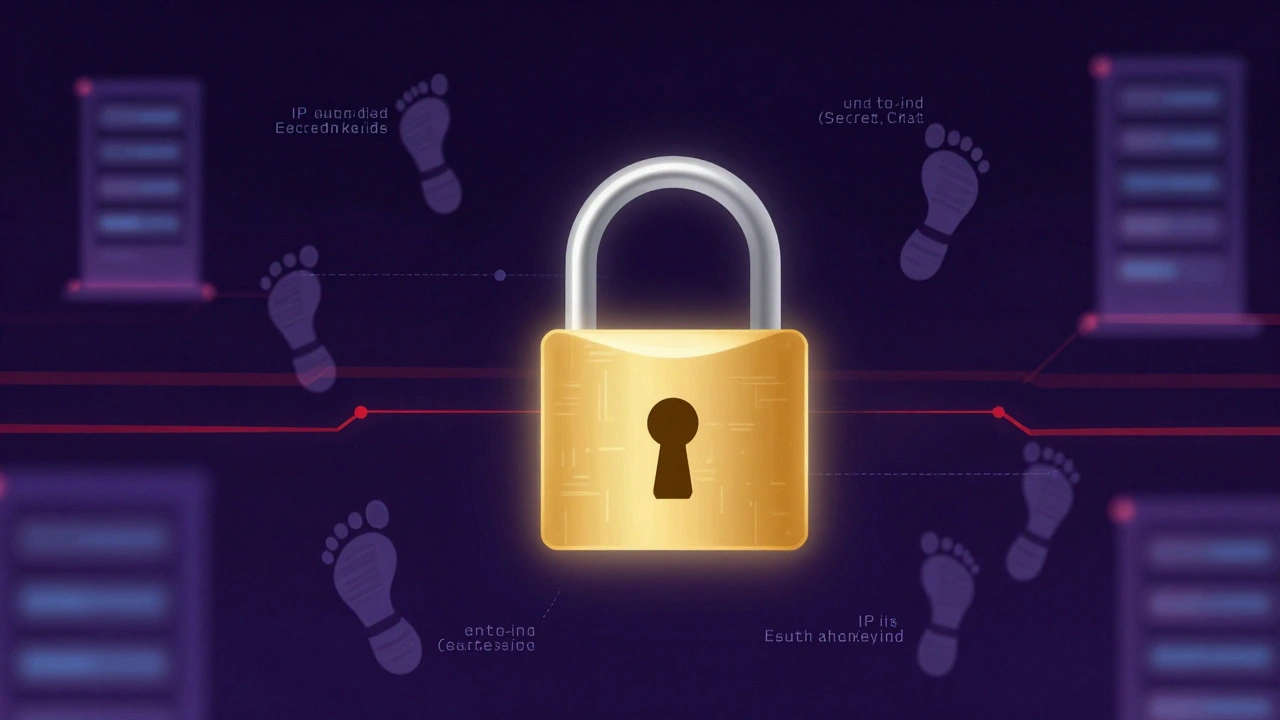
Even when you use Secret Chats and protect the *content* of your documents, you are still exposing *metadata*. Metadata is data about data-who talked to whom, when, and from where. Security researchers, including analysis from Wire and the Organized Crime and Corruption Reporting Project (OCCRP), have highlighted that MTProto attaches an unencrypted identifier called auth_key_id to every packet.
If an adversary can monitor network traffic-which is feasible for state actors or sophisticated hackers-they can link that ID to a specific device and IP address. Over time, this reveals communication patterns. If you always contact Source X at 9 PM from a specific café, metadata alone can confirm the relationship, even if the documents themselves are unreadable. For investigative journalists covering authoritarian regimes, this "massive metadata machine" aspect of Telegram poses a significant risk. It turns the platform into a beacon that signals who is talking to whom, regardless of the encryption strength of the actual file.
Operational Security for Document Transfer
If you must use Telegram for document exchange, you need to adopt strict operational security (OpSec) habits. Here is how to maximize safety within the platform’s constraints:
- Always Initiate Secret Chats: Never send sensitive documents in a standard Cloud Chat. Go to the user’s profile, tap the three dots, and select "Start Secret Chat." Look for the lock icon. If you don’t see it, you are not in a secure mode.
- Use Self-Destruct Timers: Inside a Secret Chat, you can set a timer for photos and videos. When a source sends a photo of a physical document, set the timer to 5 seconds. Once viewed, the image blurs and then disappears from both devices. This limits the window of exposure if the recipient’s phone is seized. Note: This does not prevent someone from taking a picture of the screen with another camera.
- Disable Forwarding: Files sent in Secret Chats cannot be forwarded to other chats. This prevents accidental leakage if the recipient tries to share the file with a third party outside the encrypted session.
- Send as File, Not Photo: When sending images, always choose the "File" option rather than "Photo." Sending as a photo compresses the image and strips some metadata, but more importantly, it ensures the original quality is preserved for forensic analysis later. However, remember that in Cloud Chats, these high-res files remain on Telegram’s servers indefinitely unless deleted manually.
- Avoid Desktop Apps for Secrets: Since Secret Chats do not work on Telegram Desktop, do not attempt to manage sensitive exchanges from your primary workstation. Use a dedicated, air-gapped mobile device for high-risk communications.
When to Walk Away: The SecureDrop Alternative
There is a hard limit to how secure Telegram can be. For high-stakes whistleblowing-such as leaks involving national security, corporate espionage, or life-threatening corruption investigations-Telegram is not enough. News organizations should integrate SecureDrop, which is an open-source whistleblower submission system installed by media organizations to accept anonymous documents via the Tor network.
Unlike Telegram, SecureDrop is hosted by the news organization itself. Sources connect through the Tor anonymity network, which hides their IP address and location. The system does not require a phone number or account creation, eliminating the identity linkage inherent in Telegram. Documents are submitted to a secure server that only authorized journalists can access with multi-factor authentication. While the setup is complex and requires technical expertise, it provides a level of anonymity and resistance to metadata collection that Telegram simply cannot match.
| Feature | Telegram (Secret Chat) | SecureDrop |
|---|---|---|
| Encryption Model | End-to-End (Client-to-Client) | End-to-End (Tor + PGP) |
| Anonymity | Low (Requires Phone Number) | High (No Account Needed) |
| Metadata Risk | High (Auth Key IDs exposed) | Low (Tor Onion Routing) |
| File Size Limit | 1.5 GB per file | Configurable (Typically 500MB-1GB) |
| Group Support | No (1-to-1 only) | Yes (Editorial Team Access) |
| Infrastructure Control | Third-Party (Telegram Inc.) | Self-Hosted (News Org) |
Building a Layered Workflow
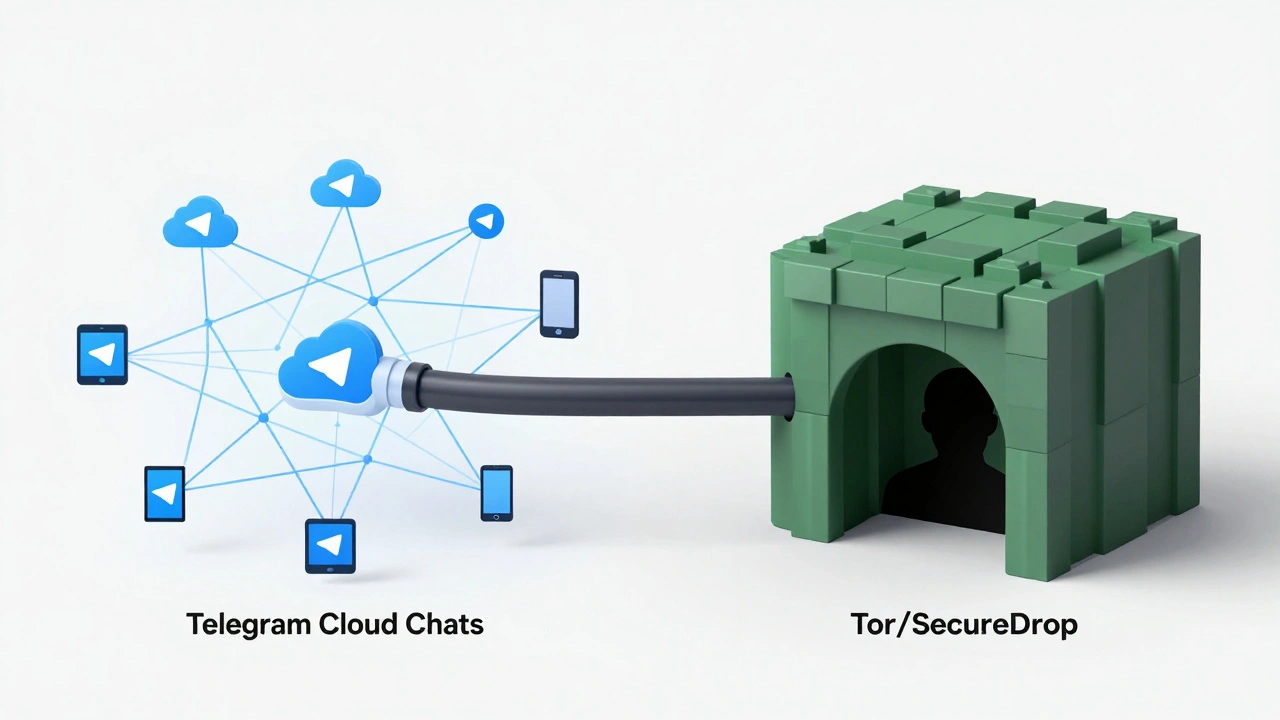
The best approach for modern newsrooms is not to abandon Telegram, but to use it strategically within a layered security model. Think of your tools like armor: each layer protects against a different threat.
Layer 1: Public Monitoring. Use Telegram Cloud Chats and public channels to monitor breaking news, coordinate logistics with field reporters, and distribute non-sensitive updates. This leverages Telegram’s speed and reach without risking source confidentiality.
Layer 2: Low-Risk Coordination. For initial contact with potential sources who are already on Telegram, use Cloud Chats for basic conversation. Establish trust and verify identity. Do not yet ask for documents.
Layer 3: Medium-Sensitivity Exchange. Once trust is established, move to Secret Chats for exchanging lower-risk documents, such as background information or non-identifying photos. Use self-destruct timers aggressively. Keep these sessions on a dedicated burner phone.
Layer 4: High-Stakes Whistleblowing. For sensitive leaks, redirect the source to your SecureDrop instance or a Signal session (if E2EE group chat is needed). Never store high-value leaks solely on Telegram’s servers. Download them immediately to an encrypted local drive and delete them from the chat history.
Common Pitfalls to Avoid
Many breaches happen not because of weak encryption, but because of human error. Here are the most common mistakes newsrooms make:
- Assuming Group Chats Are Secure: Telegram groups are never end-to-end encrypted. Any admin or member can potentially forward files out, and all content is stored on Telegram’s servers. Never discuss source identities in group chats.
- Syncing Across Devices: If you receive a secret document on your phone, do not try to access it on your laptop. Secret Chats are device-bound. Trying to bridge this gap often leads users to take screenshots or re-upload files to Cloud Chats, defeating the purpose of secrecy.
- Ignoring Backup Risks: Telegram automatically backs up Cloud Chats. Ensure your backup settings are configured to exclude sensitive media if possible, though note that once backed up, control over that data diminishes.
- Trusting the "Delete for Everyone" Feature: In Cloud Chats, deleting a message removes it from the interface, but it may remain on Telegram’s servers for an undefined period. For true deletion, you must use a Secret Chat with a self-destruct timer.
Telegram is a powerful tool for journalism, offering unparalleled reach and file-handling capabilities. But it is not a silver bullet for security. By understanding the distinction between Cloud Chats and Secret Chats, respecting the risks of metadata, and integrating specialized tools like SecureDrop for high-risk scenarios, news organizations can harness Telegram’s strengths while minimizing its vulnerabilities. The goal is not perfection, but pragmatic risk management that keeps both the story and the source alive.
Is Telegram safe for receiving confidential documents?
Only if you use "Secret Chats" and apply strict operational security. Standard Telegram chats (Cloud Chats) are not end-to-end encrypted and are stored on Telegram's servers, making them vulnerable to legal requests or server compromises. For high-sensitivity documents, dedicated platforms like SecureDrop are safer.
Can Telegram read my messages and files?
In standard Cloud Chats, yes. Telegram holds the encryption keys and can technically access the content. In Secret Chats, no. These use end-to-end encryption, meaning only the sender and receiver have the keys. However, Secret Chats are limited to one-on-one mobile conversations and do not sync to the cloud.
What is the maximum file size I can send on Telegram?
Telegram allows users to send documents up to 1.5 GB per file in any chat type. This makes it highly useful for transferring large video files or extensive datasets, though security experts warn that storing such large files in Cloud Chats increases exposure risk.
Does Telegram hide my IP address?
No. Telegram does not anonymize your IP address by default. Additionally, its MTProto protocol exposes metadata identifiers that can be used to correlate network traffic with specific devices. For true anonymity, sources should use the Tor network via platforms like SecureDrop.
Why do security experts recommend SecureDrop over Telegram for leaks?
SecureDrop is designed specifically for anonymous whistleblowing. It uses the Tor network to hide the source's location and identity, requires no phone number or account, and is hosted by the news organization rather than a third-party tech company. Telegram relies on phone numbers and centralized servers, creating higher risks for metadata collection and legal subpoena.
Latest Posts