Making your Telegram news feed accessible doesn't require a degree in computer science. It's mostly about changing a few habits in how you post images, links, and videos. While Telegram is a powerful tool for rapid distribution, it isn't perfect. Some users, especially those on iOS, might find certain features clunky when using assistive tech. Because no single app is 100% accessible, the goal for a publisher is to remove as many friction points as possible while being honest about where the platform falls short.
The Golden Rule of Visuals: Alt Text and Contrast
Images are the heartbeat of news, but for a visually impaired user, a photo is a blank space unless you describe it. The most critical step is using alternative text (alt text). In Telegram, you can add a caption to your image that describes exactly what's happening. Avoid vague descriptions like "Photo of a protest." Instead, try "Crowd of approximately 500 people holding signs outside City Hall during the Tuesday rally." This gives the reader the same context as someone who can see the image.
Contrast is the other side of the coin. Many publishers love using custom backgrounds or colored text to brand their channels. However, if you put light grey text on a white background, people with low vision or those reading in bright sunlight won't be able to see it. Aim for a contrast ratio of at least 5.0:1. A good rule of thumb? If you have to squint to read it on your own phone, it's not accessible.
One massive mistake to avoid is embedding text directly into images. You might think a "Breaking News" banner inside a JPG looks sleek, but screen readers can't see it, and users who zoom in will find the text pixelated and illegible. Keep your text as actual text, not pixels.
Cleaning Up Your Links
There is nothing more frustrating for a screen reader user than a "naked URL." When a screen reader encounters a link like https://www.news-site.com/2026/04/21/local-government-update-v2-final-abc123, it reads every single character aloud. It's a sonic nightmare that can take minutes just to get through one post.
Instead, use descriptive link text. If you are linking to a story about a new tax law, your link should say "Read more about the 2026 Tax Changes" rather than pasting the full web address. If the platform limits your formatting, using a URL shortener like Bitly can help reduce the noise, though descriptive text is always the gold standard.
| Element | Bad Practice | Accessible Practice |
|---|---|---|
| Images | No caption or "Image1.jpg" | Descriptive alt text in caption |
| Links | Full, raw URLs | Short, descriptive anchor text |
| Text | Fancy script/serif fonts | Clean, sans-serif typography |
| Videos | Audio only | Closed captions + transcript |
Making Video Content Inclusive
Video is great for engagement, but it can completely shut out the deaf and hard-of-hearing community if you don't provide a way to "read" the audio. Closed captioning is non-negotiable for professional news distribution. If you don't have the budget for a full production house, services like 3Play Media can provide automated transcripts with high accuracy, which you can then edit for perfection.
Don't just rely on the captions embedded in the video file. Providing a separate text transcript in the post description or as a linked document is a pro move. It doesn't just help accessibility; it makes your content searchable. A user can search their Telegram history for a specific quote from a transcript, but they can't search the audio of a video file.
Designing for Readability and Cognitive Ease
The way you structure your text matters as much as the words you use. People with visual processing disorders or cognitive disabilities often struggle with overly ornate fonts or excessive italics. Stick to sans-serif fonts and avoid those "fancy" unicode text generators that turn your letters into symbols. While they might look "aesthetic" to some, they are completely unreadable to a screen reader.
Keep your paragraphs short. Use bullet points for lists. If a story is long, break it up into a series of shorter posts or use a "Read More" link to a fully accessible website. The goal is to avoid a "wall of text," which can be overwhelming and difficult to navigate for many users.
Navigating Platform Limits with a Multi-Channel Strategy
Here is the hard truth: Telegram's accessibility is not perfect. Depending on the device and OS, some assistive technologies might not interact with the app as smoothly as they do with a dedicated web browser. Because of this, you shouldn't make Telegram your only distribution point for critical news.
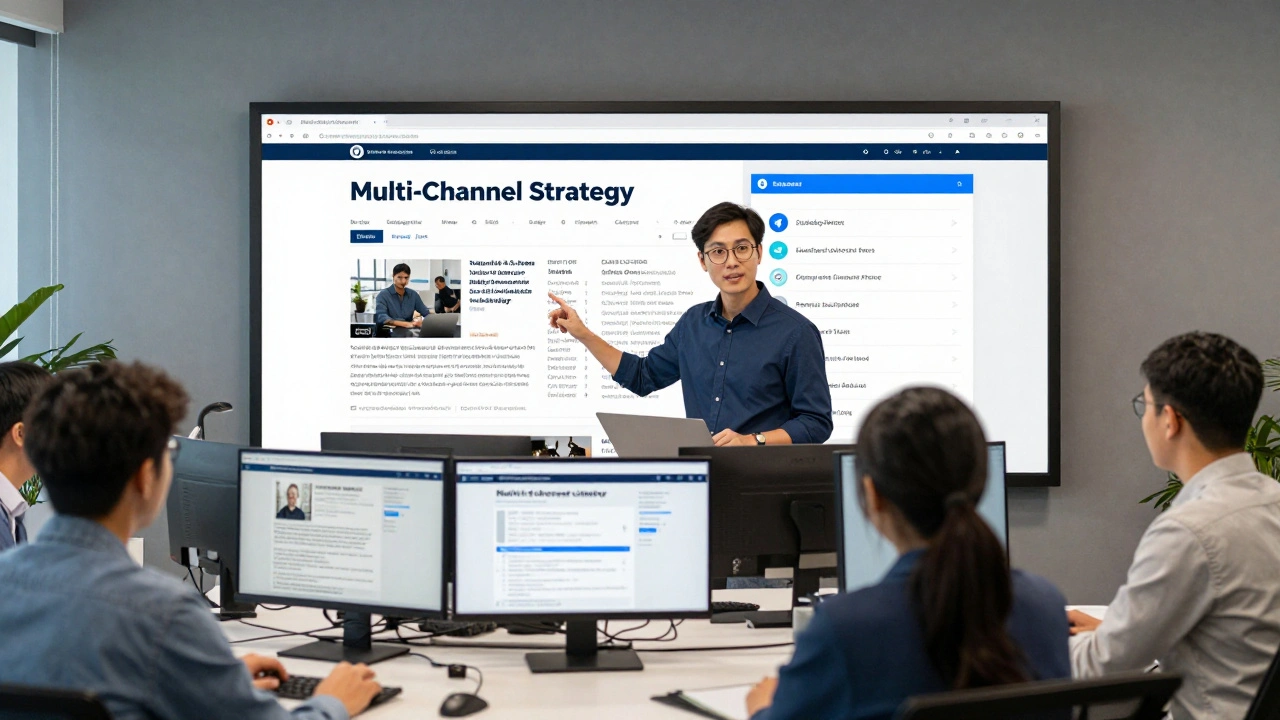
A smart publisher uses a multi-channel approach. If you have a high-impact story, post it on Telegram, but also host it on a Web Accessibility compliant website. You can even add a small note in your channel: "For the best experience with screen readers, view this story on our website." This shows your audience that you value their access and are providing a fallback option.
Building a Support System for Your Users
No matter how hard you try, some users will still run into barriers. The mark of a truly accessible news organization is how they handle those complaints. Don't just provide a generic "Contact Us" form. Create a specific path for accessibility feedback.
List a dedicated email address for accessibility issues and ensure the staff monitoring it knows how to handle requests from users with disabilities. If you have a phone support line, make sure your team is trained in receiving relay calls from deaf users. Additionally, provide a direct link to the official accessibility support pages of the platform so users can troubleshoot technical bugs with the developers themselves.
Maintaining Long-Term Compliance
Accessibility isn't a project you finish and check off a list; it's a maintenance habit. As Telegram releases new features-like new polling tools, stories, or interactive buttons-you need to test how those features work with screen readers. What worked in 2025 might be broken by a 2026 update.
Set up a regular audit schedule. Once a month, go back through your top-performing posts and ask: "Would a blind user understand this? Would a deaf user get the full story?" If you have the resources, partner with a professional accessibility auditor who can run both automated tests and human reviews. This ensures that as your news channel grows, your inclusivity grows with it.
Does Telegram have built-in alt text for images?
Telegram does not have a separate "Alt Text" field like some other social platforms. Instead, publishers should use the image caption field to provide a detailed description of the visual content, which screen readers will then announce to the user.
Why are raw URLs considered inaccessible?
Screen readers read URLs character by character. A long link containing symbols, numbers, and extensions can take a long time to listen to and provides no context about where the link leads, creating a tedious and confusing experience for the user.
What is the best font for accessibility on mobile?
Sans-serif fonts are generally preferred because they are cleaner and easier to read for people with visual processing disorders. Avoid script, decorative, or heavily italicized fonts, which can blur together or confuse assistive technology.
How do I handle video content for deaf users?
The best approach is a combination of closed captioning (CC) within the video and providing a full text transcript in the post description. This ensures that users can access the information even if they cannot hear the audio or see the captions.
Should I use Telegram as my only news source?
No. Because no single platform is 100% accessible, news organizations should use a multi-channel strategy, directing users to an accessible website or other platforms if they encounter barriers on Telegram.