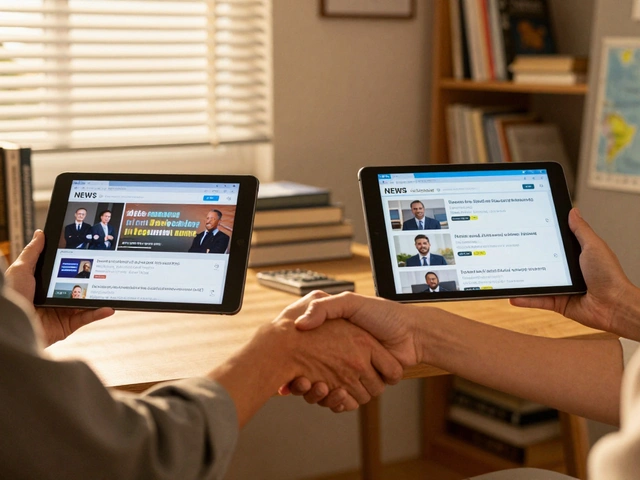
Impersonation is a massive problem on messaging platforms. If you run a news outlet or are a public figure, having someone create a fake channel with your name can damage your reputation overnight. Telegram Verification is an official authentication system that helps users distinguish legitimate sources from fraudulent accounts. It’s not just a vanity badge; it’s a trust signal.
In February 2025, Telegram expanded this system to include a new layer of security. Now, there’s the traditional blue checkmark and a newer, sector-specific third-party verification. For news brands and public figures, understanding how these two layers work-and what they require-is essential for maintaining credibility in 2026.
Why Verification Matters for Your Brand
You might think your audience knows your handle by heart. But scammers don’t care about that. They create lookalike channels, post breaking news before you do, or spread misinformation under your name. The primary purpose of Telegram Blue Checkmark is to establish trust. When a user sees that verified badge, they know they are talking to the real source.
For news organizations, this is critical. Misinformation spreads faster than truth. By securing your official status, you give journalists, researchers, and readers a reliable anchor point. It also protects your brand from being associated with scams or satirical content that mimics your tone.
| Feature | Official Blue Checkmark | Third-Party Verification (2025+) |
|---|---|---|
| Who Issues It | Telegram Team | Sector-Specific Organizations (e.g., Press Councils) |
| Visual Icon | Blue Checkmark | Custom Icon/Sticker (e.g., Carrot for Chefs) |
| Prerequisite | Notability & Cross-Platform Presence | Must already have Official Blue Checkmark |
| Primary Goal | Identity Authentication | Industry Credibility & Fraud Prevention |
How to Get the Official Blue Checkmark
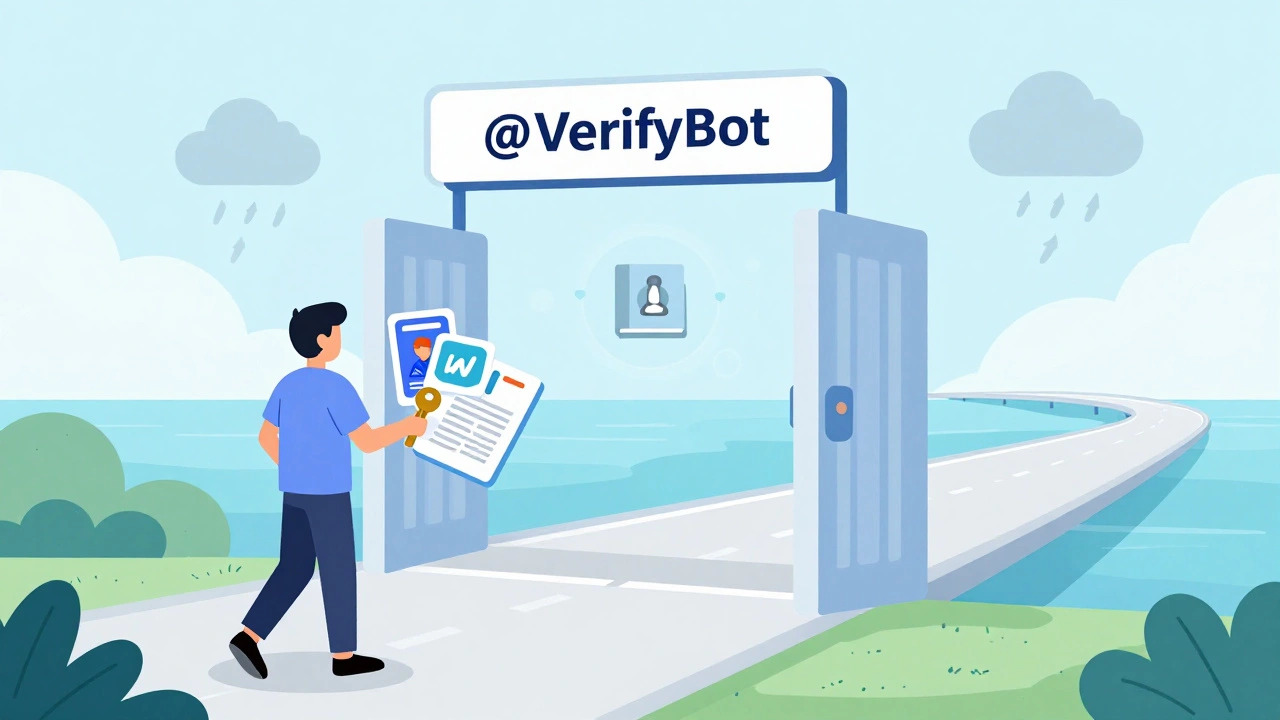
The process is managed entirely through @VerifyBot, which is the official bot used to submit and manage verification requests on Telegram. You cannot email support or fill out a web form. You must interact with this bot directly.
Before you start, make sure your account meets the strict criteria. Telegram does not verify individual user accounts. You must be an active official channel, group, or bot. Here is what you need to prepare:
- Cross-Platform Presence: You must have verified accounts on at least two major social media platforms. These include TikTok, Instagram, Facebook, YouTube, Twitter, VK, or Snapchat.
- Bio Links: This is a common stumbling block. You must add a direct link to your Telegram channel, bot, or group in the bio section of those social media profiles. Telegram uses this to confirm ownership.
- Press Coverage: Submit at least two links to press articles that mention your organization or public figure. Telegram prefers articles from well-known, long-standing publishers, ideally in English.
If you lack one of the required social media verifications, you can substitute it with an undisputed Wikipedia page. This page must meet Wikipedia’s Notability Guidelines and contain a link to your Telegram entity. For organizations, a link from your official website can also count as one of the verified accounts.
The New Third-Party Verification Layer
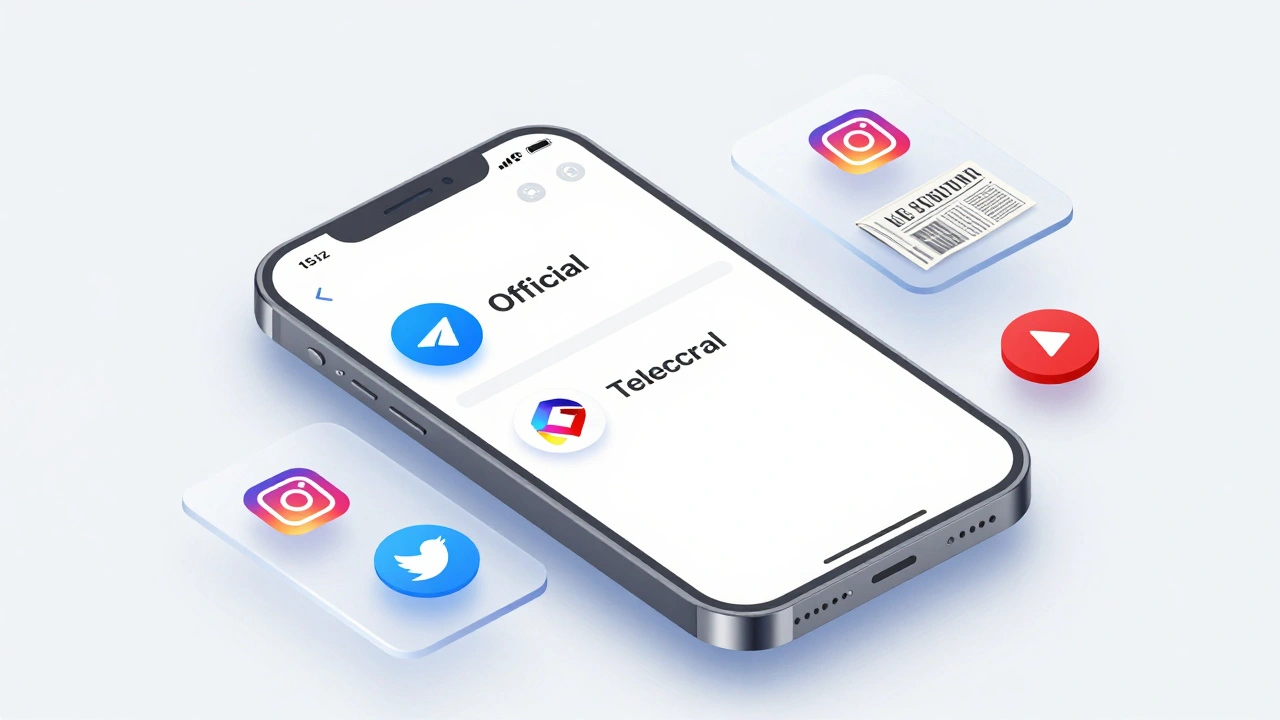
In early 2025, Telegram introduced a decentralized verification system. This isn’t a replacement for the blue checkmark; it’s an addition. Only accounts that already hold the official blue checkmark can apply for this.
This system relies on sector-specific organizations. Think of bodies like journalism associations, educational institutions, or regulatory agencies. These entities become "third-party verifiers" by creating their own official bots, getting those bots verified by Telegram, and then verifying others within their industry.
When a news brand gets third-party verified, it receives a custom icon instead of-or alongside-the standard checkmark. For example, a chef might get a carrot icon. For a news organization, this could be a specific symbol designated by a press council. This icon appears before the chat name, and users can tap it to see who verified the account and under what standards.
This layer adds transparency. Users aren’t just trusting Telegram’s word; they are seeing validation from an industry authority. It makes it harder for scammers to replicate because they would need to compromise an entire sector’s verification infrastructure, not just guess a password.
What Verification Does Not Do
It’s important to manage expectations. Getting verified doesn’t magically boost your reach. Telegram has explicitly stated that verification is not an endorsement of your opinions or content. It simply confirms identity.
Furthermore, verification does not grant special technical abilities within the app. You don’t get higher posting limits or exclusive features. It is purely a visual marker for trust. Also, remember that Telegram currently does not verify individual user accounts. If you are a public figure, you should use a Channel or Group for your main presence, not a personal profile, if you want to pursue verification.
Step-by-Step Submission Guide
Ready to apply? Follow these steps carefully to avoid rejection.
- Prepare Your Assets: Ensure your social media bios link to your Telegram channel. Gather your two press article links. If using Wikipedia, ensure the link is present and the page is stable.
- Contact @VerifyBot: Start a chat with the bot. Follow the prompts to select your entity type (Channel, Group, or Bot).
- Submit Evidence: Paste the links to your verified social media profiles and press articles. Be precise. Broken links lead to immediate denial.
- Add Comments: Use the comment field to explain any unique circumstances. If your press coverage is in a language other than English, note this clearly.
- Wait for Review: There is no guaranteed timeline. The Telegram team reviews applications manually. Do not spam the bot with follow-up messages.
If approved, the badge will appear instantly across search results, chat lists, and info pages. If denied, review the feedback. Often, rejections happen because the bio links were missing or the press articles didn’t sufficiently highlight the entity’s notability.
Maintaining Your Verified Status
Verification isn’t always permanent. While Telegram hasn’t published a strict revocation policy, losing your cross-platform presence or engaging in fraudulent activity can lead to removal. Keep your social media links updated. If you change your Instagram handle, update the Telegram link in that bio immediately.
For news brands, staying relevant is key. The press article requirement implies ongoing notability. If your organization ceases operations or loses its public presence, you may no longer qualify for the status. Treat verification as a living credential that requires maintenance.
Can individual Telegram user accounts get verified?
No. As of 2026, Telegram only verifies official channels, groups, and bots. Individual user profiles are not eligible for the blue checkmark or third-party verification icons.
Does verification improve my channel's reach in search?
Telegram states that verification does not provide additional technical abilities or algorithmic boosts. However, it may indirectly help discoverability by building trust with users who prefer official sources.
What if I don't have a Wikipedia page?
You don't need one. You can satisfy the notability requirement by providing two links to press articles from reputable publishers. Alternatively, a link from your official website can count as one of the required verified accounts for organizations.
How do I apply for third-party verification?
First, you must have the official blue checkmark. Then, you contact the sector-specific organization relevant to your industry (e.g., a journalism association). They will guide you through their specific verification process using their official bot.
Is the verification process free?
Yes. Telegram does not charge for verification. Any service claiming to sell you a blue checkmark is a scam. Always use the official @VerifyBot.