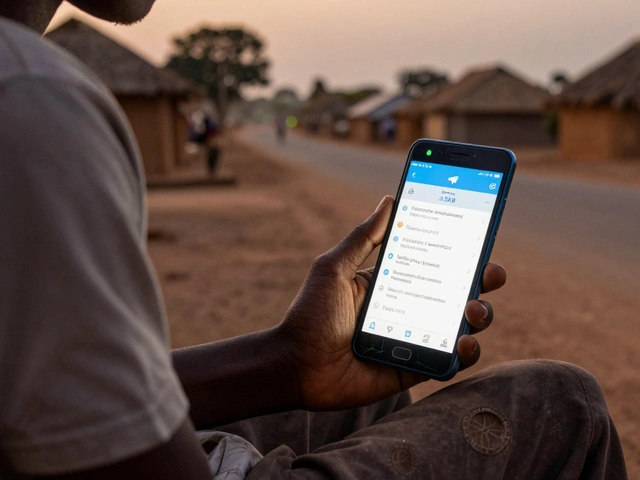
How fast do people open your Telegram news alerts? If you’re guessing, you’re losing views. Most users open a Telegram notification within 3 minutes of receiving it. Miss that window, and your alert might as well never been sent. Studies show that alerts sent outside peak hours can lose up to 40% of their potential views. This isn’t about how many people you reach-it’s about when they see it.
Why Time-to-Open Matters More Than View Count
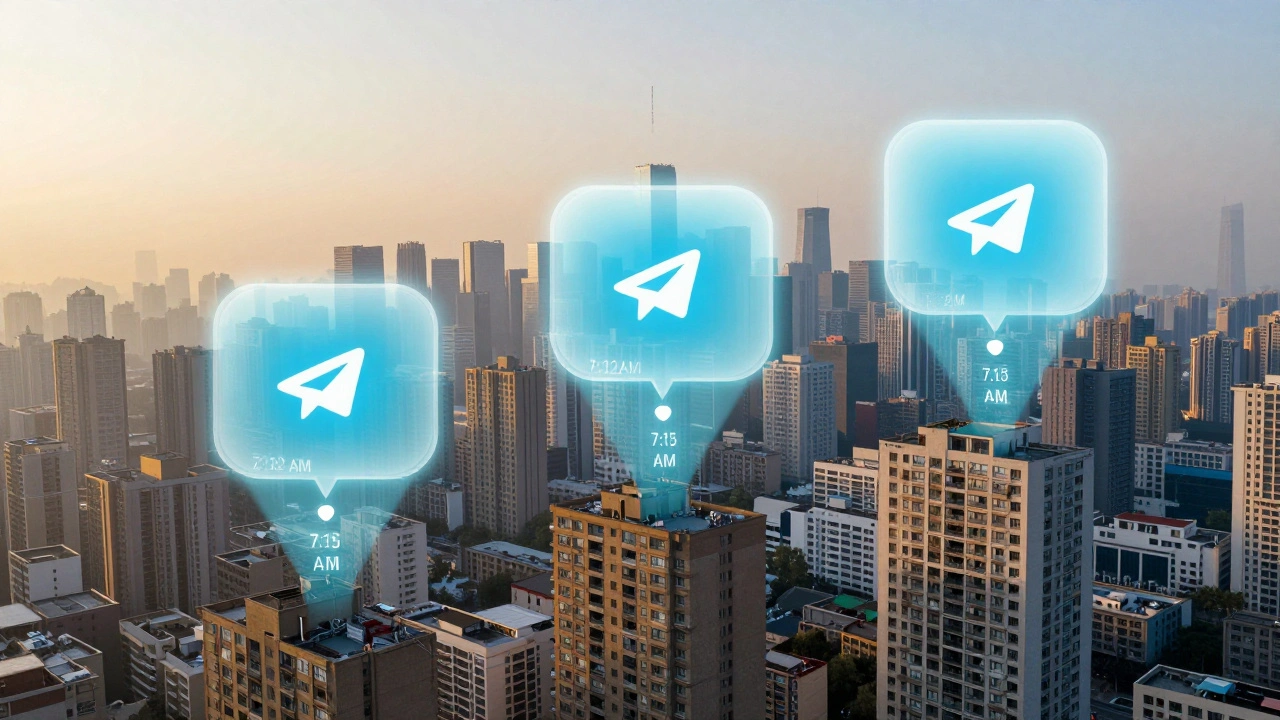
You’ve probably checked your Telegram channel stats and felt good seeing 5,000 views on a breaking news post. But here’s the problem: those numbers don’t tell you if people opened it within 30 seconds or 3 hours later. That’s the difference between a timely alert and a forgotten message.Telegram isn’t like Twitter or Facebook. Users don’t log in to scroll. They get a push notification, and if they’re not busy, they tap it right away. If they’re in a meeting, cooking dinner, or commuting, they might not open it for 20 minutes. But if it’s 7:15 AM and they’re sipping coffee, they’ll open it in 12 seconds. The time-to-open metric measures that exact delay between delivery and engagement. It’s not just a number-it’s a signal of urgency, relevance, and timing.
Imagine you run a financial news channel. You send a post at 11:30 AM saying the Fed just cut rates. Most of your audience is at work. They see the notification but ignore it. Later, at 8:45 PM, they finally open it. By then, the market has reacted. The news is old. The value is gone. That’s why timing isn’t just helpful-it’s essential.
When Do People Actually Open Telegram Alerts?
There’s no one-size-fits-all schedule. But data from hundreds of active Telegram news channels shows three consistent windows where open rates spike:- 7:00 AM - 9:00 AM: Morning routine. People check their phones before work, during breakfast, or on the commute. This is the sweet spot for breaking news, economic updates, and market-moving alerts.
- 12:00 PM - 2:00 PM: Lunch break. Users scroll during short pauses. Ideal for midday summaries, policy changes, or lighter news.
- 8:00 PM - 10:00 PM: Evening wind-down. This is when engagement peaks overall. People are off work, relaxed, and more likely to read long-form updates or analysis.
For finance and crypto channels, the pattern shifts. Pre-market hours (7:00 AM - 9:00 AM) and post-market hours (5:00 PM - 7:00 PM) see the highest open rates. Crypto communities, especially, stay active late into the night and on weekends-when traditional markets are closed.
Don’t assume your audience is like everyone else. Check your own analytics. Look at the timestamps of your top-performing posts. You might find your audience opens alerts at 6:30 AM or 11:00 PM. That’s your real window.
How Telegram Tracks Time-to-Open (And Why You Might Be Missing It)
Telegram doesn’t show time-to-open data by default. You need to turn on the right settings. If your channel is still on the old “Forwards/Views” mode, you’re flying blind. The data is being collected, but it’s hidden.To unlock detailed analytics, you must convert your channel to “Broadcast with analytics.” This feature requires:
- Telegram app version 10.10 or later on mobile
- Telegram desktop version 5.4 or later
Once enabled, you’ll see a “Clicks” column next to each post. That’s your time-to-open proxy. But here’s the catch: the counter only starts ticking after the message is actually pushed to users. If you schedule a post for 7:00 AM but export your stats at 6:45 AM, you’ll get zero clicks. One media outlet in Berlin learned this the hard way-they exported at 6:45, saw nothing, panicked, and re-scheduled. They exported again at 8:05 AM and got 1,847 clicks. The data was there all along. They just didn’t wait.
Always wait at least 24 hours before exporting analytics. That’s the safe window. Anything earlier gives you incomplete, misleading numbers. The system needs time to collect every open, even from users who check Telegram hours later.
What You Can’t Measure (And What You Can)
Telegram doesn’t give you exact seconds between notification and open. You won’t see “User opened in 17 seconds.” But you can infer it.Use this simple method:
- Schedule a post for a specific time (e.g., 7:00 AM).
- Wait 24 hours, then export the “Clicks” data.
- Compare it to posts sent at other times.
- Look for patterns: Which posts got 80% of clicks within 30 minutes? Which ones had slow, spread-out opens?
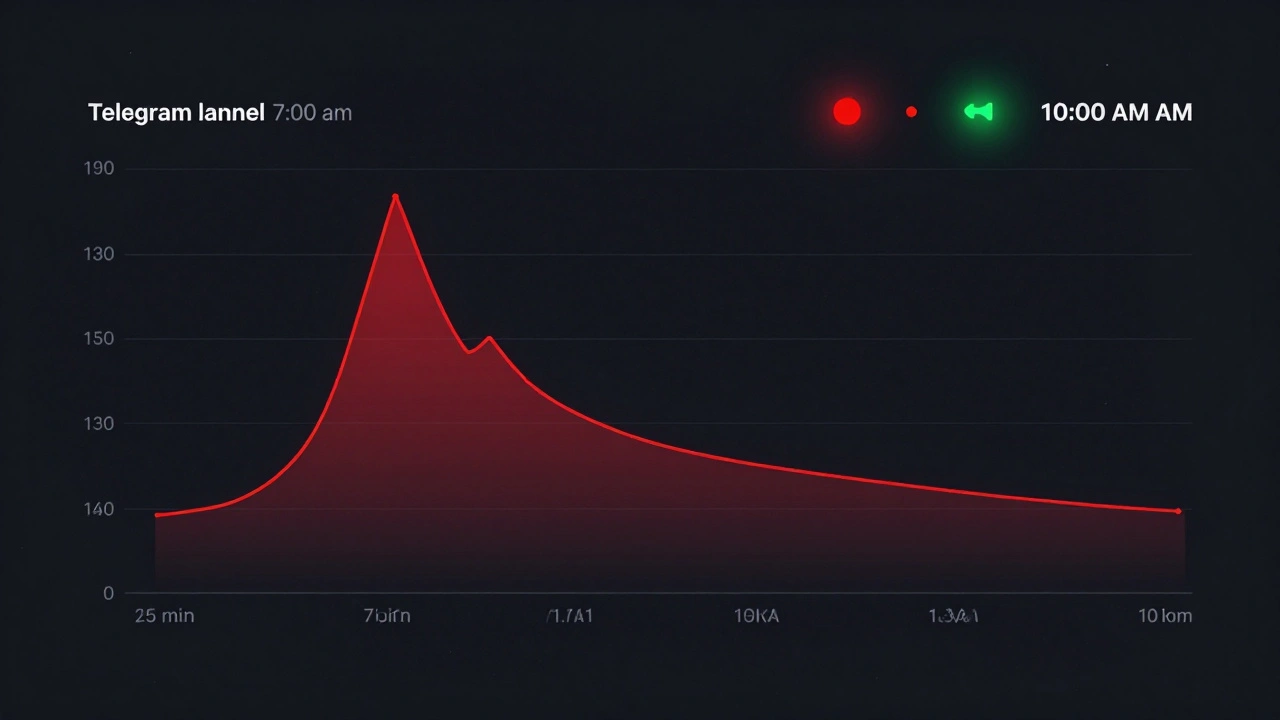
That’s your time-to-open pattern. If 70% of clicks happen in the first 15 minutes, your audience is highly responsive. If clicks trickle in over 6 hours, your content isn’t urgent enough-or your timing is off.
Third-party tools like Grafana, Prometheus, or OpenObserve can send alerts to Telegram, but they only track when the message leaves your server-not when the user opens it. To measure true time-to-open, you need Telegram’s native analytics. No bot, webhook, or API can replace that.
How to Optimize Your Posting Schedule
Here’s how to turn data into action:- Test one variable at a time. Send the same alert at 7:00 AM, 12:00 PM, and 8:00 PM over three days. Compare click patterns. Don’t change the message-just the time.
- Use “Send when online” wisely. This feature delays delivery until users are active. It helps reach more people, but it can delay your time-to-open window. If urgency matters, don’t use it.
- Track consistency. If you post at 7:00 AM every day, users learn to expect it. If you post at random times, you break the habit. Consistency builds anticipation.
- Segment by audience. Crypto traders? Post at 6:30 AM and 10:00 PM. General news? Stick to 7:00 AM and 8:00 PM. Investors? Target pre-market and post-market hours.
Also, avoid posting during known low-engagement windows: midnight to 4:00 AM and 1:00 PM to 2:30 PM (when most people are in meetings or napping). These are dead zones.
Common Mistakes That Kill Your Open Rate
Even with good timing, mistakes can sabotage your results:- Using vague headlines. “Breaking News” gets ignored. “Fed Cuts Rates by 0.5%” gets opened.
- Posting too late. If the news broke at 6:45 AM and you post at 8:00 AM, you’ve already missed 75% of your window.
- Ignoring mobile behavior. Most users open Telegram on their phone. Make sure your message is scannable in under 5 seconds.
- Assuming “views” = engagement. A post can have 10,000 views but only 1,200 clicks. That means 8,800 people saw the notification but didn’t tap. Why? Timing, wording, or fatigue.
One channel in Toronto saw a 63% drop in clicks after switching from 7:00 AM to 10:00 AM. Their audience wasn’t late risers-they were early planners. They checked their news before leaving home. The channel’s analytics proved it. They switched back, and clicks returned.
Final Rule: Measure, Don’t Guess
There’s no magic time that works for everyone. The best time for your channel is the one your data shows. Start by enabling “Broadcast with analytics.” Wait 24 hours after each post. Track clicks over 2-3 weeks. Look for patterns. Adjust. Repeat.Time-to-open isn’t about being first. It’s about being seen when it matters. If your alert opens in 3 minutes, you’re winning. If it opens after 3 hours, you’re just noise.
Can I see time-to-open data without upgrading my Telegram channel?
No. The basic channel view stats only show total views and forwards. To see clicks and infer time-to-open, you must switch your channel to "Broadcast with analytics" in Telegram settings. Without this, the data exists on Telegram’s servers but is hidden from you.
Why do some of my posts get 5,000 views but only 800 clicks?
Views count every time the message appears on screen-even if the user doesn’t tap it. Clicks only count when someone opens the message. A big gap means your headline or timing isn’t compelling enough. Users see the notification but ignore it. Fix the message, not the delivery.
Does sending alerts during weekends work?
It depends on your audience. General news channels see lower engagement on weekends. But crypto, finance, and tech communities often peak on weekends-especially after 8:00 PM. If your audience trades crypto or follows global markets, weekend alerts can be your highest-performing content.
Should I use "Send when online" for news alerts?
Only if urgency isn’t critical. "Send when online" delays delivery until users are active, which can push your alert past the 3-minute window. For breaking news, always send immediately. Use this feature for non-urgent updates like weekly summaries.
How long should I wait before checking my analytics after posting?
Wait at least 24 hours. Exporting too early (e.g., 6 hours later) gives you incomplete data because some users open messages days later. The system needs time to collect all clicks. A 24-hour window ensures accuracy.