Large Telegram groups filled with breaking news, analysis, and community reactions quickly turn into chaos. One person posts a headline, another replies with a rumor, someone else shares a video, and before you know it, the original thread is buried under 200 messages. This isn’t just annoying-it’s dangerous. When misinformation spreads because people can’t find the facts, trust collapses. That’s where Telegram Topics comes in. It’s not a plugin. It’s not a third-party tool. It’s built right into Telegram, and as of 2026, it’s the most effective way to turn a noisy news group into a clear, reliable information hub.
What Telegram Topics Actually Do
Telegram Topics turns one group into multiple conversation threads. Think of it like having separate rooms in a building, but everyone stays in the same building. You don’t leave the group. You just switch between topics like tabs in a browser. One topic might be "Breaking News," another "Fact-Checking," and another "Local Updates." Each one holds its own messages, replies, and media. People who only care about weather alerts don’t get flooded with stock market updates. Analysts who need context can scroll through a clean thread without distractions.
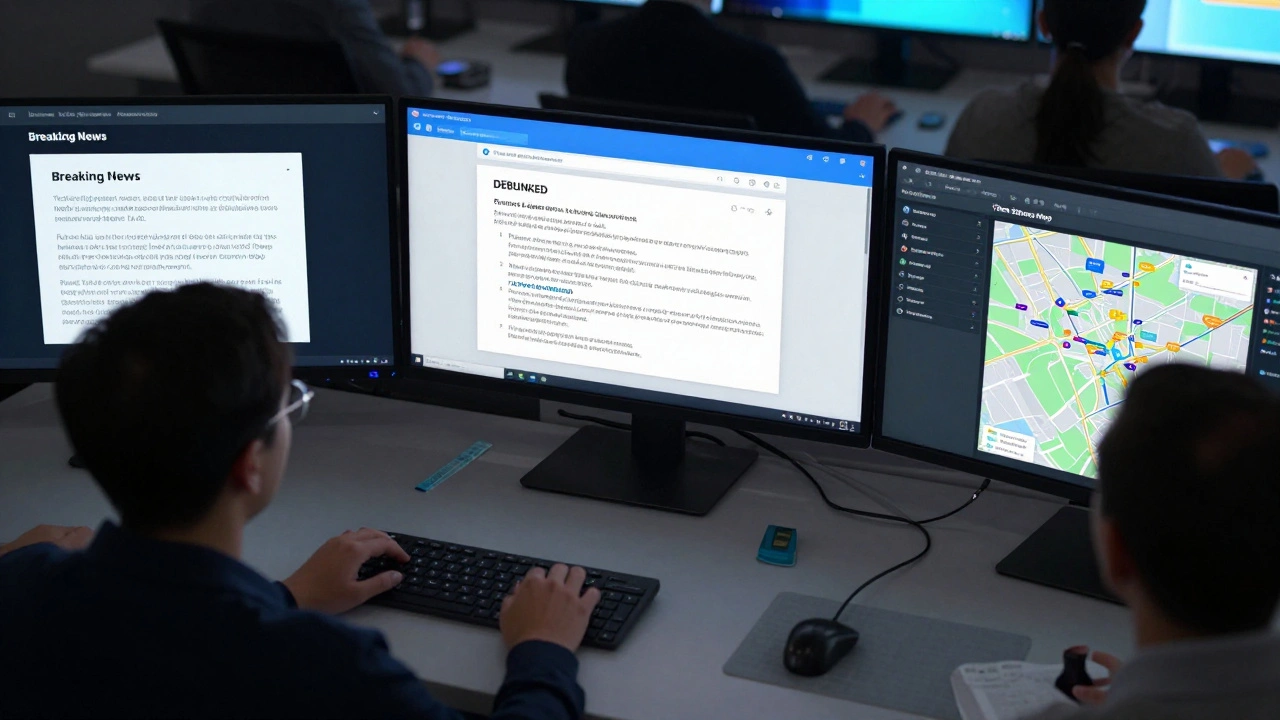
This isn’t just about tidiness. It’s about accuracy. When a major event happens-say, a power outage in your city-people start posting: "Is it true?" "I heard it’s a cyberattack." "My neighbor says the grid’s down." Without Topics, all those messages pile up together. Someone reads the third comment, assumes it’s the official word, and shares it. With Topics, admins can create a "Fact-Checking" thread and pin the official utility company’s statement. Then they move rumors to "Rumors & Speculation" so they don’t confuse people. The result? Less panic, fewer false shares, and more informed members.
How to Turn On Topics (Step by Step)
Only group admins can enable Topics. If you’re not an admin, ask one to set it up. Here’s how they do it:
- Open the group chat on Android, iOS, or desktop.
- Tap the group name at the top to open Group Settings.
- Scroll down to "Permissions" and find "Topics."
- Toggle on "Enable Topics."
That’s it. The Topics button appears at the top of the chat-usually as two overlapping speech bubbles or four small squares. Once enabled, admins can start creating topics. No restart. No update needed. It works instantly across all devices.
How to Create Useful Topics for News Groups
Don’t just create topics because you can. Create them because they solve a real problem. Here’s how to design topics that actually help:
- Breaking News - For urgent updates. Only admins or trusted moderators should post here. Keep it short: location, event, status. No opinions.
- Fact-Checking - Where users can submit claims and admins verify them with official sources. Pin the most recent verification.
- Analysis & Context - For deeper dives. Who’s involved? What’s the history? This is where journalists or experts can contribute.
- Local Impact - Break news down by neighborhood or region. A city-wide outage affects different areas differently.
- Community Q&A - Let members ask questions. Admins answer once a day. Reduces duplicate questions.
- Rumors & Speculation - Yes, this one matters. Isolate unverified claims so they don’t pollute the facts.
- Updates & Corrections - For when the story changes. "Earlier we said X. Now we know Y. Here’s why."
Each topic can have a description. Use it. Write: "Only official sources post here. All claims must be linked to .gov or .org sources." That sets expectations.
Setting Permissions: Who Can Do What
Topics aren’t just about structure-they’re about control. Admins can fine-tune who can:
- Create new topics
- Post in existing topics
- Pin messages
- Delete messages
For news groups, here’s what works best:
- Only admins can create topics. Prevents chaos.
- Only trusted moderators can post in "Breaking News" and "Fact-Checking." Prevents misinformation.
- Everyone can post in "Community Q&A" and "Rumors." Encourages participation.
- Everyone can view all topics. No hidden threads.
You can also choose whether members see a unified timeline of all messages across topics. For most news groups, turn this off. It defeats the purpose. People need focused threads, not a flood.
Best Practices for Keeping Topics Clean
Topics don’t fix everything. Bad habits do. Here’s how to keep your topics useful:
- Pin the most important message in each topic. If your "Breaking News" topic has a link to the official press release, pin it. It stays at the top forever.
- Archive inactive topics. If "Holiday Snow Updates" hasn’t had a message in 30 days, archive it. It disappears from the main list but stays searchable. Don’t delete-people might need it later.
- Use media wisely. Add maps, screenshots of official statements, or short videos. A 10-second clip of a city hall announcement is worth 50 text messages.
- Assign topic moderators. One person handles "Fact-Checking," another handles "Local Impact." Share the load. No one person can monitor 10 topics alone.
- Review every week. Ask: "Which topics are getting 80% of the messages?" That’s your priority. Which ones are empty? Archive them.
Why This Works Better Than Threads or Channels
Some groups use separate Telegram channels for each topic. But that’s messy. Members have to join 5 different channels. They forget which one has the latest update. Notifications get split. Replies don’t link together.
Others try to use threaded replies inside one chat. But Telegram’s thread system only works for replies to a single message. It doesn’t organize entire subjects. If someone starts a thread about a fire, then another person starts a thread about the same fire two hours later, you get duplicates.
Topics fix both problems. Everything stays in one group. One subscription. One notification setting. One place to find everything. And each topic is a full, independent conversation thread-not just a reply chain.

Real Example: A City News Group in Asheville
A group of 12,000 people in Asheville started using Topics after a wildfire caused mass confusion. Before Topics, people were sharing unverified drone footage, false evacuation orders, and fake donation links. Messages got buried. People stopped checking.
They set up:
- "Breaking News" - Admins only
- "Fire Status Map" - Pin a live map update every 2 hours
- "Evacuation Zones" - Official PDFs pinned
- "Rumors" - Moderators tag false claims with "DEBUNKED"
- "Support Resources" - Where people ask for help
Within a week, false claims dropped by 70%. Engagement in "Support Resources" went up because people finally knew where to ask. The group went from being ignored to being the most trusted source in the area.
What Happens If You Don’t Use Topics?
Without structure, news groups become echo chambers or misinformation factories. People scroll for hours, see the same headline repeated 15 times, and assume it’s true because it’s everywhere. They share it. The cycle continues.
And when something bad happens-like a school shooting, a bridge collapse, or a power grid failure-chaos spreads faster than facts. Communities fracture. Trust dies. People leave.
Telegram Topics doesn’t stop bad news. But it stops bad communication. It gives you control. It gives members clarity. And in a world where information moves faster than truth, that’s the only thing that matters.
Can anyone create a topic in a Telegram group?
No. Only group administrators can create, edit, or delete topics. Regular members can only post within existing topics. Admins can choose whether to allow certain members to create topics, but by default, only admins have this power.
Do I need to download a separate app to use Telegram Topics?
No. Topics are built into the official Telegram app. They work on Android, iOS, Windows, macOS, and web browsers. As long as you’re using a recent version of Telegram (released after mid-2025), you’ll see the Topics button in any group where the feature is enabled.
Can I search for messages across all topics?
Yes. The search function in Telegram works across all topics. If you type a keyword like "power outage," it will show you results from every topic in the group-Breaking News, Fact-Checking, Rumors, etc. You can also search within a single topic by opening it first, then using the search bar.
How many topics can I create in one group?
Telegram doesn’t publicly limit the number of topics per group. Groups with hundreds of topics have been reported. However, too many topics can confuse users. Best practice is to keep it under 10-12 active topics. Archive the rest instead of deleting them.
What happens if I delete a topic?
Deleting a topic removes it from the list and hides all messages in it from new members. But the messages aren’t permanently erased-they’re still accessible to admins via search. For long-term record keeping, it’s better to archive topics instead of deleting them. Archived topics disappear from view but can be restored later.
Can members see topics that are archived?
No. Archived topics are hidden from all members except admins. They won’t appear in the topic list, and new messages can’t be posted there. However, admins can still view and search archived topic content, and restore them if needed.
Next Steps for Group Admins
If you run a news group, start small. Pick one topic-"Breaking News"-and enable it. Pin one official update. Ask your moderators to only post there. Then, after a week, add "Fact-Checking." Watch how engagement changes. Members will start asking for more structure. They’ll thank you.
Don’t wait for a crisis to organize your group. Do it now. Because in the next emergency, the difference between chaos and clarity won’t come from better tech. It’ll come from better structure.