When the news breaks in a conflict zone, it rarely starts on CNN or BBC. It usually starts as a shaky video clip posted to a Telegram channel by an anonymous user. For modern journalists and investigators, this cloud-based messaging app has become the primary source of raw, unfiltered footage from war zones, protests, and human rights abuses. But using it effectively requires more than just scrolling through feeds. You need to understand how its media tools work, how to verify that grainy video, and how to protect your sources while extracting crucial evidence.
This guide cuts through the noise. We will look at why Telegram is now considered "ground zero" for conflict imagery, how to use its unique features like metadata preservation and chat exports for investigations, and the serious security risks you must manage when operating in high-stakes environments.
Why Telegram Is the New Frontline for News
You might think of Telegram as just another messaging app, similar to WhatsApp or Signal. But for reporters, it functions differently. Founded by Pavel Durov in 2013, Telegram has grown to around 1 billion users. While most people use it to chat with family, a significant minority uses it as a news wire. The Reuters Institute 2025 Digital News Report found that 4% of people globally use Telegram as a weekly news source. In countries like Ukraine, Russia, Belarus, and Iran, those numbers are much higher. Here, Telegram isn't just an app; it is mainstream media infrastructure.
Why do independent reporters flock there? Two main reasons: volume and permissiveness. Unlike X (formerly Twitter) or Facebook, which aggressively moderate graphic content and restrict data access via APIs, Telegram allows large-file media sharing and keeps channels public. This means footage that gets taken down elsewhere often survives here. Organizations like Geoconfirmed and the Centre for Information Resilience rely on Telegram because it offers exclusivity. If you want to see what is happening on the ground right now, without corporate filters, you go to Telegram.
| Feature | Telegram | X (Twitter) | |
|---|---|---|---|
| Metadata Preservation | Keeps EXIF/GPS data intact | Strips most metadata | Strips most metadata |
| Data Export | Full history export (JSON/HTML) | Limited API access | Limited scraping allowed |
| Content Moderation | Loose (high risk, high reward) | Strict (frequent takedowns) | Strict (algorithmic suppression) |
| File Size Limit | Up to 2GB per file | Compressed video limits | Compressed video limits |
Extracting Evidence: Metadata and Exports
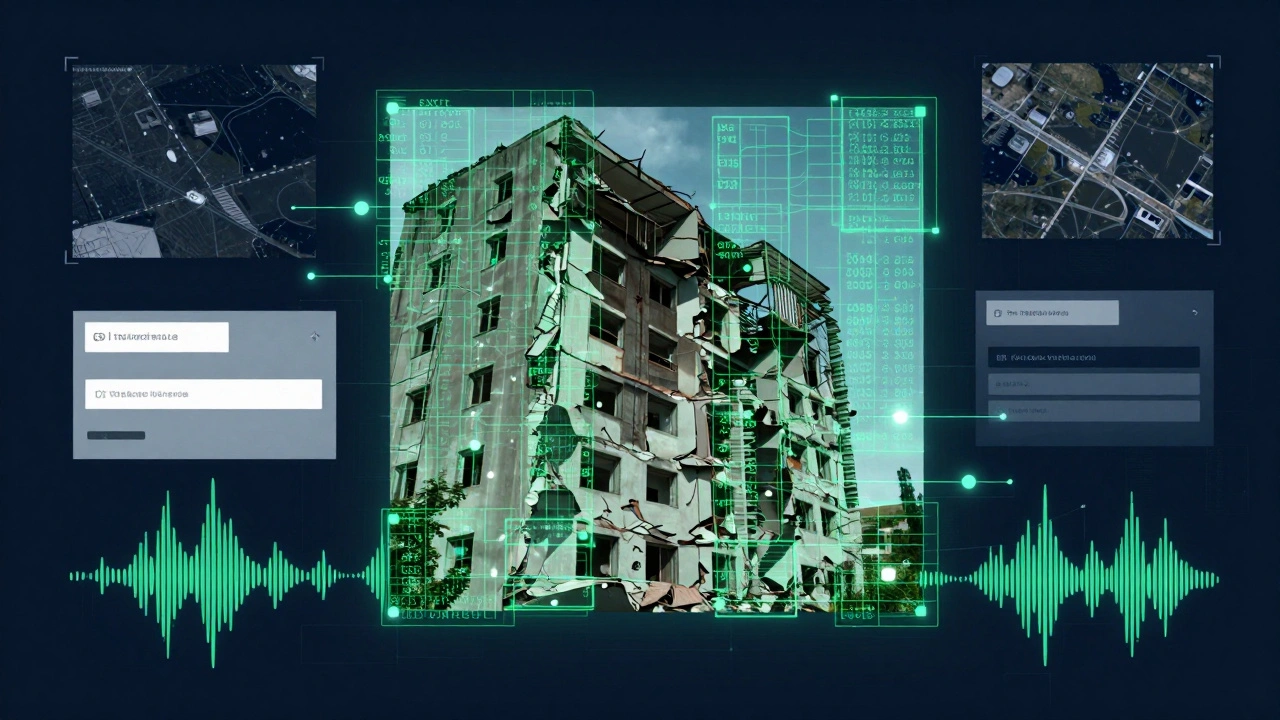
The biggest technical advantage Telegram offers investigators is that it does not strip metadata from documents, images, or voice memos when they are uploaded as files. When a citizen journalist uploads a photo of a destroyed building as a "file" rather than a standard image preview, the original EXIF data remains. This includes timestamps, device models, and sometimes GPS coordinates. This is critical for verifying where and when an event took place.
For example, during the 2023 armed mutiny in Russia, investigators used voice memos from Telegram channels to track movements. By analyzing the audio metadata and cross-referencing background sounds with satellite imagery, they could reconstruct timelines of military convoys. However, be careful. This same feature poses a risk to your sources. If a whistleblower sends you a photo without stripping metadata first, their location or phone model could be exposed. Always instruct sources to send media as "files" if you need the data, but warn them about the privacy implications.
Another powerful tool is the export functionality. Telegram is one of the few social networks that lets you download the entire history of a channel or group directly from the app. Here is how you do it:
- Open the channel or group in the Telegram desktop app.
- Click the hamburger menu (three lines) in the top left corner.
- Select Export Chat History.
- Choose the date range and content types (photos, videos, documents).
- Select the format: HTML for easy reading or JSON for data analysis.
Once you have the JSON file, you can import it into Google Sheets or Python scripts to search for specific keywords, names, or locations across thousands of posts. This turns a chaotic feed into a searchable database, allowing you to spot patterns or find deleted context that others might miss.
Finding Sources: Search Techniques and Analytics
Telegram’s built-in search is notoriously weak. If you type "Ukraine frontline," you might get irrelevant results. To find valuable channels, you need to use external methods. A common technique among OSINT practitioners is to search other platforms for Telegram links. For instance, if you are investigating missing persons in Mariupol, you might search Facebook groups for that city and filter posts by the keyword "t.me." This reveals local community channels that are active on Telegram but hard to find otherwise.
You should also leverage third-party analytics tools. These platforms catalog millions of channels and provide insights that Telegram hides from view.
- TGStat: One of the most popular free tools. It shows channel growth, post reach, and engagement metrics. It helps you identify whether a channel is genuine or a bot farm. Note that some advanced features now require logging in with your Telegram account.
- Telemetr.io: Excellent for searching across catalogs. If TGStat doesn’t have what you need, Telemetr often indexes different regions or niche topics. It allows you to search for specific posts within channels.
- Telepathy DB: A paid, advanced tool for professional teams. It supports reverse image search specifically for Telegram images and offers granular data filtering. Use this if you are working on large-scale disinformation mapping.
These tools help you map the network. Who follows whom? Which channels repost each other’s content? Understanding these relationships helps you distinguish between original eyewitness accounts and recycled propaganda.
Security Risks: It Is Not Anonymous
Here is the hard truth: Telegram is not secure by default. Many users assume that because it offers encryption, it is safe for sensitive communications. This is a dangerous misconception. Standard chats are stored on Telegram’s servers and are not end-to-end encrypted. Only "Secret Chats" offer end-to-end encryption, and they do not support forwarding or multi-device sync.
More importantly, Telegram retains metadata. Federal investigations in the US have accessed IP addresses, phone numbers, and device information linked to Telegram accounts. Even if the message content is encrypted, the metadata can reveal who you are talking to and when. In authoritarian regimes, there are reports of Telegram infrastructure operators cooperating with state security services, such as the Russian FSB. A 2025 conference session highlighted vulnerabilities in the Telegram protocol that could allow passive observers to track users globally.
If you are reporting from a hostile environment, treat Telegram as a convenience tool, not a security tool. Do not use it to communicate sensitive operational details unless you are in a Secret Chat. Better yet, use Signal for coordination and Telegram only for publishing or consuming public media. Always model your threats. Assume that anyone with access to the server logs can link your account to your identity.
Ethical Challenges and Disinformation
Because Telegram has loose moderation, it is a haven for both vital journalism and malicious actors. You will encounter disinformation, extremist propaganda, and criminal activity alongside legitimate reporting. A single channel might mix real footage of airstrikes with staged videos designed to inflame tensions.
Your job is to verify, not just amplify. Never share unverified media from Telegram without checking its origin. Use reverse image searches on Google or TinEye to see if the video appeared online months ago. Cross-reference timestamps with weather data or satellite imagery. If a video claims to show an event in Kyiv today, check if the shadows match the time of day.
Also, consider the impact of your reporting. Sharing graphic content can traumatize audiences and endanger sources. Follow ethical guidelines for publishing violence. Blur faces of civilians unless necessary for identification. Provide context so viewers understand what they are seeing. Remember that millions of accounts in Europe alone engage in para-journalistic activities, spreading anti-democratic narratives. Your rigorous verification helps counter this noise.
Building Your Workflow
Integrating Telegram into your newsroom workflow takes practice. Start small. Join relevant channels in your beat area. Use TGStat to monitor their activity. Set up alerts for new posts if possible. When you find interesting media, download it immediately using the export function or direct save. Store copies securely, preserving the metadata for later verification.
Collaborate with data teams if available. They can help parse JSON exports and run network analyses. For solo reporters, focus on mastering the basics: finding channels via external search, exporting histories, and verifying metadata. Attend workshops offered by organizations like Indicator or LatAm Journalism Review to stay updated on best practices.
As conflicts evolve, Telegram’s role will likely grow. It remains the primary source for frontline footage in Ukraine and other hotspots. By understanding its tools and limitations, you can turn this chaotic platform into a reliable source of truth for your audience.
Is Telegram safe for whistleblowers?
Not inherently. Standard chats are not end-to-end encrypted, and Telegram retains metadata like IP addresses and phone numbers. Whistleblowers should use "Secret Chats" for end-to-end encryption, but even then, metadata risks exist. For maximum security, recommend Signal or encrypted email services instead.
How do I verify a video from Telegram?
Use a multi-step process: 1) Check metadata for timestamps and device info. 2) Perform reverse image searches to ensure it hasn't been recirculated from past events. 3) Cross-reference with satellite imagery or weather data to confirm location and time. 4) Look for corroborating reports from other independent sources.
Can I download all posts from a Telegram channel?
Yes. Using the Telegram desktop app, you can export the entire chat history of a public or private channel (if you are a member). Choose JSON format for data analysis or HTML for readable archives. This includes media, text, and dates, making it invaluable for long-term investigations.
What are the best tools for Telegram analytics?
TGStat and Telemetr.io are the most popular free options for tracking channel growth and engagement. For advanced needs, Telepathy DB offers paid features like reverse image search and granular data filtering. These tools help identify credible sources and detect bot networks.
Does Telegram remove graphic content?
Telegram has relatively loose moderation compared to platforms like X or Facebook. Graphic content related to conflict or human rights abuses often remains available, making it a key source for investigators. However, this also means disinformation and extremist material circulate freely, requiring careful verification.