When a major event breaks-like a natural disaster, political upheaval, or public emergency-every second counts. Traditional news channels often lag behind. But on Telegram, live video streams can go live in under 30 seconds, reaching millions with real-time footage, even in regions with spotty internet. The secret? Adaptive video streaming.
How Telegram Handles Live Video Without Buffering
Telegram doesn’t just send a single video stream. It sends five, ten, or even twenty versions of the same feed, each at a different quality level. If your phone has a strong 4G signal, you get 1080p. If you’re on a slow Wi-Fi connection or in a subway tunnel, it drops to 360p automatically. No buffering. No frozen frames. Just smooth, continuous video.
This is called adaptive bitrate streaming (ABR). It’s the same tech Netflix uses to keep your show playing during a commute. But on Telegram, it’s built into the platform itself. There’s no need for third-party plugins. The app detects your network speed every few seconds and switches to the best version of the stream without asking you. For news teams, this means viewers stay locked in-even when they’re moving, or the network gets crowded.
How to Set Up a Live Stream on Telegram
Setting up a live broadcast on Telegram isn’t like YouTube or Twitch. You don’t log in to a dashboard. You don’t click a "Go Live" button inside the app. Instead, you use a desktop tool called OBS Studio, which is free and open-source.
Here’s how it works:
- Open your Telegram channel and tap the stream icon (it looks like a camera with a play button).
- Telegram generates a unique server URL and a stream key-like a password that only your OBS setup can use.
- In OBS, go to Settings > Stream.
- Under "Service," choose Custom.
- Paste the server URL into the "Server" field and the stream key into the "Stream Key" field.
- Click Apply, then Start Streaming.
That’s it. Your camera feed, screen share, or external video source is now being sent live to your Telegram channel. Viewers see it instantly. The stream key is tied to your channel, so only you can broadcast. If someone else gets the key, they can hijack your stream. Keep it private.
The Role of RTMP and Why It Matters for News
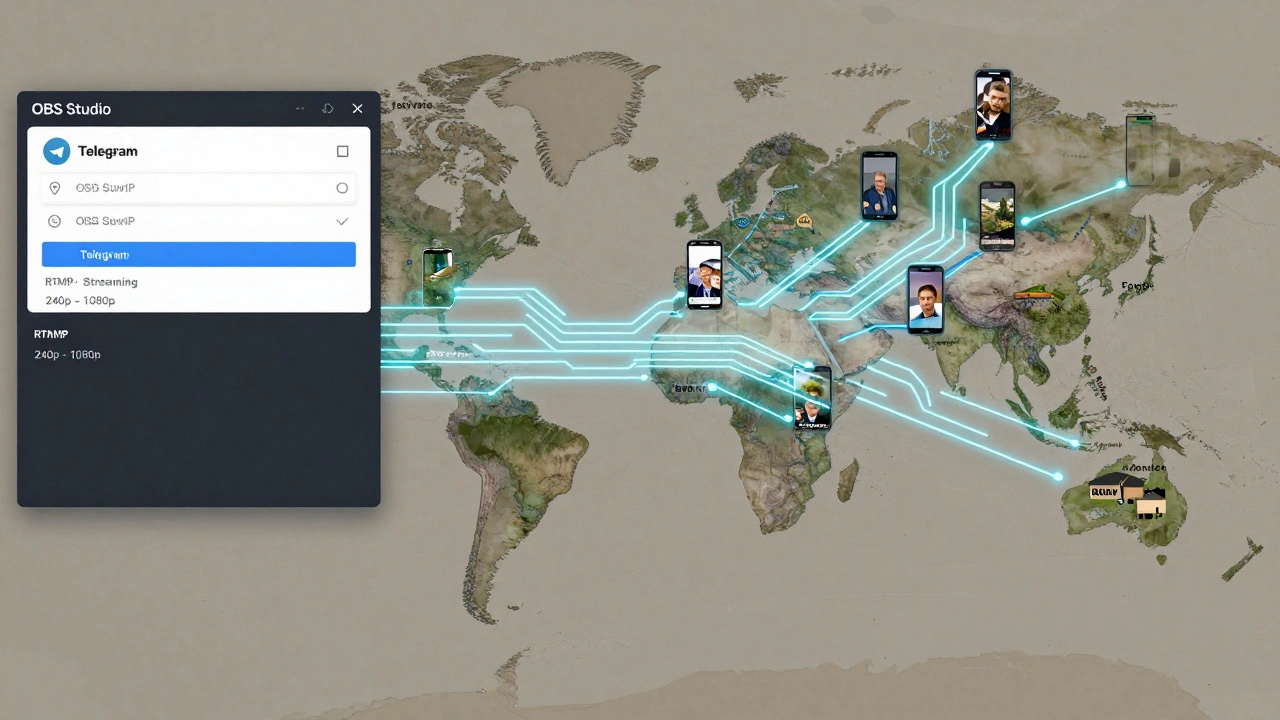
Behind the scenes, Telegram uses RTMP-Real-Time Messaging Protocol. It’s not new. Adobe created it in 2002 for Flash video. But it’s still the most reliable way to send live video over the internet.
RTMP keeps a constant connection open between your computer and Telegram’s servers. That means:
- Latency is under 5 seconds-faster than YouTube Live
- No buffering from dropped packets
- Supports real-time switching between video qualities
- Works even on unstable networks
For news teams, that’s huge. Imagine covering a protest. The internet cuts out for 10 seconds. On YouTube, the stream dies. On Telegram, the connection holds. The video quality drops to 240p, but it keeps going. Viewers see the moment it happens. No interruption. No lost footage.
Some newsrooms even use RTMP bots-automated scripts that pull live feeds from other sources and push them to Telegram. GitHub has open-source tools that let you stream a YouTube video or a surveillance feed directly to a Telegram channel with a single command. That’s how some independent journalists in conflict zones keep reporting when their phones are being monitored.
What Happens to the Video Behind the Scenes
When you press "Start Streaming," your video doesn’t go straight to viewers. It goes to Telegram’s encoding servers. There, it’s split into dozens of smaller chunks-each at a different resolution and bitrate.
For example:
- 1080p at 8 Mbps (for fast fiber connections)
- 720p at 4 Mbps (for strong mobile data)
- 480p at 1.5 Mbps (for 3G networks)
- 360p at 800 Kbps (for rural or crowded areas)
- 240p at 300 Kbps (for emergency situations)
These chunks are stored temporarily on Telegram’s edge servers around the world. When someone joins your stream, the app picks the best version based on their location, device, and current network speed. It’s not just about bandwidth-it’s about stability. If your connection keeps jumping between 2G and 4G, Telegram switches between chunks faster than your phone can blink.
This system was designed for places like Ukraine, Syria, or Sudan-where internet access is patchy, but mobile phones are everywhere. News teams don’t need expensive satellite gear. Just a phone, a tripod, and a Telegram channel.
Why Telegram Beats Other Platforms for Breaking News
Compare this to YouTube Live. YouTube requires a 30-minute wait before you can go live unless you’re verified. It has a 15-minute minimum stream length. It throttles streams during high traffic. It doesn’t adapt as quickly to network changes.
Twitter/X Live? It’s unstable. Streams crash if the server gets overloaded. It doesn’t support RTMP from OBS without third-party tools. And it’s not built for low-bandwidth regions.
Telegram? No limits. No waiting. No verification. You can stream from a burner phone in a war zone and reach 2 million people in 15 seconds. It doesn’t care if you’re famous. It doesn’t need your credit card. It just works.
There’s no public data on how many newsrooms use Telegram for live coverage-but in places like the Balkans, Central Asia, and parts of Africa, it’s become the default. Local journalists trust it because it doesn’t censor. It doesn’t demonetize. It doesn’t delete videos for "policy violations." It just broadcasts.
Limitations and What to Watch Out For
It’s not perfect. The initial handshake between OBS and Telegram can take 5-10 seconds. That’s fine for a press conference. Not ideal if you’re live from a riot and need to start instantly. Always test before going live.
Audio quality can suffer if you’re using a phone mic. Use an external mic. Record backup audio on your phone. Telegram doesn’t compress audio as aggressively as YouTube, but poor input still ruins output.
There’s no built-in chat moderation. Anyone in the channel can spam. Use a bot to auto-delete messages with links or keywords. Or assign moderators.
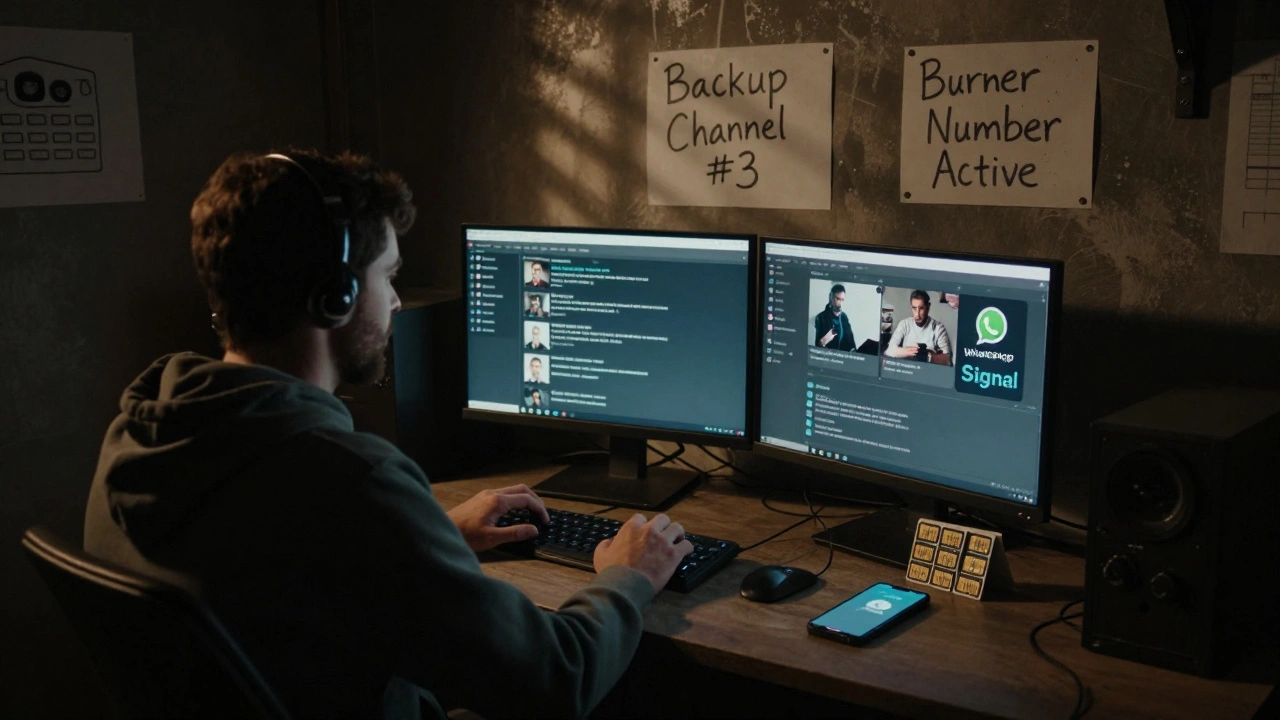
And while Telegram doesn’t censor, it doesn’t protect either. If your stream gets flagged by authorities, your channel can be blocked. Always have a backup channel ready. And don’t use your personal phone number to create the channel. Use a burner number or a virtual number from a VoIP service.
What’s Next for Live News on Telegram
Telegram is quietly rolling out new features. In late 2025, they began testing automated transcription for live streams-turning spoken words into text in real time. That’s huge for accessibility and archiving.
They’re also testing multi-stream broadcasting. Soon, you’ll be able to send one feed to 10 channels at once. Imagine a breaking story in one city, and 50 local news groups all get the same live feed without you uploading it 50 times.
And developers are building tools to auto-record, auto-upload, and auto-post clips from Telegram streams to other platforms. That means your live coverage doesn’t die when the stream ends. It gets saved, chopped into 60-second clips, and reposted across WhatsApp, Signal, and even Twitter-all automatically.
This isn’t just about technology. It’s about power. When governments shut down the internet, when mainstream media is silenced, when emergency services are overwhelmed-Telegram’s adaptive streaming gives people a way to show the truth. No permission needed. No approval required. Just a connection, a camera, and the will to speak.
Can I use my phone to stream live to Telegram without OBS?
No. Telegram’s live streaming feature only works with external streaming software like OBS Studio. The app itself doesn’t have a built-in live camera feature for channels. You need a computer to run OBS, connect to Telegram’s RTMP server, and send the video feed. Mobile apps can only view streams, not initiate them.
Is Telegram’s live streaming free to use?
Yes. There are no fees, subscriptions, or hidden costs to stream live on Telegram. You don’t need a Telegram Premium account. You don’t need to verify your identity. You can stream from a free channel to unlimited viewers. The only cost is your internet connection and the hardware you use to broadcast.
How long can a Telegram live stream last?
There is no time limit. Unlike YouTube or Twitch, Telegram doesn’t cut off streams after 12 hours or 8 hours. You can stream for 24 hours straight, 7 days a week. The only thing that stops it is your internet, your battery, or your computer shutting down.
Can I save a Telegram live stream after it ends?
Telegram doesn’t automatically save live streams. Once the stream ends, the video is gone unless someone recorded it. You can use OBS to record your own stream locally as a backup. Or use third-party bots that auto-record and upload clips to cloud storage. But by default, Telegram treats live streams as temporary broadcasts.
What if my stream gets blocked by authorities?
Telegram channels can be blocked in certain countries if they’re flagged for "illegal content." If this happens, your stream will stop working for viewers in that region. To stay safe, create multiple backup channels under different accounts. Use a VPN on your streaming computer. And avoid using personal details when setting up your channel. Always assume your stream could be targeted.