Imagine your latest blog post, newsletter, or product update appearing in a Telegram channel the moment you hit publish-no copying, no pasting, no manual posting. That’s not a futuristic dream. It’s happening right now, thanks to API-based publishing from your CMS straight to Telegram channels. With over 1 billion monthly active users, Telegram isn’t just another messaging app. It’s a direct line to your audience, and connecting it to your content system turns passive readers into engaged followers.
Why Telegram? Because It’s Not Like Social Media
Most platforms-Facebook, Twitter, Instagram-control the algorithm. They decide who sees your content, when, and how often. Telegram is different. Users opt in. They join your channel because they want your updates. No ads. No feed dilution. Just your message, delivered instantly. When you push content from your CMS to Telegram via API, you’re not broadcasting into the void. You’re sending it to people who asked for it.How the API Connection Actually Works
It starts with a bot. Telegram’s Bot API lets you create a custom bot that acts as your publishing bridge. You generate a unique API token from BotFather (Telegram’s bot creation tool), then plug it into your CMS or integration platform. Once connected, your system can send text, images, videos, documents-even entire media albums-straight to your channel. Here’s the real magic: webhooks. When you publish a new article in WordPress, Strapi, or Sanity, your CMS sends a signal through the webhook. The Telegram bot receives it, formats the content, and posts it. No human needed. This isn’t just automation. It’s synchronization. Your CMS becomes the single source of truth, and Telegram becomes the delivery channel.Tools That Make It Easy (No Code Required)
You don’t need to be a developer to set this up. Platforms like n8n and an open-source workflow automation tool that connects over 300 apps, including Telegram, WordPress, and Airtable let you drag and drop triggers and actions. Want to auto-post every time a new blog goes live? Drag a "New Post" trigger from your CMS, connect it to a "Send Message" action in Telegram, and hit save. OctoKit and a no-code platform with 1,310+ integrations, used by over 100,000 people to automate tasks between apps like CMS, Telegram, and Google Sheets works the same way. You can even add conditions: "Only post if the article has a featured image," or "Skip posts tagged as draft." It’s flexible, visual, and dead simple. For teams that need more control, Pipedream and a serverless automation platform that lets developers build custom workflows using JavaScript or Python to connect CMS systems with Telegram’s Bot API lets you write lightweight scripts. You can pull in data from your CMS’s API, clean it up, add emojis, or even generate hashtags before sending. It’s powerful enough for engineers, but documented well enough for non-coders to follow.What You Can Send (And What You Should)
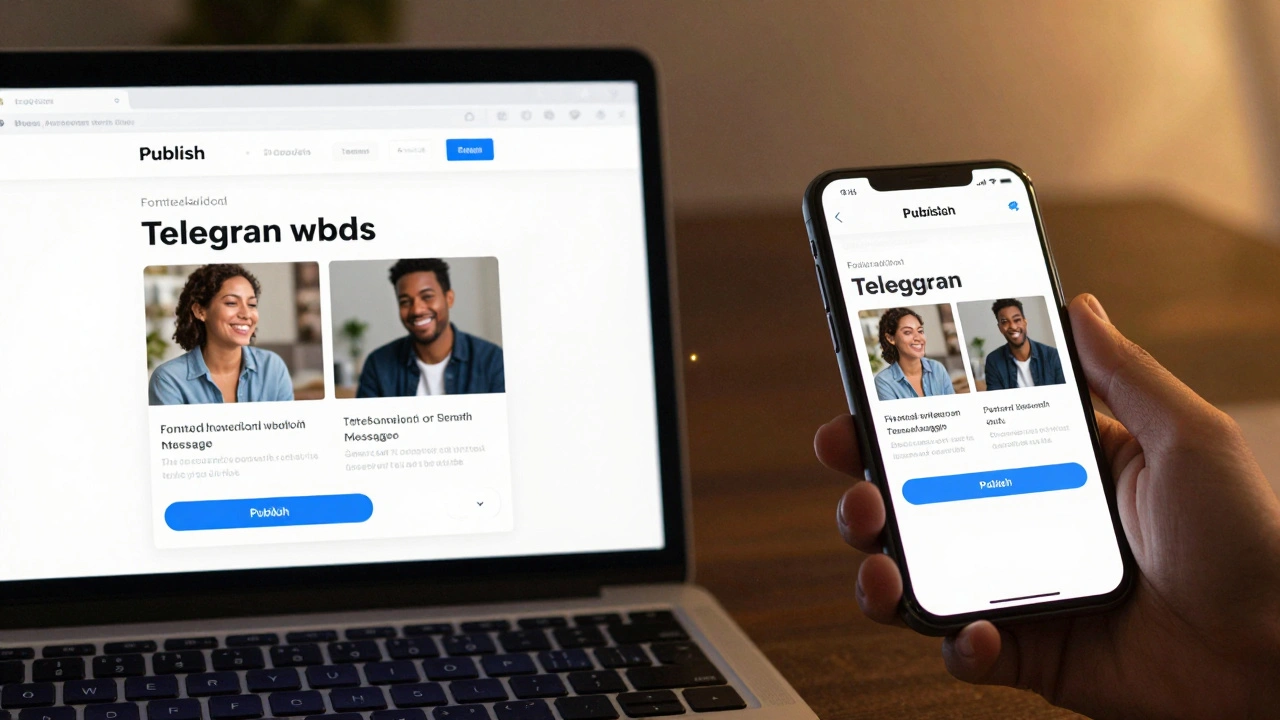
Telegram supports more than just text. You can send:- Formatted text (bold, italic, links)
- Images and GIFs
- Videos up to 2GB
- PDFs, ZIPs, and other documents
- Albums (up to 10 media items in one post)
- Silent messages (no notification sound)
- Buttons and inline keyboards for polls or quick replies
Enterprise-Grade Use Cases
This isn’t just for bloggers. Big companies are using it too. Sanity and a developer-first content platform used by Puma, AT&T, and Figma to manage content workflows, including automated publishing to Telegram channels powers content systems for global brands. Their clients use Telegram to:- Send real-time product launch updates to loyal customers
- Notify subscribers of limited-time offers
- Share behind-the-scenes content from events
- Automatically post blog summaries to a public channel
Setting It Up: The Basic Steps
If you’re ready to try it, here’s what you need to do:- Create a Telegram bot using
@BotFatherand copy your API token. - Choose your integration tool: n8n, OctoKit, or Pipedream (all have free tiers).
- Connect your CMS (WordPress, Strapi, Contentful, etc.) to the tool using its API key.
- Set up a trigger: "When a new post is published."
- Set up the action: "Send a message to [your Telegram channel]."
- Test it with a draft post.
- Go live.
What Happens If It Breaks?
APIs can glitch. Tokens expire. Telegram servers hiccup. That’s why you need monitoring. Set up a simple alert: if your last post was more than 24 hours ago, send yourself an email. Most automation platforms let you add this as a second step. You can also log all outgoing messages so you can audit what got sent and when. Another common issue: formatting. If your blog uses Markdown or rich text, the bot might not translate it right. Test with different formats. Use plain text first. Then add bold, then links. Once it looks right, lock it in.
What’s Next? AI, Scheduling, and Two-Way Interaction
The next wave isn’t just one-way publishing. Tools like Apify and an AI-powered platform that generates social media content packs from topics and sends them to Telegram for review, using FLUX for image generation are now auto-generating captions, hashtags, and even images based on your article. You get a draft in Telegram. You approve it. Then it goes live. Some teams are even building two-way interactions. Readers reply to your Telegram post with "Yes" or "No." The bot records their answer and adds it to your CRM. You’re not just broadcasting-you’re collecting feedback in real time.Final Thought: Stop Chasing Algorithms. Build Relationships.
Social media is a game of attention. Telegram is a channel of trust. When you connect your CMS to Telegram via API, you’re not automating a task. You’re building a habit. Your audience learns to check one place for your best content. No algorithm. No noise. Just you, delivering value, on their terms.Do I need to pay to connect my CMS to Telegram?
No. Telegram’s Bot API is free. You only pay if you use a third-party automation tool like n8n or Pipedream-and even then, most have free plans that handle hundreds of posts per month. For small publishers, the cost is zero.
Can I post to both a Telegram channel and a group at the same time?
Yes. You can set up multiple bot actions in your automation tool. One sends to your public channel, another to your private group. Just make sure each has its own bot token. You can even customize the message for each audience.
What if I change my CMS? Will the integration break?
It depends. If you switch from WordPress to Strapi, you’ll need to update the API connection settings. But the Telegram bot stays the same. Most automation tools let you reconfigure the trigger source in minutes. The core workflow-publish → send to Telegram-stays intact.
Is this secure? Can someone hack my Telegram channel?
Only if you leak your bot token. Never share it publicly. Store it in your CMS or automation tool’s secure settings. Most platforms encrypt tokens and limit access by user role. As long as you keep your credentials private, your channel is safe.
Can I schedule posts in advance?
Yes. Tools like Laté API and n8n let you set future publish dates. You can write a post today, schedule it for next Tuesday at 9 AM, and the bot will post it automatically. Perfect for time zones or holidays.
Does this work with any CMS?
If your CMS has an API (and almost all modern ones do), then yes. WordPress, Contentful, Sanity, Strapi, DatoCMS, Ghost, and HubSpot all support webhooks or API triggers. If you’re on an older system like Joomla or Drupal 7, you may need a plugin or custom script.