Telegram just changed how live news and events are shared. On November 19, 2025, the platform rolled out Live Stories-a feature that lets anyone broadcast live video directly into their Stories feed. No more jumping between apps. No more clunky links. Just tap, go live, and your followers see it right where they check updates every day. This isn’t just another update. It’s a shift in how breaking news, concerts, protests, sports, and creator events reach audiences.
Why Telegram Live Stories Works Better Than Other Platforms
Most live streaming tools force you to choose between reach and control. YouTube Live has great tools but hides your stream behind algorithmic feeds. Instagram Live caps streams at 60 minutes. Twitter Spaces is audio-only. Facebook Live takes 20% of your donations. Telegram Live Stories fixes all of that. It supports up to 90 minutes of continuous streaming with 1080p video and adaptive bitrate. That means even if someone’s on a slow 3G connection, the stream adjusts to keep playing. RTMP support lets you use OBS Studio or XSplit-professional tools you already own. You don’t need new gear. Just plug in your stream key and go. And here’s the real edge: your live stream shows up in the Stories feed. That’s where 900 million monthly users already spend time. Unlike YouTube or Facebook, where you need to chase views, Telegram puts your stream in front of people the moment they open the app. Reuters reported 22% higher retention during election coverage on Telegram versus Twitter, simply because the stream was visible in Stories, not buried in a timeline.Who Can Use It? Everyone-But With Rules
You don’t need a verified account or 10,000 followers. Any Telegram user can go live if they’ve unlocked Stories posting. That happens automatically if you’ve used Telegram for a while, or you can unlock it with a boost (a small one-time payment). Channels and groups can use it too, which is huge for newsrooms, sports teams, or local event organizers. Privacy controls are tight. You can choose:- Everyone - public, anyone on Telegram
- My Contacts - only people in your address book
- Close Friends - a custom list you create
- Selected Users - pick individuals by name
Monetization: Earn While You Stream
Telegram doesn’t take a cut. That’s rare. You keep 100% of what viewers send you in Telegram Stars. Stars are Telegram’s in-app currency. One Star = $0.01 USD. Viewers can tip any amount, from 1 Star to 1,000. You can set a minimum donation to highlight a comment-like requiring 5 Stars to make a message stick at the top of chat. The top 5 highest-tipped comments get pinned automatically. It turns viewers into active participants, not just spectators. News outlets are already using this. One independent journalist in Ukraine reported earning $1,200 in Stars during a 45-minute live update on military movements. That’s not donations. That’s real-time audience support. Creators are doing the same. A musician in Brazil streamed a surprise concert and made $870 in 30 minutes from fans tipping Stars to hear their favorite songs. And unlike YouTube or Twitch, there’s no gatekeeping. You don’t need to join a partner program. You don’t need to hit a subscriber threshold. Just go live, and the option to receive Stars appears automatically.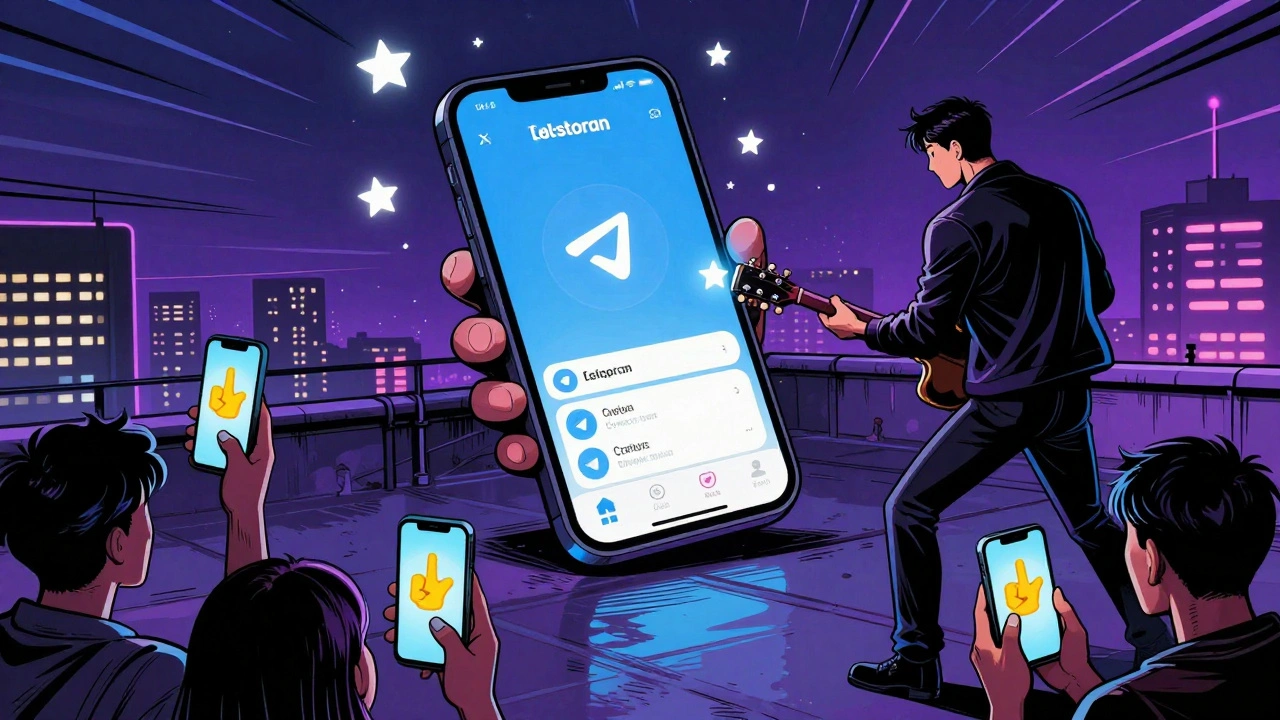
How to Set It Up: A Step-by-Step Guide
Setting up your first Live Story takes less than 15 minutes. Here’s how:- Update your app. You need Telegram version 10.4.0 (iOS) or 10.3.2 (Android). If you’re on an older version, the option won’t appear.
- Open your Stories feed. Tap your profile picture at the top of the chat list.
- Tap the new Live button. It’s next to the camera icon. If you don’t see it, you haven’t unlocked Stories yet. Go to Settings > Stories and check your status.
- Choose your audience. Pick who sees it. Don’t skip this. Most new users pick “Everyone” by accident and regret it later.
- Set your Star donation threshold. The default is 1 Star. That’s too low. Most successful streamers set it to 5-10 Stars to encourage meaningful support.
- Start streaming. Tap “Go Live.” You’ll see your stream preview. You can switch cameras, mute audio, or end early.
- Copy your RTMP key from Telegram’s Live Settings page
- Paste it into your streaming software
- Set the stream URL to: rtmp://live.t.me/live
- Start your stream in OBS, then tap “Go Live” in Telegram to sync
What Doesn’t Work Yet (And How to Work Around It)
Telegram Live Stories is powerful, but it’s still new. There are gaps:- No auto-save to cloud. Your stream disappears after 24 hours. If you want to keep it, you have to record it yourself using another app like AZ Screen Recorder or iOS Screen Recording.
- Auditory sync issues. About 32% of users report audio lag, especially on older Android phones. Use wired headphones and avoid Bluetooth during streams.
- No analytics. You see viewer count and Star earnings, but nothing else. No heatmaps, no drop-off points, no demographics. If you need this data, use a third-party tool like StreamYard to track engagement separately.
- Performance drops on low-end devices. If you’re on a phone with 1GB RAM, your stream will drop to 18fps. Use a device with 2GB RAM or more.
Real-World Use Cases That Are Working
Here’s what’s actually working in the wild:- Local news teams in India and Nigeria are using Live Stories to cover power outages, protests, and flooding in real time. They post a scheduled reminder 1 hour before the stream, then go live when something happens. One small outlet in Lagos increased its audience from 1,200 to 28,000 in two weeks.
- Independent journalists covering elections in Latin America use “Close Friends” to stream from inside polling stations without exposing their location to the public.
- Small business owners are hosting live product demos. A bakery in Mexico City streams its daily pastry-making process. Viewers tip Stars to request what flavor they want next. Sales jumped 35%.
- Music artists are doing surprise “listening parties.” They drop a new song live, let fans react in real time, and offer exclusive merch to those who donate 50+ Stars.
What’s Coming Next
Telegram isn’t stopping. The roadmap shows big updates:- AI-powered highlights (Q1 2026) - the app will automatically clip the most talked-about moments from your stream and post them as separate Stories.
- Closed captioning (Q2 2026) - auto-generated subtitles in 15 languages.
- Blockchain tipping (Q3 2026) - direct crypto donations via Telegram’s wallet, bypassing Stars entirely.
- Multi-stream coordination (already live) - channels with 100,000+ subscribers can now broadcast the same stream across multiple Stories feeds at once.
Final Tip: Schedule Your Promotions
The secret weapon most people miss? Recurring message scheduling. You can set Telegram to automatically send a reminder about your upcoming live stream every day, every week, or even every month. No more forgetting to post. No more last-minute panic. Just go to your channel or group > Schedule Message > Choose “Repeat” > Set your time and frequency. The system will send it even if your phone is off. This feature doesn’t exist on Instagram, Twitter, or YouTube. It’s pure Telegram magic. Start small. Go live for 10 minutes. Talk to your audience. Ask them what they want to see next. Use Stars to reward engagement. Build the habit. In a world where attention is the only currency, Telegram Live Stories gives you a direct line to it.Can I use Telegram Live Stories on my computer?
No, you can’t start a Live Story from a desktop or web version. You need the mobile app (iOS or Android). But you can use OBS Studio or XSplit on your computer to stream to Telegram via RTMP. Just make sure your phone is connected and you tap “Go Live” in the app to trigger the broadcast.
Do I need a large following to use Live Stories?
No. You don’t need any minimum number of followers. As long as you’ve unlocked Stories (which most active users have), you can go live. Even personal accounts with 50 contacts can broadcast. The reach comes from Telegram’s Stories feed, not your follower count.
Is Telegram Live Stories safe for sensitive content?
It depends on your privacy settings. Live Stories are not end-to-end encrypted-they’re public broadcasts. But you can limit who sees them using “Close Friends” or “Selected Users.” If you’re reporting from a protest or sharing confidential info, avoid “Everyone.” Always test your settings before going live.
Can I save my Live Story after it ends?
No, Telegram doesn’t save Live Stories to the cloud. They disappear after 24 hours. To keep a copy, you must record it yourself using your phone’s screen recorder or a third-party app like AZ Screen Recorder (Android) or iOS Screen Recording. You can then upload it as a regular video later.
How do I get more viewers for my Live Story?
Use scheduled posts to remind people ahead of time. Post a teaser clip 1-2 hours before. Share the stream link in your group chats and other social channels. Encourage viewers to invite friends. And use Telegram Stars to reward early commenters-it creates buzz. The more interaction you get in the first 5 minutes, the more likely Telegram’s algorithm will push your stream to more people.
Are there any legal risks with using Live Stories for news?
Yes. In the EU, if your stream reaches over 10,000 concurrent viewers, you must comply with the Digital Services Act-this means having content moderation systems in place. In countries like Russia or Iran, Telegram is restricted, and live video may be blocked or monitored. Always check local laws before broadcasting sensitive content.