When you’re posting news on Telegram, you’re not just sharing information-you’re competing for attention in a feed that scrolls faster than a subway train. Users don’t read every word. They scan. They skip. They swipe. If your post looks like a wall of text, it’s already lost. The key to standing out? Visual templates-structured, intentional designs that turn raw news into something people actually stop for.
Start with the Hook, Not the Details
Most news posts fail because they lead with background. That’s backwards. Telegram users don’t care about the history of a policy change-they care about what it means right now. Your first line must grab attention. Use bold text to highlight the most urgent part: “Stock market drops 8% after Fed announcement”. Not “The Federal Reserve announced a policy shift today, which has led to a significant market reaction.” That’s a paragraph, not a headline.Studies show that posts with bolded first lines have 40% higher click-through rates on Telegram channels. Why? Because bold is the only formatting tool that cuts through the noise. Italics? Use them sparingly-for quotes, emphasis, or tone. Bullet points? Save them for lists of consequences, impacts, or steps. Don’t bury the lead. Lead with the punch.
Break It Into Chunks
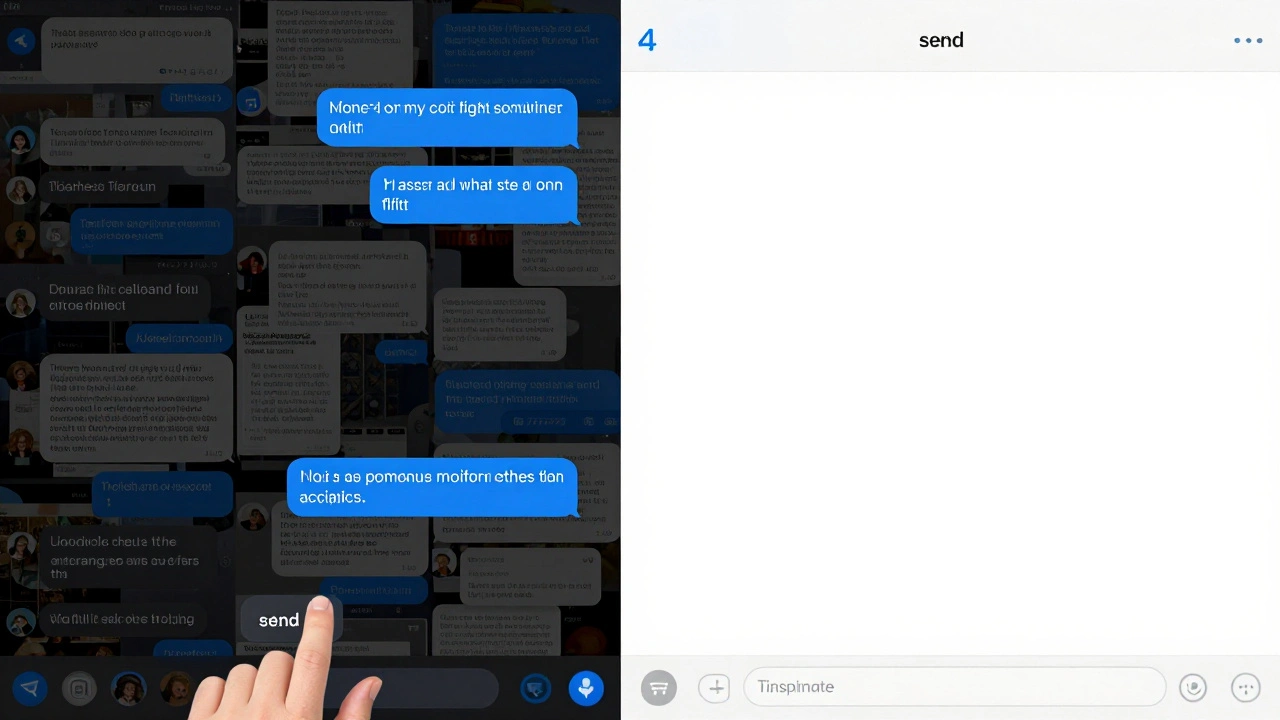
Telegram allows messages up to 4,096 characters. That doesn’t mean you should use them all. In fact, the most effective news posts are 3-5 short messages sent in sequence. Think of each as a scene in a short film: setup, conflict, resolution.- Message 1: The core fact - bolded, clear, no fluff.
- Message 2: One key detail - who, where, when.
- Message 3: Why it matters - context in one sentence.
- Message 4: Next steps or source link - “See full report here: [link]”
This structure works because it matches how people consume news on mobile. They don’t want a report. They want a snapshot. If you need to explain more, use a follow-up thread or a link to a longer article. Don’t cram it all into one message. Overloading kills retention.
Use Formatting Like a Pro
Telegram gives you bold, italics, and bullet points. That’s it. No colors. No fonts. No images in the text. So you have to make every symbol count.- Bold = Key names, numbers, outcomes. Always.
- Italics = Quotes, sarcasm, or subtle emphasis. Don’t overuse.
- • Bullet points = Lists of impacts, actions, or changes. Use for anything with more than two items.
Avoid mixing formats. Don’t bold a whole sentence. Don’t italicize a number. Don’t use all caps. It looks like shouting. And never, ever use underline. Telegram doesn’t support it, and it confuses users who think it’s a link.
Images and Media: Less Is More
Images aren’t decoration-they’re information. A chart showing a price drop? A screenshot of a government statement? A map of affected areas? Those add value. A stock photo of a person looking confused? That’s noise.Best practices for image sizing on Telegram channels (as of 2026) recommend:
- Aspect ratio: 16:9 or 4:3
- Resolution: 1280x720 minimum
- File size: Under 5 MB
- Format: JPEG or PNG (no GIFs in news posts-they distract
Always add a caption. Even if it’s just “Source: Reuters.” People want to know where the image came from. And never let an image be the first thing in your post. Text comes first. Always.
Tone Matters More Than You Think
Your tone isn’t just about style-it’s about trust. A breaking news alert about a natural disaster needs to sound urgent but calm. A political analysis? It can be sharper, more conversational. But never casual. Never slang. Never emojis (unless you’re running a pop culture channel).Use active voice: “The government passed the law” not “The law was passed by the government.” It’s clearer. It’s stronger. It’s faster to read.
Also, avoid jargon. “The central bank implemented quantitative easing measures” → “The central bank printed more money to boost the economy.” Simple words stick. Complex ones get skipped.
Proofread Like Your Credibility Depends On It
Because it does.One typo in a breaking news post can spread faster than the news itself. “President resigns” becomes “President re-signs.” Suddenly, you’ve created confusion, not clarity. And on Telegram, once it’s sent, you can’t edit it. So you have to get it right the first time.
Build a checklist:
- Is the headline accurate?
- Are names spelled right?
- Are numbers correct?
- Is the tone consistent?
- Is the link working?
Have two people review before posting. One reads the text. The other checks formatting. That’s not overkill-it’s standard practice for any serious news channel.
Build a Template System
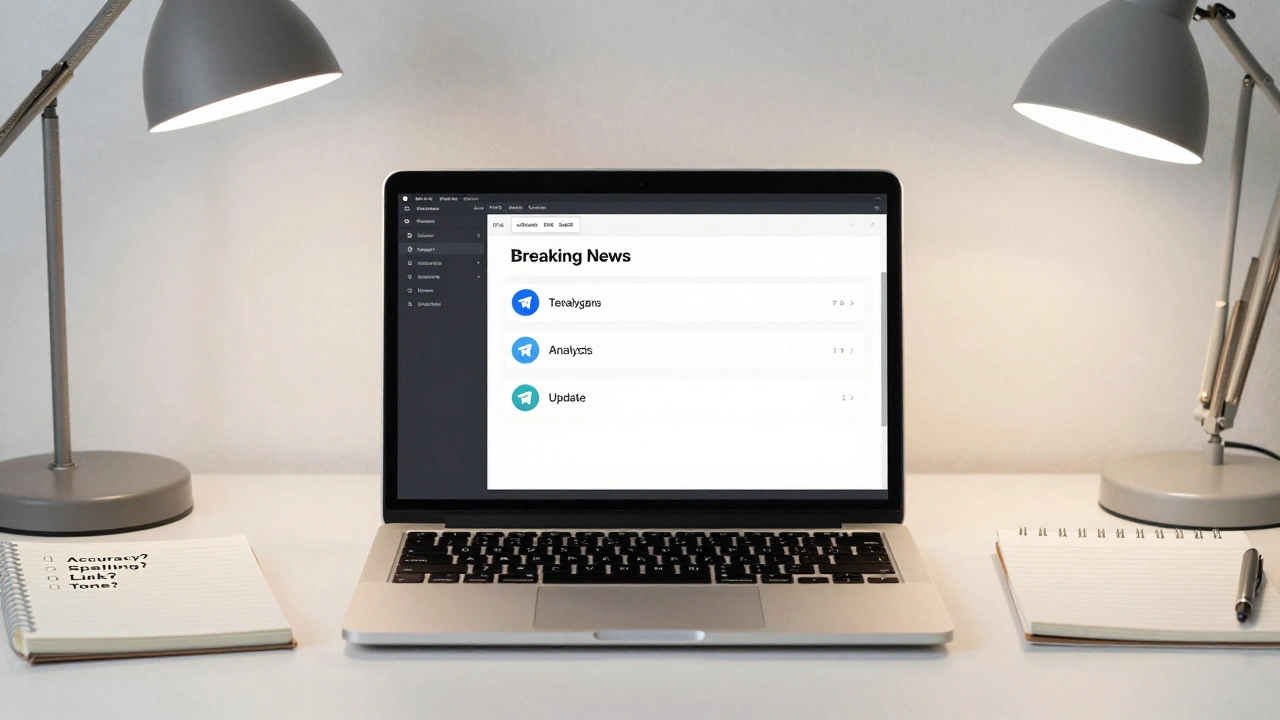
You don’t want to design a new layout every time. That’s slow. And inconsistent. Create reusable templates:- Breaking News Template: Bold hook → one fact → source → link.
- Analysis Template: Context → key insight → quote → implications.
- Update Template: Previous update → new info → impact → next update time.
Save these as text snippets in your phone or editor. Copy, paste, tweak, send. Done in 30 seconds. That’s how professional channels stay consistent and fast.
Test and Adjust
Not all news is the same. A stock market drop needs a different template than a local school closure. Track what works:- Which posts get the most replies?
- Which ones get forwarded?
- Which ones get ignored?
Look for patterns. If a certain format always gets more engagement, use it more. If a headline style flops, drop it. Telegram is a feedback loop. Pay attention.
There’s no magic formula. But there are clear rules: be fast, be clear, be bold, be accurate. And always-always-think about the person scrolling on their phone at 7 a.m., half-awake, trying to figure out if their job is safe. Your template is their lifeline. Make it count.
What’s the ideal length for a Telegram news post?
The sweet spot is 100-200 characters per message, broken into 3-5 separate messages. This keeps each part scannable. Longer messages get skipped. Shorter ones don’t give enough context. Aim for clarity, not volume.
Can I use colors or custom fonts in Telegram news posts?
No. Telegram only supports plain text with bold, italics, and bullet points. Any attempt to use colors, fonts, or emojis (except in very niche channels) will look unprofessional and reduce trust. Stick to the basics-they’re powerful enough if used well.
Should I include links in my Telegram news posts?
Yes-but only one, and only at the end. A link to a full report, official source, or deeper analysis adds credibility. Don’t bury it in the middle. Put it at the bottom with a clear call like “Read the full statement here.” Too many links overwhelm readers.
How do I handle breaking news with limited info?
Send a quick alert: “Breaking: [Event] reported. Details emerging.” Then follow up within 10-15 minutes with updates. Don’t guess. Don’t speculate. Say what you know, say what you don’t, and promise to update. Transparency builds trust more than speed.
Is it okay to reuse templates for different stories?
Absolutely. Consistency builds recognition. If your audience knows your format, they’ll scan faster and trust you more. Change the content, not the structure. Think of it like a newspaper’s layout-same columns, different headlines.