Most creators think of Telegram as a place to send messages or share files. But if you’re running a channel with active discussions, you’re sitting on a goldmine of raw, real content-just waiting to be turned into Shorts that explode on YouTube, TikTok, or Instagram.
Here’s the truth: nobody’s doing this well yet. Only about 5% of creators even try to pull clips from Telegram and turn them into Shorts. And most fail. Why? Because they just upload the same video they got from Telegram-cropped, blurry, with Telegram’s UI still showing-and wonder why it gets 50 views.
It doesn’t work like that.
Why Telegram Clips Are Perfect for Shorts (If You Fix Them)
Telegram channels with 5,000+ members often have clips people record during live debates, Q&As, or real-time reactions. These aren’t polished studio videos. They’re messy. Real. Unfiltered.
And that’s exactly what Shorts algorithms love right now.
YouTube’s own data from mid-2024 shows that Shorts with authentic, discussion-based content get 34% higher completion rates than scripted ones. People stick around when they hear real opinions, arguments, or surprises. Telegram is full of that. But you can’t just copy-paste it.
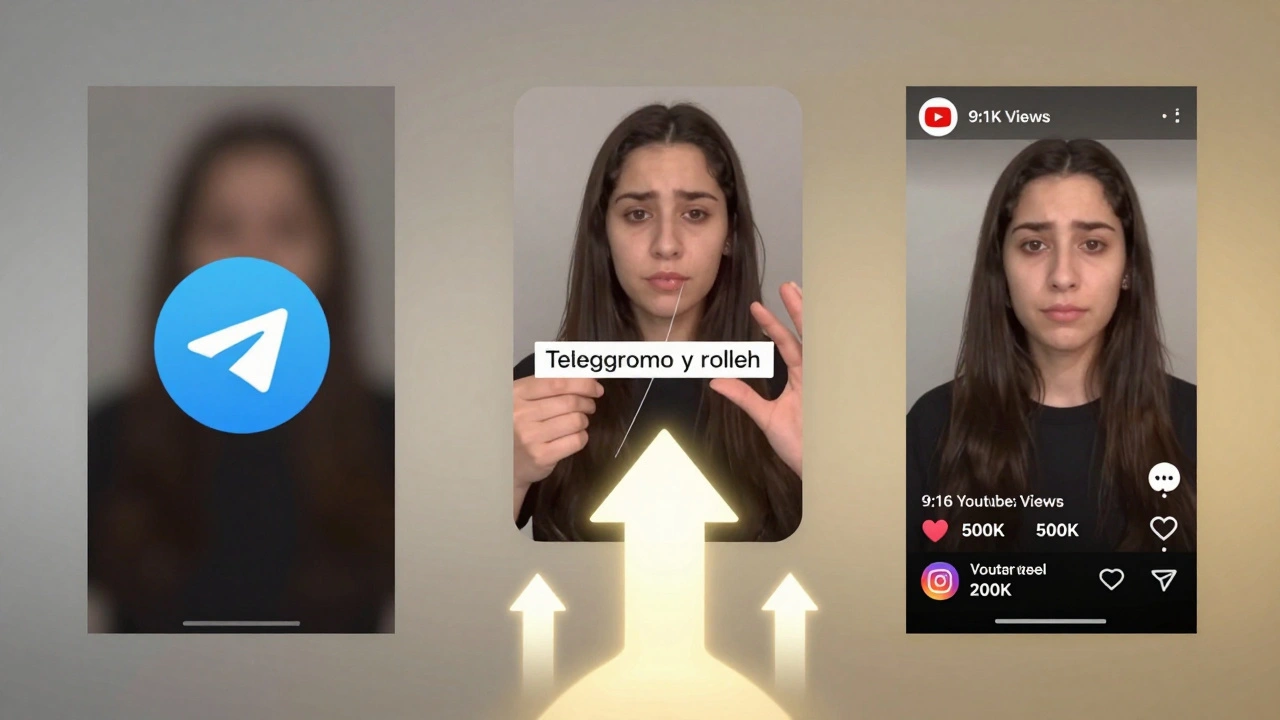
Here’s what happens if you do: the video is 16:9, not 9:16. The audio is quiet. There’s a Telegram logo in the corner. The text overlay is unreadable on mobile. The clip is 90 seconds long. YouTube will bury it. TikTok will flag it as low-quality. Instagram will ignore it.
You need to rebuild it.
The 3-Step Fix: From Telegram Mess to Shorts Gold
There’s no one-click tool that does this right. Not yet. So you need to do it manually-until something better comes along. Here’s how the top 1% do it.
- Find the right clip - Don’t pick the first video you see. Look for clips with 15+ reactions in a channel with 5,000+ members. That’s your signal: people cared enough to react. Filter by voice clips where someone says something surprising, controversial, or emotional. Avoid long monologues. Look for back-and-forth moments.
- Extract and convert - Open Telegram Desktop. Right-click the video → Save As. Save it as an MP4. Then open CapCut (free on desktop). Import it. Use the Auto Reframe tool to stretch it to 9:16. Then, mute the original audio if it’s muffled. Re-add it using CapCut’s Audio Boost feature. Increase volume by +6dB. Now, burn in subtitles. Don’t rely on auto-captions. Type them yourself. Make them big. Bold. Centered. Use white text with a black outline-TikTok users watch 85% of videos with subtitles turned on.
- Transform the start - The first 0.8 seconds decide if someone keeps watching. Telegram clips often start with someone saying “Hey guys…” or a long pause. Cut that. Start with the punchline. If someone says, “I’ve been fired three times and I’m still rich,” put that line as the first thing viewers hear. Add a quick zoom-in on their face. Add a text pop-up: “This guy got fired… then made $2M.” Use a 0.5-second black frame right after the first line. It tricks the algorithm into thinking this is a new video, not a repost.
This whole process takes 15-22 minutes per clip. But one good Short can get 50,000 views. That’s worth it.
What You Must Remove (Or You’ll Get Banned)
YouTube’s policy update in July 2024 is clear: you can’t repost content without transformation. That means no Telegram interface. No watermarks. No channel names. No usernames.
Use CapCut’s Blur or Crop tool to remove anything that looks like it came from Telegram. Cover the sender’s name. Blur the background if it shows chat bubbles. Replace any on-screen text with your own. Even if the original clip had text like “@TechTalkChannel,” delete it. Add your own branding at the end-your logo, your handle. That’s your transformation.
Instagram and TikTok are less strict-but they still penalize low-effort reposts. If your Short looks like it was just dragged from Telegram, the algorithm will show it to 1,000 people. Then stop. If it looks like you made it, it’ll show it to 50,000.
When to Post (And When Not To)
Posting at the wrong time kills your chances.
YouTube Shorts: Post between 2-4 PM UTC. That’s when most viewers are scrolling during lunch breaks in the U.S. and Europe. Use YouTube Studio’s analytics to see when your audience is online.
TikTok: 7-10 PM UTC. That’s when Gen Z is off work or school and scrolling before bed.
Instagram Reels: 12-2 PM UTC. Midday for the U.S., early evening in Europe.
Don’t post the same clip to all platforms at once. Upload to YouTube first. Wait 24 hours. Then post the same clip to TikTok. Then Instagram. Why? Because platforms track duplicates. If you upload the same video to all three in 10 minutes, they’ll think you’re spamming. Spread it out.
The Hidden Risk: Telegram’s Terms
Telegram’s Terms of Service (updated September 2024) say you can’t automate extraction of content at scale. That means no bots that auto-download every video from your channel.
Manual extraction? Fine. You’re just saving your own content.
Automated bots? Risky. If Telegram detects you’re scraping hundreds of videos a day, they might ban your account. Stick to saving clips one by one. Use Telegram Desktop. Don’t use third-party apps that claim to “auto-export” from Telegram. Most are scams or malware.
Also, don’t repurpose clips from other people’s channels without permission. Even if it’s public. You could get a copyright strike. Only use clips you recorded yourself or have written permission to use.
What’s Coming Next (And Why You Should Start Now)
YouTube is testing a new feature called “Community Highlights” set to roll out in Q2 2025. It’ll let creators auto-pull clips from Telegram channels they manage and turn them into Shorts with one click.
But that’s six months away.
Right now, the people who are winning are the ones who are doing the manual work. They’re spending 20 minutes a day turning 2-3 Telegram clips into Shorts. They’re not waiting for a tool. They’re building an edge.
By the time automation arrives, they’ll already have 50+ Shorts live. They’ll have the algorithm trained on their content. They’ll have followers who expect their Shorts.
If you wait, you lose.
Tools That Actually Help (No Fluff)
You don’t need fancy software. Here’s what works:
- Telegram Desktop - Only way to reliably save videos without corruption.
- CapCut (Desktop or Mobile) - Best free tool for auto-reframing, subtitle burning, and audio boosting.
- YouTube Studio - Use the “Analytics” tab to see which Shorts keep people watching. Double down on what works.
- Google Drive + IFTTT - Set up an automation to save all your Telegram exports to a folder. Makes organizing easier.
Avoid tools like Postly, Taisly, or Junction Bot. They’re built to push content to Telegram-not pull from it. They won’t help you here.
Real Results: One Creator’s Story
A guy named Alex ran a small Telegram channel about indie game development. 3,200 members. Mostly text posts. One day, he recorded a 60-second clip of a user yelling, “I made a game in 48 hours and sold 12,000 copies!”
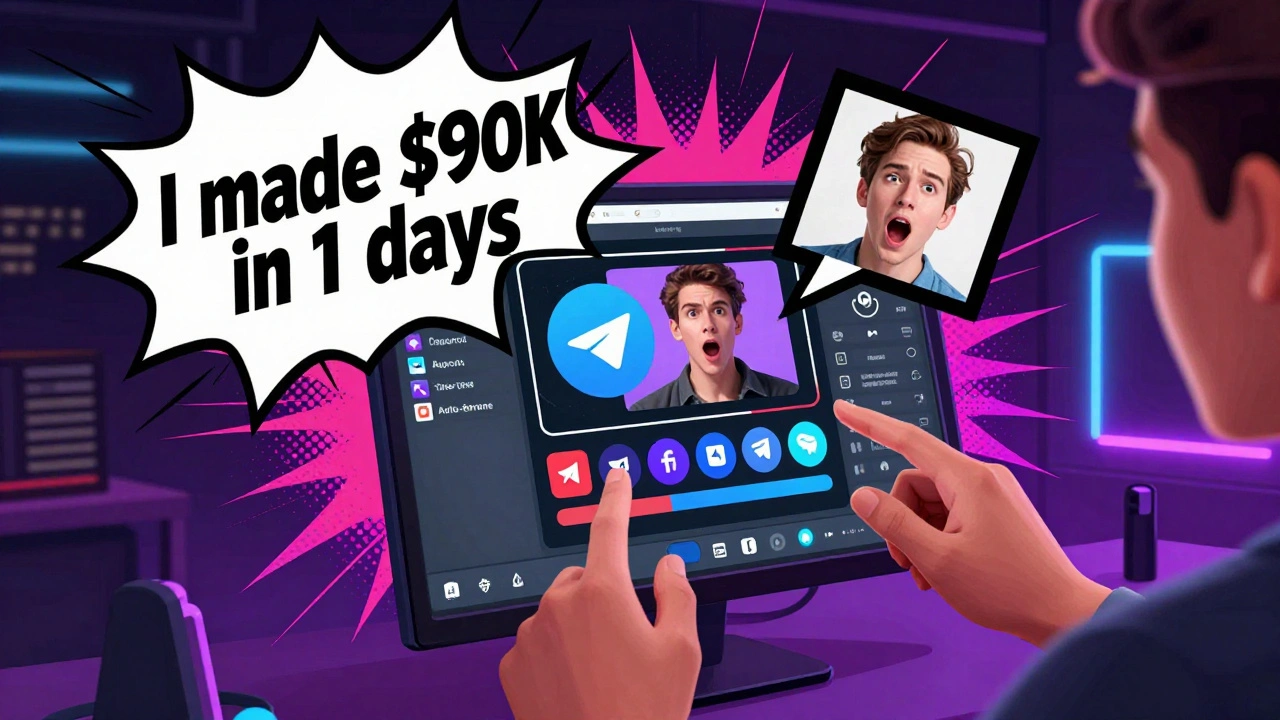
He saved it. Used CapCut. Cut the first 5 seconds. Burned in bold text: “This guy made $90K in 2 days.” Added a black frame. Uploaded to YouTube Shorts.
It got 187,000 views in 72 hours. His channel gained 14,000 subscribers. He now posts 3 Shorts a week-all from Telegram clips.
He didn’t have a big team. He didn’t use AI. He just fixed the format.
You can do the same.
Can I use bots to auto-export clips from Telegram to Shorts?
No. Telegram’s Terms of Service ban automated extraction at scale. Using bots to download videos can get your account banned. Stick to manually saving clips in Telegram Desktop. It’s slower, but safe.
Why do my Telegram Shorts get so few views?
Most likely, you’re uploading the raw clip without fixing the format. Telegram videos are 16:9, low audio, and often have UI elements. Shorts algorithms reject content that looks unedited. Fix the aspect ratio, boost the audio, add subtitles, and cut the first 5 seconds. That’s the minimum.
Do I need permission to use clips from other people in my Telegram channel?
Yes. Even if the clip is public, you don’t own it. Always ask the person who recorded it. A simple DM like “Can I turn this into a Short?” goes a long way. Most people say yes-and might even share it to their own followers.
What’s the best free tool to edit Telegram clips for Shorts?
CapCut. It’s free, works on desktop and mobile, and has built-in tools for auto-reframing, subtitle burning, and audio enhancement. No other free tool comes close for this specific task.
How often should I post Shorts from Telegram?
Start with 2-3 per week. Don’t burn out trying to post daily. Focus on quality. One great Short a week, properly edited, beats three rushed ones. Track which ones get the highest retention rate-and do more like them.
Will YouTube demonetize my Shorts if they’re from Telegram?
Only if you don’t transform them. If you just re-upload a Telegram video with no edits, YouTube may flag it as reused content. But if you add new subtitles, crop the frame, boost audio, and start with a hook, it’s considered original. That’s the line.