Breaking news doesn't wait for the morning editorial meeting. When a disaster strikes, an election turns volatile, or a conflict escalates, your audience expects updates in seconds, not hours. Telegram is a cloud-based messaging app that has evolved into a critical distribution platform for real-time news and live video streams. It currently serves over 900 million monthly active users worldwide. For publishers, this isn't just another social channel; it is a primary source of information for millions, especially in regions like Eastern Europe, the Middle East, and Latin America.
But speed without structure leads to chaos. Posting random clips and unverified rumors destroys credibility faster than silence. That is why you need an Event Coverage Playbook. This isn't a vague set of guidelines; it is a documented, repeatable workflow that defines how your team prepares, publishes, verifies, and moderates content during high-pressure moments. Without it, you are just guessing. With it, you become a trusted authority.
Why Telegram Demands a Specific Strategy
You might ask, "Why not just use X (formerly Twitter) or WhatsApp?" The answer lies in the product features and user behavior unique to Telegram. Unlike X, which historically limited posts to 280 characters, Telegram allows long-form messages up to 4,096 characters. This gives you space for narrative context, detailed situational reports, and clear disclaimers alongside your breaking headlines.
Compared to WhatsApp, Telegram channels are public and search-indexed. Your posts have permanent URLs (t.me/yourchannel/postid) that can be embedded on websites or shared externally. More importantly, Telegram Channels support unlimited subscribers, whereas WhatsApp groups cap out at 1,024 members. During a major event, you cannot afford artificial limits on your reach.
However, there is a trade-off. Telegram’s end-to-end encryption only applies to "Secret Chats," not to public Channels or Groups. This means your live news updates are not secure against interception. Your playbook must account for this by treating all Channel content as public record. Never share sensitive whistleblower communications or precise troop movements via public Channels. Use private, encrypted groups for internal coordination only.
| Feature | Telegram | X (Twitter) | |
|---|---|---|---|
| Max Subscribers | Unlimited | Unlimited (Followers) | 1,024 per Group |
| Post Length | 4,096 Characters | 280-25,000+ (Varies by subscription) | No hard limit, but poor formatting |
| Live Video | Built-in Streams + RTMP Support | Spaces (Audio) / Periscope legacy | Group Video Calls (Limited viewers) |
| Content Discovery | Public Links & Search | Algorithmic Feed | Closed/Private Networks |
| Encryption | Server-Client (Channels), E2E (Secret Chats) | None | End-to-End Encrypted |
Phase 1: Pre-Event Preparation and Technical Setup
A successful live coverage operation begins days or weeks before the first headline drops. Your playbook must define the technical infrastructure and editorial roles clearly. Start by setting up a dedicated broadcast Channel for one-way communication and a linked Discussion Group for audience interaction. Keep them separate. Mixing comments with news posts clutters the feed and makes archival difficult.
Assign specific admin permissions carefully. You do not want every editor having full control. In Telegram Web, go to your Channel settings, select Administrators, and toggle the "Manage Live Streams" permission for your designated Live Director. This allows them to start and stop broadcasts without risking accidental deletion of pinned posts or changes to the Channel description.
Schedule your live streams early. If you plan to host a press conference recap or a nightly briefing, schedule it at least 12-24 hours in advance. To do this, open your Channel, tap the three dots, and select "Schedule Live Stream." Telegram will display a countdown timer and notify subscribers. This builds anticipation and ensures your audience knows when to tune in.
- Define Roles: Lead Editor (approves tone), Field Reporters (submit raw assets), Verification Specialist (checks facts), Live Host (on-camera), Tech Operator (manages stream).
- Set Cadence Targets: Aim for 3-5 updates per hour during normal operations. During breaking windows, increase to 20-30 posts per hour if necessary, but avoid spamming.
- Establish Format Rules: Always use UTC or clearly labeled local time zones. Use consistent hashtags for categorization (e.g., #Breaking, #Verified, #Analysis).
Phase 2: Automation and AI Integration
Human editors cannot monitor every corner of the internet simultaneously. Automation bridges the gap between detection and publication. However, automation requires strict governance to prevent errors.
For basic aggregation, services like RSS.app allow you to convert feeds from AP, Reuters, or government alert systems into Telegram posts. Their bots check sources every 15 minutes and post new content within seconds. Your playbook should specify which feeds are allowed to auto-post and require an "[AUTOMATED]" tag so readers know these are machine-generated summaries.
For more advanced triage, consider workflows using tools like n8n.io combined with AI models such as Google Gemini. A typical setup might involve scraping news sites, filtering headlines through an AI agent based on predefined keywords, and formatting the output before sending it to your Channel. This reduces noise and ensures only relevant stories trigger alerts.
Crucially, your playbook must include a human-in-the-loop protocol for sensitive topics. AI can misinterpret context, especially in conflict zones. Any automated post containing claims about casualties, territorial changes, or political arrests must be reviewed by a human editor before publishing. Set a confidence threshold-for example, if the AI’s certainty score is below 90%, route it to a manual queue.

Phase 3: Live Publishing and Moderation
When the event is live, clarity is king. Your posting style should shift from narrative to telegraphic. Use short sentences, bullet points, and timestamps. Avoid jargon. Your audience includes everyone from experts to casual observers.
Pinned messages are your most powerful tool during a crisis. Keep two pins active at all times: 1. A summary of the current situation with the latest confirmed facts. 2. A disclaimer about verification policies and safety warnings (e.g., "Some videos may contain graphic content" or "Updates are preliminary and subject to change").
Moderate your linked Discussion Group aggressively. Enable Slow Mode to limit message frequency per user, preventing spam. Ban accounts that spread misinformation or harass contributors. Remember, your Channel is your brand; your Group is your community. Protect both.
If you are hosting a Live Stream, engage with your audience proactively. Use Telegram’s Poll feature 2-3 hours before the stream to ask viewers what questions they want answered. Then, address the top-voted topics during the broadcast. This increases retention and makes your audience feel heard.
Phase 4: Verification and Risk Management
Speed often sacrifices accuracy. In the age of deepfakes and recycled footage, verification is your competitive advantage. Your playbook must outline a rigorous fact-checking process.
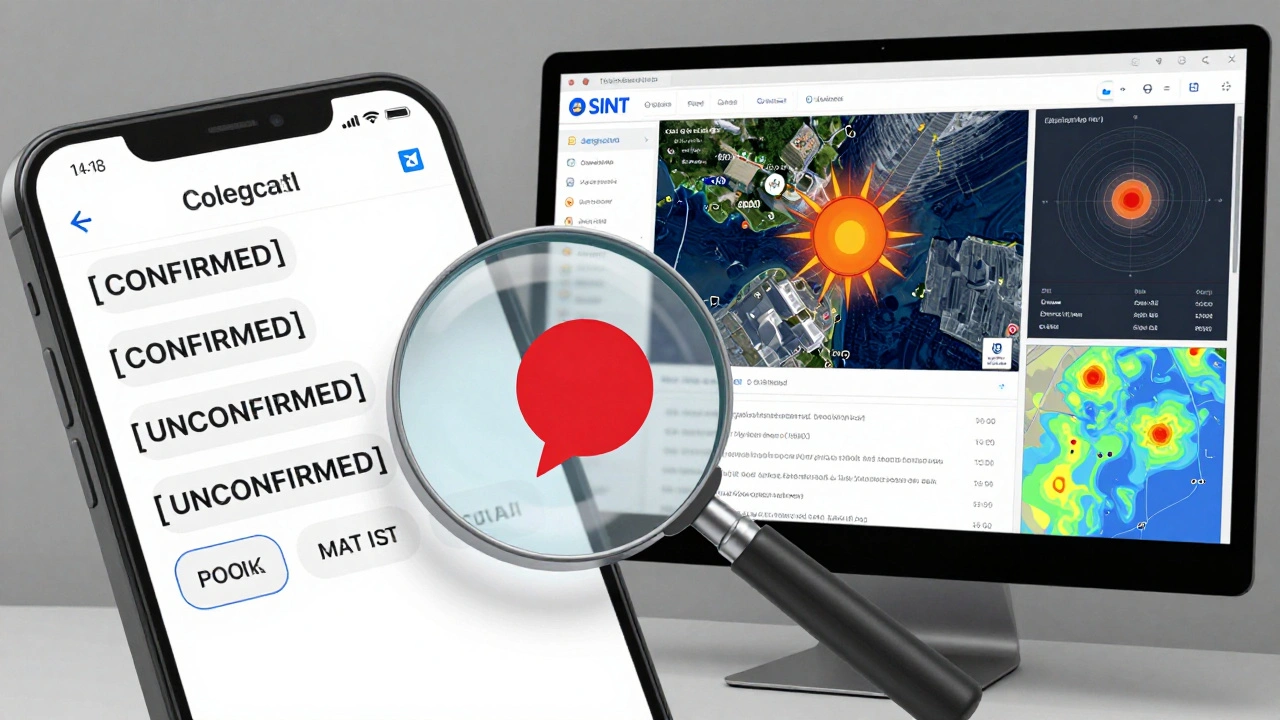
Use open-source intelligence (OSINT) techniques. Cross-reference user-submitted videos with satellite imagery from Google Earth Pro. Check the sun position and weather conditions to confirm the time and location of recording. Listen to background audio for sirens or announcements that match known events.
Label your content clearly. Use tags like [CONFIRMED], [UNCONFIRMED], and [ANALYSIS]. Do not mix speculation with facts. If you publish a correction, edit the original message if possible (Telegram allows admins to edit posts indefinitely) and pin a follow-up note referencing the original post ID. Transparency builds trust.
Be mindful of legal and ethical risks. Avoid doxxing individuals or revealing precise locations of military assets. Follow guidelines from organizations like the International Committee of the Red Cross (ICRC) on conflict reporting. Your goal is to inform, not to endanger.
Phase 5: Post-Event Archiving and Analytics
The event ends, but your work continues. Analyze your performance to improve future playbooks. Telegram provides basic analytics for large Channels, including views per post and subscriber growth. For deeper insights, use third-party tools like Combot or Telemetr.
Track these key metrics: - Average views per post within 24 hours. - Subscriber retention rate (compare numbers 7 days before and after the event). - Number of corrections issued. - Time lag between event occurrence and publication (aim for under 10 minutes for verified updates).
Archive your coverage. Create a final summary post linking to key updates, maps, and analysis. This serves as a resource for future readers and journalists researching the event. It also demonstrates your commitment to thoroughness and accountability.
Regulatory Context and Future Outlook
As Telegram grows, so does regulatory scrutiny. The European Union’s Digital Services Act (DSA) imposes strict obligations on Very Large Online Platforms (VLOPs). While Telegram was not initially listed as a VLOP, member states like Germany and France have raised concerns about disinformation. Publishers must stay informed about local laws regarding hate speech, privacy, and electoral integrity.
Looking ahead, Telegram’s addition of Stories, improved monetization via Premium, and enhanced live streaming tools suggest it will remain a central pillar of digital journalism. Younger audiences increasingly prefer direct, algorithm-free channels over traditional social media feeds. By mastering Event Coverage Playbooks, you position your publication at the forefront of this shift.
What is a Telegram Event Coverage Playbook?
It is a structured document outlining the workflows, roles, technical setups, and editorial rules a news team uses to cover fast-moving events in real-time on Telegram. It ensures consistency, accuracy, and speed during crises.
How do I schedule a Live Stream on Telegram?
Open your Channel, tap the three dots in the top right corner, select "Schedule Live Stream," choose your date and time, and confirm. Telegram will display a countdown and notify your subscribers.
Is Telegram safe for sharing sensitive source information?
No. Public Channels and Groups are not end-to-end encrypted. Only "Secret Chats" offer E2E encryption. Use private, encrypted chats for sensitive communications and never share confidential data in public Channels.
Can I automate news posts to my Telegram Channel?
Yes. Tools like RSS.app can auto-post from RSS feeds every 15 minutes. Advanced users can use n8n workflows with AI filters to scrape, verify, and format news before posting. Always label automated content clearly.
How do I verify user-submitted videos on Telegram?
Use OSINT techniques: cross-reference with satellite imagery, check metadata, analyze background audio and lighting for time/location consistency, and corroborate with at least two independent sources before labeling as [CONFIRMED].