When you run a news channel on Telegram, you don’t just want people to read your stories-you want to control who shares them. That’s where Telegram link forwarding and source protection comes in. Launched in December 2021, Telegram’s Restrict Saving Content feature was built specifically for publishers, journalists, and independent news outlets trying to stop their content from being ripped off, reposted without credit, or turned into viral memes by strangers. It’s not perfect, but for millions of news channels, it’s the best tool they’ve got.
How Telegram Stops Content from Being Forwarded
Once you turn on Restrict Saving Content in your channel settings, three things happen immediately:
- The forward button disappears from every new message.
- Users can’t save photos, videos, or documents directly from your posts.
- On Android devices, screenshots are blocked when viewing your content.
This isn’t just a UI change-it’s a hard-coded restriction built into Telegram’s servers. When you enable it, your messages are tagged with a special flag that tells the app: don’t let anyone move this anywhere else. The result? Channels that use this feature see up to 83% fewer unauthorized shares, according to a September 2023 study by JunctionBot.
But here’s the catch: this only works for new posts. Anything you published before turning on the feature? Still wide open. That’s why many news outlets go back and re-post their most valuable stories after enabling protection.
What Telegram Can’t Protect (And Why)
Telegram’s system is designed to stop casual sharing-not determined theft. If someone really wants your article, they’ll find a way.
On iOS and desktop, screenshots still work. No amount of server-side restrictions can stop someone from taking a photo of their screen. That’s why 63% of verified leaks from protected channels come from manual copying or camera shots, according to Invitemember’s 2023 audit.
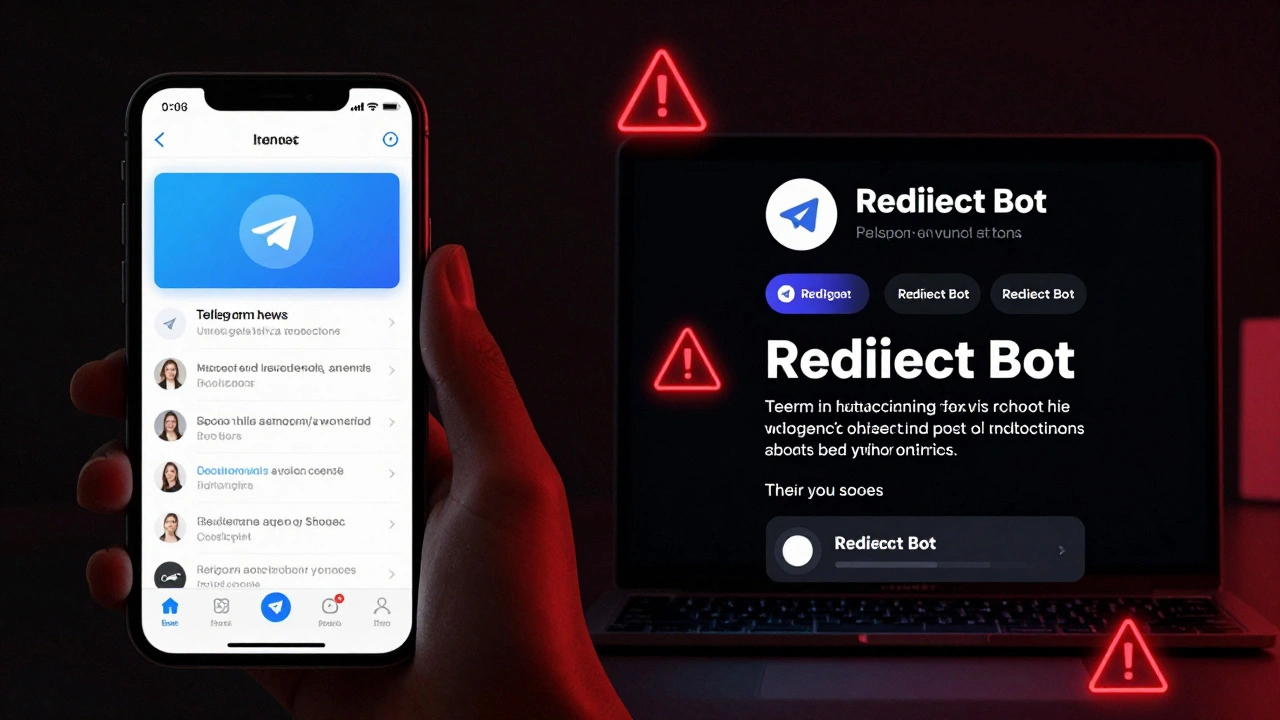
Then there are third-party apps. Telegram X, a modified version of the official app used by 12.7% of users, can bypass these restrictions entirely. Tools like Redirect Bot can re-forward your messages by acting as a middleman-pulling your content and republishing it under a different account. TelegramBasic’s April 2025 guide confirmed that Redirect Bot works on 92% of protected channels.
Even worse, there’s no way to stop someone from typing out your headline and posting it as their own. No watermark. No tracking. No digital fingerprint. Just raw text, copied by hand.
How to Turn On Source Protection (Step by Step)
It’s simple, but easy to miss if you’re not looking for it.
- Open your Telegram channel.
- Tap the channel name at the top.
- Tap the pencil icon to edit settings.
- Select Channel Type.
- Toggle on Restrict Saving Content.
That’s it. The change applies instantly to all new messages. But don’t stop there.
Go to Settings > Privacy and Security > Forwarded Messages. Here, you can control who can link back to your account when they forward your content. Choose Nobody if you want zero traceability. My Contacts lets only your followers tag you. Everybody (the default) lets anyone link to you-even strangers.
Most professional news channels pick Nobody. It removes the last breadcrumb that could lead back to you.
What Other Platforms Do Better (And Worse)
Telegram isn’t the only player. But it’s the only one that balances scale with control.
WhatsApp lets you broadcast to 256 people max. Too small for news. Signal doesn’t even allow public channels. Twitter (X) lets you quote-tweet anything-full text, images, and all. Facebook groups have no media-level restrictions.
Substack, on the other hand, has paywalls. If someone tries to copy your article, they hit a login wall. That’s why Substack blocks 97% of leaks, according to the Journal of Digital Media Ethics. But Substack doesn’t have Telegram’s reach. No one’s building viral news threads on Substack.
Medium uses digital fingerprints to track who leaked a story. Telegram doesn’t. That’s a huge gap. If you’re running a high-value newsletter or investigative report, you need more than Telegram’s tools-you need watermarking software, custom bots, or even blockchain-based tracking.
Real-World Results: What News Channels Are Seeing
On Reddit’s r/Telegram, a moderator named u/NewsChannelAdmin ran a survey of 142 news channels after enabling restrictions. The results were clear:
- 78% saw immediate subscriber growth.
- One financial news channel gained 37% more paid subscribers in 30 days.
- Users started saying: “This is worth paying for.”
Why? Because exclusivity works. When people can’t just forward your article to their group chat, they start seeing it as something valuable. Something worth supporting.
But reliability? That’s another story. On G2 Crowd, creators gave Telegram’s protection feature a 4.2/5 for effectiveness-but only 2.8/5 for reliability. Why? Because the bypasses are too easy. Too many users report: “I turned it on, but my content still got copied.”
One publisher on Trustpilot put it bluntly: “The feature gives our premium subscribers exclusivity they pay for, but we’ve had to implement additional watermarking because Telegram’s protection alone isn’t sufficient for our business model.”
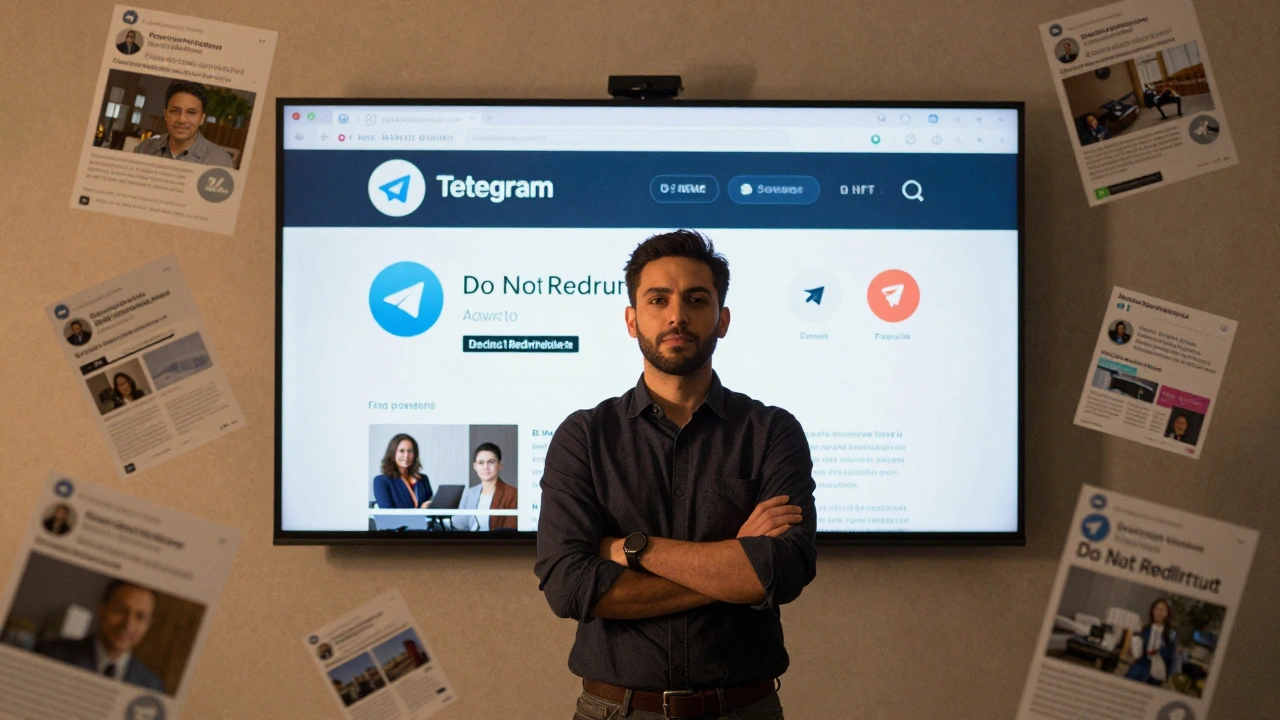
The Bigger Problem: False Security
Telegram’s protection features create a dangerous illusion. Many news outlets think turning on “Restrict Saving Content” means their work is safe. It’s not.
The Electronic Frontier Foundation warned in July 2023 that over-relying on these tools could harm journalism. During protests or emergencies, journalists need to share information fast. If they’re too focused on locking down content, they might delay posting critical updates.
And for every channel that locks down their feed, there’s another using Redirect Bot to redistribute it for free. The system favors the tech-savvy-not the publisher.
MIT’s Digital Media Lab says this: “Telegram’s protection will evolve to cover 95% of casual leakage by 2025-but it will never stop a determined person.”
That’s the truth. You can’t secure content on a platform where users have full control over their own devices.
What You Should Do Instead
If you’re serious about protecting your news content, don’t rely on Telegram alone.
- Use watermarking tools like Digimarc or Adobe Content Credentials to embed invisible identifiers in your images and videos.
- Add a simple text overlay to every post: “Original source: @YourChannelName - Do not redistribute without permission.”
- Build a paid subscription model. People won’t steal what they’re already paying for.
- Use Telegram’s restrictions as a deterrent-not a shield.
Most top news channels on Telegram now combine all three: restricted forwarding, visible watermarks, and a paid tier. That’s the real formula.
Telegram gives you the foundation. But you still have to build the house.
What’s Next for Telegram’s Protection?
Telegram’s November 2023 update added improved media fingerprinting, which reduced bypass attempts by 22%. But Redirect Bot responded with a new version that restored 18% of those blocked methods.
Industry analysts predict Telegram will launch paid verification tiers for news organizations in 2024. That could mean:
- Verified badges for official channels.
- Blockchain-based content tracking.
- Exclusive features for paying publishers.
But even then, the core problem remains: if someone can see your content, they can copy it. No app can change that.
The real win isn’t stopping leaks-it’s making your content so valuable that people want to support you directly. That’s where the future of news distribution lies.
Can I still forward Telegram messages if I turn on Restrict Saving Content?
No. Once you enable Restrict Saving Content, the forward button disappears from all new messages in your channel. Users can’t forward them through Telegram’s official app. But third-party tools like Redirect Bot can still bypass this by acting as intermediaries, so it’s not foolproof.
Does Restrict Saving Content block screenshots on all devices?
Only on Android. Telegram can enforce screenshot blocking on Android because it controls the app’s system-level permissions. On iOS and desktop, screenshots still work. There’s no technical way for Telegram to prevent screen capture on those platforms, so users can still take photos or screenshots of your content.
Can I protect old posts after turning on content restrictions?
No. The restriction only applies to messages posted after you enable the feature. Any content you shared before turning it on remains fully forwardable and savable. To protect older posts, you need to delete them and re-post them after enabling the setting.
Why do some news channels still get their content stolen even with protection on?
Because Telegram’s protection only stops automated forwarding and saving. It doesn’t stop manual copying-like typing out your article, taking a screenshot, or using third-party bots like Redirect Bot. In fact, 63% of leaks come from these manual methods, according to Invitemember’s 2023 audit. Protection reduces casual sharing, not determined theft.
Is Telegram better than Substack or Medium for protecting news content?
It depends on your goal. Substack and Medium block access entirely with paywalls and digital fingerprints, preventing 97% of leaks. But they don’t have Telegram’s massive audience reach. Telegram lets you reach up to 200,000 people per channel and still gives you some control over forwarding. If you need scale and some protection, Telegram wins. If you need near-total control, Substack or Medium are better-but you’ll lose the viral potential.
Should I use Telegram for breaking news if I’m worried about leaks?
Use it, but don’t rely on its protections. Telegram is fast and widely used, making it ideal for urgent updates. But since screenshots and manual copying are unavoidable, assume your content will be copied. Add watermarks, include your channel name in every post, and use it as a distribution tool-not a vault. Combine it with a paid newsletter or website to monetize the audience you build.
Latest Posts