Telegram isn't just for messaging anymore. With over 800 million monthly users as of late 2025, its live streaming feature has become one of the most underused tools for growing channels fast. If you're running a Telegram channel and not using live streams, you're leaving serious growth on the table. The good news? Setting up a live stream is simple. The better news? When done right, it converts viewers into subscribers at rates higher than Instagram Live and Twitter Spaces.
Why Telegram Live Streams Work for Growth
Telegram’s live streaming feature launched in May 2021, but it didn’t explode until 2024. Now, it’s the go-to for crypto analysts, educators, news outlets, and niche communities. Why? Because it’s built for real-time connection - not just broadcasting. Unlike YouTube or TikTok, where algorithms decide who sees your content, Telegram pushes your stream directly to everyone who follows your channel. No filters. No shadowbanning. Just raw access to an audience that already chose to stay updated by you. Here’s the kicker: channels using live streams see 15-20% of viewers subscribe during or right after the stream, according to GoLiveIndia’s case studies. That’s nearly double the conversion rate of Twitter Spaces. The secret? People trust what they see live. And if you give them a clear reason to subscribe - like exclusive updates, real-time Q&A, or early access - they will.What You Need to Get Started
You don’t need fancy gear. You don’t need a studio. Here’s what you actually need:- A Telegram channel you admin (not a group)
- A smartphone (Android 8.0+ or iOS 14+) or desktop (Windows 10 64-bit or macOS 11.0+)
- A stable internet connection with at least 5 Mbps upload speed
- At least 2GB of RAM on your device
- Open your channel in the Telegram app
- Tap the three dots (Android) or the "More" button (iOS)
- Select "Start Live Stream"
- Telegram generates a unique Server URL and Stream Key - keep this private
- Choose your camera, mic, and start
How to Turn Viewers Into Subscribers
Most people think live streaming is about the content. It’s not. It’s about the ask. In the first 30 seconds of your stream, you need to tell people why they should subscribe. Maria Chen from TechGrowth Labs found that streams with on-screen text saying "Subscribe if you want next week’s update" get 37% more sign-ups than those without. Here’s how to do it right:- Display a simple graphic with your channel name and "Subscribe" button - even a handwritten note on paper works
- Use your voice: "If you’re new here, hit subscribe. I drop new analysis every Tuesday at 7 PM"
- Use Telegram’s built-in reaction feature: ask viewers to react with 👍 if they’re interested in more streams. Then say, "If you reacted, you’re already part of the community. Subscribe to never miss one."
- Offer something exclusive: "Only subscribers get the full report after this stream"
Use Live Stories to Keep the Momentum
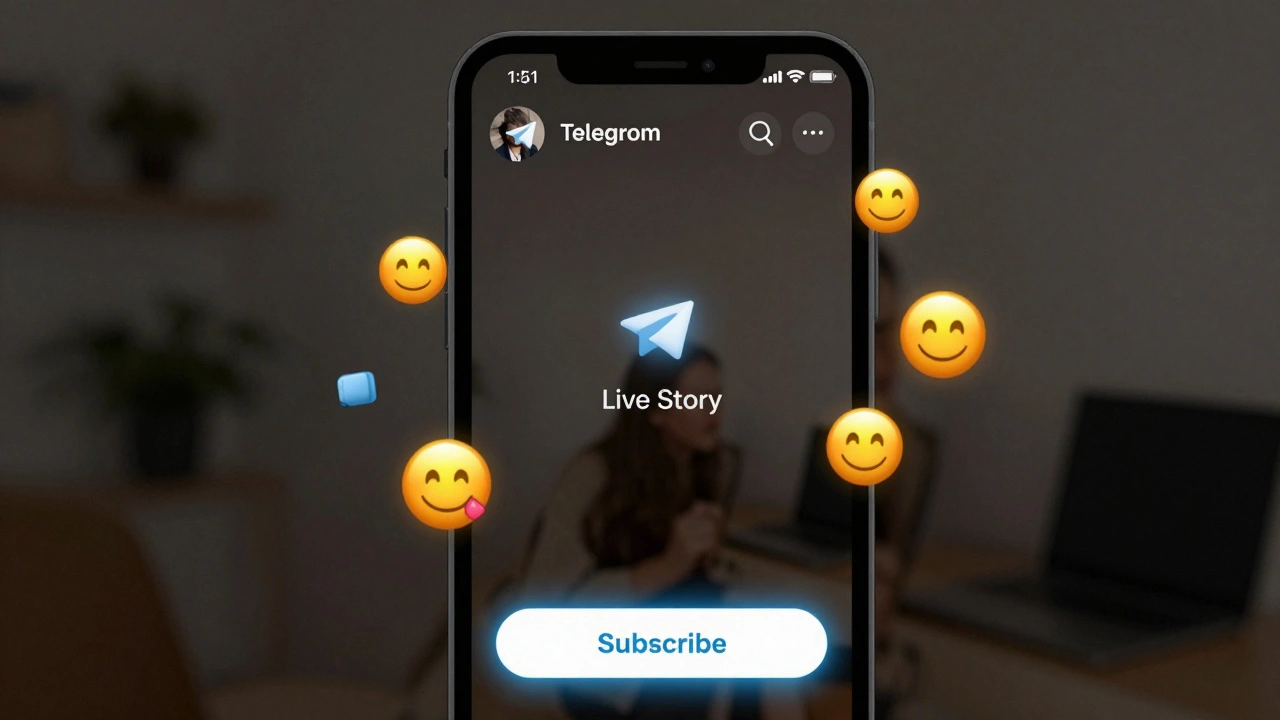
Telegram’s December 2025 update added "Live Stories" - a 24-hour replay of your stream that appears in your channel’s Stories section. This is huge. People who missed your live stream can still watch it. And when they do, they see a "Subscribe" button right on the Story. Early data shows this boosts conversion by 19%. Pro tip: After your live stream ends, immediately post a Story saying: "Missed the stream? Watch it here. Subscribe if you want the next one." This turns a one-time event into a recurring growth engine.
When to Stream (Timing Matters)
Timing isn’t about global peaks. It’s about your audience’s local habits. GoLiveIndia’s survey of 2,300 active Telegram streamers found that 68% saw the highest viewer turnout between 8 PM and 10 PM local time. Why? That’s when people are off work, on their phones, and looking for something engaging. If your audience is in the U.S., aim for 8-10 PM Eastern or 5-7 PM Pacific. If you’re targeting Europe, 7-9 PM CET works best. Don’t stream at 3 AM unless you’re targeting night owls in a specific niche. Consistency beats frequency. One stream a week at the same time builds anticipation. Five streams a week with no schedule? People forget.Don’t Multistream - Focus on Telegram
You can send your stream to YouTube, Facebook, and Twitch using Restream.io or similar tools. But should you? Telegram marketing expert Alexei Petrov found that channels focusing only on Telegram had 18% higher long-term subscriber retention than those multistreaming. Why? Because people who find you on YouTube aren’t looking for a Telegram channel. They’re looking for YouTube content. Your goal isn’t to be everywhere. It’s to build a loyal base on Telegram. When you stream only on Telegram, you create a sense of exclusivity. People join because they know they’ll get something they can’t get anywhere else. If you want to cross-promote, do it after the stream. Post a short clip on Instagram with: "Full analysis live on Telegram. Link in bio."Fix Common Mistakes Before They Kill Your Growth
Most failed streams aren’t because of bad content. They’re because of avoidable mistakes. Here are the top three:- No clear call-to-action - If you don’t ask people to subscribe, they won’t. Don’t assume they know what to do.
- Technical glitches - Audio lag, mic feedback, or poor lighting. Test your setup 24 hours before. Use Telegram’s "Test Stream" feature to check your connection.
- Streaming too long - Telegram limits streams to 8 hours. Pushing past that? Your stream cuts off. Plan for 45-90 minutes. More than that, and attention drops.
What’s Coming Next (And How to Get Ahead)
Telegram isn’t standing still. In February 2026, they’re launching native audience polls inside live streams. In March, they’ll roll out subscription incentives - like badges or early access to posts - only for subscribers. If you’re already using live streams now, you’ll be ahead of the curve. By the time these features drop, you’ll have a loyal audience ready to engage with them. Also, AI moderation tools are coming. That means fewer trolls, cleaner chats, and a better experience for new viewers. The platform is actively building tools to help channels grow - not just survive.Final Checklist Before Your First Stream
Before you hit "Start Live," run through this:- ✅ Channel is set to public (or at least visible to non-members)
- ✅ You’re the admin (not a regular member)
- ✅ Internet speed tested (5 Mbps upload minimum)
- ✅ Microphone and camera working
- ✅ On-screen text or graphic saying "Subscribe"
- ✅ Verbal call-to-action planned ("Subscribe if you want more")
- ✅ Stream scheduled at 8-10 PM local time
- ✅ 10-minute test stream done (use "Test Stream" in Telegram)
- ✅ Post-stream Story planned with replay link