Most news organizations still treat Telegram like a broadcast channel - send out an article link, hope someone clicks, and move on. But that’s not how modern audiences work. People don’t just consume news. They ask questions, share opinions, complain about breaking stories, and tell you exactly what they want to read next. The problem? That valuable data gets lost in a sea of messages, and your CRM never sees it.
What if every message on Telegram - whether it’s a reader asking for more climate coverage or someone replying to your morning brief with "I love this" - automatically became part of their profile in your CRM? That’s not sci-fi. It’s a simple integration. And for newsrooms trying to keep readers engaged, it’s the difference between guessing what your audience wants and knowing it.
Why Telegram for News Audiences?
Telegram isn’t just another messaging app. It’s a direct line to readers who are already engaged. Unlike email, where open rates are falling, or social media, where algorithms bury your posts, Telegram gives you a channel your audience chose to join. And unlike WhatsApp, it’s designed for businesses - with bots, public channels, and API access.
Newsrooms that use Telegram well aren’t just pushing headlines. They’re building relationships. A reader who replies to your flood alert with "Is the river still rising?" isn’t just asking a question. They’re telling you they care about local weather. That’s a signal. And if you capture it, you can start sending them updates on flood zones, emergency contacts, or even local volunteer efforts - all tailored to their interest.
But without connecting Telegram to your CRM, that signal disappears. You’re left with a chat log nobody can analyze, and no way to tie it to who that person is. That’s where the flow comes in.
What a Telegram-to-CRM Flow Actually Does
A Telegram-to-CRM flow is a pipeline. It takes data from Telegram - messages, replies, media, even button clicks - and pushes it into your CRM as structured information. Think of it like this:
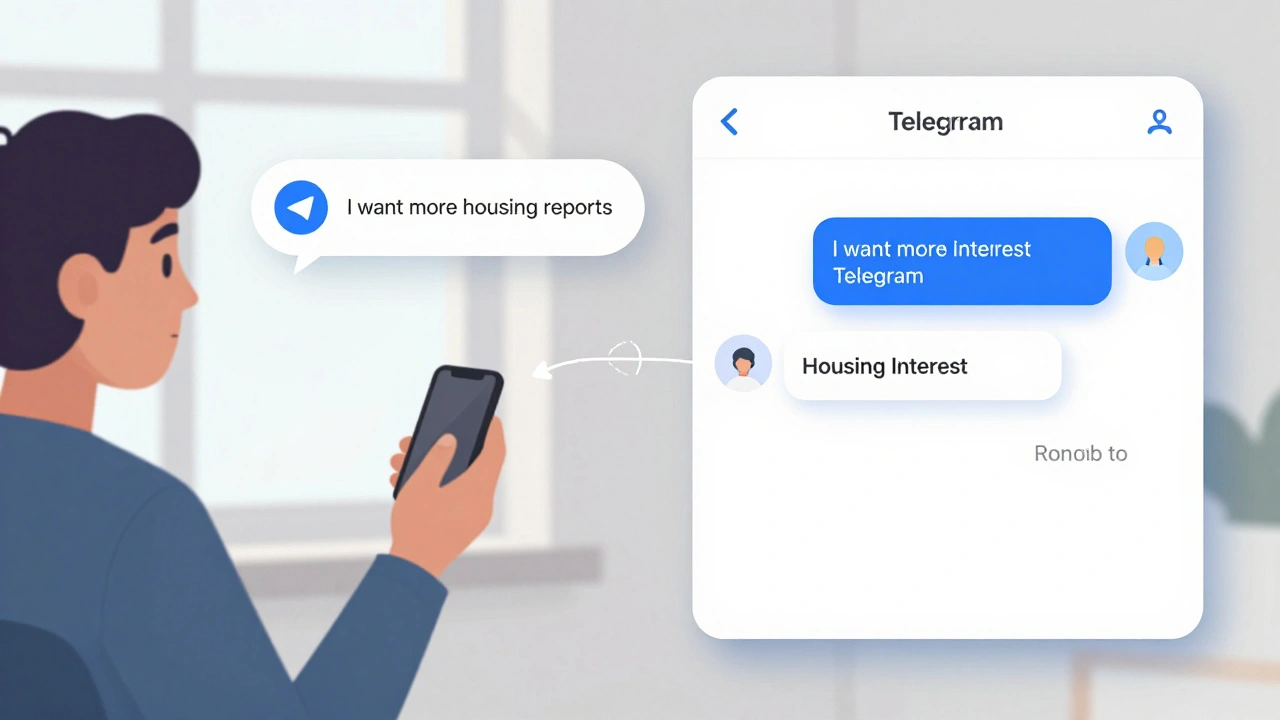
- A reader sends a voice note saying, "I want more investigative reports on housing." → Your CRM tags them as "Interested in Investigative Journalism" and adds "Housing" to their interests.
- Someone replies to your breaking news alert with "I’m in downtown and can’t get out." → Your CRM logs their location (if shared) and creates a ticket for your emergency response team.
- A user clicks a button in your bot that says, "Subscribe to weekly politics digest." → Your CRM updates their subscription tier and adds them to the "Politics Subscribers" segment.
This isn’t hypothetical. Platforms like Respond.io, a messaging platform that connects Telegram with CRM systems like HubSpot and Salesforce through automated workflows, already do this. You don’t need to code from scratch. You just need to set up the right triggers and actions.
How to Set Up the Flow (Step by Step)
Here’s how to build it - no engineering degree required.
- Choose your integration tool. If you’re already using HubSpot or Salesforce, go with Respond.io, which offers ready-made workflows to sync Telegram messages with CRM fields. If you’re on a tighter budget, Umnico, a platform that handles both personal Telegram accounts and bots with full analytics works well. Both support media like images, videos, and voice notes - crucial for newsrooms sharing clips or infographics.
- Create a Telegram Business Account. This isn’t your personal account. It’s a separate profile for your newsroom. You’ll get a bot token and a unique link (like t.me/yournewsbot) to share on your website and in newsletters.
- Connect it to your CRM tool. In Respond.io or Umnico, click "Add Telegram" and log in using a QR code. No passwords. No API keys. Just scan and go. Once connected, your CRM will start receiving messages.
- Set up automation rules. For example:
- If a message contains "climate" or "environment," tag the user as "Climate Interest."
- If they reply to a breaking news alert, create a task for a reporter to follow up.
- If they click "Subscribe to Daily Brief," add them to the "Daily Subscribers" list and send a welcome message.
- Enable two-way sync. Don’t just send data to your CRM. Let your CRM push updates back. If someone unsubscribes from email, update their Telegram preferences. If they upgrade to a premium tier, give them access to exclusive Telegram content.
- Tag everything. Use categories like "Politics," "Local News," "Breaking," "Opinion," "Investigative." Tagging turns random messages into data you can analyze later.
What Data You Can Capture (And What You Can’t)
Telegram doesn’t give you phone numbers or user IDs. That’s by design. Privacy matters. So you can’t import your entire email list into Telegram like you would with WhatsApp.
But here’s what you can get:
- Message content - text, voice notes, images, videos.
- Buttons and menu choices - if you build a bot with "Which topic interests you?" options, each click is a data point.
- Response timing - if someone replies within 10 minutes, they’re highly engaged.
- Media downloads - if they open your video report, that’s engagement.
- Subscription choices - "I want politics daily," "I want weekend summaries," etc.
That’s more than enough to build audience profiles. You don’t need their phone number. You need their interests, behavior, and preferences. And Telegram gives you those.
How Newsrooms Are Using This Right Now
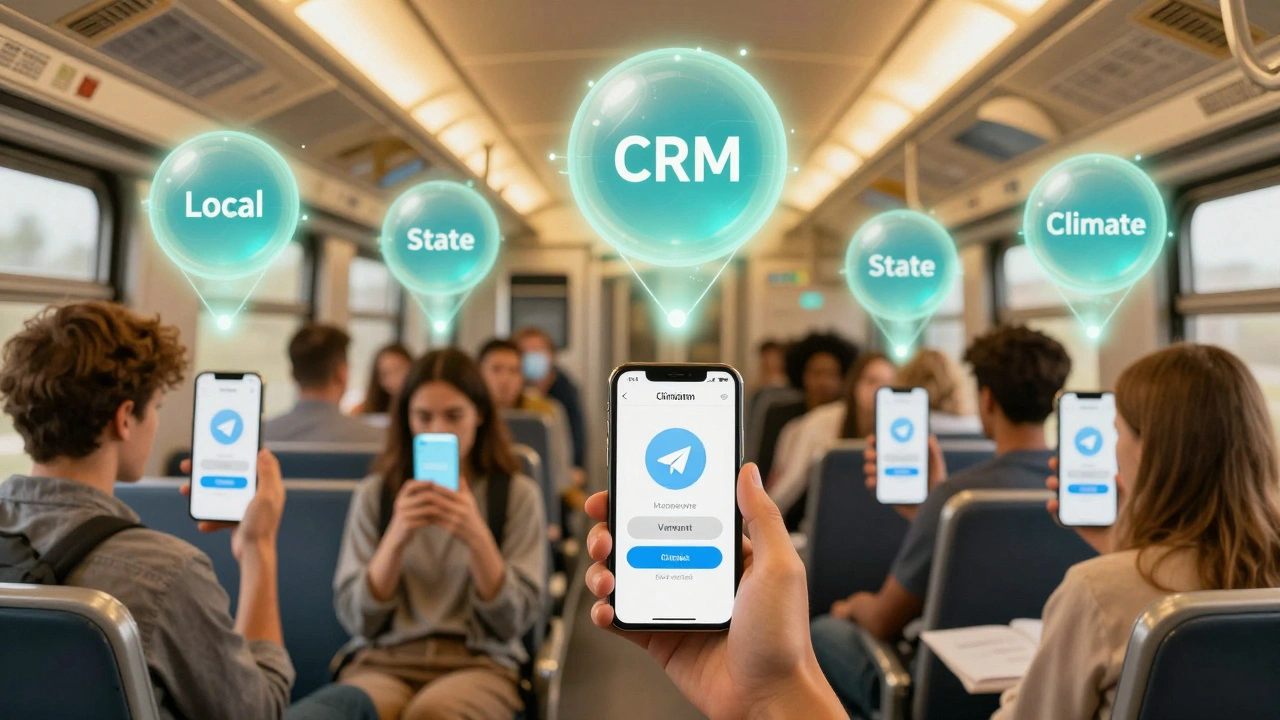
A small regional paper in Vermont started using Telegram last year. They set up a bot with three buttons: "Local," "State," and "National." Every click went straight into their HubSpot CRM. Within three months, they had tagged 70% of their Telegram users by interest.
Then they did something simple: they sent targeted updates. People tagged "Local" got alerts about town meetings. "State" got legislative updates. "National" got national headlines. Open rates jumped 42%. Click-throughs on their paid newsletter signup? Up 68%.
Another outlet in Florida uses Telegram to collect feedback on their weather coverage. After a hurricane, they sent a voice note asking, "Did our updates help?" Responses were logged in CRM. They found 38% of readers wanted more maps. So they started embedding interactive maps in every alert. Reader retention went up.
This isn’t about tech. It’s about listening.
What Happens When You Don’t Do This
If you ignore this, your Telegram channel becomes a ghost town. You send out articles. No one replies. You have no idea who’s reading. You can’t personalize. You can’t predict what’s coming next.
And your competitors? They’re already building these flows. They’re seeing which stories get the most replies. They’re tagging readers by interest. They’re turning one-off messages into long-term relationships.
News isn’t just about reporting anymore. It’s about connection. And connection needs data. Without a CRM flow, you’re flying blind.
Next Steps: Start Small, Think Big
You don’t need to automate everything on day one. Start with one thing:
- Set up a Telegram bot with a simple question: "What kind of news do you want more of?" (Options: Local, State, National, Investigative, Climate, Sports)
- Connect it to your CRM.
- Tag every response.
- Send a follow-up message to each tag group next week.
That’s it. No fancy software. No engineers. Just a bot, a button, and a CRM.
After 30 days, look at your data. Which topic got the most replies? Who’s opening your messages? Who’s staying quiet? That’s your audience. And now you know them.
Telegram isn’t replacing your website or email. It’s adding a layer of real-time, two-way conversation. And when you tie that to your CRM, you stop guessing what your readers want - and start giving it to them.
Can I use Telegram CRM flows if I don’t have a CRM yet?
Yes, but you’ll need to start with one. Free CRMs like HubSpot CRM or Zoho CRM let you create contacts and tags without paying. You can set up the Telegram integration first, then build your CRM around the data you collect. The key is to capture the data early - even if you’re not using it fully yet.
Is Telegram CRM integration secure for sensitive news topics?
Telegram’s end-to-end encryption protects private chats. But if you’re using a third-party platform like Respond.io or Umnico, they store data on their servers. Make sure the platform you choose complies with GDPR or CCPA if you have readers in Europe or California. Avoid platforms that don’t offer data encryption at rest or clear privacy policies.
Can I integrate Telegram with my existing news analytics tools?
Yes, if your analytics tool accepts API inputs. For example, if you use Google Analytics for your site, you can tag Telegram-driven traffic with UTM parameters. Or if you use Chartbeat or Parse.ly, you can create custom events in your CRM that trigger analytics logs. The goal is to link Telegram engagement to content performance - like which stories get the most replies and then the most page views.
What if my readers send voice notes or videos? Can CRM systems handle that?
Modern platforms like Respond.io and Umnico do. They store media files and link them to the contact’s profile. You can listen to a voice note right inside your CRM. Some even transcribe them automatically. This is huge for newsrooms - a reader’s emotional tone in a voice note can tell you more than a survey response.
How often should I update the automation rules?
Every 30 to 60 days. Audience interests change. A topic like "inflation" might spike in March, then fade. Your tags and triggers should adapt. Review your CRM data monthly. Look for new keywords, rising themes, or silent segments. Then tweak your bot responses. Automation isn’t set-and-forget - it’s a living system.
If you’re serious about keeping your audience, stop treating Telegram like a megaphone. Start treating it like a conversation. And let your CRM do the rest.