Imagine you just launched the most reliable breaking news source on Telegram. Your reporting is fast, your sources are solid, but nobody knows who you are. Why? Because your bot is named @BreakingNewsAlerts2026bot. It’s clunky, hard to type, and looks like spam. In the crowded world of digital journalism, your bot’s name and brand aren’t just cosmetic-they are your credibility.
Building a Telegram news bot requires more than just coding an API feed. You need to treat it like a media outlet. The way you name, describe, and visually present your bot determines whether users trust your headlines or mute your notifications. This guide breaks down the specific steps to build a professional, recognizable brand for your news bot on Telegram.
Understanding Telegram’s Naming Architecture
Before you brainstorm creative names, you have to deal with Telegram’s hard-coded rules. Unlike other social platforms where you can choose any handle, Telegram enforces a strict suffix requirement. Every bot username must end with the word 'bot'. You cannot bypass this. It is a system-level limitation managed by BotFather, the official admin bot for creating and managing bots.
This creates two distinct identity layers for your news bot:
- The Username (Handle): This is the unique identifier used in links and commands (e.g.,
@GlobalTechNewsbot). It must be in Latin characters, short, and end in 'bot'. - The Display Name: This is what appears in chats and contact lists (e.g., "Global Tech News"). It does not need the 'bot' suffix and can include emojis or special characters.
For a news organization, clarity is king. Avoid puns or abstract names in the username. If your outlet is "The Daily Wire," your username should likely be @DailyWireNewsbot or @DailyWireUpdatesbot. Keep it searchable. Users often search for topics or brand names directly in Telegram’s global search. A complex username like @D4ilyW1re_Bot hurts discoverability and looks unprofessional.
Crafting the Display Name and Description
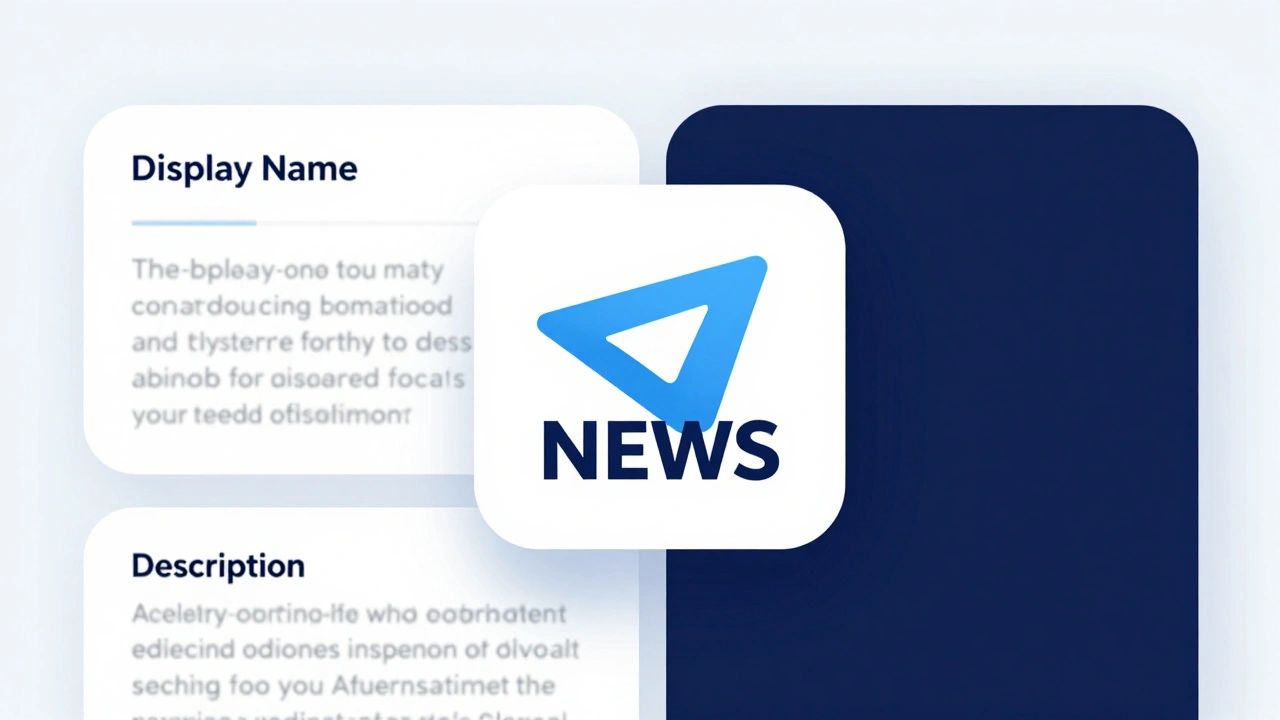
Your display name is your billboard. Since Telegram truncates long names in some views, aim for brevity. A good rule of thumb is to keep the display name under 27 characters. This ensures the full name is visible on mobile devices, which constitute the majority of Telegram traffic.
More importantly, use the Description field strategically. This text appears when someone clicks on your bot’s profile before they start chatting. For a news bot, this is your editorial mission statement. Don’t write generic fluff like "Here for news." Instead, specify your value proposition:
- Frequency: "Live updates every 15 minutes during market hours."
- Scope: "Verified breaking news from Silicon Valley and NYC."
- Tone: "Data-driven analysis without the clickbait."
A strong description builds immediate trust. It tells the user exactly what they will get, reducing the chance they will leave after one confusing interaction.
Visual Identity: Profile Pictures and Mini Apps
The profile picture is the first visual impression a user gets. For a news bot, this should almost always be your publication’s logo. Avoid stock photos of globes, microphones, or newspapers unless they are heavily customized with your brand colors. Generic imagery screams "aggregator" rather than "source."
Ensure your logo is high-resolution and square-formatted. Telegram compresses images, so a blurry icon damages perceived authority. If your brand has a primary color, use it consistently across your logo, button styles, and any custom keyboards.
If you are using Telegram Mini Apps, you have even more real estate. Mini Apps allow you to customize loading screens, icons, and theme colors. You can embed a demo video or screenshots of your best articles directly in the bot profile. This gives prospects a richer preview of your content quality before they subscribe.
Setting Up via BotFather: Step-by-Step
You cannot create a bot without going through BotFather. Here is the precise workflow to ensure your branding is set correctly from day one:
- Open Telegram and search for
@BotFather. - Send the command
/newbot. - Enter your desired Display Name (e.g., "Metro City News").
- Enter your desired Username (e.g.,
@MetroCityNewsbot). BotFather will immediately tell you if it’s taken. - Copy the generated API token. You will need this for your backend code.
- Send
/mybotsto manage your new bot. - Select your bot and use
/setdescriptionto add your editorial mission statement. - Use
/setuserpicto upload your high-res logo.
Do not skip the description and picture steps. Launching with defaults makes your bot look unfinished and untrustworthy.
Designing for Mobile and Trust
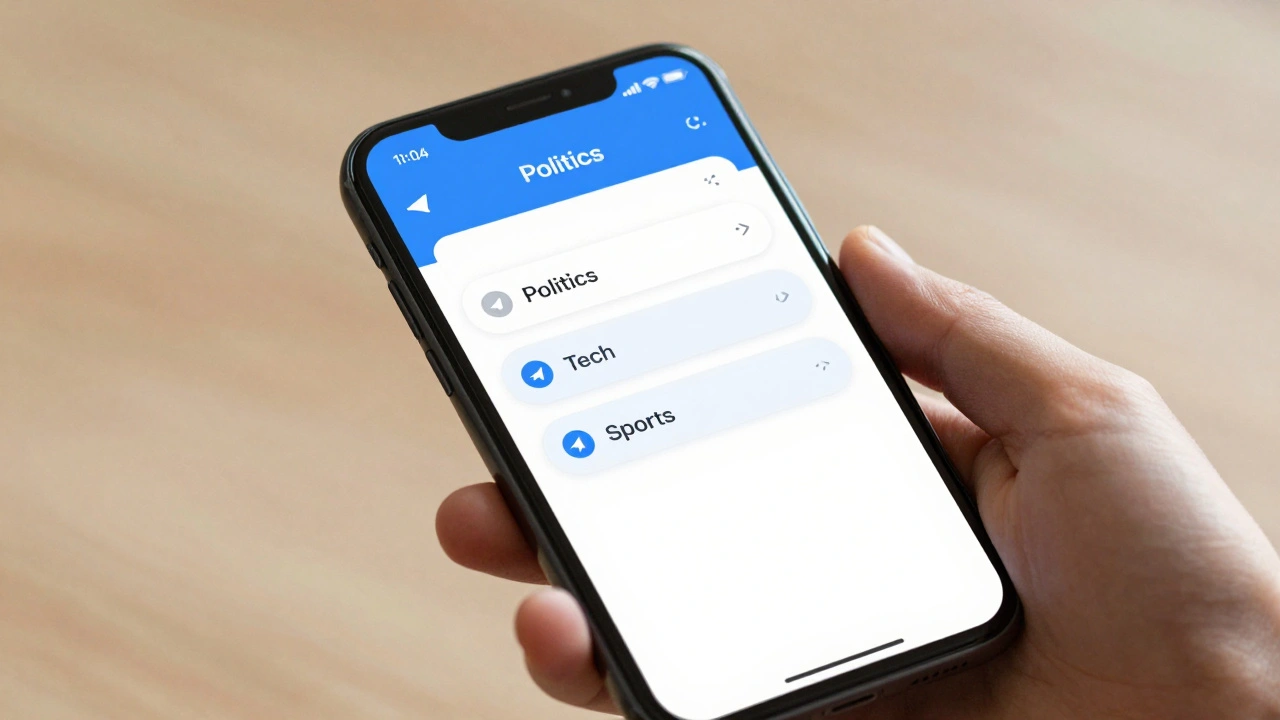
Most Telegram users are on mobile. Your news bot’s interface must reflect this. Use inline buttons for navigation rather than asking users to type commands. For example, instead of typing "/politics," provide a row of buttons labeled [Politics] [Tech] [Sports]. This reduces friction and errors.
Privacy is also part of your brand. Telegram users value anonymity. Clearly state in your welcome message or /help command that you do not store personal data. Transparency about data collection builds long-term loyalty. If you require an email for premium access, explain why-perhaps for personalized newsletters-and make opt-out mechanisms easy.
Comparison: Good vs. Bad News Bot Branding
| Element | Weak Branding | Strong Branding |
|---|---|---|
| Username | @NewsFlash_2026_Bot |
@ReutersNewsbot |
| Display Name | "News Bot 📰🔥🚀" | "Reuters Top Stories" |
| Description | "Get news here!" | "Verified breaking news from Reuters journalists worldwide." |
| Profile Pic | Generic globe stock photo | High-res Reuters logo |
| Navigation | Type "/topics" | Inline buttons: [World] [Business] |
Maintaining Freshness and Consistency
Branding isn’t a one-time task. Update your profile picture for major events if relevant, such as election seasons or natural disasters, to show responsiveness. Monitor your bot’s performance metrics. If users drop off after the welcome message, your description might be unclear. If they ignore your alerts, your frequency might be too high.
Continuous iteration based on user behavior is key. A/B test different headline formats. Does your audience prefer bold text or plain text? Do they engage more with short summaries or links to full articles? Let the data guide your editorial style within the bot interface.