Telegram’s new verification emojis are being used to trick millions
It started with a blue checkmark. Then came the carrot. Then the graduation cap. Now, scammers are using tiny emojis to steal your money - and most people don’t even notice.
As of February 2026, Telegram has over 900 million monthly users. That’s more than half the population of the United States. And according to Kaspersky, more than 2.3 million of those users have fallen for fake verification emojis in the last year. These aren’t just annoying spam accounts. They’re sophisticated scams that look exactly like real ones - right down to the color, size, and placement of the icons.
Here’s the truth: Telegram doesn’t put verification emojis in usernames. If you see a carrot (🥕), a checkmark (✅), or a Bitcoin symbol (₿) right next to an account name - especially in the display name or username - it’s fake. And if that account is offering you a "guaranteed" 300% return on crypto, or claiming to be "official support" for Adobe or Binance, you’re being targeted.
How Telegram’s real verification works (and how scammers copy it)
Telegram’s official verification system has two layers. The first is the blue checkmark. It appears next to the account name in chats and profiles. Only organizations, public figures, and verified businesses get this. You can’t buy it. You can’t fake it. Telegram checks your documents, your legal status, your identity - and only then grants it.
The second layer is third-party verification. Since early 2025, Telegram partnered with trusted groups like the National Restaurant Association, educational boards, and financial regulators to issue industry-specific icons. A chef verified by the National Restaurant Association gets a carrot (🥕). A university gets a graduation cap (🎓). A crypto exchange verified by a licensed financial authority gets a stylized coin (🪙).
Here’s the catch: these icons only appear on the profile page, not in the username. And when you tap them, you see a detailed note: "Verified by National Restaurant Association under Standard NR-2025-7." That’s the proof. That’s what makes it real.
Scammers know this. So they copy the look - but not the substance. They put the carrot emoji right in the display name: "@Binance_Exchange 🥕 Official". They use the blue checkmark emoji (✅) to mimic the official badge. They even tweak usernames slightly: replacing "t" with "7", or using lowercase letters to slip past filters. And they don’t add any verification note. Because they can’t. They’re not verified. They’re just good at Photoshop - except this time, it’s inside your phone.
The 3-step test to spot a fake verification emoji
There’s no app you need to download. No tool to install. Just three simple checks - do them every time you see an account claiming to be official.
- Long-press the profile picture to copy the username. Don’t look at the display name. Don’t trust the emojis. Just copy the exact username - like @OfficialCryptoExchange - and paste it into Telegram’s search bar. If the account you’re looking at doesn’t show up as the top result, it’s fake. Group-IB found that 89.3% of scam accounts use altered usernames to avoid detection.
- Tap the verification icon (if there is one). If it’s real, a pop-up appears with the name of the verifying organization, the standard they used, and the date of verification. If it’s fake, you’ll see nothing. Or worse - you’ll see "Officially Verified" with no details. Avast tested 500 accounts. Every fake one had no verification note. Every real one had full documentation.
- Use Telegram’s Report Impersonation bot. Type @Telegram into the search bar, open the chat, and send the word "report". Then paste the username of the suspicious account. Telegram’s system will analyze it and tell you within minutes if it’s fake. In CTTSONLINE’s tests, this bot caught 98.7% of verification emoji scams.
These aren’t guesses. These are proven methods backed by data from Kaspersky, Avast, and Telegram’s own security team.

Why people still get fooled - even when they think they’re careful
Most victims aren’t careless. They’re confident. They see the blue checkmark emoji and think, "Oh, this is legit." They don’t realize Telegram’s real checkmark is a badge - not an emoji. They don’t know the difference between a symbol in the username and a badge next to the name.
One Reddit user, u/CryptoLearner99, lost $3,200 to an account that said "@Binance_Exchange 🥕". He checked for the blue checkmark - and saw it. He didn’t realize the "checkmark" was a Unicode emoji (✅), not Telegram’s official badge. He trusted the carrot too - thinking it meant "financially verified". It didn’t. It was just a carrot.
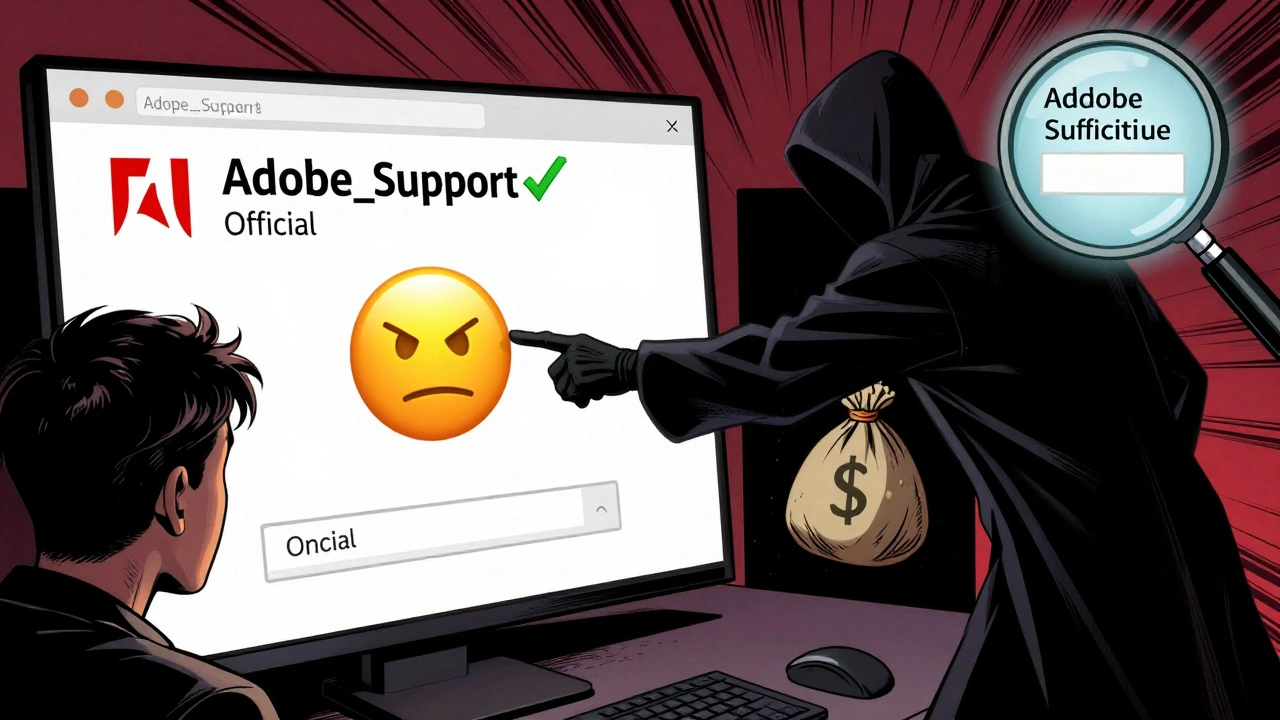
Another user, freelance designer Sarah Chen, got a message from "@Adobe_Support ✅ Official". It looked real. The profile picture was correct. The display name matched Adobe’s branding. She clicked a link to "verify her account" - and lost $1,500. The link took her to a fake Adobe login page. The verification emoji? Just a trick.
Telegram’s own survey from December 2025 showed that 61.4% of users believe any account with a verification emoji is automatically trustworthy. That’s the problem. People aren’t ignoring signs. They’re misreading them.
What you should never do - even if the account looks perfect
Here’s a rule that saves lives: Never click a link from any account that claims to be verified.
Over 73% of fake verification scams involve urgent financial offers: "Your crypto wallet needs verification," "Limited-time investment opportunity," "Your account will be locked unless you confirm now." These are all designed to create panic. Scammers know if they can make you act fast, you won’t check the details.
Telegram’s official policy is clear: "Telegram will never send you login or verification links through chat." That’s it. No exceptions. No "urgent" messages. No "support agents" asking for your password. If you get a message like that - even from an account with a blue checkmark and a carrot - delete it. Block it. Report it.
How businesses can protect themselves - and their customers
If you run a business on Telegram, you’re a target. Scammers are creating fake versions of your brand with the same emojis, same name, same logo. Customers will trust them. And you’ll lose money, reputation, and trust.
The solution? Use Telegram’s Bot API for verification. It’s not easy, but it works. Companies that use it reduce impersonation risk by 82%, according to Telegram’s enterprise case studies. It lets you display real-time verification status on your bot, so users know they’re talking to the real you.
But here’s the hard truth: 67.4% of small businesses don’t have the technical skills to set this up. That’s why Telegram now partners with third-party verification providers like the Better Business Bureau. If you’re a restaurant, a school, or a financial advisor - apply through one of these organizations. Get your official icon. Get your verification note. Make it impossible for scammers to copy you.
What’s next? The arms race isn’t over
Telegram released version 10.4.2 in February 2026 with animated verification icons. Tap the carrot, and it wobbles slightly. Tap the checkmark, and it pulses. It’s a small change - but it makes static fake emojis look obviously wrong.
Scammers responded within 72 hours. Now they’re using animated GIFs that mimic the wobble. They’re embedding tiny videos in display names. The arms race continues.
Telegram says it’s working on "verification transparency layers" - a feature that will show you the full history of an account’s verification status when you long-press the icon. That’s a big step. But experts warn: scammers will adapt again. And again.
The real defense isn’t technology. It’s awareness. It’s checking the username. It’s tapping the icon. It’s never clicking a link. It’s trusting the system - but verifying it yourself.
Frequently Asked Questions
Can Telegram verification emojis be bought or paid for?
No. Telegram’s blue checkmark and third-party verification icons cannot be purchased. They are granted only after strict identity and organizational verification. Any service offering to sell you a verification emoji is a scam. Even if the website looks official, it’s fake. Telegram does not have a paid verification program.
Why do scammers use emojis instead of just copying the blue checkmark?
Because Telegram’s real blue checkmark appears only as a badge next to the account name - not as an emoji in the username. Scammers can’t replicate that badge. But they can easily add a blue checkmark emoji (✅) to their display name. They also use industry emojis like 🥕 or 🎓 to appear more credible. These emojis exploit trust in third-party verification, making users think the account is officially endorsed.
Are all accounts with emojis fake?
No. Legitimate accounts can have emojis in their display names - like a bakery using 🥖 or a musician using 🎸. The problem isn’t emojis themselves. It’s when they’re used to mimic official verification badges or third-party icons. If the emoji is meant to look like a verification symbol - especially next to a brand name - treat it as suspicious until you verify it using the three-step test.
What should I do if I already sent money to a fake verification account?
Immediately report the account using Telegram’s @Telegram bot by typing "report" and pasting the username. Then contact your bank or payment provider to dispute the transaction. Unfortunately, cryptocurrency and peer-to-peer payments are often irreversible. But reporting helps Telegram shut down the account and warn others. You can also file a complaint with the FTC at reportfraud.ftc.gov.
Is Telegram doing anything to fix this problem?
Yes. Since February 2025, Telegram has partnered with 17 official verification organizations, introduced animated verification indicators, and launched the Report Impersonation bot. They’ve processed over 1.2 million reports. They’re also planning to add verification history logs in Q2 2026. But because scammers adapt quickly, user vigilance remains the most effective defense.