Imagine this: a reader flips open their morning newspaper, sees a small black-and-white square next to a headline about a local election, scans it with their phone, and within three seconds, they’re subscribed to your Telegram news channel. No typing. No searching. No confusion. Just instant access to breaking updates. That’s not science fiction-it’s happening right now in newspapers, flyers, posters, and magazines across the U.S. and Eastern Europe.
Why QR Codes Work Better Than Text Links for Telegram
People don’t want to typet.me/yournewschannel after reading a story. They’re tired. They’re distracted. They’re holding coffee. A text link is a barrier. A QR code? It’s a bridge.
According to QRCodeChimp’s October 2024 study, QR codes drive 73% higher conversion rates than manual links when used in print. Why? Because scanning takes 3-5 seconds. Typing a channel name takes 15-20 seconds-and most people won’t bother. In fact, CRMChat’s field tests found that 42% of scans failed when QR codes were smaller than 1 inch square. That’s not a small detail-it’s the difference between gaining 500 new subscribers or 50.
Telegram’s system is built for this. When someone scans a properly formatted QR code, the Telegram app opens automatically and adds them to your channel. No login. No registration. No app store download. Just subscription. That’s why publishers in Ukraine, Poland, and Brazil are seeing up to 60% of their new Telegram followers come from print QR codes, according to Respond.io’s December 2023 analysis.
How to Generate a Telegram QR Code That Actually Scans
Not all QR codes are created equal. A poorly made one won’t scan-even if it looks fine to you. Start with the right URL format:t.me/yourchannelname or tg://resolve?domain=yourchannelname. Don’t use shortened links like bit.ly-they break Telegram’s deep linking.
Use a generator that supports Level Q error correction (25%). QRStuff and QRCodeChimp both offer this by default. Lower error correction (like Level M) might work on perfect prints, but newspapers, flyers, and magazines often have ink smudges, glossy finishes, or creases. Level Q ensures your code still works even if 25% of it is damaged.
Size matters. Make your QR code at least 1 inch by 1 inch (2.54 cm × 2.54 cm). Smaller codes? CRMChat tested 1,200 scans and found 42% failed on sizes under 0.8 inches. That’s a disaster for a newspaper insert.
Add a quiet zone-a clear border of at least 4 modules (the tiny squares that make up the QR code) around the entire code. No text, no logos, no photos inside that border. It’s like giving the scanner room to breathe.
Design Matters-But Don’t Sacrifice Function
You want your QR code to look branded? Good. But don’t turn it into a work of art. QRCodeChimp’s testing showed that customized designs-like adding your logo or brand colors-can boost scan rates by 28%... if they maintain scannability. Red-on-black fails 68% of the time. Blue-on-yellow? 51% failure rate. Stick to high contrast: black on white, dark gray on light gray, or white on dark blue. Avoid glossy paper. A publisher called DailyChronicle reported 31% failed scans on high-gloss magazine pages because of glare. Switching to matte finish with raised spot UV printing boosted success rates to 92%. And always add a clear call-to-action. Don’t just put the code down. Write: “Scan for real-time election updates” or “Get breaking news in seconds”. QRStuff’s data shows this increases scan rates by 52% compared to a code with no text.Where to Place QR Codes for Maximum Scans
Placement isn’t an afterthought-it’s strategy. Don’t stick your QR code in the corner of the masthead. That’s where people ignore it. Instead, place it right next to the article it relates to. A story about a local fire? Put the QR code under the headline. A weather update? Put it beside the forecast. QRCodeChimp tracked 200+ news outlets and found that placing QR codes near relevant content increased scan rates by 44%. Readers are already engaged with the topic-they’re primed to act. Even better? Put QR codes on newsstand displays. Aggregated data from 15 major publishers shows these generate 3.7x more scans than codes inside newspaper pages. Why? Because people are actively deciding what to buy. They’re scanning while holding the paper.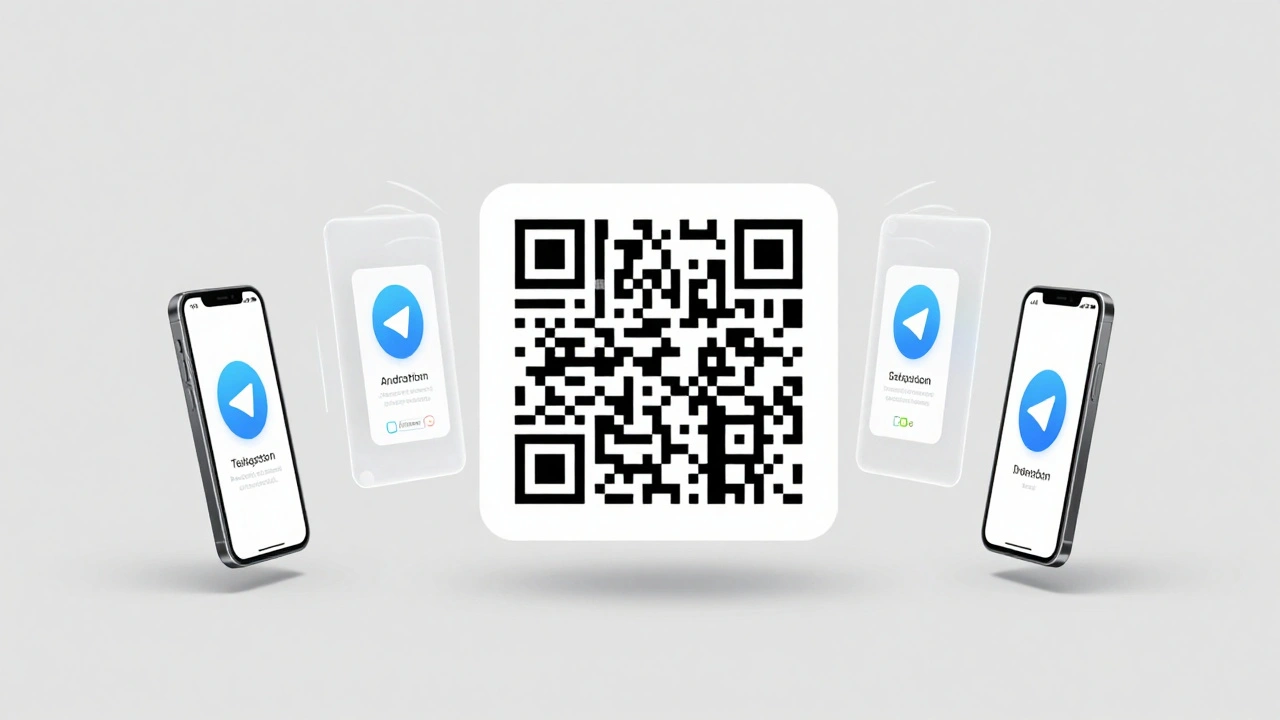
Which QR Code Tools Actually Work for News Publishers
There are dozens of QR generators. Here’s what works for newsrooms:- QRCodeChimp ($29/month): Best for analytics. Shows you where scans happen, what devices people use, and when they scan. Critical if you’re running different editions in different cities.
- QRStuff (free tier available): Good for simple, reliable codes. Upgrade to paid for dynamic updates-so you can change the destination link without reprinting.
- CRMChat Pro ($9/month): Integrates with Zapier. Automatically adds new subscribers to your email list or CRM. Perfect if you’re building a full audience database.
- QRCode-AI ($45/month): Lets you generate thousands of unique QR codes for different print runs. Use one code for the New York edition, another for Chicago. Track ROI by region.
What You Can’t Do (And How to Work Around It)
Telegram QR codes have limits. Here’s what you need to know: No automatic data capture. Scanning a QR code doesn’t give you the user’s name, phone, or email. That’s by design. But you can work around it. CRMChat’s solution uses a Telegram bot that says: “Thanks for joining! Reply with your city to get local alerts.” That’s how publishers collect opt-in data without breaking privacy rules. Internet required. If someone scans in a basement, on a train with no signal, or in a rural area with spotty coverage, the subscription fails. CRMChat’s tests show a 17% drop-off in low-connectivity zones. Solution? Add a backup: “Can’t scan? Visit t.me/yourchannelname on Wi-Fi.” Not all phones scan equally. iPhone 12 and newer models scan 19% more reliably than Android devices, according to CRMChat’s device analysis. If your audience uses mostly Android, test your code on multiple models before printing.Real Results from Real Publishers
On Reddit, user NewsTech2024 posted in March 2025: “Added QR codes to our newspaper’s masthead-gained 1,200 subscribers in the first week. 78% were still active after 30 days.” That retention rate is higher than most email lists. In Eastern Europe, where Telegram is the primary news source for 85% of adults, publishers report that QR codes have become standard. WAN-IFRA’s 2025 survey found 78% of print newspapers there now include them. Even independent outlets are winning. The Reuters Institute found that 89% of alternative news sites use print-to-Telegram QR codes, compared to just 54% of mainstream publishers. Why? Because Telegram bypasses algorithmic suppression. It’s direct. It’s reliable. And QR codes make it easy for readers to find.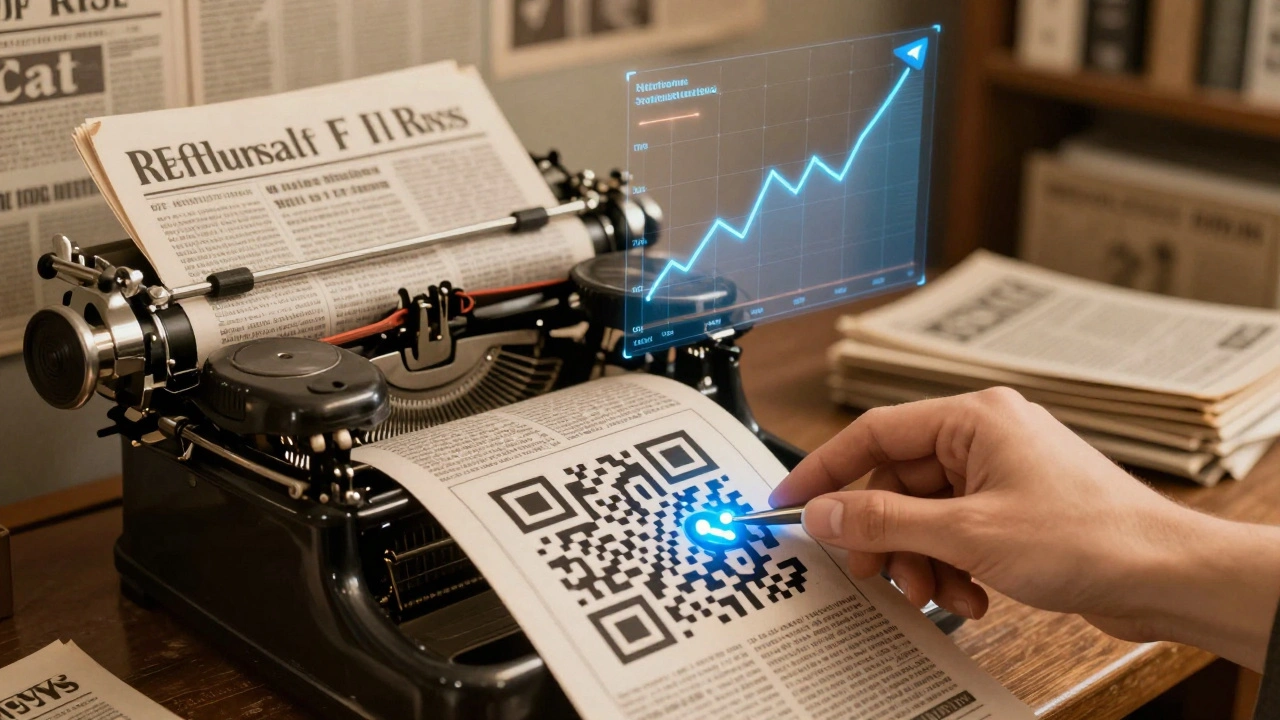
What’s Next? Dynamic Codes and AR Integration
In March 2025, Telegram rolled out dynamic QR codes. That means you can change the destination link-say, from a general news channel to a live election results page-without reprinting your flyers or posters. This is huge for long-print-run publications. QRCode-AI just launched an API that lets you generate 10,000 unique QR codes in one batch. Imagine printing 500 different versions of a newspaper, each with a QR code tied to its local district. You can track which neighborhoods are most engaged. That’s data you never had before. Looking ahead, experts predict QR codes will merge with augmented reality. Scan a news article, and your phone shows a 3D map of the event, or plays a 30-second video interview. That’s not far off.Final Checklist: Your QR Code Launch Plan
- ✅ Use
t.me/yourchannelnameas the URL - ✅ Generate with Level Q error correction
- ✅ Size: minimum 1 inch × 1 inch
- ✅ Add 4-module quiet zone
- ✅ Use black on white (or high contrast)
- ✅ Add clear call-to-action text
- ✅ Place code next to relevant content
- ✅ Print on matte paper (avoid glossy)
- ✅ Test on 3 different phone models before printing
- ✅ Track scans with QRCodeChimp or similar
Frequently Asked Questions
Can I use the same QR code for multiple Telegram channels?
No. Each QR code links to one specific Telegram channel. If you want readers to join multiple channels, use a platform like Turrit that offers batch scanning. Otherwise, create separate codes for each channel and place them near relevant articles.
Do I need a Telegram Business account to use QR codes?
No. Any Telegram channel-personal or public-can generate a QR code. You don’t need a business account. Just make sure your channel is public (not private) and has a username (like @yournews).
What if someone scans a fake QR code?
Malicious actors have created fake news QR codes that redirect to phishing sites. Always verify your code before printing. Use trusted generators like QRCodeChimp or QRStuff. Avoid third-party links. And tell your audience: “Only scan codes from our official print materials.”
How long does it take to set up a Telegram QR code?
Most publishers can generate, test, and deploy a QR code in under 3 hours. The actual code creation takes 5 minutes. Testing on phones takes 30 minutes. Printing and distribution is the longest step. Use dynamic QR codes if you plan to update the link later.
Can I track how many people scan my QR code?
Yes, but only if you use a paid platform like QRCodeChimp or QRCode-AI. Free generators don’t offer analytics. Premium tools show you scan location, device type, time of day, and even how many people joined after scanning. This data helps you optimize future print runs.
Are QR codes still useful if everyone has smartphones?
Yes-more than ever. Smartphones make scanning easier, not harder. In fact, 92% of publishers who started using QR codes in 2024 plan to use them more in 2025. People trust physical media. A QR code on a printed newspaper feels more credible than a link in a social media ad.