Notification Management on Telegram: Control Alerts, Bots, and News Feeds
When you’re following dozens of Telegram news channels, bots, and groups, notification management, the practice of organizing and filtering incoming alerts to reduce overload while keeping critical updates visible becomes your most important skill. It’s not just about turning sounds off—it’s about deciding what deserves your attention, who gets to interrupt you, and how to stop fake or spammy channels from hijacking your feed. Telegram doesn’t force you into an algorithmic feed like other apps, but that freedom comes with a cost: if you don’t manage your notifications, your phone becomes a constant stream of breaking news, bot replies, and impersonator alerts.
Telegram bots, automated accounts that send news, weather, or Q&A responses are powerful, but they’re also noisy. A single newsroom bot might send ten alerts an hour during a major event. Meanwhile, Telegram channel notifications, customizable alerts for individual channels or groups can turn into a flood if you’ve subscribed to too many. And if you’re a journalist or publisher, you’re also dealing with Telegram privacy settings, controls that determine who can message you, see your online status, or access your data—especially after Telegram’s 2024 policy shift that lets it share user info with law enforcement under certain conditions. Ignoring these settings means you’re not just overwhelmed—you’re exposed.
Good notification management isn’t about silence. It’s about precision. You want alerts for breaking news from verified channels, not for a bot that replies to every keyword in your chat. You want to mute a group after it goes off-topic, but still get updates from your main news source. You want to know when someone impersonates your brand, not when a random channel uses your logo. The posts below show you how top newsrooms use tools like TGStat and Combot to track engagement spikes and auto-mute low-value alerts. They reveal how citizen journalists set up custom notification rules to stay safe in high-risk areas. And they walk you through how to use pinned messages, bot filters, and device-specific settings to build a notification system that works for your role—whether you’re a reader, a publisher, or a moderator trying to keep a community clean.
What follows isn’t a list of settings. It’s a practical guide to taking back control. You’ll find real methods for silencing bots without losing critical updates, ways to spot impersonation attempts before they spread, and how to set up automated alerts that only fire when something actually matters. No fluff. No theory. Just what works today on Telegram—with real examples from newsrooms and independent reporters who’ve learned the hard way that unmanaged notifications are a security risk, not a convenience.
- 1/Dec/2025
- by Greg Bush
-
 Telegram notifications
subscriber experience
Telegram settings
notification management
Telegram bot API
Telegram notifications
subscriber experience
Telegram settings
notification management
Telegram bot API
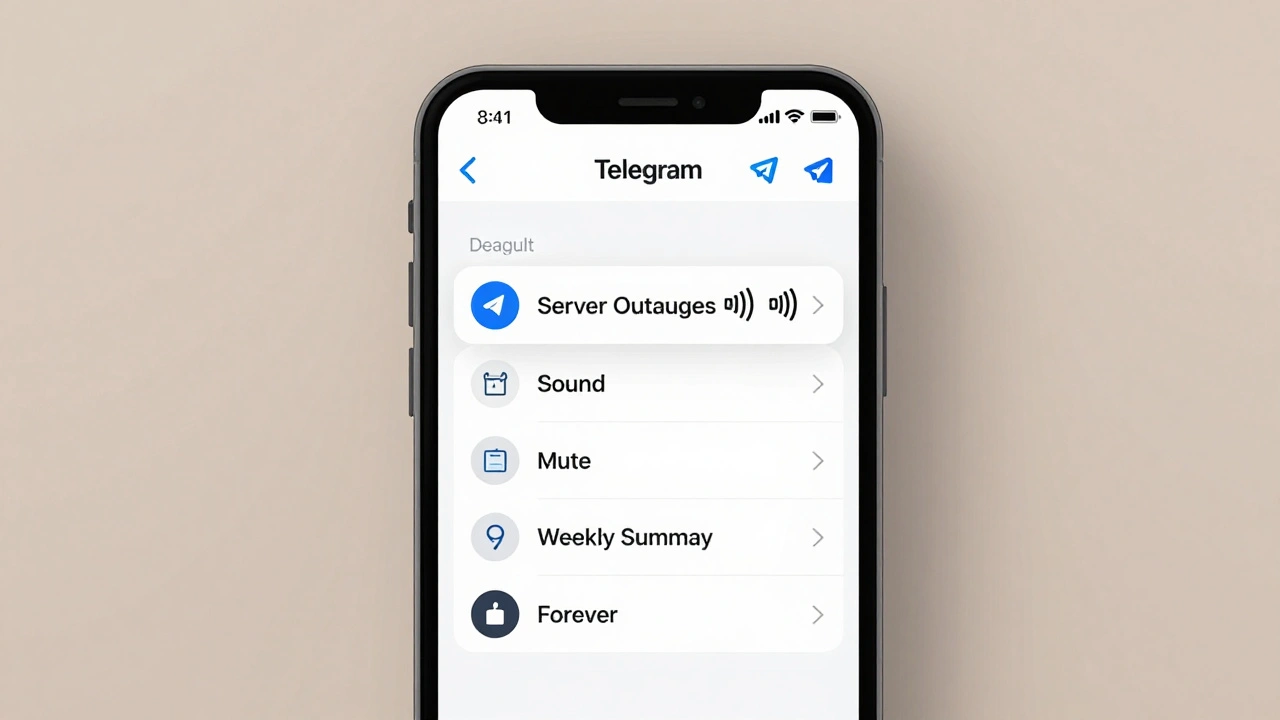
How to Manage Telegram Notifications to Boost Subscriber Experience
Learn how to fine-tune Telegram notifications to reduce alert fatigue and improve subscriber trust. Set up per-chat rules, fix bot alerts, and avoid common mistakes that make users mute your channel.
Read