Telegram isn’t just another messaging app. For news organizations, it’s becoming the go-to space to build real, lasting connections with audiences - but only if they make it work for everyone. Right now, over 68% of news outlets expanding their community reach are choosing Telegram. Why? Because it lets them group discussions into thematic threads, manage moderators precisely, and reach people in 190+ countries without breaking the bank. But here’s the catch: if your news community doesn’t include people with disabilities, you’re leaving out a huge chunk of your audience - and missing out on deeper trust and loyalty.
What Makes Telegram Unique for News Communities
Unlike WhatsApp, where every conversation is a single chat, Telegram’s Communities feature lets you split your audience into organized sections. One thread for breaking news, another for Q&A, a third for member feedback. That structure alone makes it easier for people with cognitive disabilities to follow along. No more scrolling through 500 messages to find the latest update.
Telegram also supports up to 200,000 members in a single group. That’s not just scale - it’s inclusion. A community in Nigeria can share news with someone in Poland, and both can participate without needing to switch apps. With 40+ language support, newsrooms can translate key updates and reach non-native speakers without hiring full translation teams.
And then there’s the cloud. Messages sync across phone, tablet, and desktop. If someone loses their phone or can’t use a small screen, they pick up right where they left off on a laptop. That continuity matters - especially for users who rely on screen readers or voice assistants.
Accessibility Features Already Built In
Telegram doesn’t claim to be an accessibility-first platform, but it has quietly added tools that help. The December 2025 update introduced passkeys, which replace passwords with biometric login. For users with motor impairments or memory issues, this is huge. No more typing long passwords or resetting forgotten ones. Just tap your fingerprint or face.
Chromecast support lets users stream videos and audio to TVs or speakers. That’s not just for convenience - it’s a lifeline for people with low vision. Instead of squinting at a tiny phone screen, they can watch a news clip on a 50-inch TV with better contrast and larger text.
Group voice and video calls now support encryption with emoji-based verification. While this sounds technical, it means users can be confident their calls aren’t being recorded or intercepted - a critical feature for whistleblowers, activists, or anyone in high-risk areas.
And let’s not forget: Telegram’s open API lets developers build tools. There are community-made scripts that make Telegram Web work with VoiceOver on iOS. These aren’t official, but they exist. People with visual impairments are already using them to read breaking news, reply to polls, and join discussions.
The Gaps - Where Telegram Falls Short
Here’s the reality: Telegram isn’t designed for accessibility. It’s designed for speed, privacy, and scale. That means gaps are real - and they’re barriers.
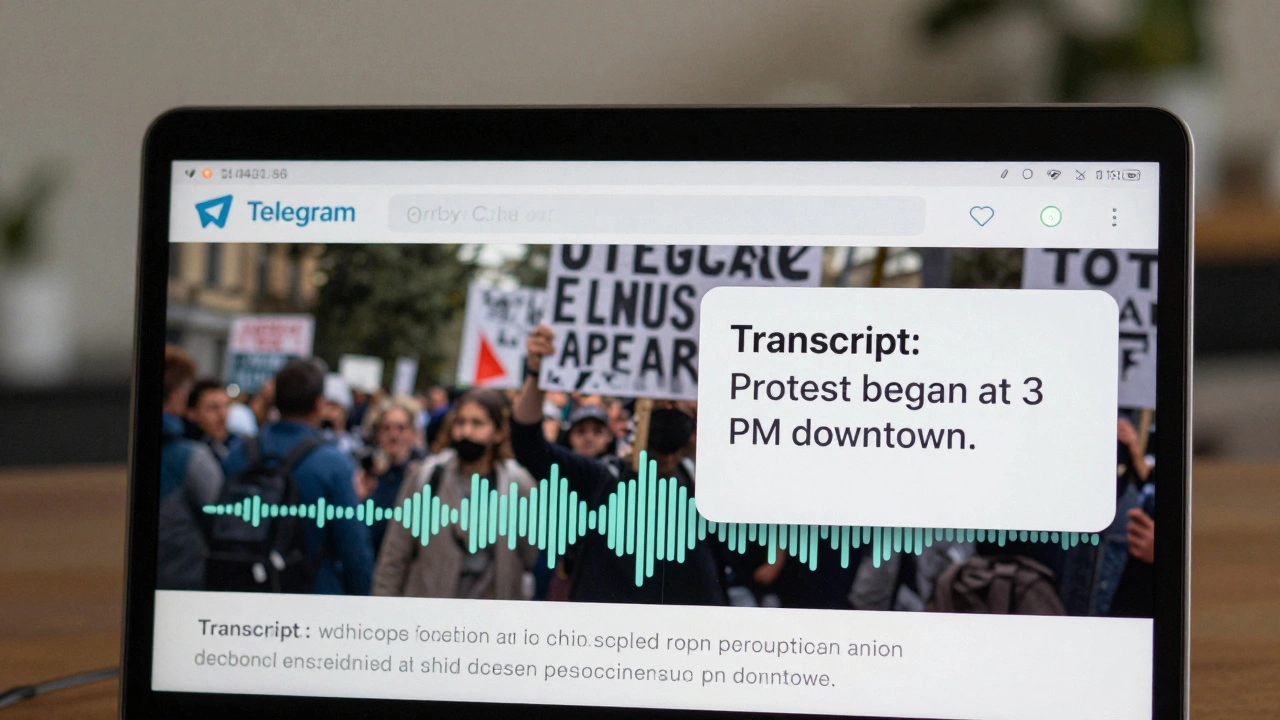
Auto-captioning for voice messages? None. If a reporter sends a 30-second audio update about a protest, a deaf or hard-of-hearing member can’t access it. The same goes for video clips. Manual captions are required - and most newsrooms don’t have the staff to do it consistently.
Screen reader support? Partial. On iOS, VoiceOver users need third-party scripts to navigate menus properly. On Android, TalkBack works, but inconsistently. Buttons sometimes don’t announce their function. A “Reply” button might just say “button” instead of “Reply to this message.” That’s not just inconvenient - it’s exclusionary.
Mini Apps for payments or polls? Great idea. But if those apps aren’t coded with accessibility in mind, they’re unusable for someone using a screen reader. A poll that requires tapping a tiny circle? Not accessible. A payment form that doesn’t label fields? Broken.
And here’s the quiet crisis: only 27% of news-focused Telegram channels have documented accessibility guidelines. That means most communities are stumbling along, hoping users will figure it out. But accessibility isn’t a bonus - it’s a requirement for true inclusion.
How to Build an Inclusive News Community on Telegram
Setting up a community that works for everyone takes work - but it’s doable. Most newsrooms spend 2-3 weeks getting their structure right. Here’s how to do it right:
- Start with structure. Use separate threads: Announcements, Support, Feedback, Multilingual Updates. This keeps things clean and predictable.
- Train your team. Spend 3-5 hours teaching moderators how to caption videos, tag accessibility tools, and respond to feedback. Use free resources like the Accessibility Checklist for Digital News from the Global Media Forum.
- Always caption. If you post audio or video, add captions. Use free tools like CapCut or Otter.ai to generate them, then edit for accuracy. Don’t assume users will use external tools.
- Use alt text. Every image you post - charts, headlines, photos - needs a description. Telegram lets you add alt text. Use it.
- Test with real users. Invite people with disabilities to join your community. Ask them: “What’s hard?” “What’s missing?” Don’t guess. Listen.
One newsroom in Toronto started with just three members who had visual impairments. They asked for better voice message labeling. The team started adding text summaries to every audio clip. Within two months, engagement from that group went up 70%. They didn’t just help one person - they improved the whole experience.
What’s Coming Next
Telegram’s roadmap hints at big changes. By Q3 2026, experts predict native screen reader support will roll out. Better global search is also coming - meaning users won’t have to guess which community has the news they need. That’s huge for people with cognitive disabilities who struggle with navigation.
And with the European Accessibility Act already in force, Telegram can’t ignore this forever. If you’re publishing news to EU audiences, you’re legally required to meet accessibility standards. The platform will have to adapt - or risk being blocked.
For now, the ball is in your court. You don’t need to wait for Telegram to fix things. You can start today.
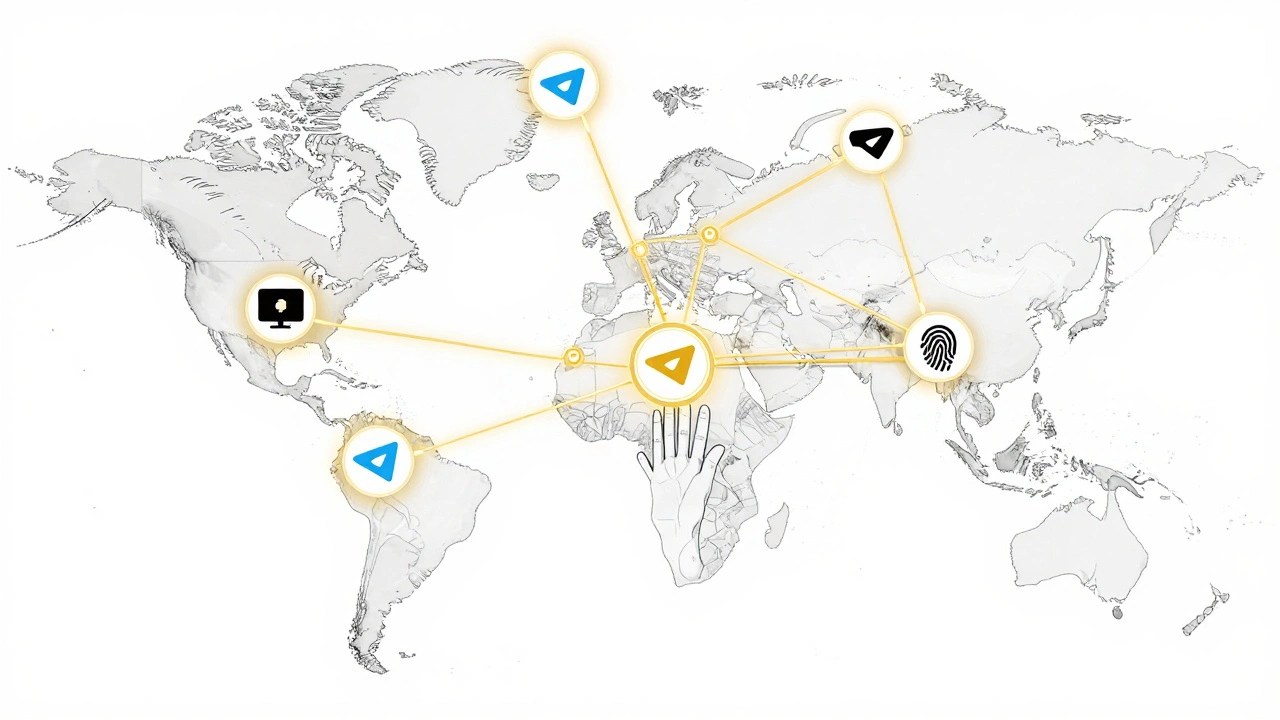
Quick Checklist for Inclusive Telegram News Communities
- ✅ Use separate threads for announcements, support, and feedback
- ✅ Add alt text to every image
- ✅ Caption all audio and video content manually
- ✅ Enable passkeys for easier login
- ✅ Test your channel with users who use screen readers or hearing aids
- ✅ Document your accessibility practices - even if it’s just one page
- ✅ Link to external tools (like caption generators) in your community description
Frequently Asked Questions
Do I need to hire someone to make my Telegram news community accessible?
No. You don’t need to hire a specialist. Start with what’s free: captioning tools, alt text, and clear structure. Train your existing team. Involve users with disabilities as advisors. Many accessibility fixes - like adding captions or using passkeys - take less than an hour to implement. The biggest barrier isn’t cost - it’s awareness.
Can I use Telegram if my audience is mostly older adults?
Yes - and it’s one of the best choices. Older adults often struggle with complex interfaces, but Telegram’s clean layout works well. The ability to switch between phone and desktop without logging in again is a huge help. Add larger font options in settings and avoid cluttered threads. Many seniors prefer Telegram over apps like Facebook or WhatsApp because it’s simpler and doesn’t bombard them with ads.
Is Telegram better than Discord or WhatsApp for news communities?
For news, Telegram wins on structure and scale. Discord is built for gamers - noisy, chaotic, hard to navigate. WhatsApp has no way to organize topics. Telegram’s Communities let you create themed channels, moderate access, and manage thousands of members without chaos. It’s not perfect, but it’s the most practical tool for newsrooms right now.
What if I can’t caption every video?
Start small. Caption your most important updates - breaking news, emergency alerts, major policy changes. Use free tools like CapCut or Otter.ai to generate captions quickly. Then, over time, expand. You don’t need to do everything at once. But if you never caption anything, you’re excluding people. Progress matters more than perfection.
How do I know if my community is truly inclusive?
Ask. Send a simple poll: “Do you find our news updates easy to access?” Offer options like “Yes,” “Sometimes,” “No, I can’t read images,” “No, I can’t hear audio.” Then act on the feedback. Real inclusion isn’t about checking boxes - it’s about listening and adapting.
Next Steps
If you’re running a news community on Telegram, start today. Pick one thing: add alt text to your next image. Caption your next audio update. Invite one person with a disability to join and ask them what they need. Don’t wait for Telegram to fix everything. The tools are already here - you just need to use them.
Accessibility isn’t a feature. It’s a practice. And every newsroom that chooses inclusion - not just convenience - will build a community that lasts.