When a server crashes at 3 AM or a security breach hits your network, you don't have time to check email. You need an alert that screams. That is why teams are moving critical incident notifications to Telegram, a messaging platform that delivers instant, high-priority push notifications directly to mobile devices. Unlike Slack or email, which can get buried in noise or sit unread until someone opens their laptop, Telegram bots wake you up. But getting them right requires more than just pasting a token into a config file. If you mess up the Chat ID or forget to activate the bot, your "critical" alert goes nowhere, and your crisis response fails silently.
This guide walks you through building a reliable, high-priority alert pipeline using Telegram bots. We will cover the technical setup, how to integrate with major platforms like Grafana and Home Assistant, and the crucial client-side settings that ensure your team actually sees the message when it matters most.
The Foundation: Tokens and Chat IDs
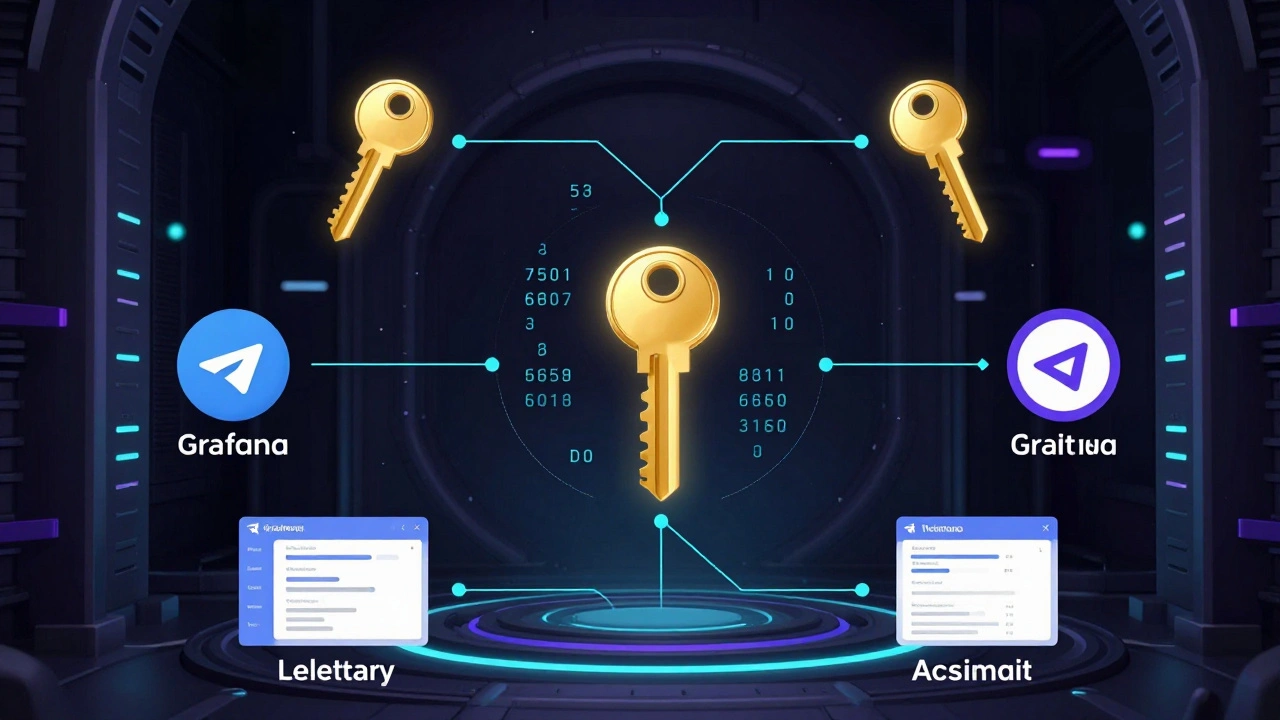
Before any monitoring tool can send an alert, you need two specific pieces of data from Telegram: a Bot Token and a Chat ID. These are the keys to the kingdom. Without them, your automation system has no way to authenticate or know where to deliver the message.
To create the bot, you interact with @BotFather, the official admin bot for creating new Telegram bots. Start a chat with @BotFather, send the /newbot command, and follow the prompts to name your bot (e.g., "ProdAlerts") and choose a unique username ending in "bot" (e.g., "prod_alerts_bot"). @BotFather will immediately reply with a long string of characters-this is your Bot Token. It looks something like 123456789:ABCDEF1234567890abcdef1234567890. Treat this like a password. Never commit it to GitHub or share it publicly. Anyone with this token can impersonate your bot and spam your channels or leak sensitive operational data.
Next, you need the destination. This is the Chat ID. For personal alerts, you can use the handy @userinfobot. Just start a chat with it, and it replies with your numeric ID. However, most teams use groups so multiple engineers or homeowners see the alert simultaneously. Group Chat IDs are trickier because they are negative numbers (e.g., -123456789). To find one:
- Create a new group in Telegram and add your bot as a member.
- Send a test message in that group.
- Open a browser and visit
https://api.telegram.org/bot<YOUR_TOKEN>/getUpdates. - Search the JSON response for the
chatobject. Theidfield inside it is your Group Chat ID.
A common pitfall here is forgetting to send that initial message. The API won’t return any chat data until the bot has received at least one interaction in that specific chat. If you skip this step, your configuration will fail silently.
Integrating With Monitoring Platforms
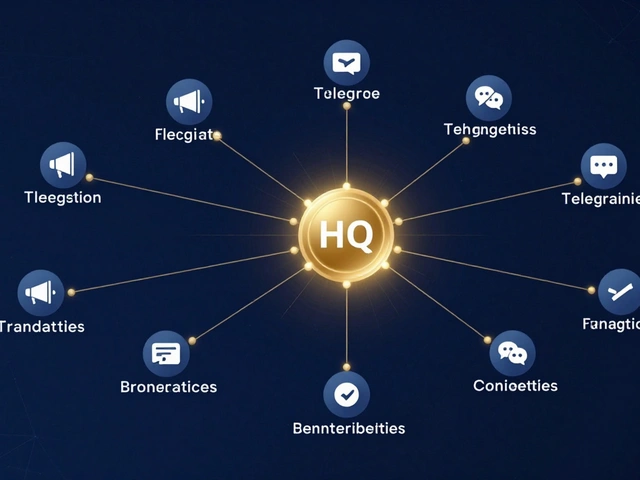
Once you have your credentials, you plug them into your alerting source. Different platforms handle this slightly differently, but the core logic remains the same: map the token and ID to the notification channel.
| Platform | Configuration Method | Key Consideration |
|---|---|---|
| Grafana | Contact Points UI | Ensure token includes full format; group IDs must be negative. |
| Sentry | Integrations Menu | Requires Admin/Owner permissions; guided setup reduces errors. |
| Home Assistant | Apprise Integration | Native Telegram support deprecated in 2025.5.0; migrate to Apprise. |
| Overcharts | Preferences > Alert | Must send initial activation message to bot before testing. |
In Grafana, for example, you go to Alerting > Contact Points, select Telegram, and paste your token and chat ID. A frequent error in older versions was omitting the "bot" prefix in the token field, but modern versions handle the full string correctly. Always use the built-in "Test" button. If the message doesn’t arrive, check your Chat ID first. Did you include the minus sign for groups? Did you copy the token exactly?
For home automation users on Home Assistant, pay attention to version changes. As of release 2025.5.0, native Telegram notifier configurations are being deprecated. The recommended path forward is to use the Apprise integration, which acts as a universal notification layer. This future-proofs your setup against breaking changes while keeping Telegram as your delivery method.
Making Alerts Actually High-Priority
Here is the hard truth: Telegram’s API does not have a "panic mode" flag. It sends messages the same way whether it’s a daily summary or a fire alarm. The difference lies entirely in how the recipient’s phone handles the incoming data. If your engineer has Telegram set to "Mute" or "Do Not Disturb," your crisis alert is useless.
To ensure high-priority behavior, you must configure the client side:
- Dedicated Channels: Create a separate Telegram group or channel solely for critical alerts. Do not mix these with casual chat. Name it clearly, like "PROD CRITICAL ALERTS".
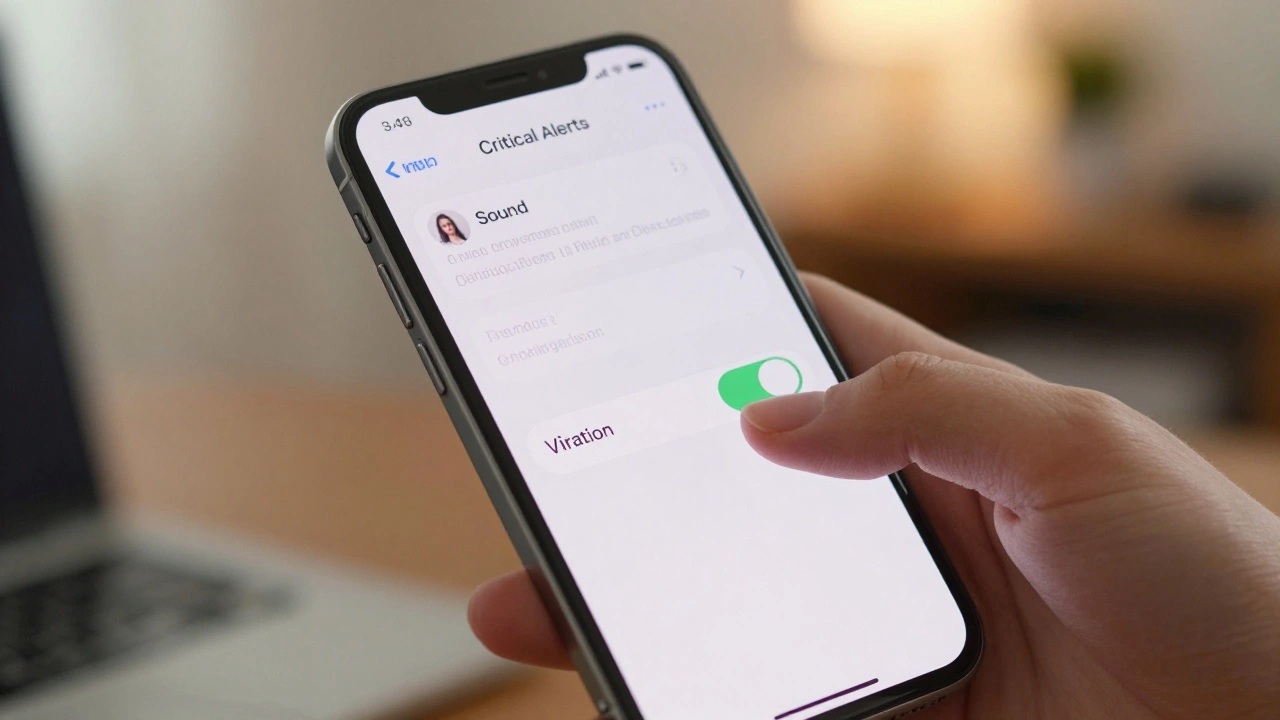
- Custom Sounds: Instruct all recipients to open the specific alert group, tap the group name, go to Notifications, and enable "Sound" and "Vibration." Set a distinct, jarring sound that differs from normal messages.
- Disable Mute: Ensure the "Mute" toggle is off for this specific chat, even if global Do Not Disturb is active. Most phones allow exceptions for important contacts or groups.
- Pinned Chats: Pin the alert group to the top of the chat list so it is visible instantly upon unlocking the phone.
Without these manual steps on every device, your technical configuration is only half-done. Automation gets the message there; human configuration ensures it is seen.
Security and Reliability Best Practices
Crisis alerts contain sensitive information about your infrastructure or home security. A leaked Bot Token allows attackers to flood your team with fake alerts (causing alert fatigue) or spy on your internal communications. Follow these rules:
- Use Secrets Managers: Store Bot Tokens in environment variables or dedicated secrets managers (like AWS Secrets Manager or HashiCorp Vault), never in plain text config files or code repositories.
- Separate Environments: Create different bots for staging and production. If your staging server crashes, you don’t want your phone buzzing at midnight. Use distinct tokens and chat IDs for each environment.
- Regular Testing: Schedule weekly automated tests that send a "heartbeat" message to your alert channel. If the test fails, you know your pipeline is broken before a real crisis hits.
- Monitor Deprecations: Keep an eye on platform roadmaps. As seen with Home Assistant, integrations can break overnight. Subscribe to release notes for your monitoring tools.
Troubleshooting Common Failures
If your alerts aren’t arriving, run through this checklist:
- Check Activation: Did you send a message to the bot after creating it? Bots remain dormant until activated by user interaction.
- Verify Chat ID Format: Are you using a positive number for a group? Groups require negative IDs. Double-check the
getUpdatesoutput. - Token Permissions: Is the bot added to the group/channel? Does it have permission to send messages? Some admins restrict bot actions.
- Network Firewalls: Does your server have outbound access to
api.telegram.org? Corporate firewalls sometimes block external API calls. - Client Muting: Is the recipient’s phone muted for that specific chat? Check the notification settings on the device itself.
Can I use Telegram for SMS-like emergency alerts?
Yes, but with caveats. Telegram relies on internet connectivity. If your power and internet go out during a disaster, Telegram alerts will fail. For true life-safety emergencies, always pair Telegram with SMS or cellular-based paging systems as a redundant backup.
Why is my Grafana Telegram alert failing?
The most common causes are incorrect Chat IDs (missing the negative sign for groups) or failing to send an initial message to the bot to activate it. Also, ensure your Bot Token is copied exactly, including all characters.
Is it safe to store my Bot Token in my code repository?
No. Never commit Bot Tokens to public or private Git repositories. If exposed, anyone can impersonate your bot, send spam, or access your alert channels. Use environment variables or a secrets manager instead.
How do I get the Chat ID for a Telegram group?
Add your bot to the group, send a message, then visit https://api.telegram.org/bot<TOKEN>/getUpdates in your browser. Look for the chat.id in the JSON response. Group IDs are always negative numbers.
What happened to native Telegram support in Home Assistant?
Home Assistant deprecated its native Telegram notifier in version 2025.5.0. Users are advised to migrate to the Apprise integration, which supports Telegram and other services, ensuring compatibility with future updates.