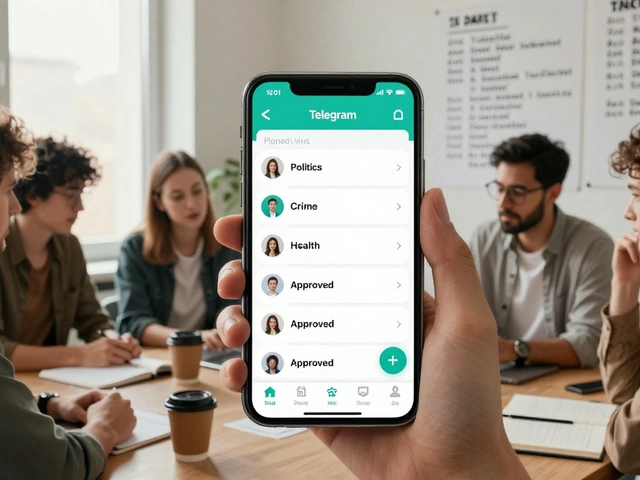
Most people think of email when they hear "newsletter." But what if you could meet your new subscribers before they even open their first email? That’s where Telegram comes in. It’s not just for memes and group chats-it’s a powerful tool to turn casual website visitors into loyal readers. And it works better than you think.
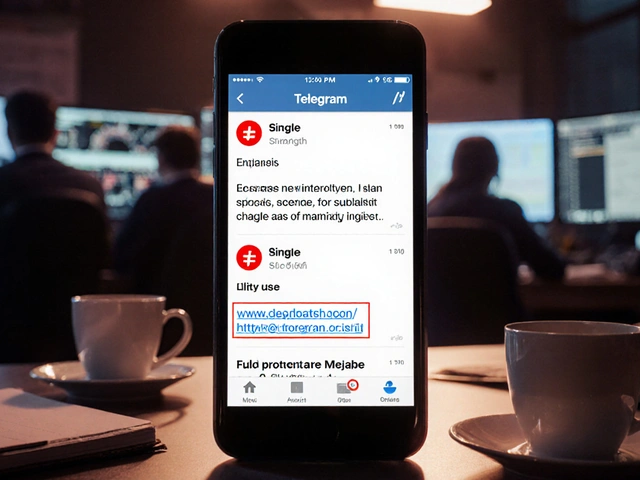
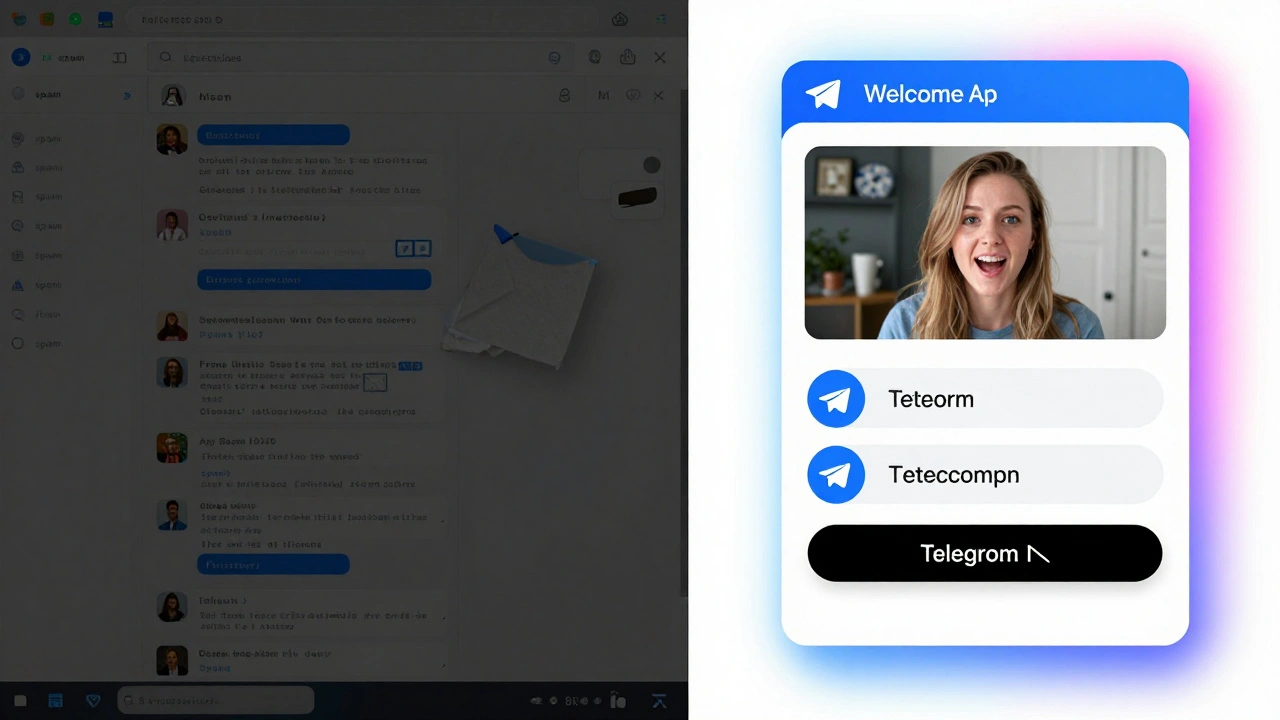
Imagine this: someone signs up for your newsletter on your site. Instead of waiting for an email that might land in spam, they instantly get a message on Telegram. A friendly welcome. A quick question to learn what they care about. Maybe a free PDF or a short video. Within minutes, they’re already engaged. That’s the power of real-time onboarding.
Why does this matter? Email deliverability is down. The average inbox placement rate is just under 80%. That means one in five of your new subscribers might never see your first message. Telegram doesn’t have that problem. Messages arrive in seconds. Open rates? Over 90%. You’re not just collecting emails-you’re building relationships from day one.
How Telegram Onboarding Works
Here’s the basic flow:
- A visitor signs up on your website for your newsletter.
- Instantly, they’re added to a Telegram bot conversation.
- The bot sends a welcome message, asks a simple question, and offers a quick win (like a guide or checklist).
- They reply-maybe they say they’re interested in "productivity tips" or "AI tools."
- Then, and only then, they get the email confirmation link.
This isn’t magic. It’s called a multi-channel onboarding sequence. And it’s used by growing newsletters like TechPulse and CryptoBriefing. Their data shows subscribers who go through Telegram first are 28% more likely to stick around after 30 days.
The key? You’re not replacing email-you’re prepping people for it. Telegram becomes the warm-up. Email becomes the long-term home.
What You Need to Get Started
You don’t need to be a developer. But you do need a few things:
- A Telegram account (obviously).
- A newsletter platform that supports webhooks or integrations-like Beehiiv, Substack, or WordPress with Noptin.
- A Telegram bot. You create this by messaging @BotFather on Telegram. It gives you a unique token like
123456:ABC-DEF1234ghIkl-zyx57W2v1u123ew11. - An integration tool. Options include Bit Integrations, Pabbly Connect, or the Noptin plugin if you’re on WordPress.
That’s it. No servers. No code. Just connecting two services.
For example, with Noptin (a WordPress plugin), you install the Telegram addon for $99/year. Then you paste your bot token, pick your welcome message, and hit save. Done. It works even if you’re not tech-savvy.
For non-WordPress users, Bit Integrations is the easiest. You drag and drop triggers: "New subscriber on Beehiiv" → "Send message on Telegram." It takes about 90 minutes to set up if you’ve never used automation tools before.
What Messages Work Best
Not every message lands. Here’s what does:
- Text + emoji: "Hey! Thanks for joining 🎉. Quick question: What’s one thing you want to learn this month?"
- Media: A 30-second video of you saying "Welcome" or a PDF titled "5 Free Tools I Use Every Day" (linked in the message).
- Polls: "Which topic should I cover next? A) AI tools B) Writing habits C) Side income ideas." This isn’t just fun-it helps you segment your audience before you even send an email.
- Clear next step: "Reply with your answer, then click this link to confirm your email. I’ll send you the guide right after."
One newsletter founder, Juan Colicchio, saw a 22% drop in abandoned signups after adding this step. Why? Because people feel seen. They’re not just filling out a form-they’re having a conversation.
Common Mistakes to Avoid
People get excited and mess this up. Here’s what goes wrong:
- Waiting too long: Telegram only lets you send the first message within 24 hours of someone starting the bot. If your automation is slow, they’ll never see it.
- Asking too much: Don’t ask for their name, job, interests, and favorite coffee order in one message. One question. That’s it.
- Forgetting permissions: Your bot needs "Send Messages" access. If it doesn’t, nothing works. Check this in Telegram’s BotFather settings.
- Ignoring GDPR: You can’t automatically link a Telegram ID to an email without consent. Always make it clear: "We’ll send you an email confirmation. Your Telegram ID won’t be stored with your email unless you confirm."
Also, don’t try to add people to a group automatically. Telegram doesn’t allow that. You can only message users who’ve started a chat with your bot first. So keep it one-on-one.
Platform Comparison: What’s Best for You
Here’s how the top tools stack up:
| Tool | Best For | Cost | Setup Time | Key Limitation |
|---|---|---|---|---|
| Noptin (WordPress) | Self-hosted blogs | $99/year | 45 minutes | Only works with WordPress |
| Bit Integrations | Non-WordPress users | $29/month | 2-3 hours | Can’t auto-migrate users who change Telegram usernames |
| Pabbly Connect | Advanced automation | $15/month | 2 hours | Fewer pre-built templates |
| Whop | Membership & paid newsletters | $49/month | 1 hour | No onboarding automation-just payments |
If you’re just starting out and use WordPress, go with Noptin. It’s cheap and simple. If you’re on Beehiiv or Substack and want to scale, Bit Integrations gives you the most control. Pabbly is the budget pick. Whop is only for paid models.
Real Results: What’s Working Right Now
Here’s what real users are seeing:
- 41% more completed signups after adding a Telegram step (Reddit user u/MarketingGuru2023).
- 37% higher initial engagement compared to email-only welcome flows (growth hacker Mark Kop).
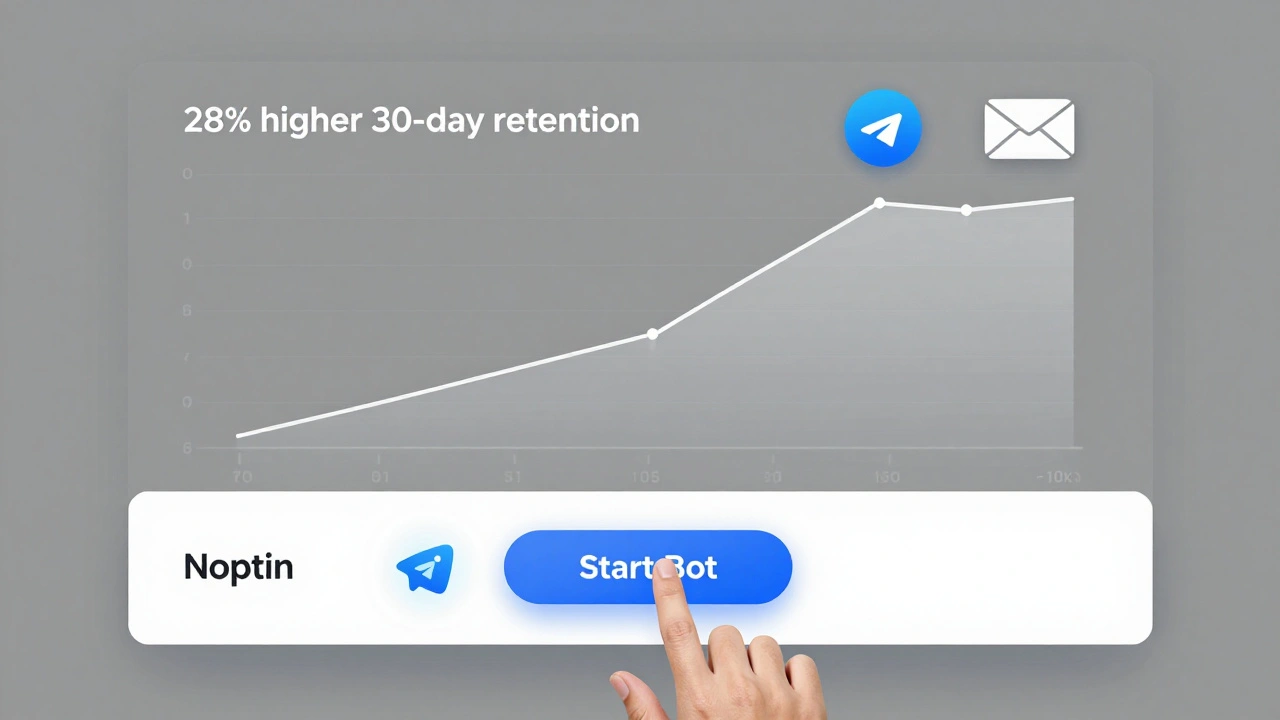
- 28% higher 30-day retention for subscribers who went through Telegram onboarding (TechPulse case study).
But it’s not perfect. Some users report technical hiccups-webhooks timing out during traffic spikes, or users changing their Telegram usernames and losing sync. That’s why the best approach is a "soft migration": keep your Telegram bot as a free entry point, then move paying subscribers to a private group later.
Also, don’t expect miracles. This isn’t a replacement for good content. It’s a better way to start the relationship.
What’s Next for Telegram + Newsletters
This isn’t a fad. Telegram has over 800 million users. And more newsletter platforms are adding native support. Litmus predicts 45% of email services will have built-in Telegram onboarding by the end of 2024.
Updates are coming fast. In January 2024, Bit Integrations launched "Two-Way Sync," which lets your email platform learn from how people interact on Telegram. If someone replies "I hate AI," you can stop sending them AI-related emails. That’s powerful.
Whop is also working on fixing the username change problem-something that’s frustrated users for years. And Telegram’s API is now 99.95% reliable. That means fewer broken messages.
The big question: Is this worth your time? If you’re serious about building a real audience-not just a list-yes. Email is still king for long-term communication. But Telegram? It’s the new front door.
Start small. Set up a bot. Send one welcome message. See how people respond. You might be surprised how much easier it is to turn a stranger into a reader when you meet them where they already are.
Can I use Telegram to replace email newsletters?
No, and you shouldn’t try. Telegram is great for quick engagement, but email is still the best way to send long-form content, newsletters, and updates that people expect to find in their inbox. Use Telegram to warm people up, then guide them to email for the deeper stuff.
Do I need to pay for a tool to connect Telegram and my newsletter?
Not always. If you’re on WordPress, the Noptin plugin has a Telegram addon for $99/year. That’s the cheapest option. For other platforms like Beehiiv or Substack, you’ll need a third-party tool like Bit Integrations or Pabbly Connect, which start at $15-$29/month. Free tools exist, but they’re unreliable and lack support.
What if someone changes their Telegram username?
That’s a known issue. Telegram user IDs stay the same, but usernames can change. Most integration tools rely on the ID, not the username, so your system should still work. But if you’re storing usernames in your database, those will break. Always use user IDs, not usernames, for tracking.
Is this GDPR-compliant?
Yes-if you’re careful. You must ask for explicit consent before linking a Telegram ID to an email address. Include a clear line in your signup form: "We’ll send you a message on Telegram to confirm your subscription. Your Telegram ID won’t be stored with your email unless you reply." And never auto-add people to groups without their permission.
How long does it take to set this up?
It depends. If you’re using Noptin on WordPress, it takes about 45 minutes. For non-WordPress users using Bit Integrations, expect 2-3 hours if you’re new to automation. Most of that time is just learning how to connect the dots between platforms. Once it’s running, it’s automatic.
Can I send videos or files through Telegram to new subscribers?
Yes. Telegram bots can send files up to 50MB, including PDFs, videos, and audio. Many successful newsletters send a short welcome video (under 60 seconds) or a free checklist. This boosts engagement and makes your brand feel more personal.