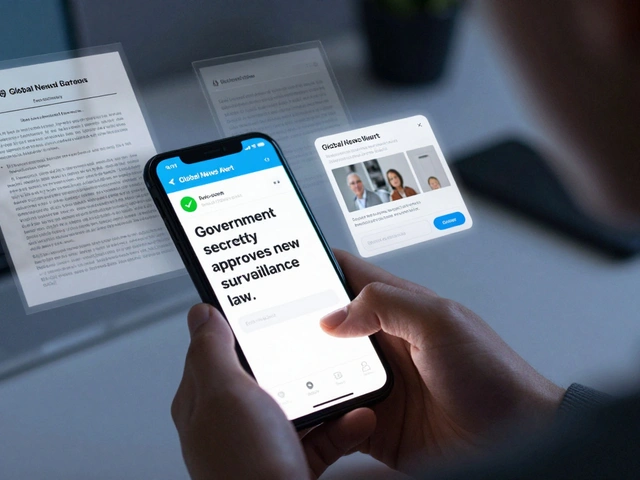
Imagine trying to stay updated on a global crisis in real-time, but your primary source of information is a wall of text that your screen reader can't parse, or a fast-paced video without captions. For millions of people, this isn't a hypothetical-it's the reality of consuming news on Telegram is a cross-platform, cloud-based instant messaging service that has evolved into a massive hub for news distribution via channels and bots. While the app has exploded in popularity, the gap between its feature set and the actual accessibility needs of its diverse global audience is where the real challenge lies.
The Demographic Puzzle of News Consumption
To fix accessibility, we first have to look at who is actually using the app. Telegram isn't just for tech-savvy teens. While the largest group consists of 25-34 year olds (about 29.4%), there is a massive presence of older users. Roughly 21.6% of the audience is over 45. This is a critical data point because age often correlates with a higher need for specific accessibility adjustments, such as larger text scales, higher contrast ratios, and simpler navigation patterns.
We're also seeing a shift in Telegram news accessibility across geographic and social lines. Since 2020, there's been a huge surge in rural adoption-some areas like the East Midlands and Iowa seeing growth over 200%. Rural users often deal with unstable internet connections, making "light" versions of content and efficient data loading an accessibility requirement, not just a luxury. Furthermore, the platform is becoming a sanctuary for ethnic minorities, with Black British and Asian-American usage spiking. This means that accessibility isn't just about disability; it's about linguistic inclusivity and cultural adaptation in how news is delivered.
Visual Impairments and the Screen Reader Struggle
For a user with visual impairments, a Telegram Channel can either be a goldmine of information or a digital maze. The core problem usually stems from how news admins post content. When a news bot blasts ten updates a minute, screen readers can struggle to keep up, often reading out repetitive metadata instead of the actual headline.
To make news truly accessible, admins need to move beyond simple text. Using Alt Text for images is the bare minimum. If a news channel posts a graph showing inflation rates in Russia (where 49% of the population reads news on the app weekly) without a text description, that information is effectively deleted for a blind user. High-contrast modes are also essential; the default "dark mode" is great for battery life, but for users with low vision, specific color-contrast ratios-following the WCAG (Web Content Accessibility Guidelines) standards-are what make a headline readable against a background.
Hearing Impairments and the Video News Boom
Telegram has leaned heavily into media support, allowing for massive video files and voice notes. However, for the deaf and hard-of-hearing community, a voice note is a dead end. In a fast-moving news cycle, waiting for a third-party transcription tool is too slow. The need for integrated, automated captioning within the Telegram interface is urgent.
Consider the experience of a user in the Asia-Pacific region, where downloads have hit nearly 63 million. If a breaking news clip is posted in a local dialect without captions, the platform fails a huge chunk of its user base. Accessibility here means integrating Closed Captioning and providing text-based alternatives for every audio-visual piece of news. When news is the primary source of truth for 80% of the app's users, missing a caption isn't just a nuisance-it's an information blackout.
Cognitive Accessibility and Information Overload
Not all accessibility needs are physical. Cognitive accessibility refers to how easily a person can process information. For users with ADHD, dyslexia, or those who are simply overwhelmed by the "firehose" of news, the traditional Telegram channel layout can be a nightmare. The constant stream of notifications and the lack of a structured hierarchy in long-form posts can lead to what some call "information paralysis."
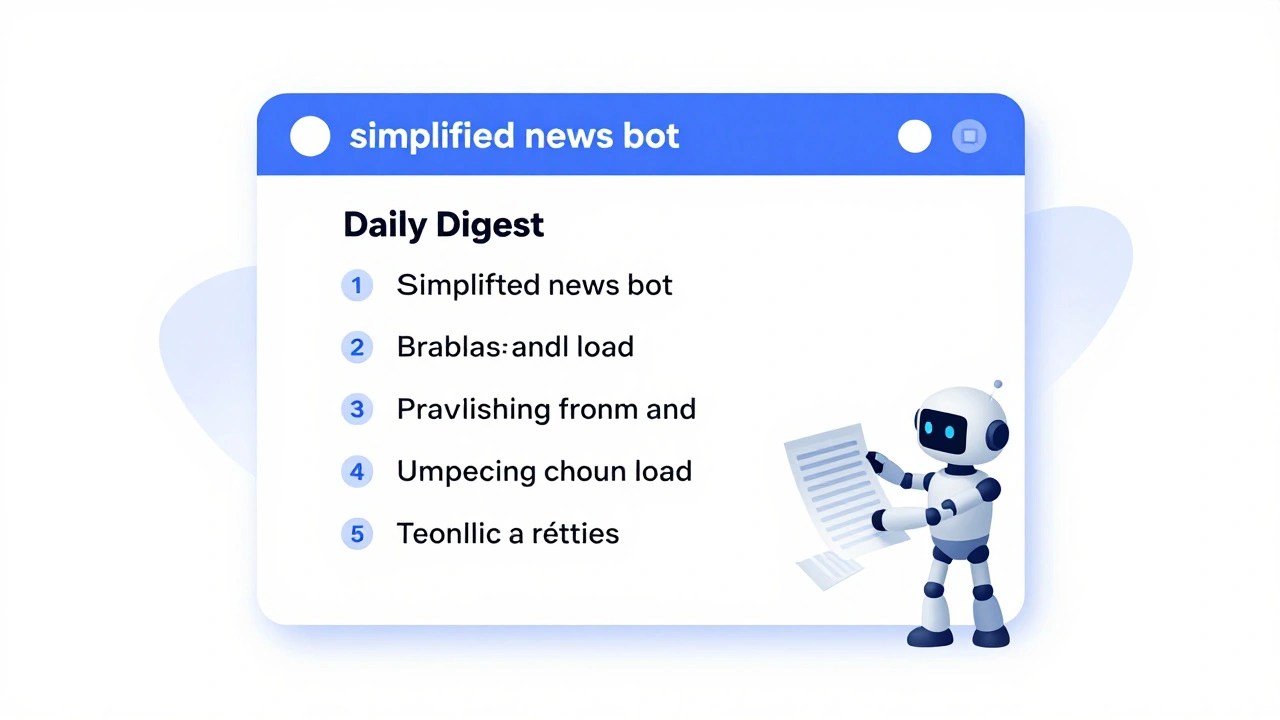
This is where the design of news bots comes into play. Instead of a linear stream, bots that allow users to filter news by category or "digest" the top five stories of the day reduce cognitive load. Simplifying the language-avoiding complex jargon and using clear, direct formatting-helps users across all education levels, including the growing number of knowledge workers and students using the platform for professional updates.
| Demographic Group | Primary Accessibility Barrier | Essential Solution | Impact Level |
|---|---|---|---|
| Users 45+ | Small fonts & complex UI | Dynamic Text Scaling | High |
| Visually Impaired | Non-descriptive images | Alt Text & Screen Reader Opt. | Critical |
| Hearing Impaired | Voice notes/Uncaptioned video | Auto-generated Captions | Critical |
| Rural Users | Low bandwidth / Data caps | Lite content modes | Medium |
| Cognitive Diversity | Information overload | Summarization bots | High |
Bridging the Gap: Practical Steps for News Admins
Since Telegram doesn't always enforce strict accessibility standards on individual channels, the responsibility falls on the content creators. If you're running a news channel, you can't just hit "send" and hope for the best. You need a strategy that ensures your news reaches everyone, regardless of how they interact with their device.
Start by auditing your media. Every image should have a description. Every video should have a transcript or captions. Use clear headings and bullet points to break up walls of text. This doesn't just help users with disabilities; it helps the 20% of U.S. adults who find news on the app confusing or difficult to navigate. When you structure your news for the most vulnerable user, you actually make it better for everyone.
Does Telegram follow WCAG standards for its news features?
Telegram provides basic accessibility hooks, such as support for system-level screen readers and dark mode. However, because most news is delivered via user-created channels, the platform doesn't strictly enforce WCAG (Web Content Accessibility Guidelines) across all content. The accessibility of a news feed depends heavily on whether the channel admin uses alt-text and captions.
How can elderly users improve their news reading experience on Telegram?
Elderly users should leverage their device's native accessibility settings. On both iOS and Android, you can increase the system font size and enable "Bold Text," which Telegram generally respects. Additionally, using the desktop version of Telegram can provide a larger screen area and better keyboard navigation for those who struggle with small touch targets.
What are the best ways to make a Telegram news bot accessible?
Accessible bots should offer a "Simplified View" or a summary option to avoid overwhelming the user. They should also use consistent command structures (e.g., /help, /news) and provide text alternatives for any interactive elements. Integrating a text-to-speech option for long articles can also significantly help users with visual impairments.
Why is rural internet access considered an accessibility issue?
Accessibility isn't just about physical ability; it's about access. In rural areas where high-speed internet is spotty, heavy media files (like 4K news clips) can create a barrier to information. Providing low-resolution versions of videos or text-only summaries ensures that people in low-bandwidth areas aren't cut off from critical news.
Can screen readers handle Telegram's nested conversation threads?
Nested threads can be challenging for screen readers, often causing the focus to jump unexpectedly. Users are encouraged to use the "pinned messages" feature to find the most important updates first, which provides a more linear and predictable path for assistive technology to follow.
Next Steps for a More Inclusive Feed
If you're a user feeling the friction, start by diving into your app's settings and your phone's accessibility menu. If you're a channel owner, stop thinking of accessibility as an "extra" feature and start treating it as a core part of your editorial standard. The goal is simple: news should be a bridge, not a barrier. Whether it's adding a caption to a 30-second clip or simplifying a complex headline, every small change opens the door for thousands of people who are currently being left in the digital dark.