Telegram Safety: Protect Your Privacy, Sources, and News Feed
When you use Telegram safety, the practices and settings that keep your communications, sources, and data secure on Telegram. Also known as Telegram security, it’s not just about turning on two-factor authentication—it’s about understanding how the platform’s design makes you vulnerable, even if you think you’re doing everything right. Unlike WhatsApp or Signal, Telegram doesn’t encrypt all chats by default. Only your private "Secret Chats" are end-to-end encrypted. Everything else—groups, channels, regular chats—is stored on Telegram’s servers. That means if law enforcement asks for data, Telegram can hand it over. And since 2024, they’ve started doing exactly that, forcing journalists, activists, and even small news channels to rethink how they operate.
This is why Telegram privacy, the ability to control who sees your messages, metadata, and channel activity matters more than ever. A verified channel isn’t safe just because it has a blue check. Fake channels copy real ones daily, using the same name and logo to spread lies. If you’re running a news channel, you need to monitor impersonation attempts, lock down your admin accounts, and train your team on phishing risks. And if you’re a reader? Don’t trust a channel just because it’s popular. Check its history, see if it links to official sources, and watch for sudden spikes in sensational headlines—those often mean ad-driven clickbait, not real journalism.
Telegram law enforcement, Telegram’s increasing cooperation with government requests for user data and channel takedowns has changed the game. Newsrooms that once relied on Telegram for anonymous sourcing now worry their sources could be exposed. Some have moved to Signal or Matrix. Others have started using burner accounts, encrypted documents, and strict metadata hygiene. It’s not paranoia—it’s procedure. And it’s why knowing how to set up notifications properly, disable auto-downloads on low-end phones, and use QR codes only from trusted print sources is now part of basic digital survival.
Telegram safety isn’t a feature you toggle. It’s a habit. It’s checking if your channel’s bio links to a verified website. It’s knowing when to mute a channel that floods your feed with panic-driven headlines. It’s realizing that the same tool that lets citizen journalists report from war zones also lets fraudsters sell fake crypto tips to teens. The platform gives you power—but not protection. You have to build that yourself.
Below, you’ll find real-world guides from people who’ve been burned, hacked, or misled—and figured out how to fight back. From setting up KPIs that track real trust, not just views, to using bots that warn you about impersonation attempts, these posts cut through the noise. No fluff. Just what works.
- 20/Feb/2026
- by Greg Bush
-
 Telegram safety
protest journalism
encrypted messaging
citizen journalist security
Telegram Secret Chats
Telegram safety
protest journalism
encrypted messaging
citizen journalist security
Telegram Secret Chats
Telegram Safety Practices for Citizen Journalists Covering Protests
Telegram is vital for citizen journalists covering protests, but its default settings leave communications vulnerable. Learn how to use Secret Chats, avoid group chat risks, and stay safe when governments are watching.
Read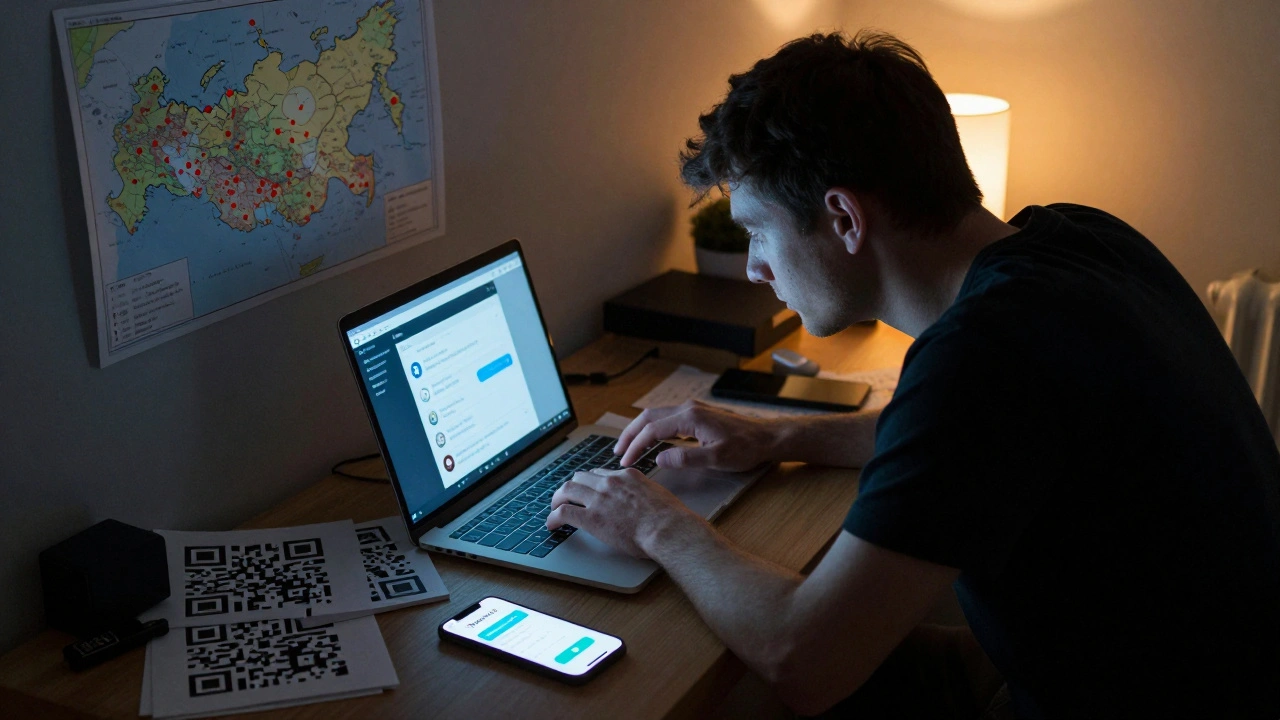
- 13/Feb/2026
- by Greg Bush
-
Telegram safety
news on Telegram
restrictive media
censorship circumvention
secure messaging
Safety Protocols for Telegram News in Restrictive Media Environments
In restrictive media environments like Russia's, Telegram is one of the last open channels for news. Learn practical safety protocols-encryption, anonymity, backups, and circumvention tools-to keep reporting when the state tries to silence you.
Read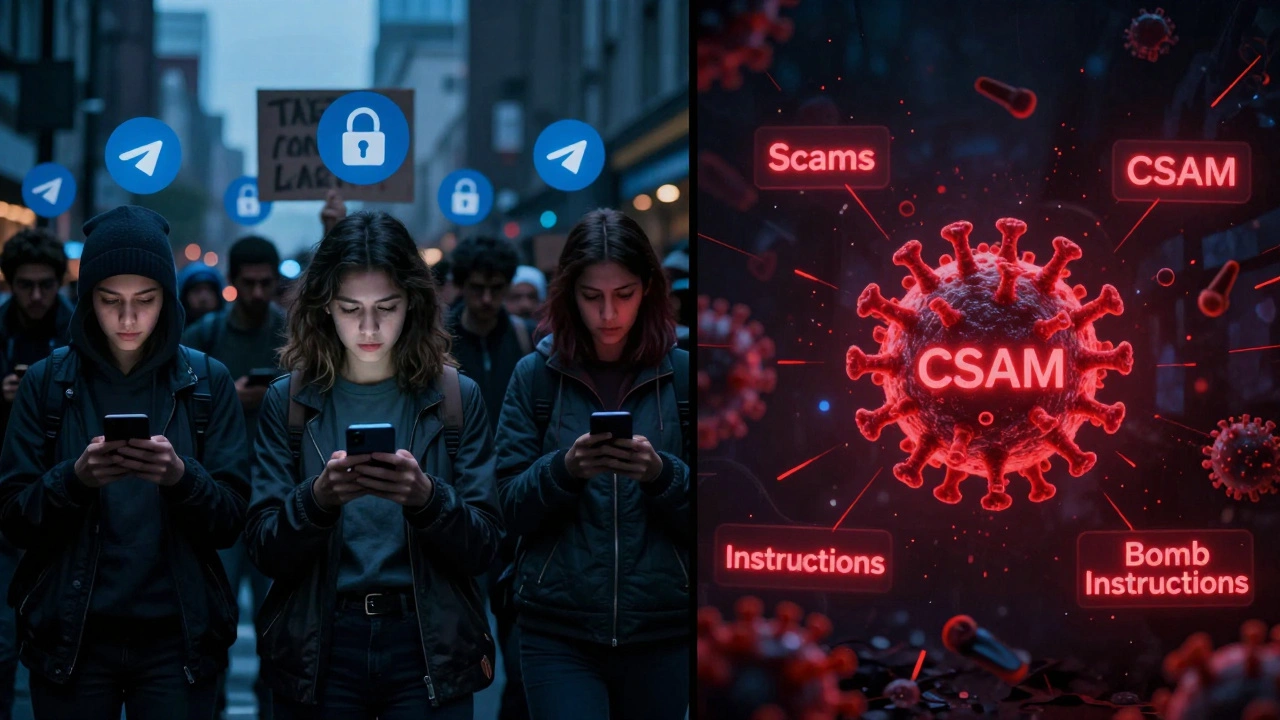
- 31/Jan/2026
- by Greg Bush
-
Telegram safety
open access messaging
Telegram moderation
encrypted messaging
Telegram privacy
Balancing Open Access and Community Safety on Telegram
Telegram offers powerful privacy features but struggles to control illegal content on its platform. With 800 million users and minimal moderation, it's a haven for activists-and criminals. Here's how the platform balances freedom and safety.
Read
- 5/Dec/2025
- by Greg Bush
-
Telegram privacy
sensitive content filter
Telegram settings
content visibility
Telegram safety
Telegram Content Visibility and Privacy: What Audiences Need to Know
Telegram's content visibility system gives users control over what they see-but most don't know how it works. Learn how the Sensitive Content Filter works, how to change it, and why it matters for privacy and safety.
Read